Listing photo software for real estate agents

Clean, enhance, declutter, and stage listing photos with AI, then export polished assets for MLS, portals, ads, and seller updates - with built-in disclosure overlays.

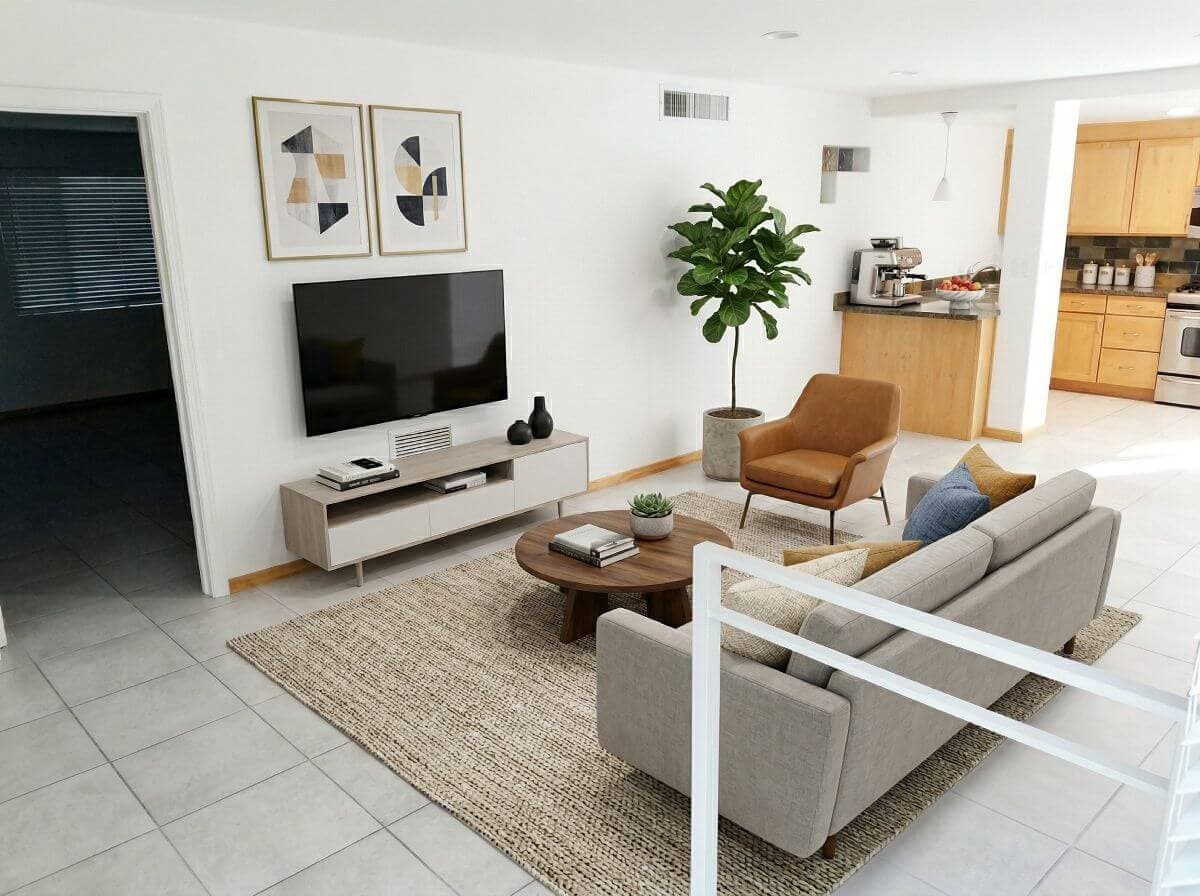
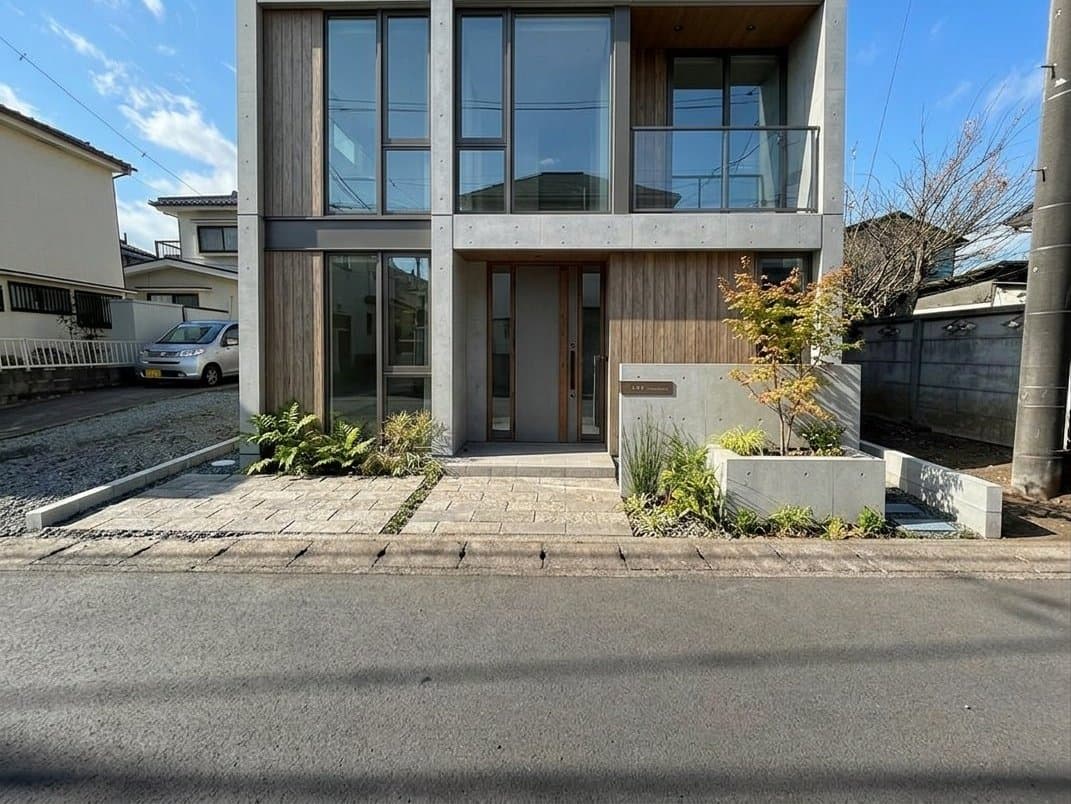
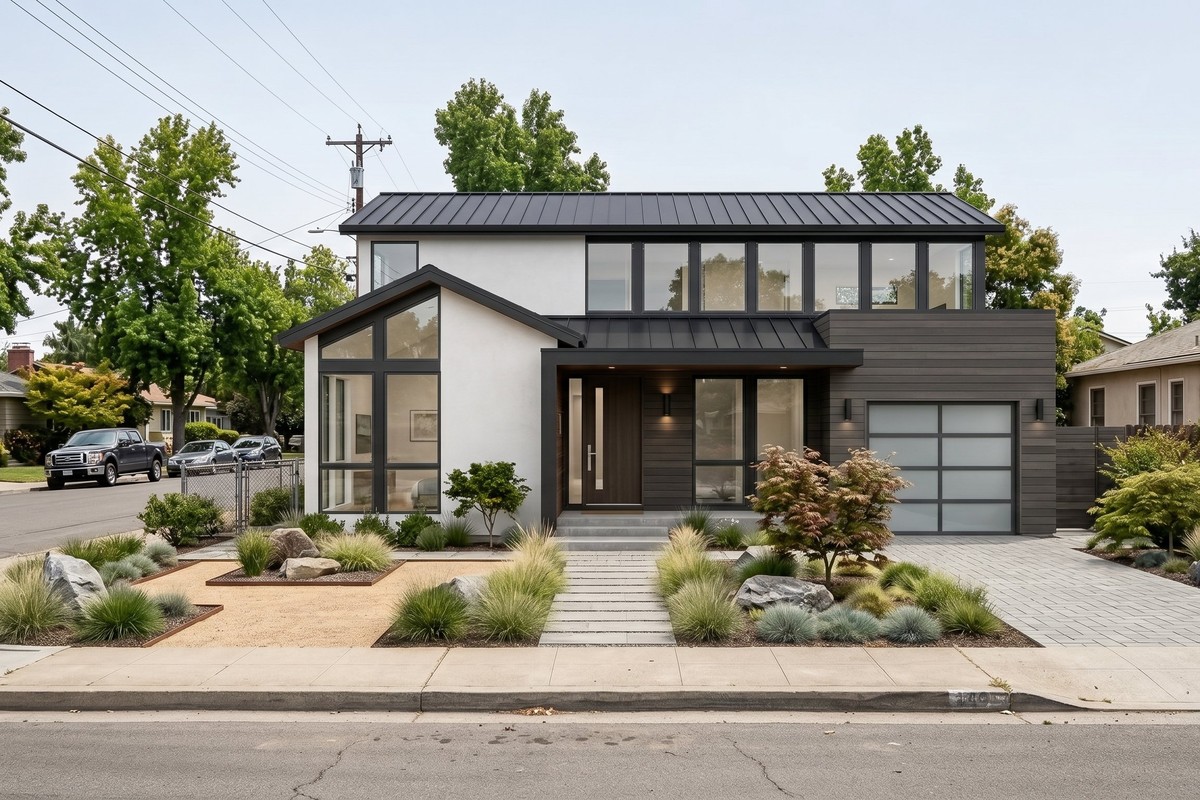
AI virtual staging result prepared for a real estate listingListing-ready workflowAI exterior rendering concept for a real estate listing
  • Structural PreservationWalls, windows, doors, and floors stay intact.
  • MLS Disclosure Built InAuto-overlay disclosure on every download.
  • Brokerage ReadySame workflow across every agent on the team.

Listing photos are the first showing

Potential customers make the first decision based on the strength of your listing photos. You need to make your listing assets count even without a full service crew for each listing.

  • Source photos are inconsistent

    Listings often start with smartphone photos, mixed lighting, awkward angles, or rooms that were not ready for a full shoot.

  • Properties are often not presentable

    Occupied homes, leftover furniture, empty rooms, and seller belongings can make the space harder to understand online.

  • Timelines are tight

    Being first on listing sites can often land the lead and the sale. Publish on your own timeline, without waiting for turnaround from busy teams.

Turn existing photos into listing-ready assets

See how AI can transform mediocre photos into lead generating listing assets.

Virtual Staging Art
  • Structure preserved
  • Lighting improved
  • Disclosure-ready export
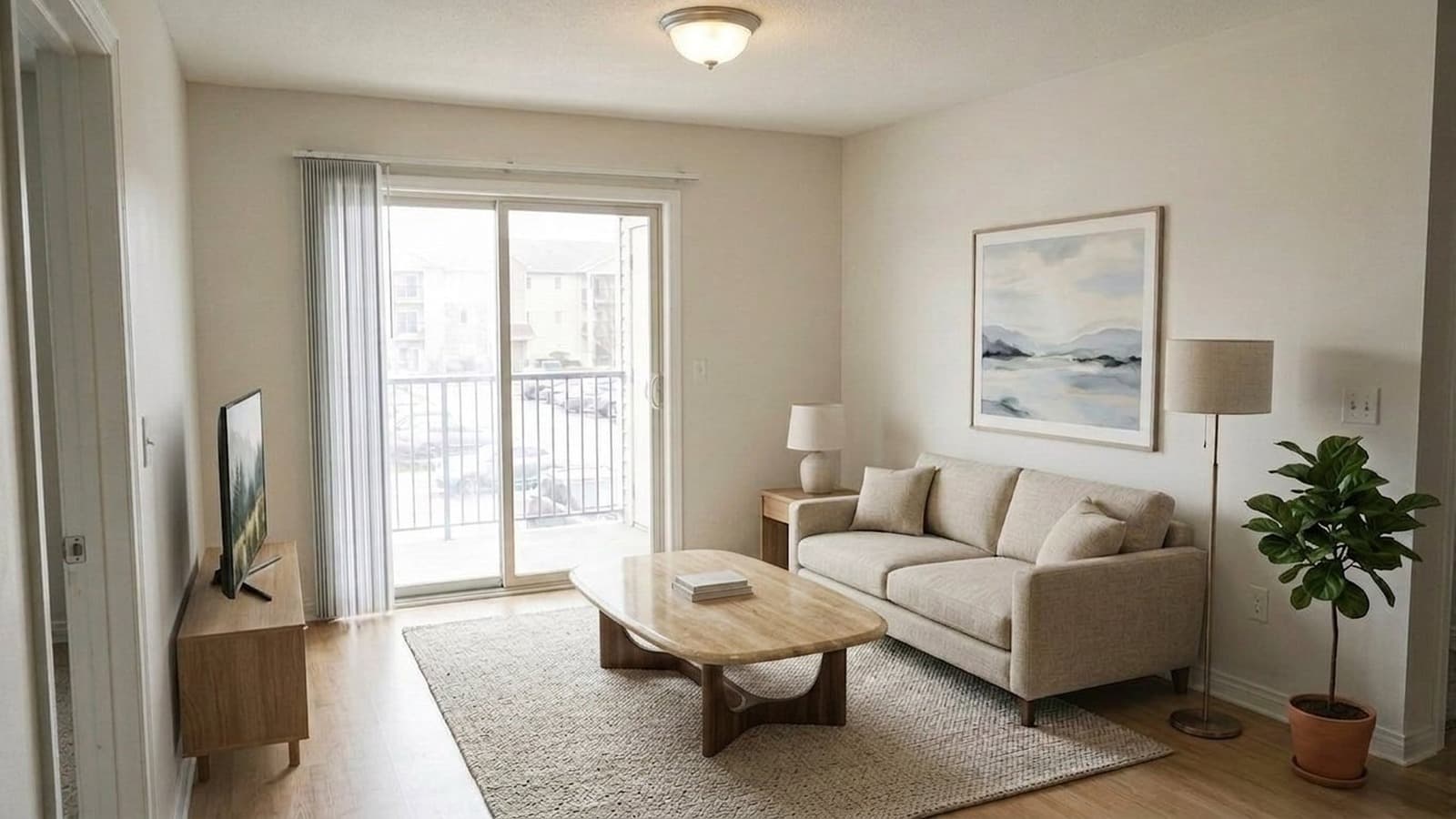
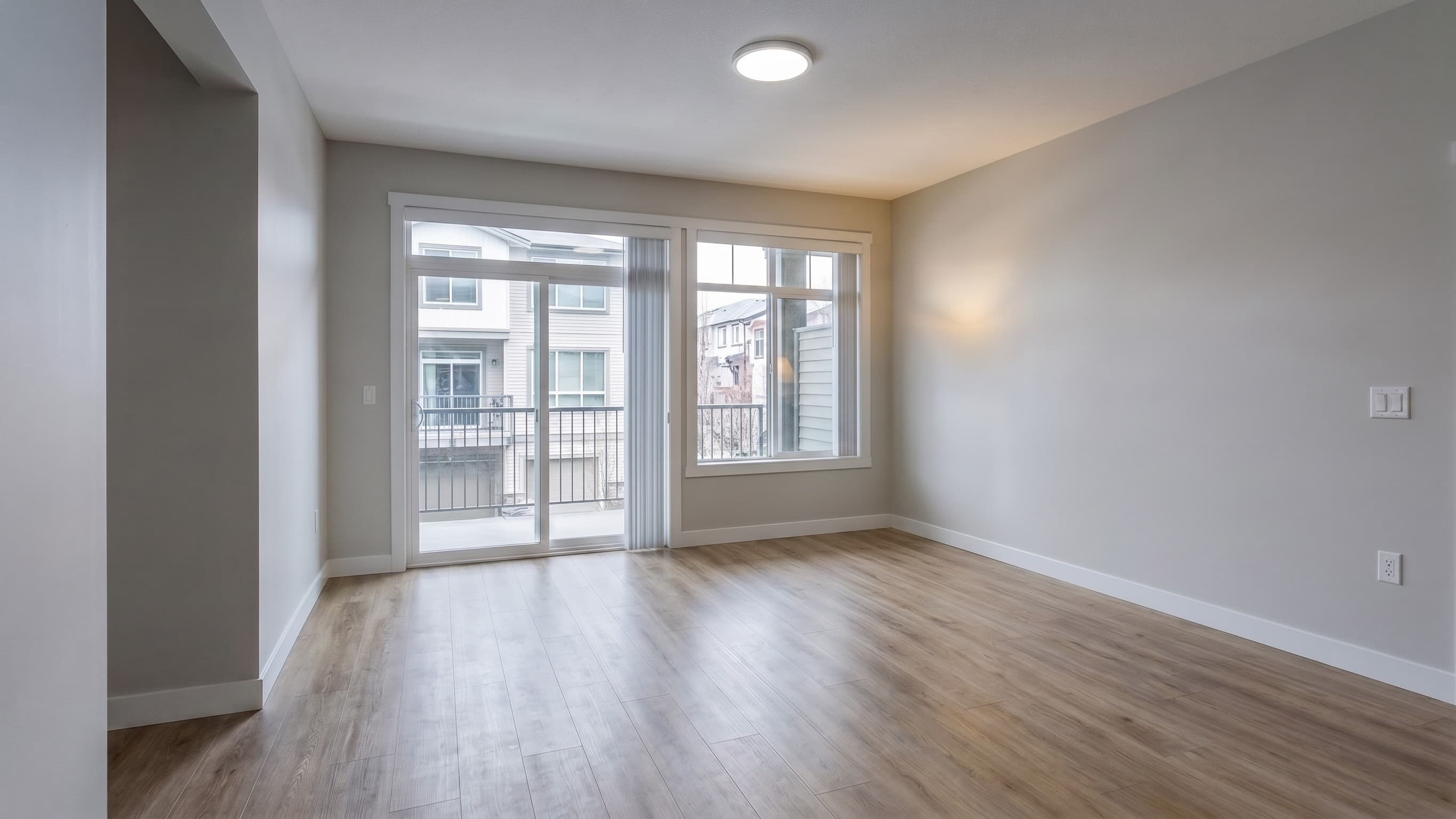
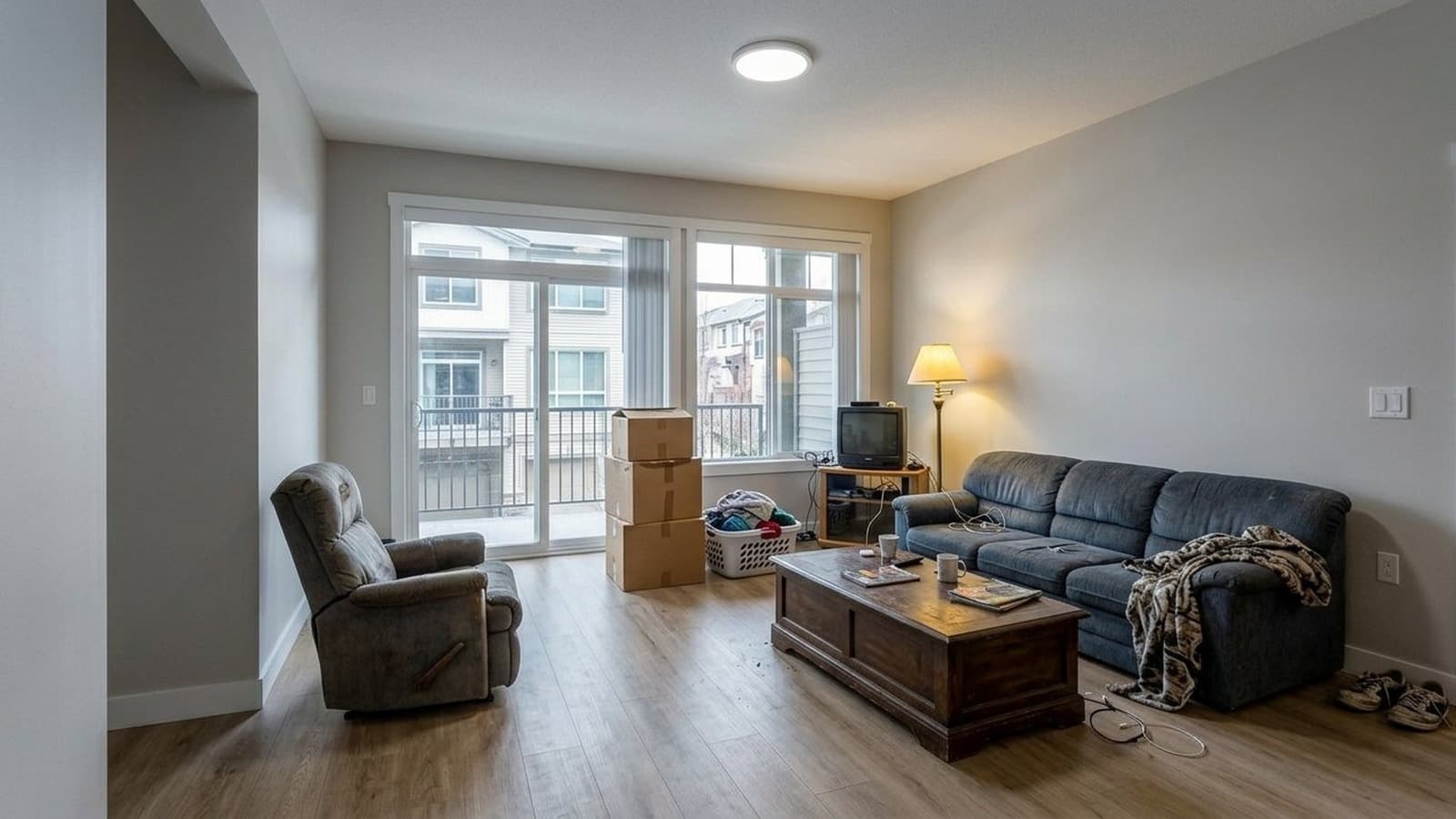
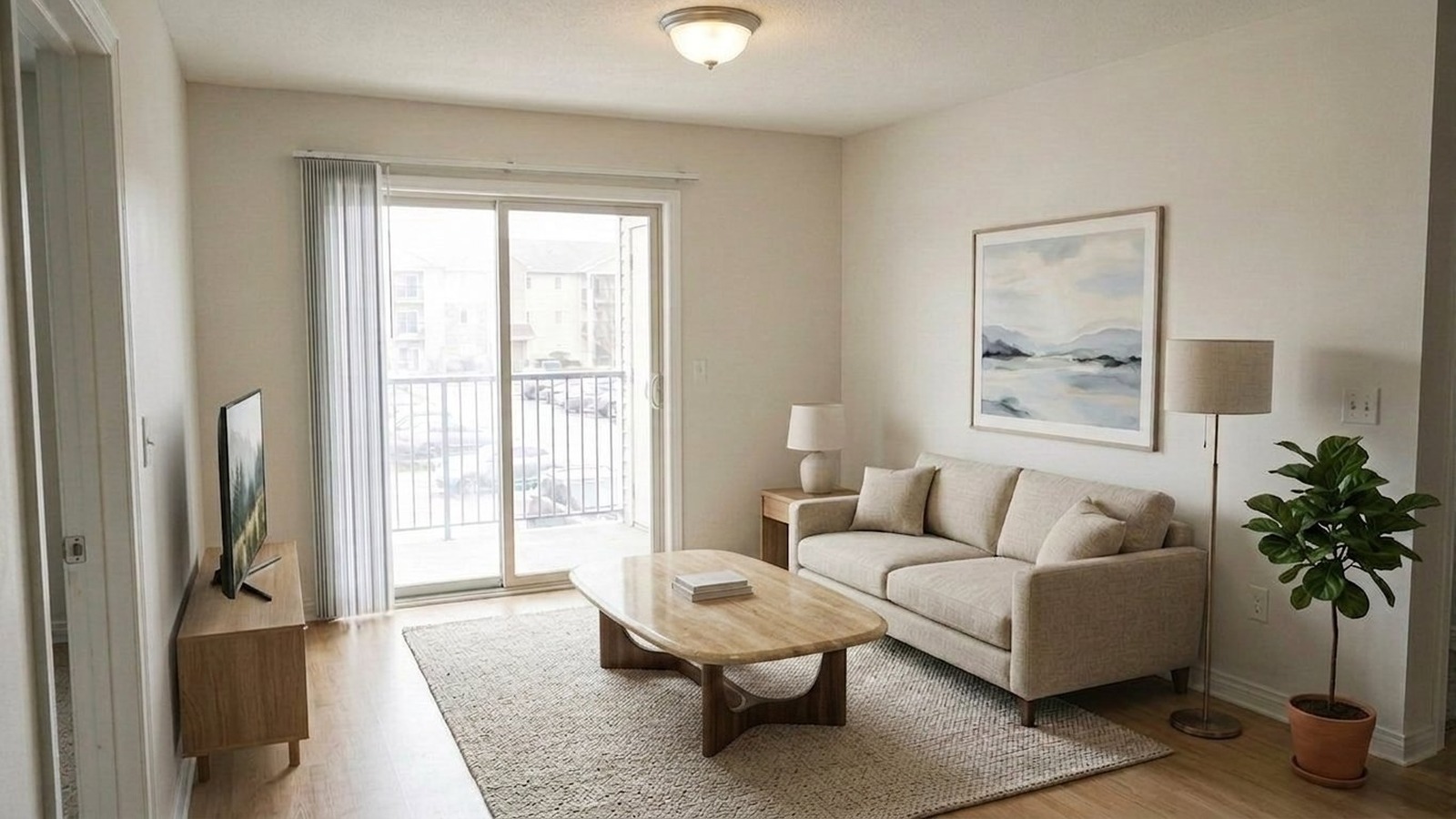
Bright fully staged living room after AI lighting correction and virtual staging
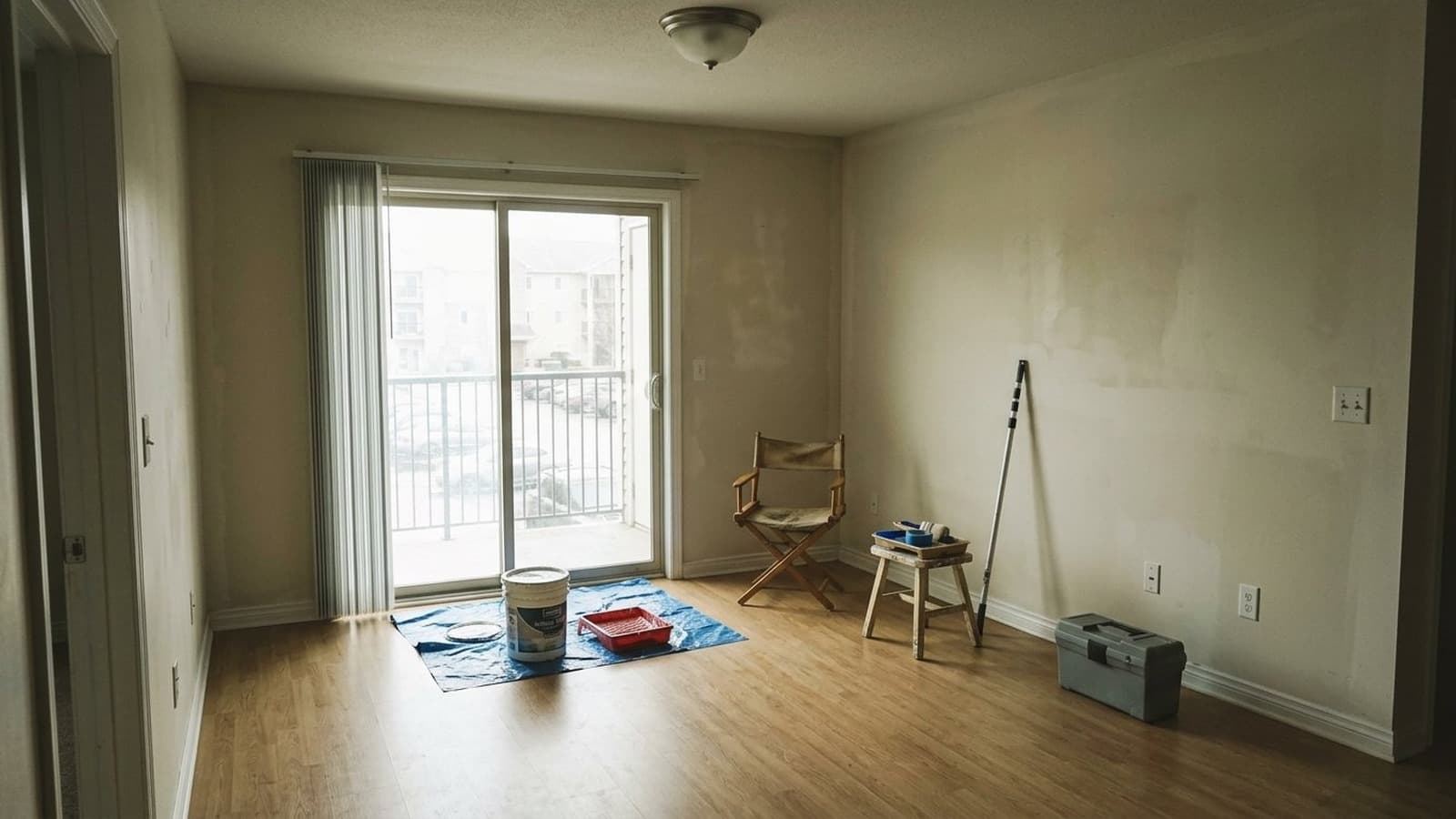
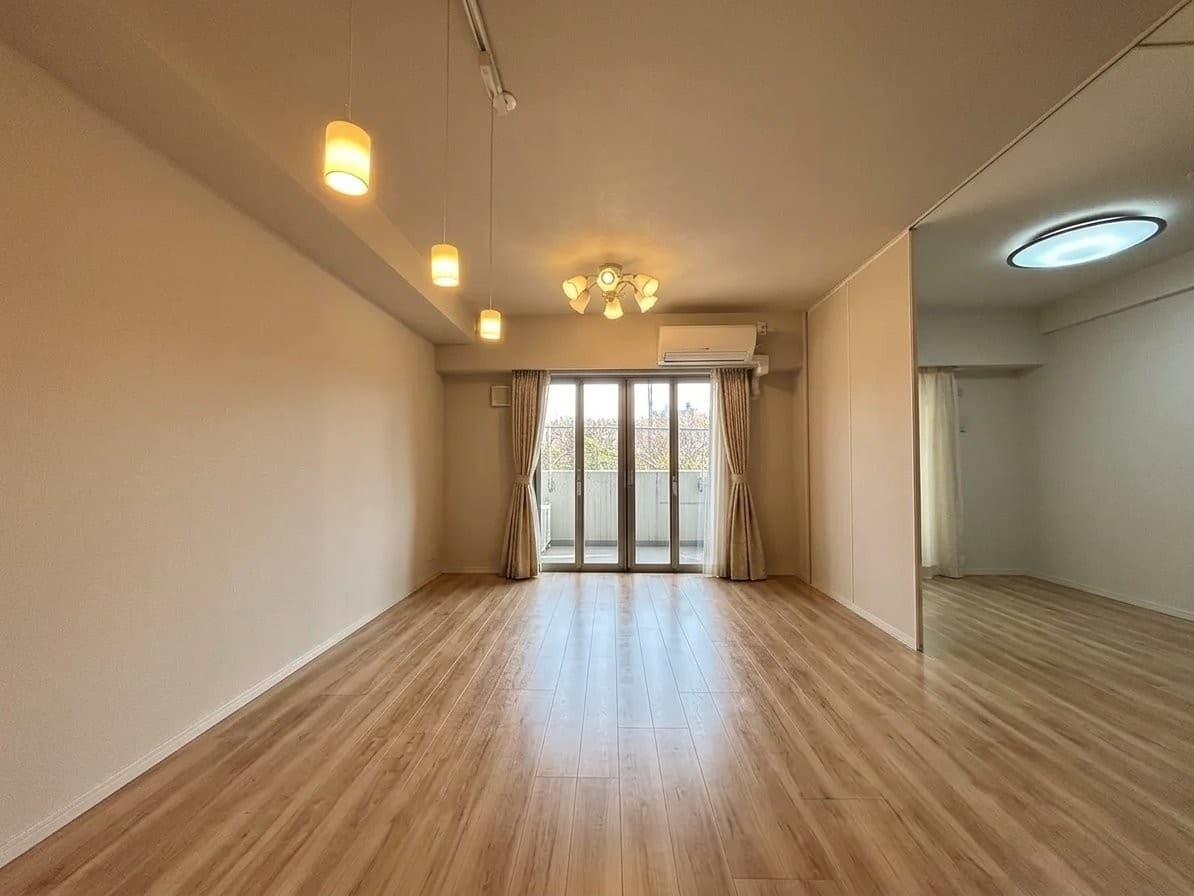
Underexposed empty living room with leftover furniture and repair materials before AI staging
Before
After
Drag to compare

You can't hire a professional crew to stage and shoot every listing. Working with photos that are poorly lit, taken from a bad angle and include clutter or empty space makes it difficult to generate attention on listing sites.

Virtual Staging Art is an end-to-end AI toolset to clean, enhance, declutter, and stage listing photos at a fraction of the cost and turnaround time of professional services, with similar quality results.

Architectural AI for your listing photos

  • Clean weak source photosClean bad lighting, enhance clarity, add HDR, and replace dull skies before photos go live.
  • Remove belongings and clutterClear furniture, tenant items, seller belongings, and visual distractions from occupied rooms.
  • Stage empty roomsAdd photorealistic furniture in a variety of styles so buyers understand the space.
Stage Your First Photo Now10 Free Credits

AI software for real estate listing photos

From rescuing unusable photos to staging empty rooms and visualizing homes on development lots, Virtual Staging Art gives you the tools to create professional listing visuals.

  • AI staged living room prepared for a real estate listingStage empty rooms

    Stage empty rooms

    Furnish vacant or under-furnished rooms in styles that match the property and buyer profile.

    Use Virtual Staging
  • AI enhanced real estate interior photo with corrected lightingImprove weak photos

    AI photo editing for real estate listings

    Fix lighting, white balance, HDR, clutter, and exterior skies when source photos are not listing-ready.

    Edit Listing Photos
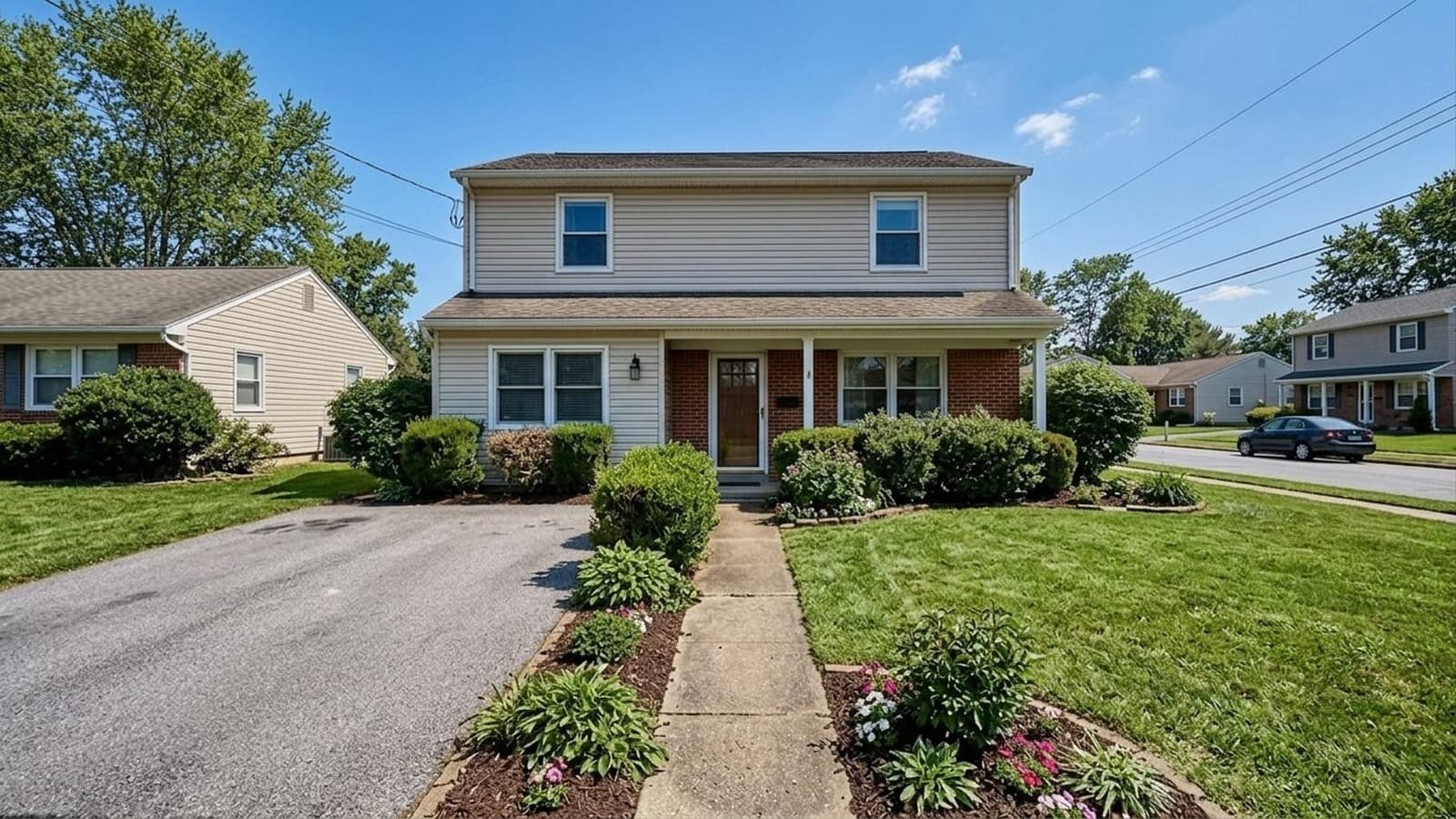
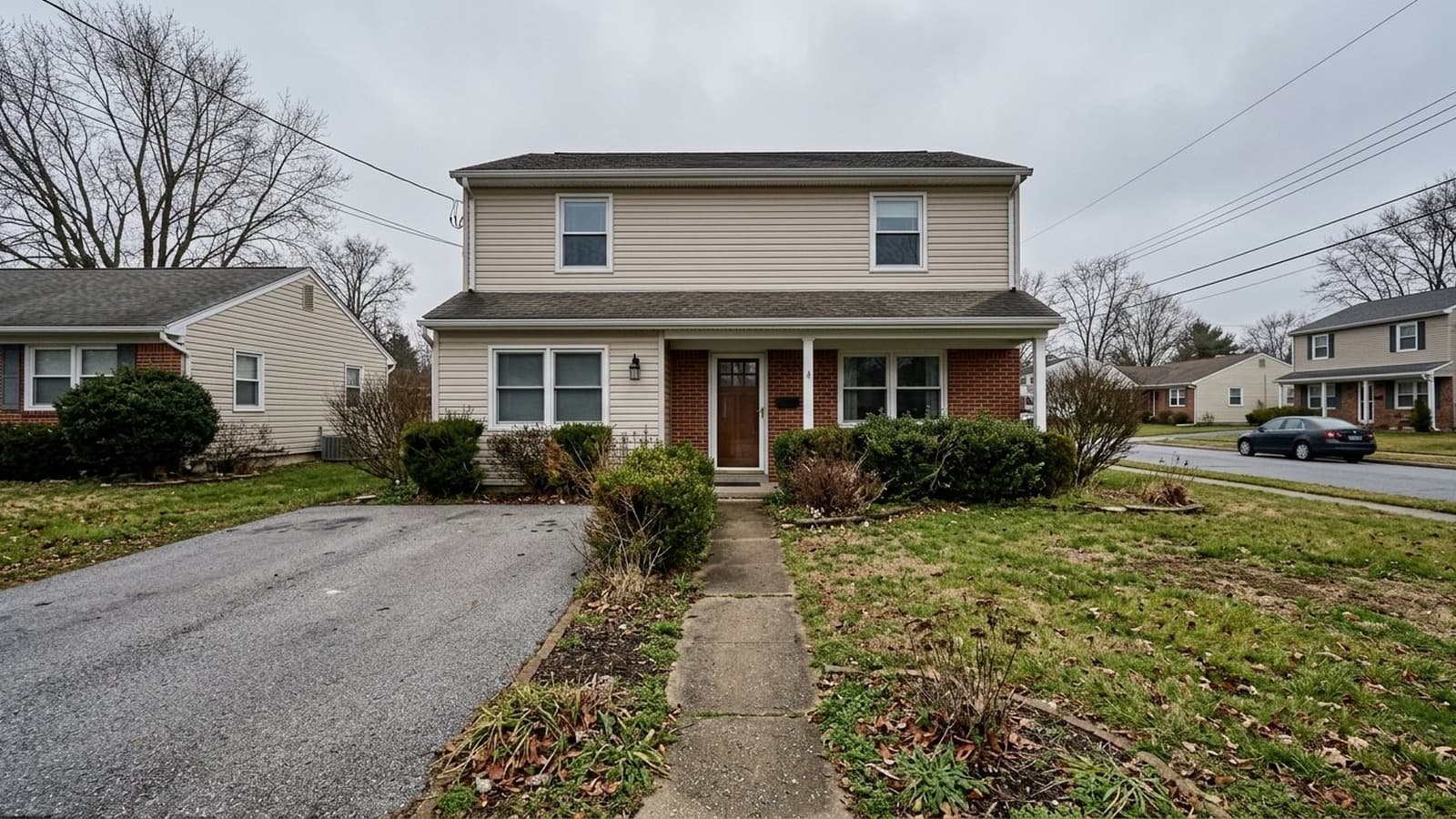
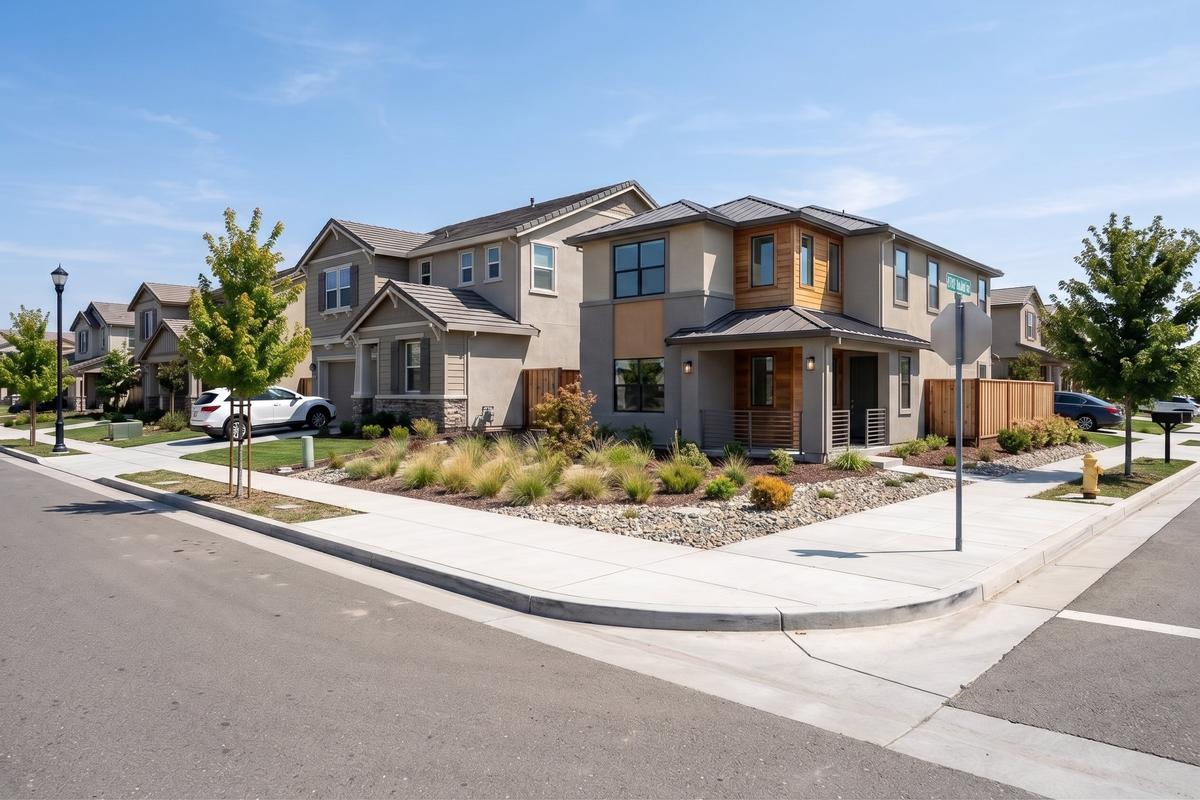
  • AI house rendering concept for property marketingShow property potential

    AI house rendering for property listings

    Show what a property, exterior, vacant lot, or teardown opportunity could become.

    Render House Concepts

Real estate teams using Virtual Staging Art

  • I've worked with many staging companies throughout my career, but nothing comes close to VirtualStaging.art's speed. I no longer have to do a back and forth with BoxBrownie/Styldod! VirtualStaging.art allows me to simply regenerate images I don't like until I find one that I love!

    Vickie, Real Estate Broker and Investor (Chicago, IL)VickieReal Estate Broker and Investor (Chicago, IL)
  • A staging solution that actually makes financial sense for my cheaper properties! I always wanted to be able to stage them, but it just didn't make financial sense. Fortunately, a friend showed me VirtualStaging.art and now we have a way to stage all of our cheaper properties.

    AJ, Real Estate Broker (Seattle, WA)AJReal Estate Broker (Seattle, WA)
  • I've been noticing that more and more of the comps I look at have staged images. I was wondering what folks were using and quickly found VirtualStaging.art. It looks like everyone in the real estate industry will soon have to do virtual staging AI to keep up with the market.

    AlexReal Estate Broker (Austin, TX)

Frequently Asked Questions

Can I use AI-staged photos on MLS?

In most markets, yes, but MLS rules vary by board, brokerage, and listing portal. The usual requirements are straightforward: keep the property itself truthful, disclose virtual staging clearly, and avoid edits that misrepresent fixed features.

Virtual Staging Art is built around architectural AI that preserves the room structure, layout, walls, windows, doors, flooring, and other fixed property elements while changing the furniture, decor, and visual presentation. That makes the output easier to use for listing pages, ads, buyer updates, and seller presentations without turning the photo into a different property.

For disclosure, you can save disclaimer text in account settings and automatically apply a visible disclosure overlay when staged or furniture-removal images are downloaded. Before publishing, confirm your local rules for labeling, disclosure placement, furniture removal, and any edits that need broker or MLS review.

Do I need to disclose virtual staging?

Usually, yes. Disclosure is the safest practice for staged, decluttered, or materially edited listing images, and many MLS boards or brokerages require it.

Virtual Staging Art supports that workflow directly: set your disclosure text once, then automatically apply it as a visible overlay when you download staged or furniture-removal images. You can use different wording for added furniture and removed furniture, so the downloaded image carries the right notice before it goes to MLS, a listing portal, or a client delivery folder.

The disclosure overlay works together with architectural structure preservation. The image should make the property easier to understand, while keeping buyers clear on what is physically present and what has been digitally staged or removed.

Can I remove furniture or clutter from occupied listings?

Yes. You can clean up rooms with existing furniture, tenant belongings, cords, boxes, or move-out clutter when the original photo makes the room harder to evaluate.

For many listings, the practical workflow is to create a cleaner version first, then optionally stage the room so buyers can understand scale, layout, and use of the space.

How fast can I prepare photos for a new listing?

Most AI renders complete in minutes, so you can prepare listing visuals the same day you receive source photos.

That makes it useful when the listing timeline is tight, the seller cannot wait for physical staging, or the photos need basic cleanup before they are ready for MLS, ads, email, or social promotion.

Can a brokerage use this across multiple agents?

Yes. Brokerages can use virtual staging for real estate agents as a shared visual workflow for listing photos, seller updates, recruiting examples, paid ads, and listing launch materials.

If you need team setup, higher-volume workflows, or guidance on how agents should handle disclosure and approval, reach our team through the contact page.

Start with one listing

Turn the next photo set into stronger listing assets

Upload a room photo, test the result, and decide how much of your listing media workflow should move into Virtual Staging Art.

Real Estate Listing Photo Software