AI listing photo tools for property managers

Prepare rental photos for vacant units, occupied apartments, and marketing campaigns without staging every unit or reshooting every room.

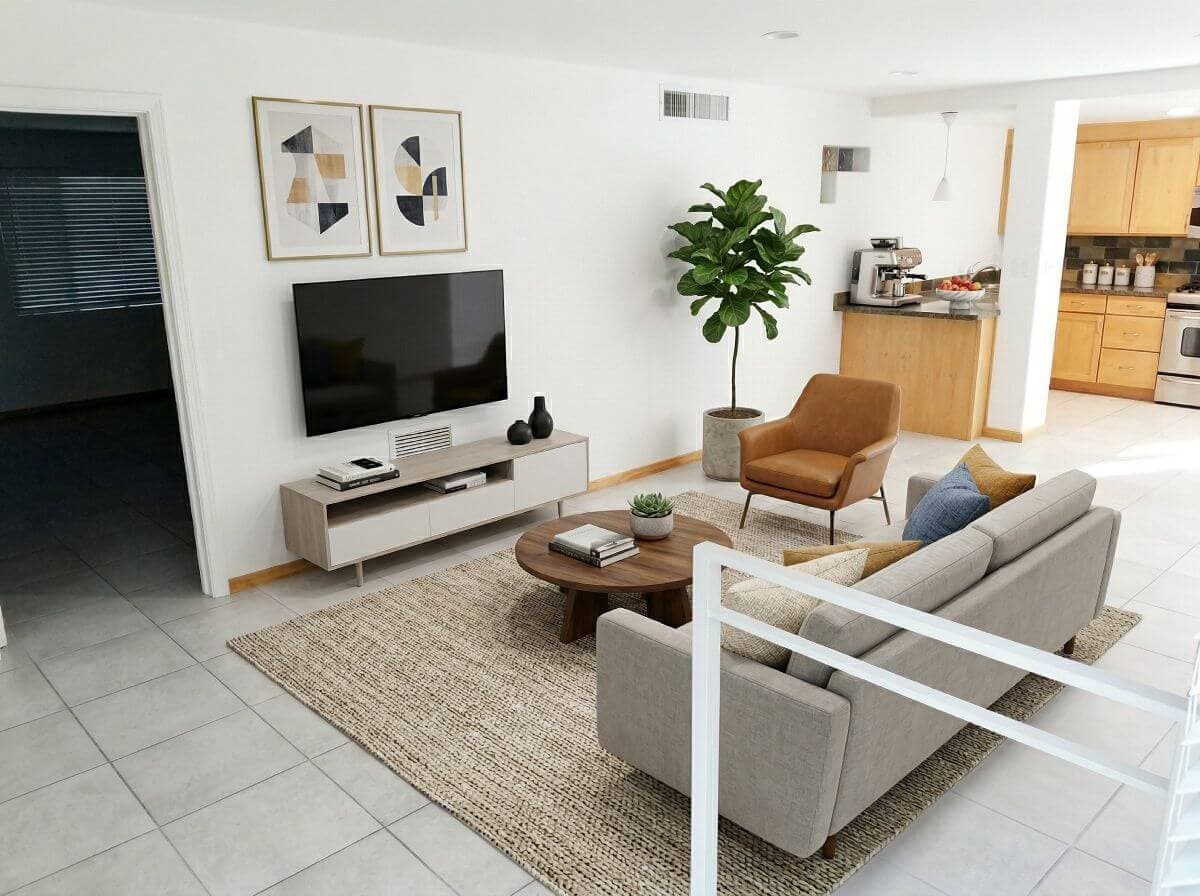
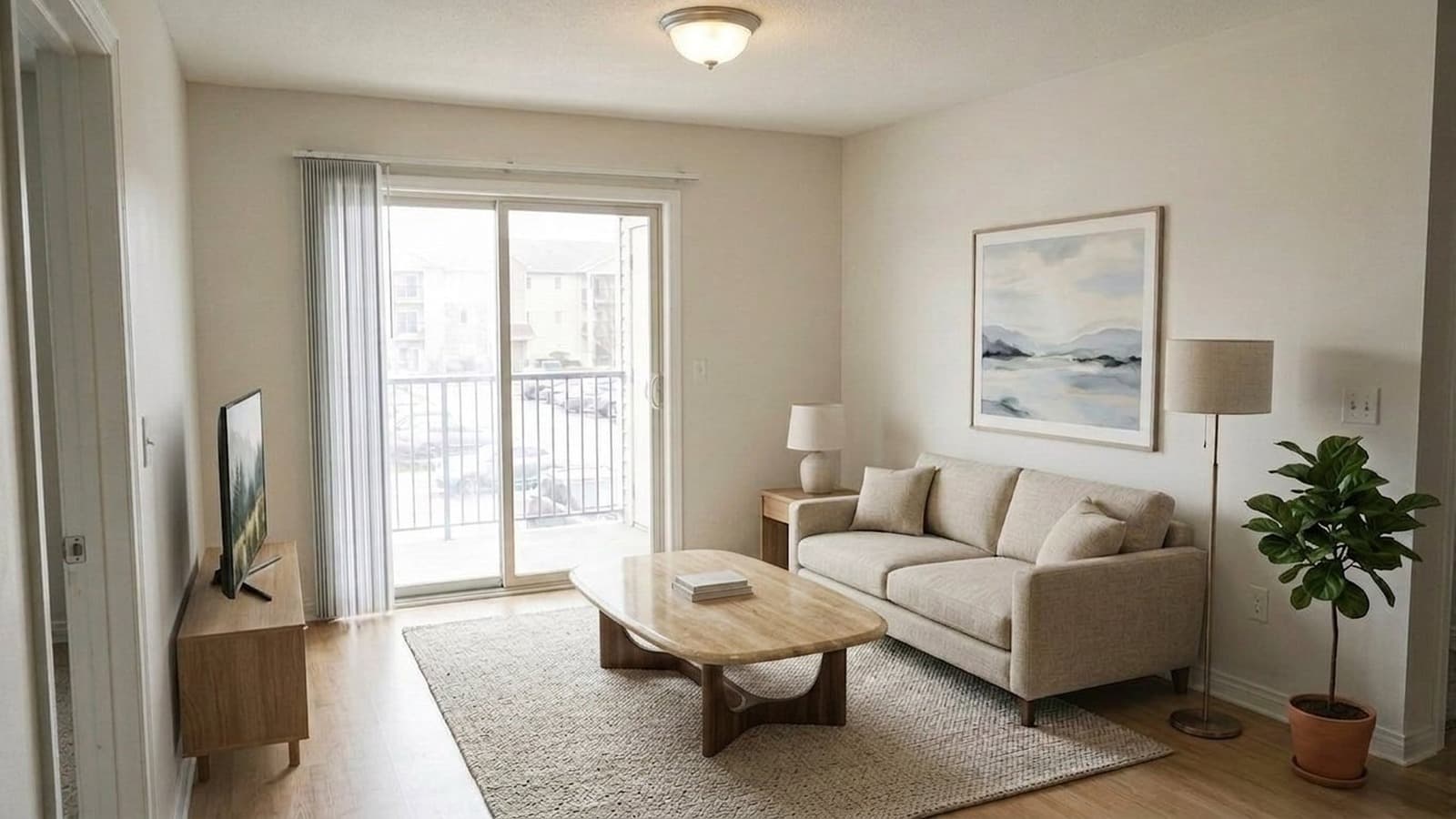
AI staged apartment living room for a rental listingRental listing workflowEnhanced rental listing photo prepared with AI photo editing
  • Phone-Shot ReadyEven rough source photos turn into listing visuals.
  • Multi-Unit ConsistencySame staging style across similar floor plans.
  • Turnover SpeedListings ready before the unit is move-in ready.

Rental listings

Listing-ready photos before, during, or after turnover.

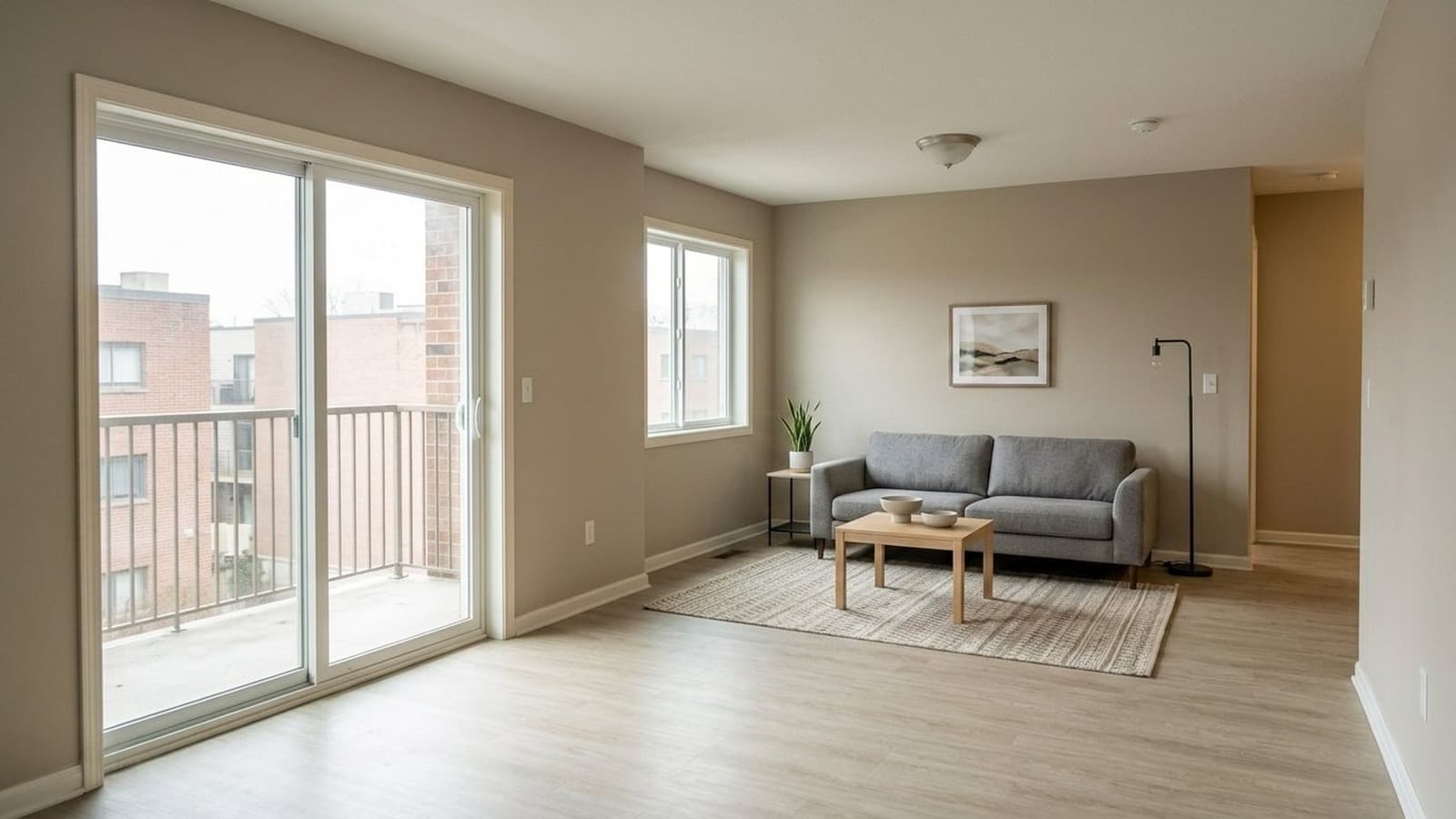
Bright staged rental living room after AI lighting correction and virtual staging
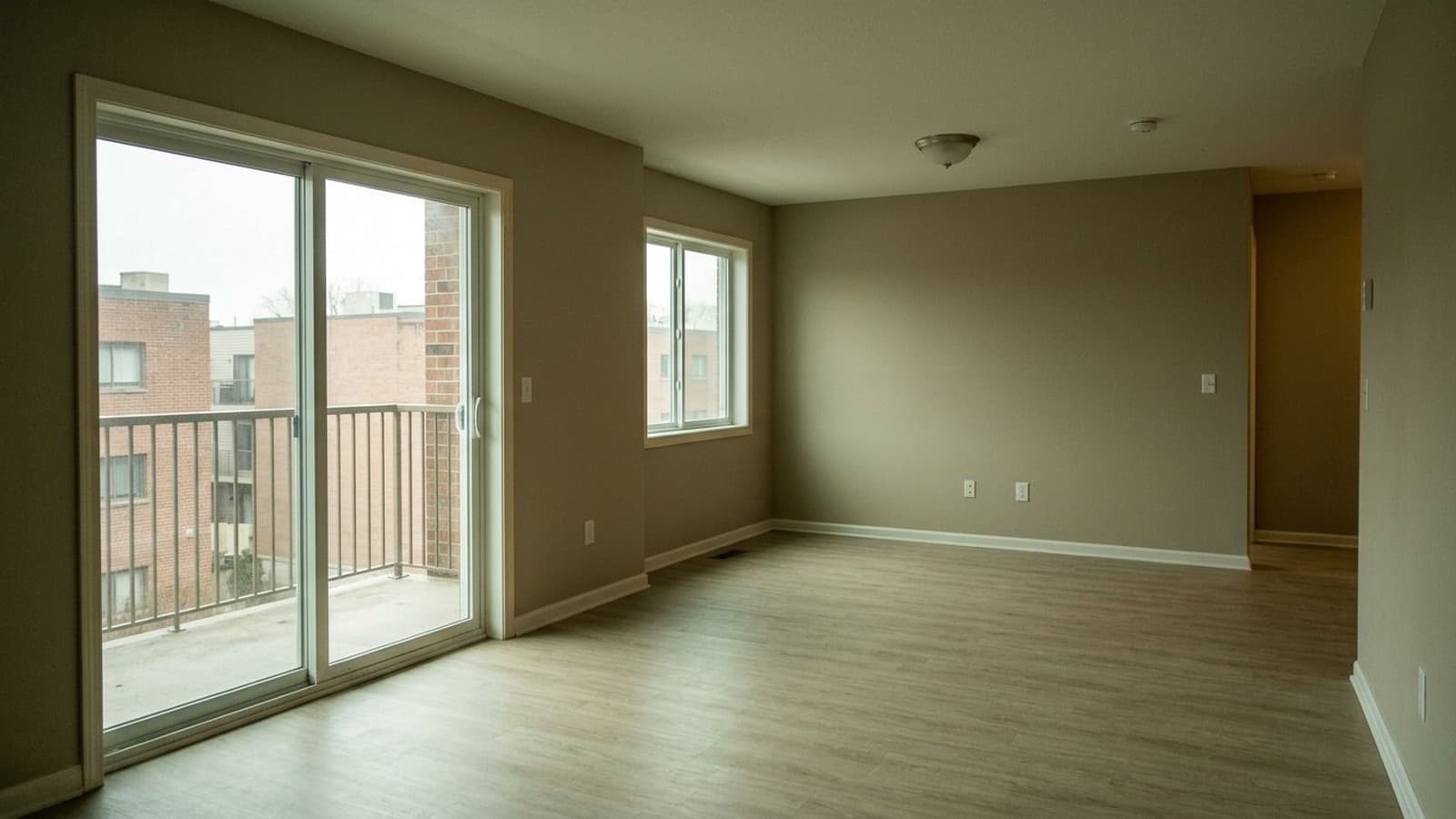
Poorly lit vacant rental living room before AI lighting correction and virtual staging
Before
After
Drag to compare

Getting clean rental photos is a struggle:

  • Listings can't wait for the unit to be vacant
  • The budget doesn't cover a photography crew
  • Photo editing isn't in your wheelhouse

Virtual Staging Art handles the cleanup, staging, and polish so listings publish on schedule.

Architectural AI for rental listing photos

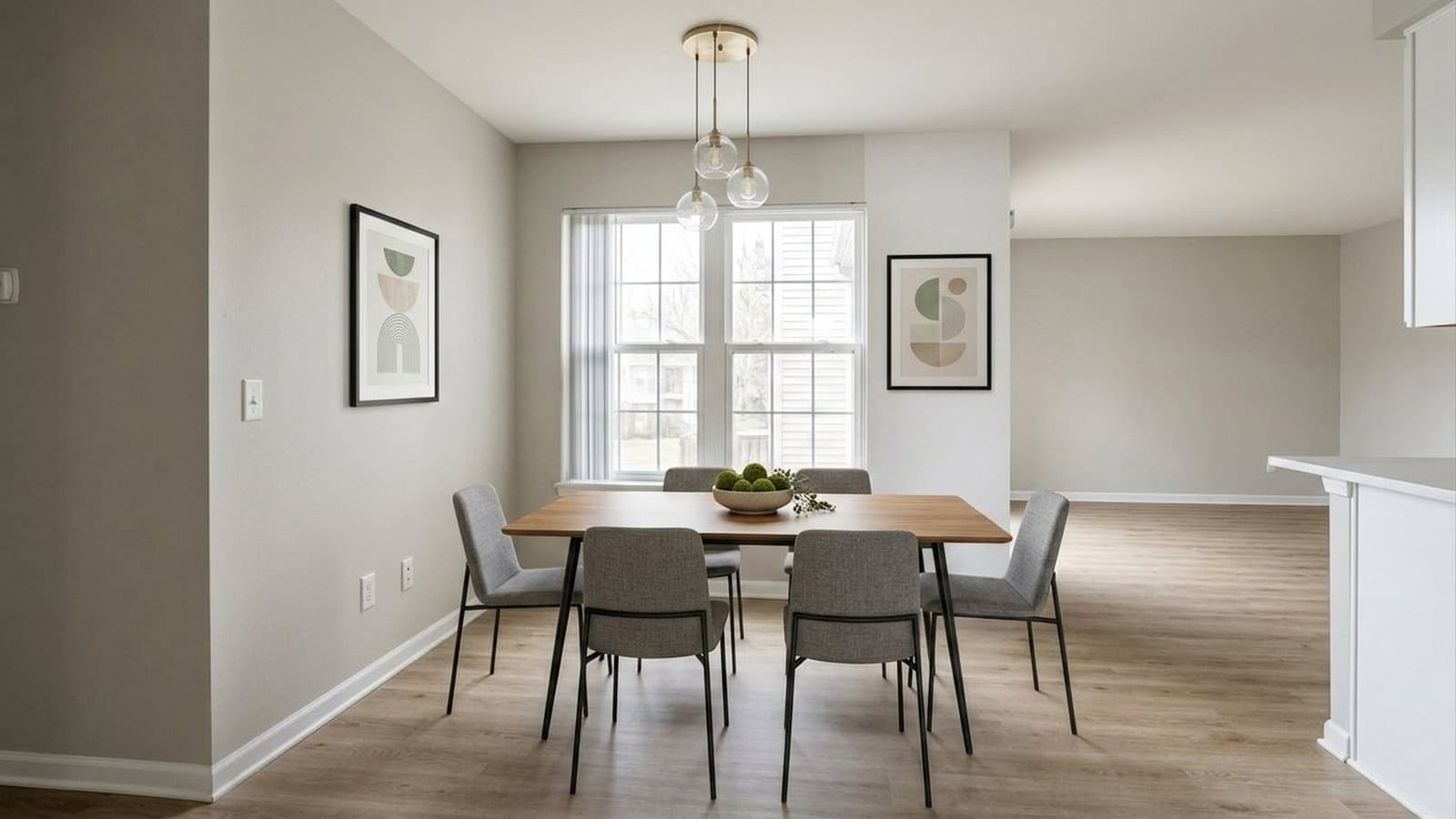
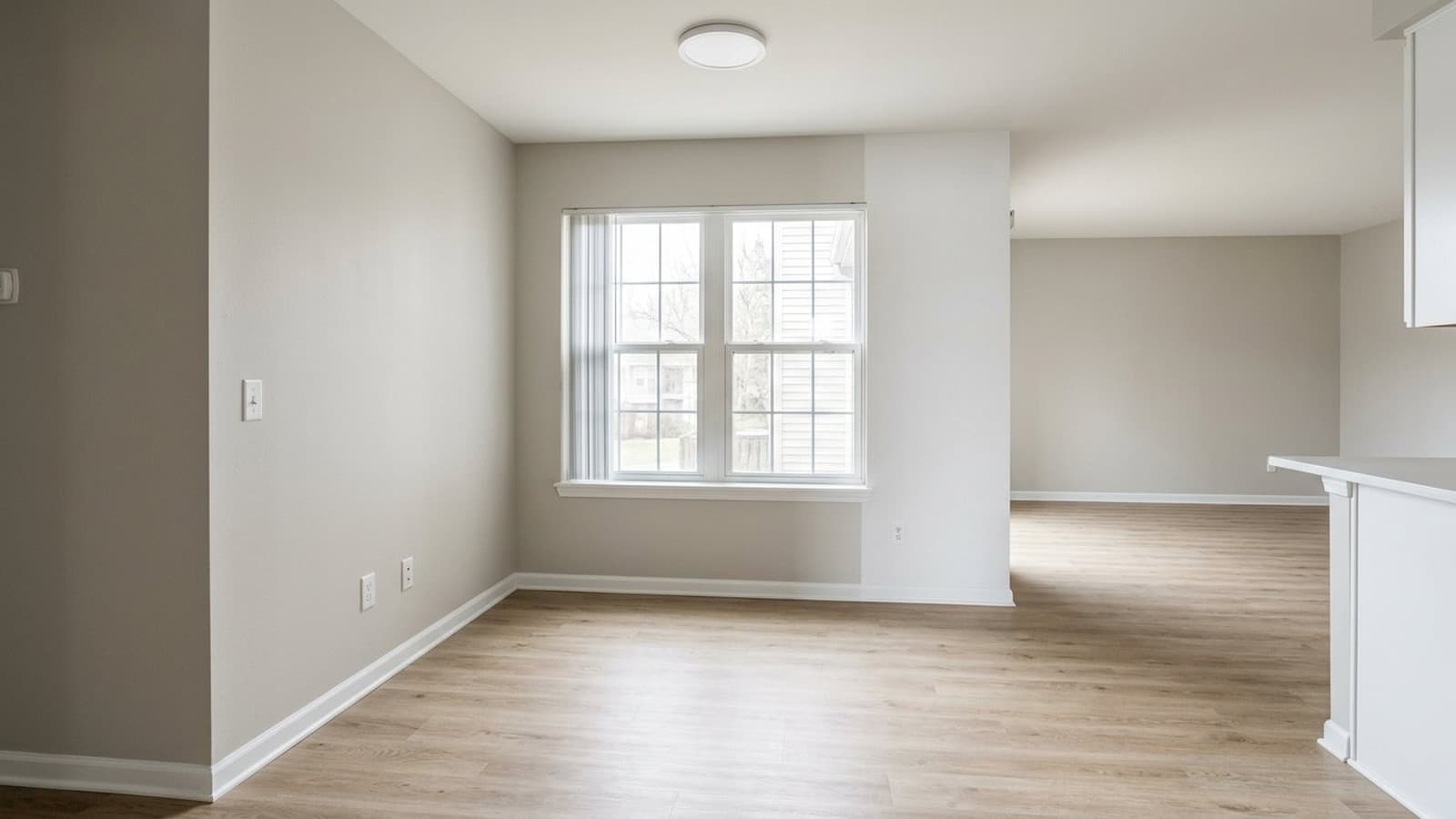
  • Stage vacant unitsAdd furniture to empty rooms so renters understand the layout and scale of the space.
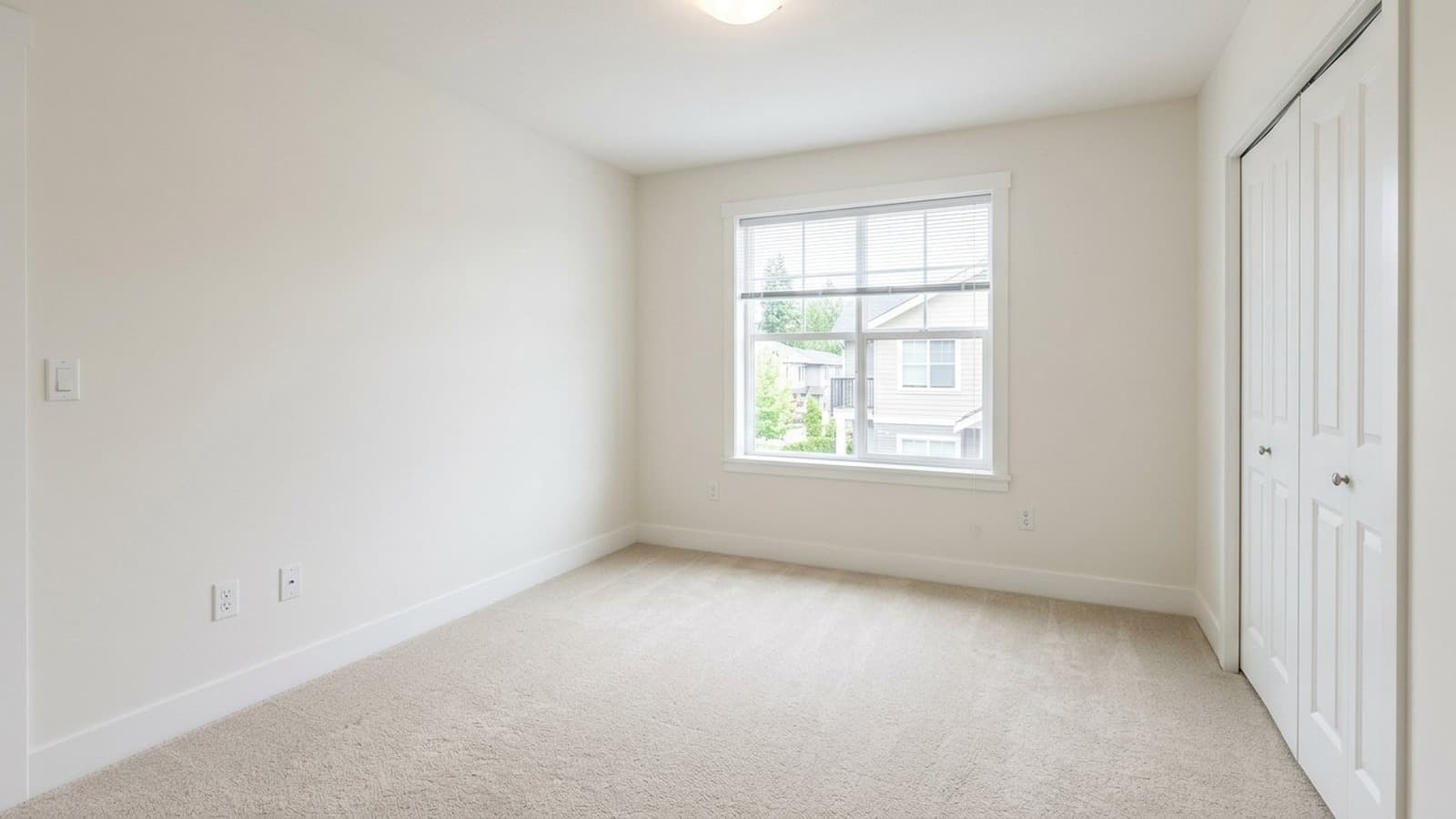
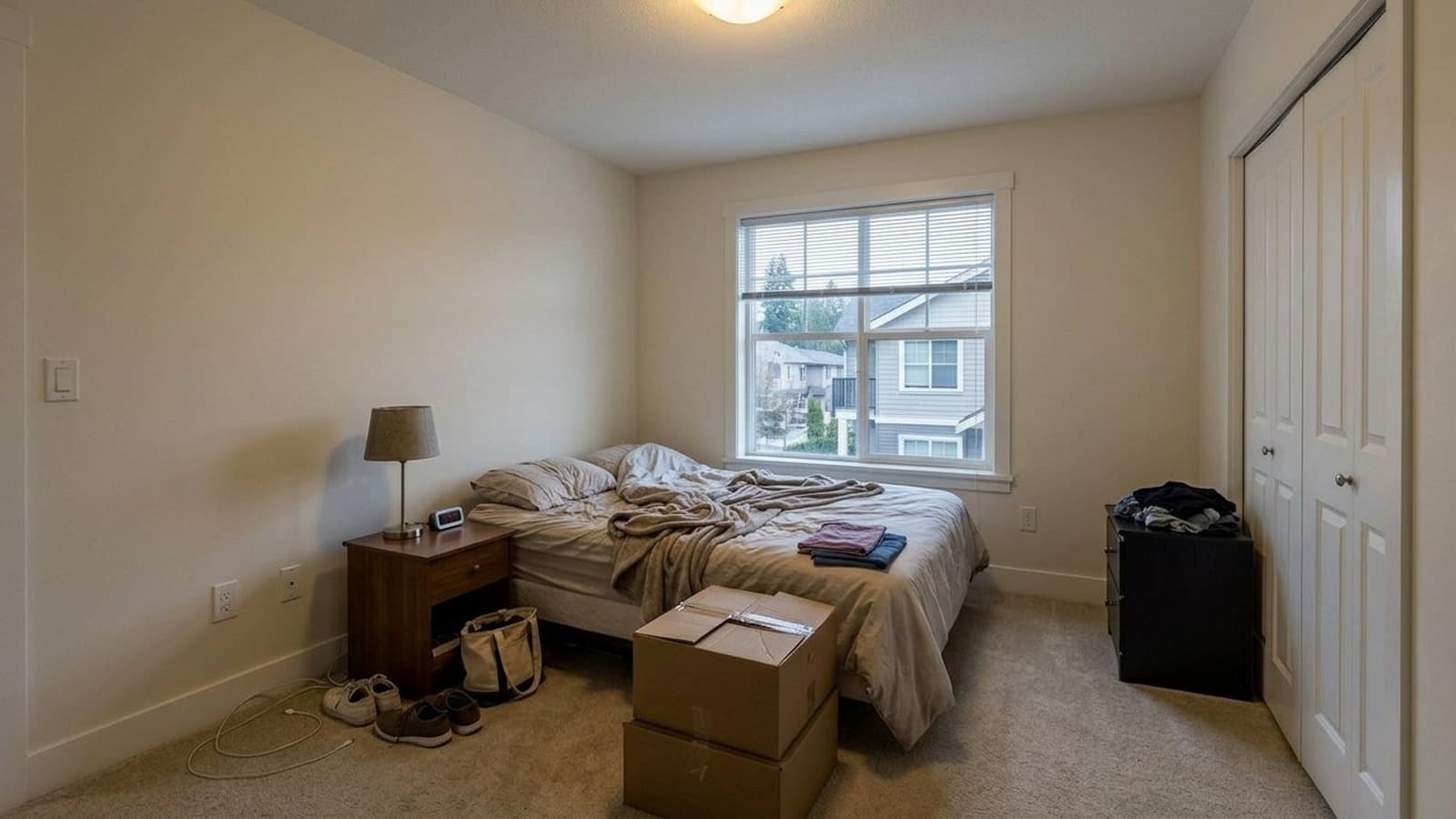
  • Remove distractionsClear furniture, tenant belongings, clutter, and visual distractions from occupied apartments.
  • Improve rental photosFix lighting, white balance, clarity, and exterior presentation before listings go live.
Stage Your First Unit10 Free Credits

AI tools for every rental photo

Stage empty units, clean up tenant clutter, fix rough phone shots - in minutes.

  • AI staged living room prepared for a real estate listingStage vacant units

    Virtual staging for rentals

    Stage vacant apartments and model-unit photos without physically furnishing every floor plan.

    Use Virtual Staging
  • Bright fully staged living room after AI lighting correction and virtual stagingClean occupied units

    Move-out cleanup for rental photos

    Clear belongings, old furniture, and distractions from occupied-unit photos.

    Remove Furniture
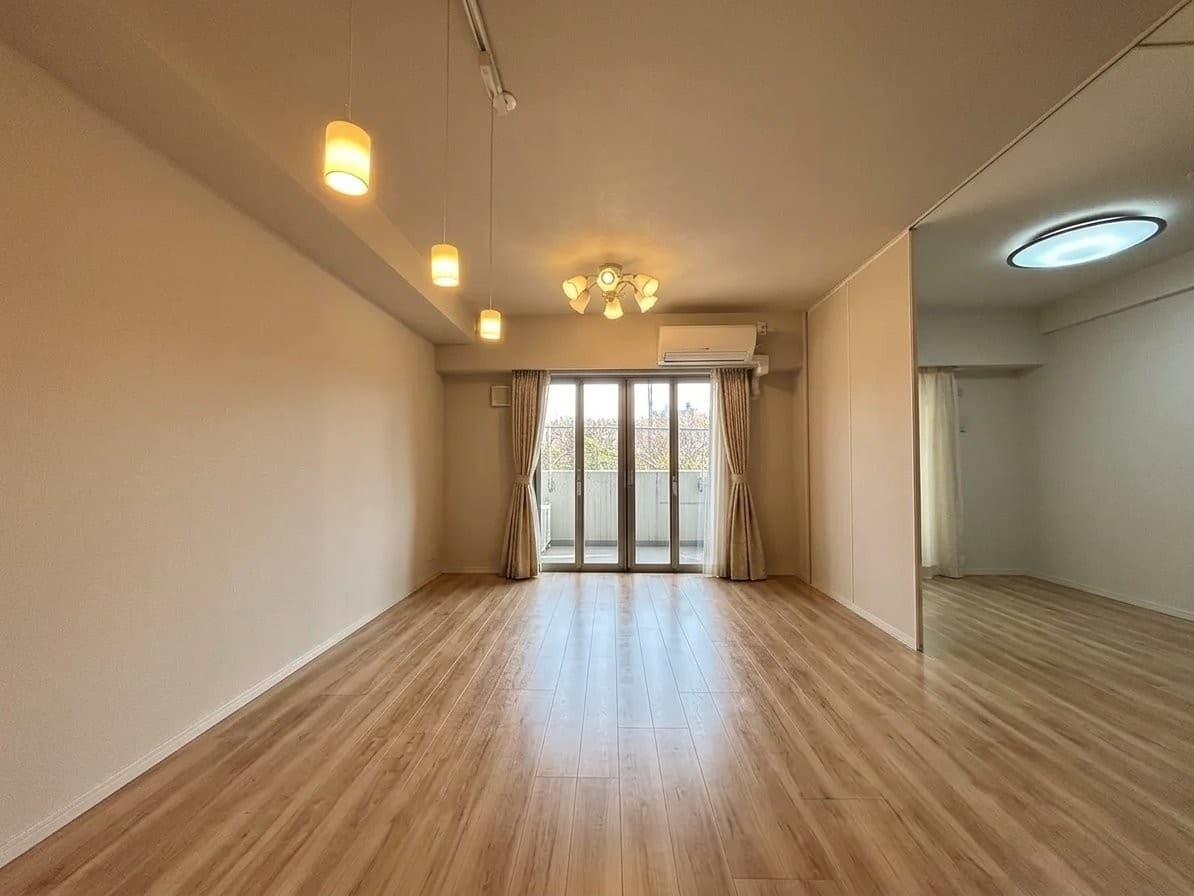
  • AI enhanced real estate interior photo with corrected lightingImprove rental photos

    AI photo editing for rental listings

    Improve lighting, color, HDR, and overall photo quality before rental listings publish.

    Edit Listing Photos

Property teams using Virtual Staging Art

  • We like to sit down with prospective renters and show them what units could look like if they moved in. Virtualstaging.art gives us a cheap and easy way to do that!

    Kelsey, Property Manager (Mclean, VA)KelseyProperty Manager (Mclean, VA)
  • We have an average of 25 units per building. Historically, we have only been able to stage 1 out of the 25 units since virtual staging was too expensive. With virtualstaging.art, we have cut our virtual spending by a factor of 10 and plan on staging the other 24 units in the building!

    Jared, Property Manager (Boulder, CO)JaredProperty Manager (Boulder, CO)
  • Unfortunately, my property management company wasn't doing a good job staging our units. They were showing a physically staged unit of one floor plan across all of our units. This made no sense! Fortunately, I was able to use virtualstaging.art myself to course correct my property management company.

    JustinAsset Manager (Cincinnati, OH)

Frequently Asked Questions

Can I stage photos for vacant rental units?

Yes. You can turn empty apartment or rental photos into staged listing visuals for property managers that help renters understand room scale, layout, and how the unit could feel when furnished.

This is especially useful when a vacant unit looks cold or undersized in photos, but you do not want to physically stage every available floor plan.

Can I use this for occupied apartments or turnover photos?

Yes. Virtual Staging Art can help clean up photos with leftover furniture, tenant belongings, boxes, or move-out clutter before you publish the listing.

The goal is not to misrepresent the unit, but to remove visual distractions so prospects can evaluate the room, finishes, light, and layout more clearly.

Is it useful when units share the same floor plan?

Yes. If several units share the same layout, you can create stronger visuals without physically staging each one.

Use photos that represent the actual unit or floor plan, then keep the staging consistent across similar listings so renters can understand the space without seeing a completely different apartment.

How much does this cost for a portfolio?

New accounts include 10 free photo credits in supported countries, so you can test virtual staging, photo editing, and furniture removal across your units before committing.

After that, credits are charged per generated output, with current plan and pay-as-you-go rates on the pricing page. For multi-property portfolios or higher-volume teams, reach our team via the contact page to talk through portfolio plans.

How does this compare with staging a model unit?

A model unit can still be useful for tours, leasing offices, and premium campaigns.

Virtual staging is faster and less expensive when you need visuals for several units, different layouts, seasonal campaigns, or listings that cannot wait for physical staging and photography.

Can I prepare photos without scheduling a reshoot?

Often, yes. If the original photos show the space clearly, AI cleanup, enhancement, and staging can help you improve the listing media without coordinating another visit.

A reshoot is still better when the source photo is blurry, heavily cropped, blocked by objects, or does not show the room accurately. But for many usable turnover photos, AI editing can be enough to prepare the listing faster.

Free to start

Get the next rental ready before turnover ends

Upload a unit photo, test the result, and see how it fits into your leasing workflow.

Property Manager Listing Photo Software