


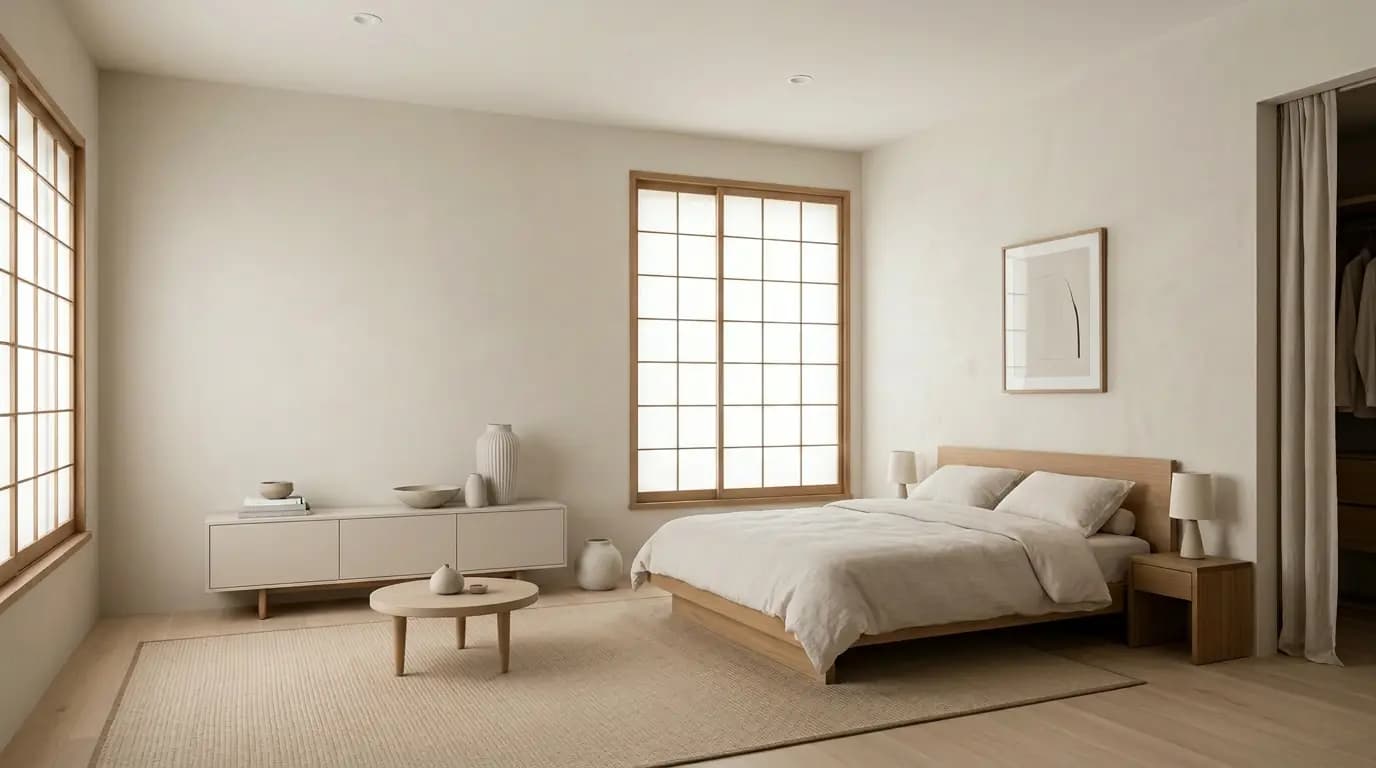

AI virtual staging before and after examples
See how empty, occupied, and outdated rooms can be transformed with AI virtual staging. Browse real before-and-after examples for living rooms, bedrooms, kitchens, dining rooms, offices, and studio apartments, with multiple interior design styles including modern, luxury, Scandinavian, Japandi, and more.
Use the examples below to compare how furniture, layout, lighting, and decor can change the way a property is presented while keeping the room itself recognizable.
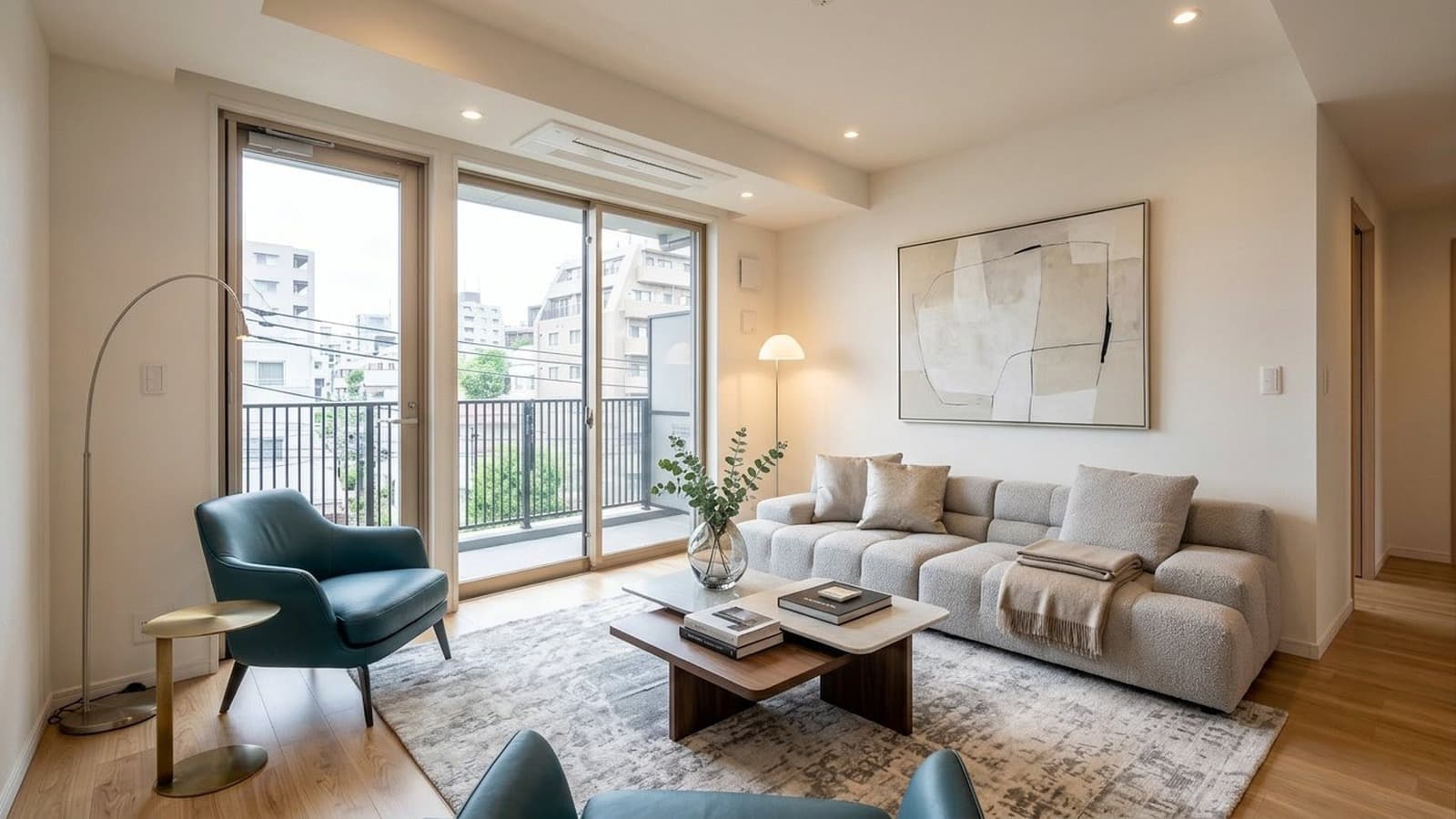
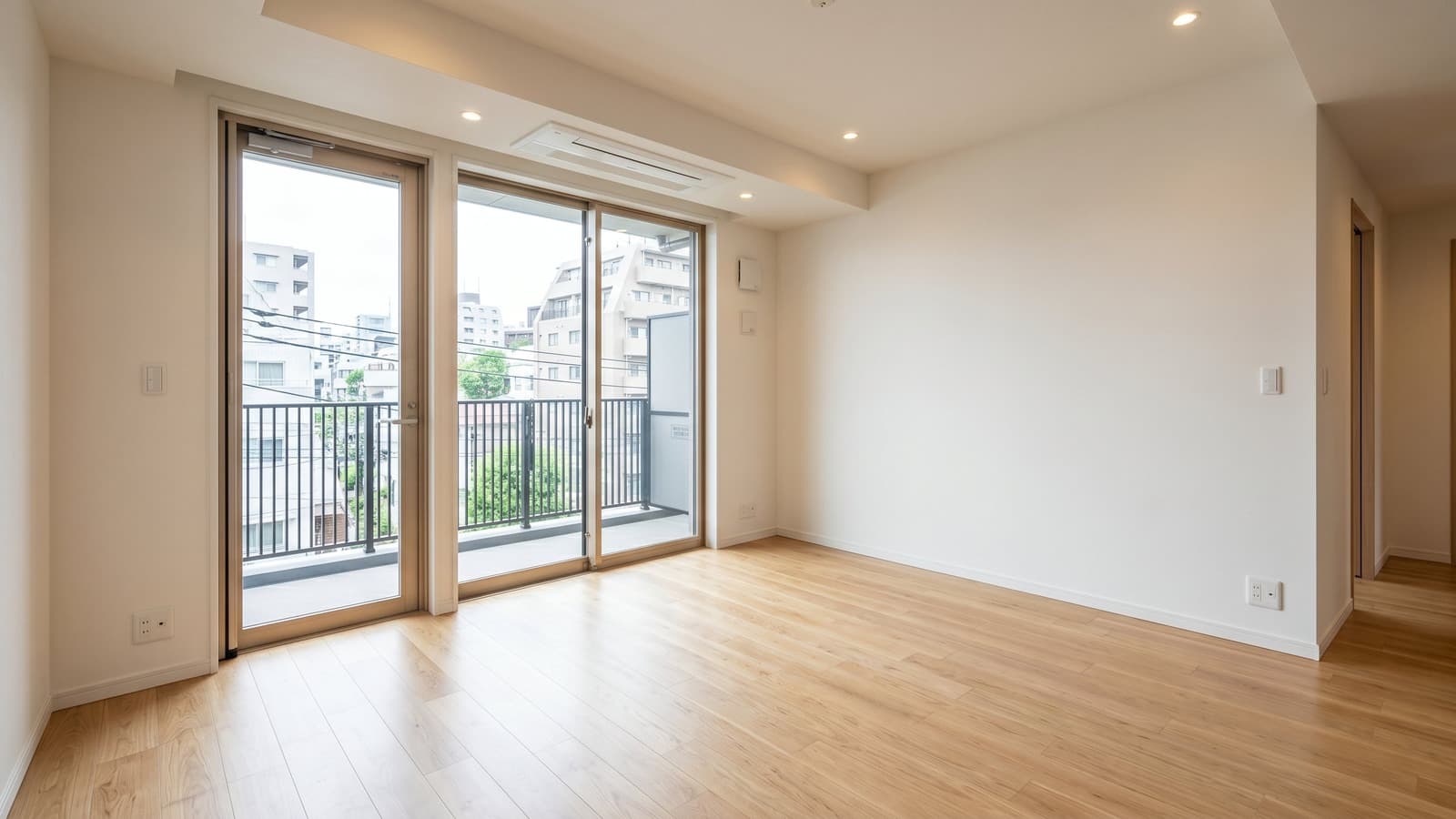
Browse Virtual Staging Examples by Room
Explore before-and-after virtual staging examples for living rooms, bedrooms, kitchens, dining rooms, offices, studio apartments, and occupied homes. Compare 10 interior styles, 6 lighting presets, and custom staging instructions.
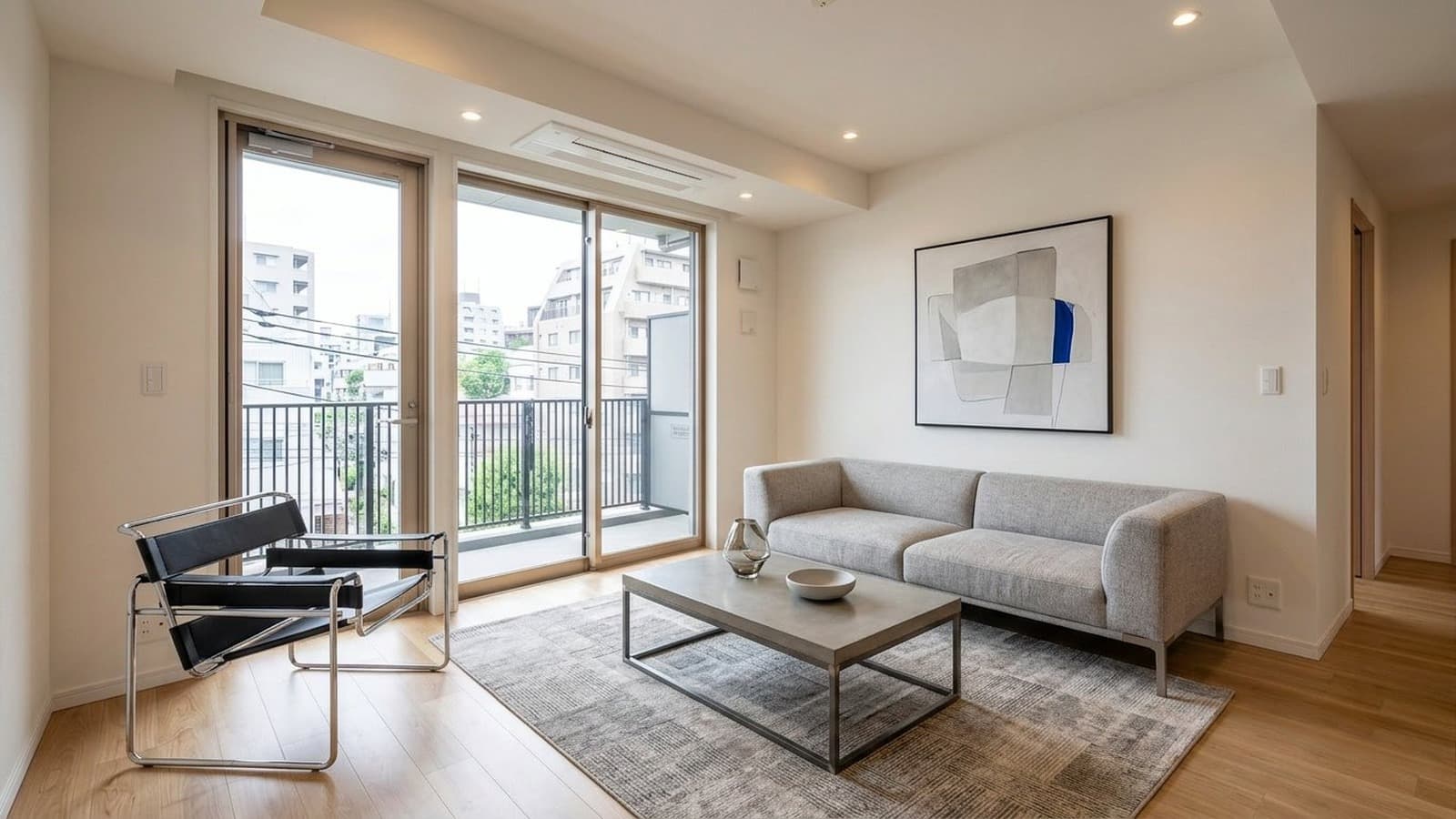
Living Room Virtual Staging Before and After Examples
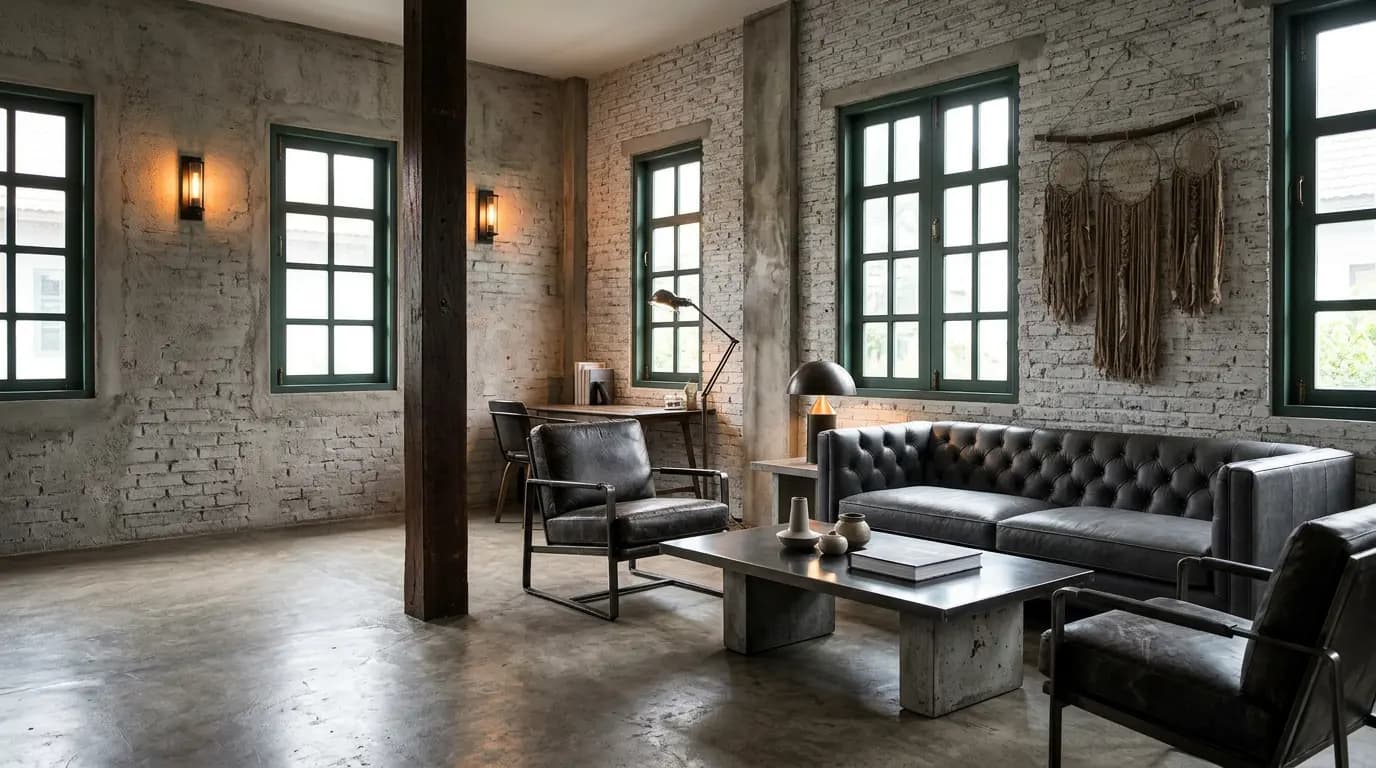
Living rooms are often one of the first spaces buyers use to judge the scale, layout, and overall feel of a property. Virtual staging can show how seating, rugs, tables, and decor fit within an empty room while keeping windows, walkways, and architectural features visible.
- Furniture and rug choices establish the room's true scale
- Walkways and sightlines stay open and unobstructed
- Windows and architectural features remain untouched and visible
Bedroom Virtual Staging Before and After Examples
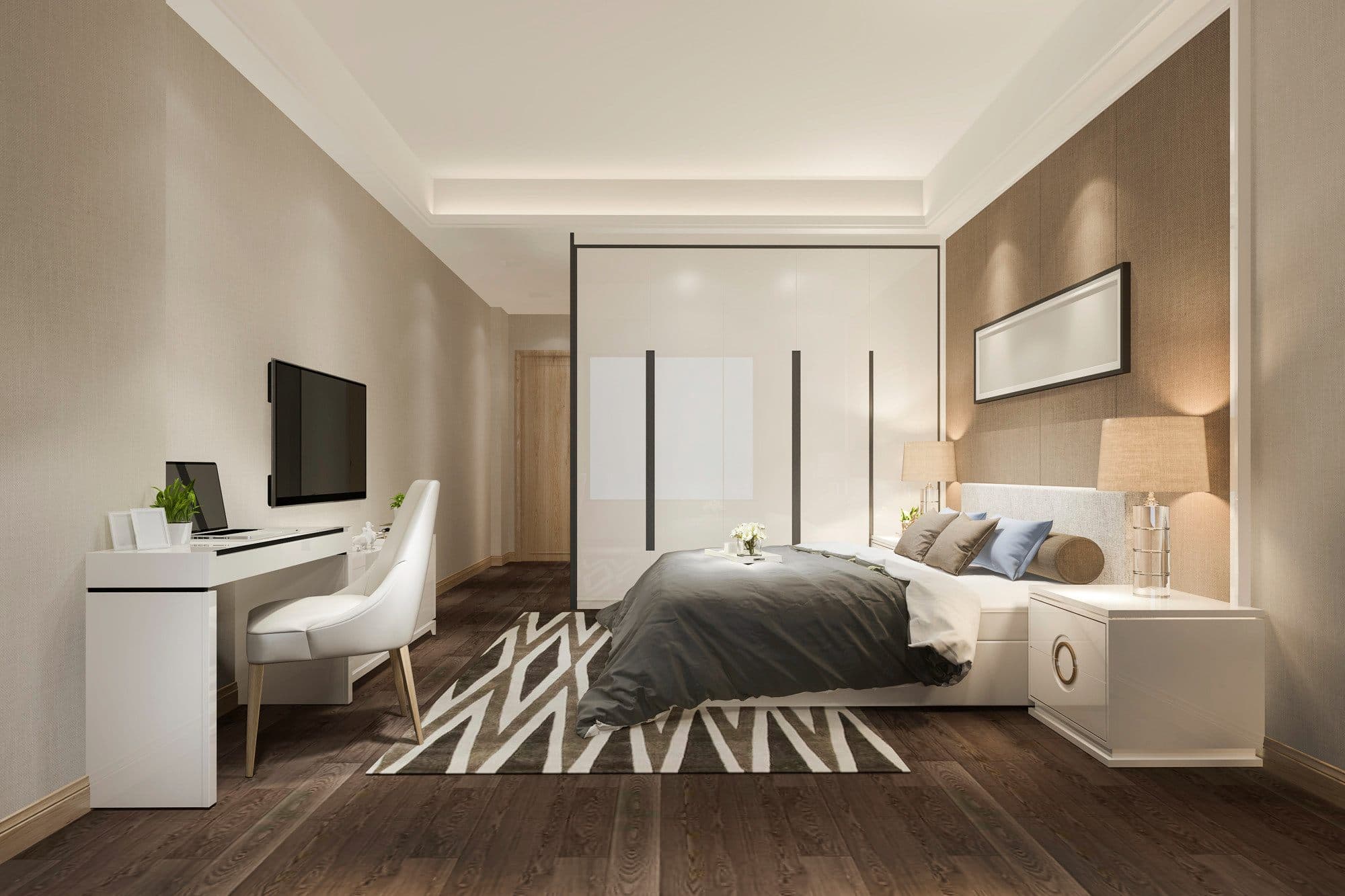
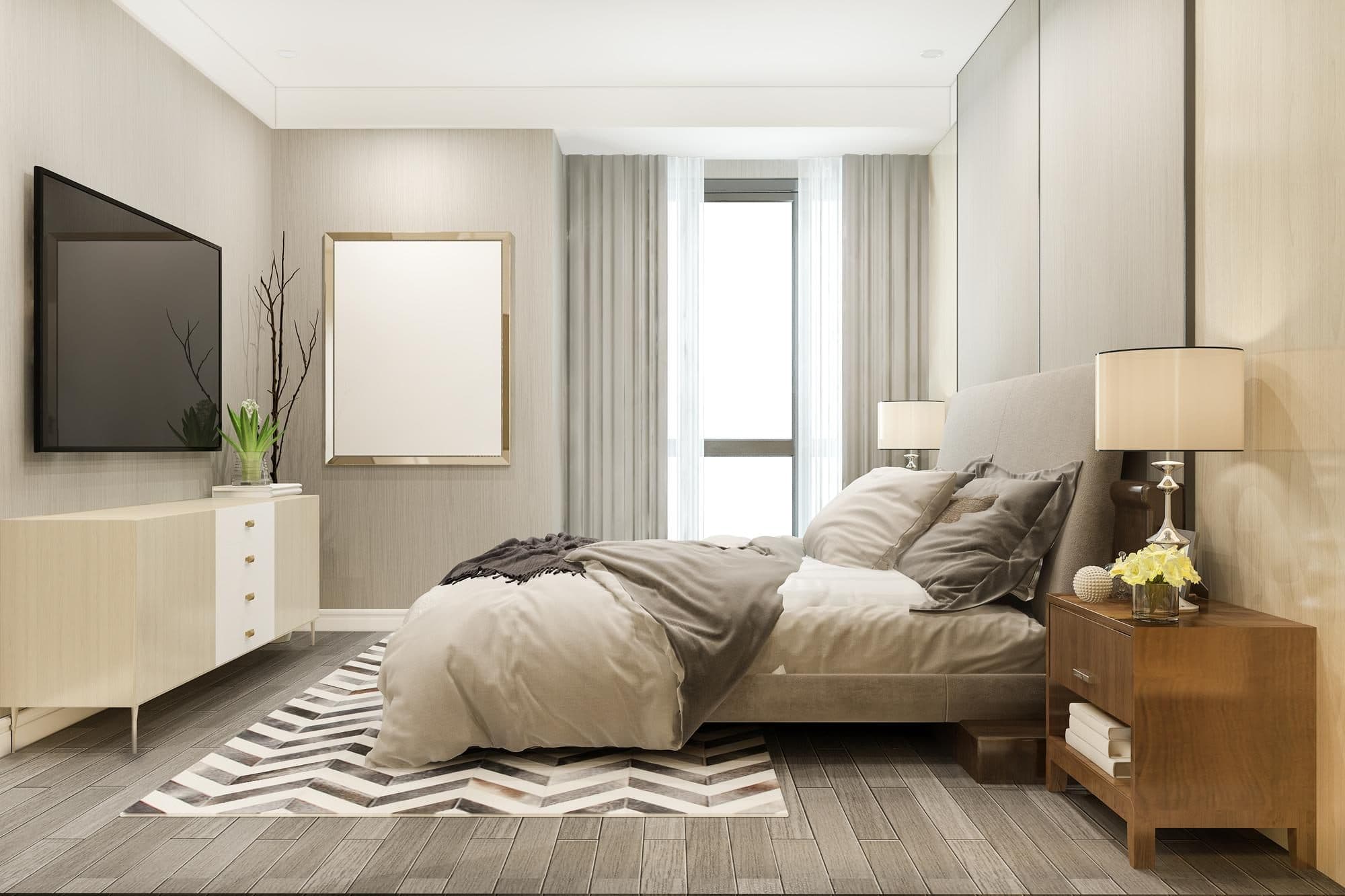
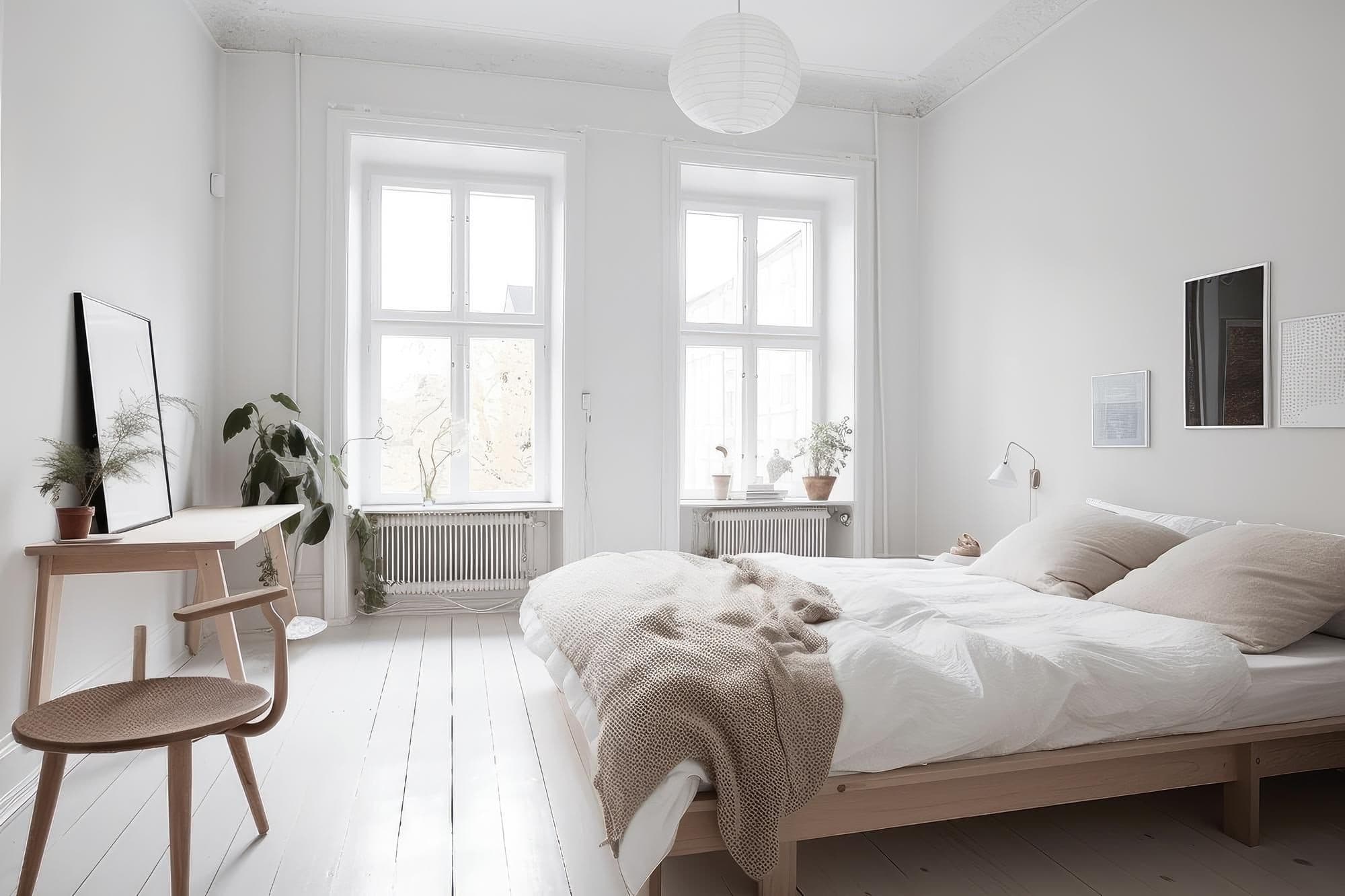
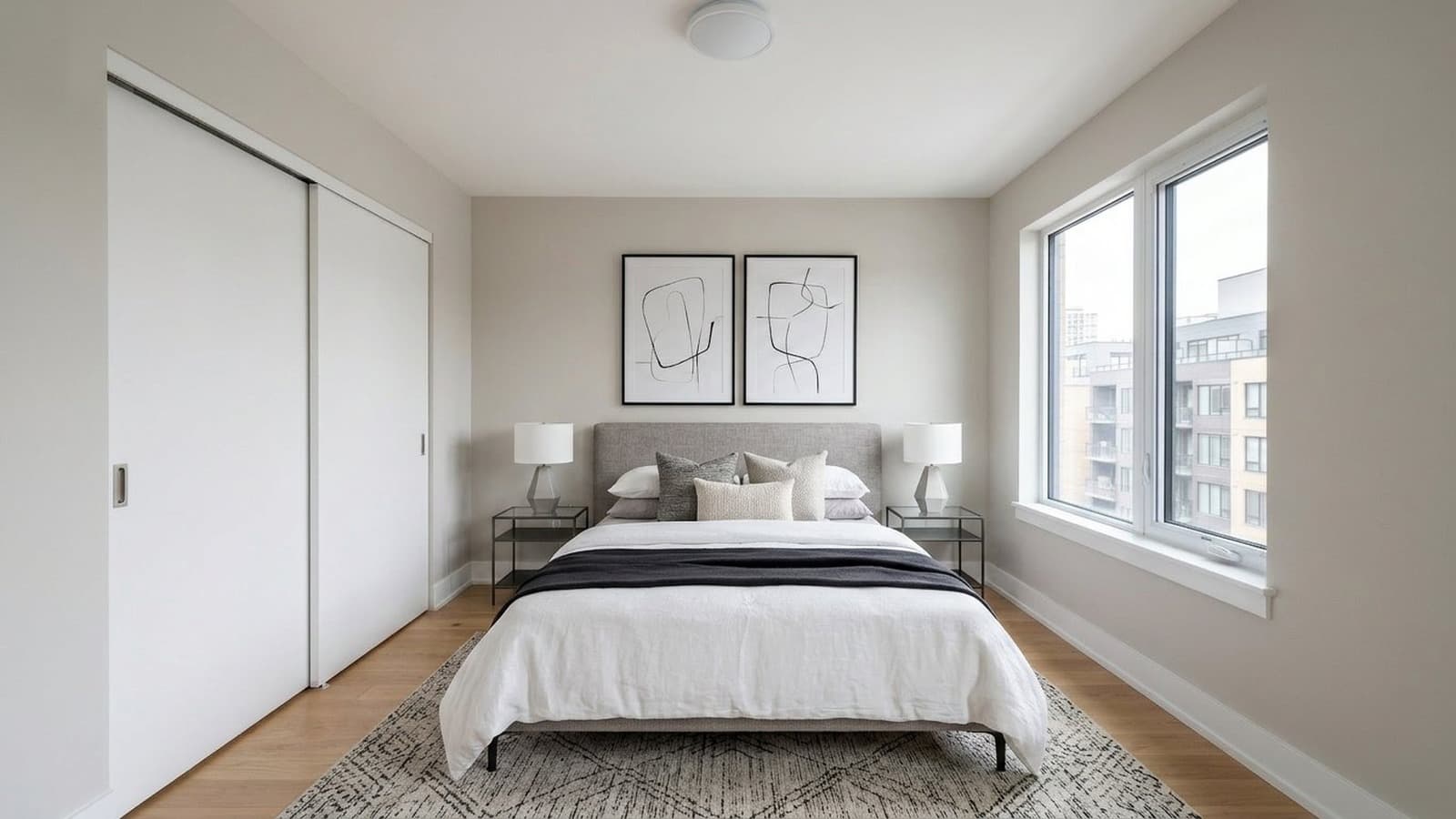
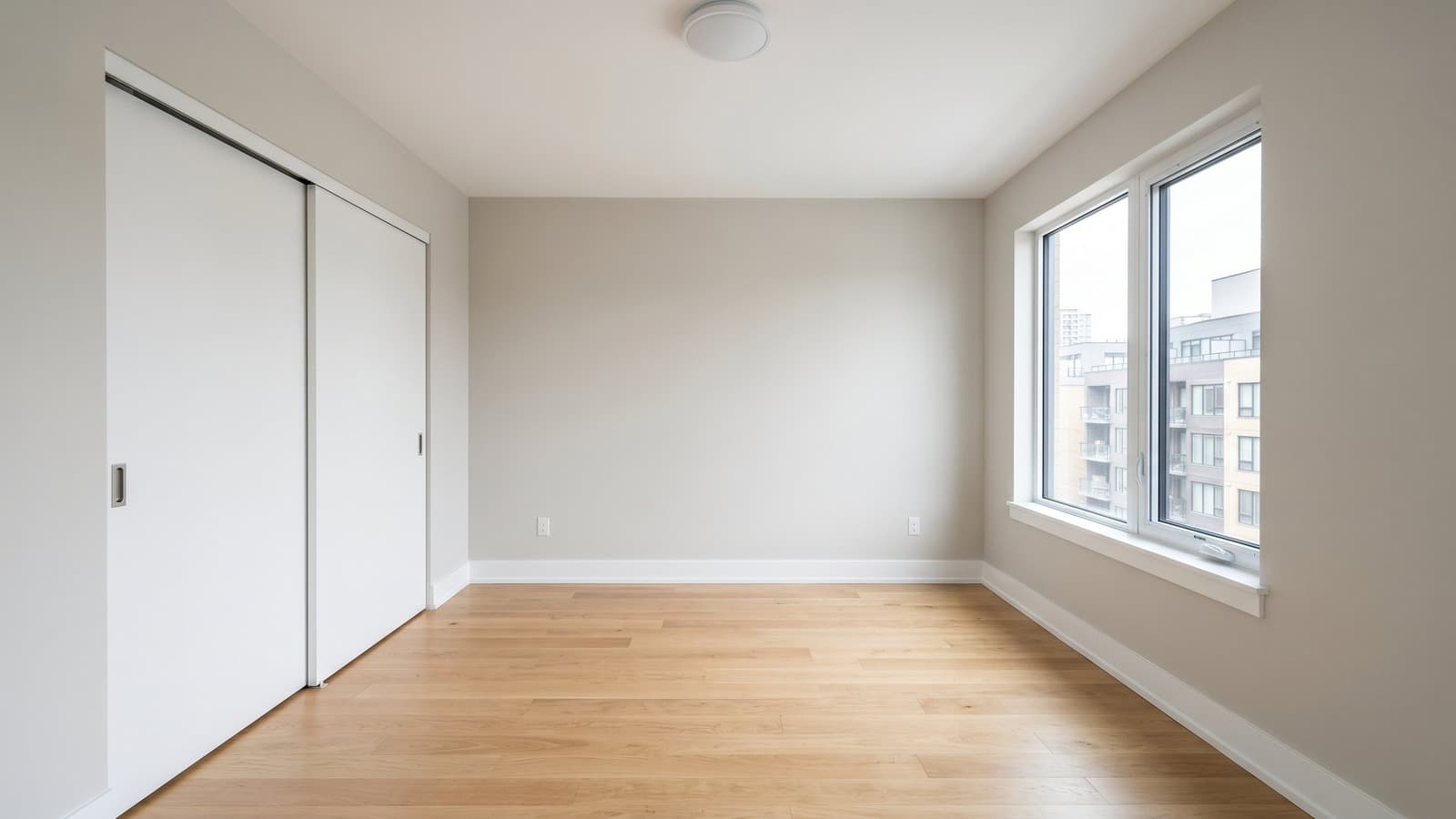
Bedrooms need to feel comfortable, proportional, and easy to understand at a glance. Virtual staging can show where the bed, nightstands, lighting, and other furniture fit within an empty bedroom while preserving clear walkways and the room's original features.
- Bed placement and scale reflect the room's true proportions
- Nightstands and layout keep circulation paths clear
- Windows, closets, and architectural details remain untouched and visible
Dining Room Virtual Staging Before and After Examples
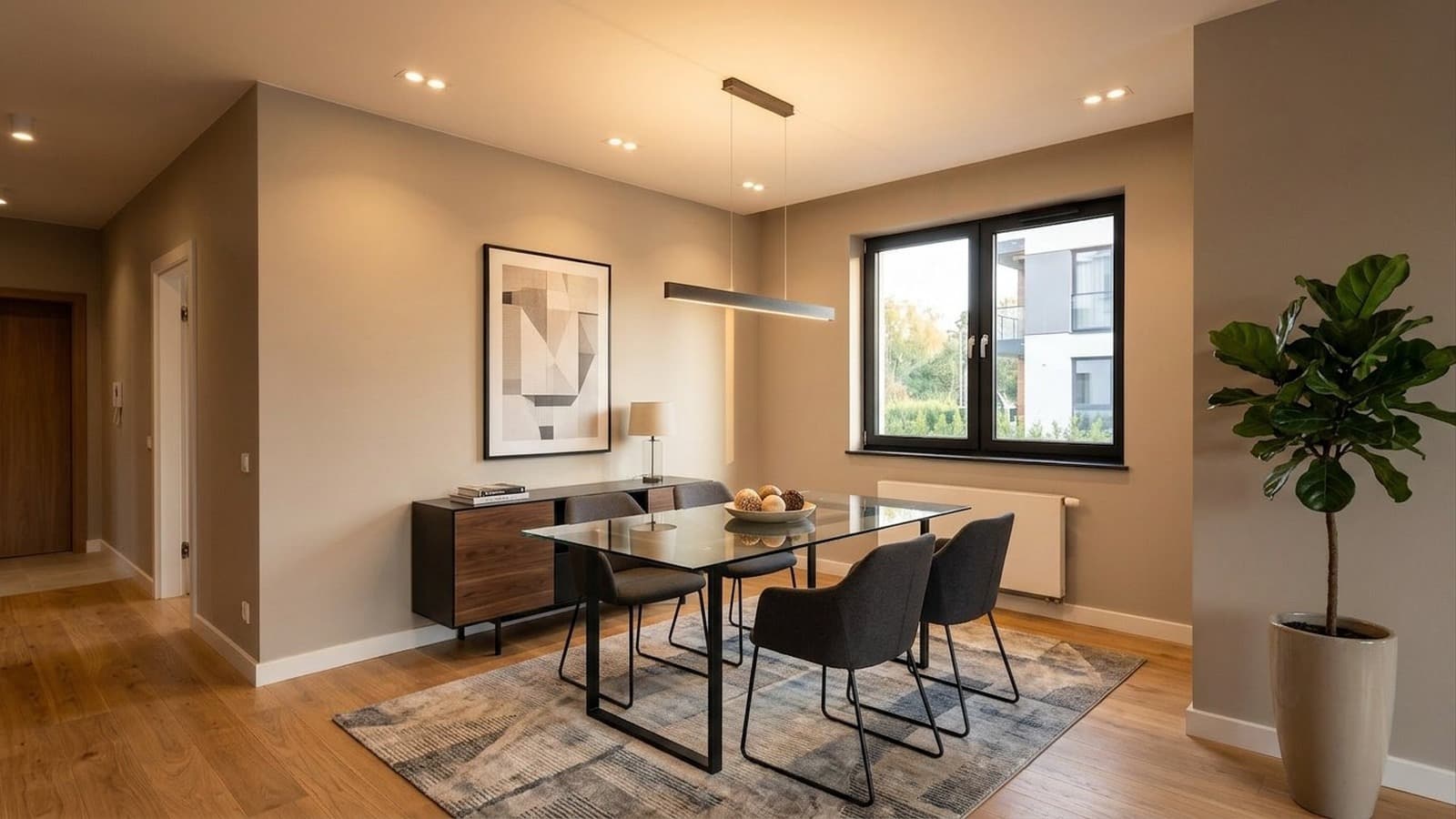
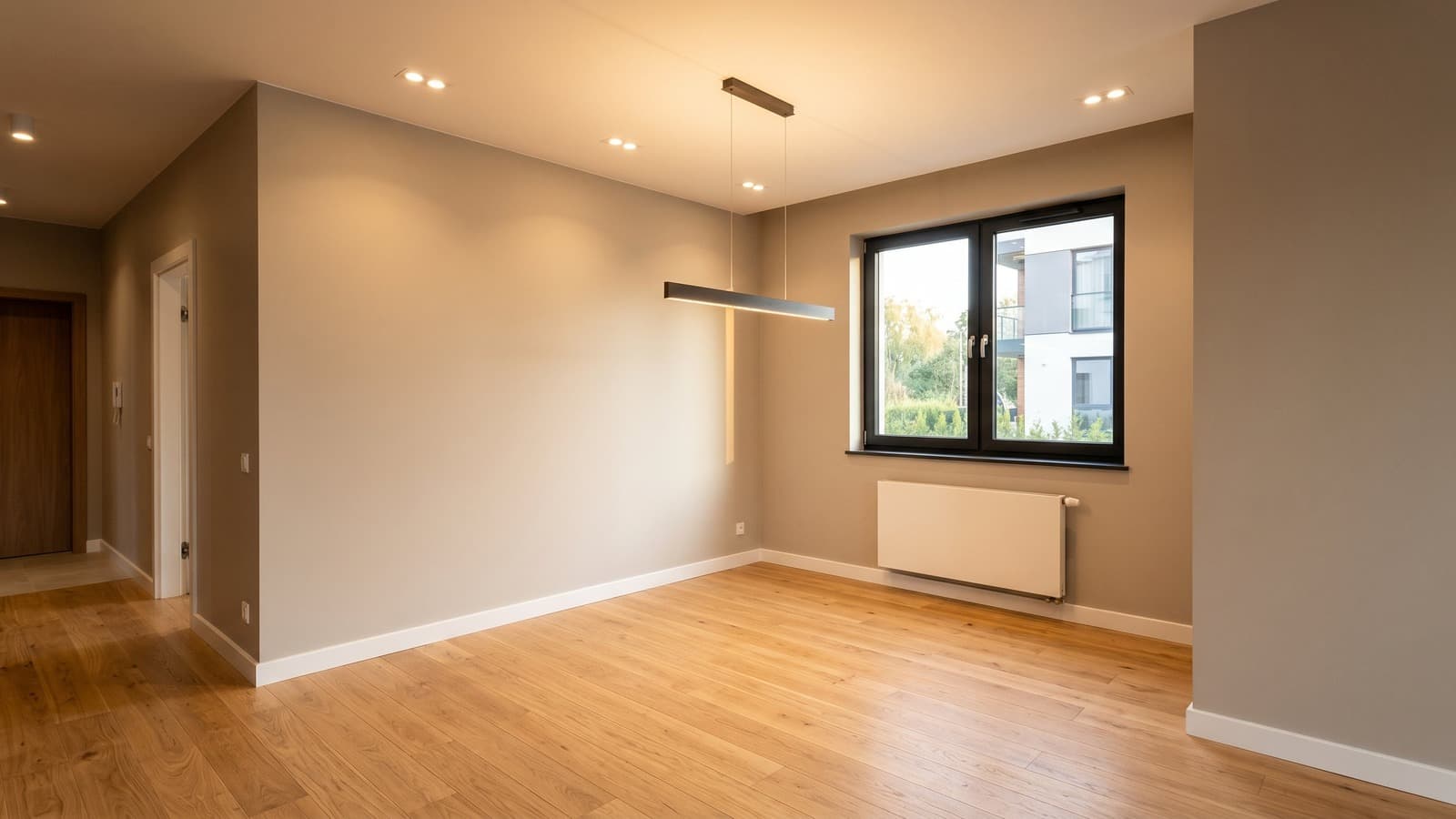
Dining spaces are easy to overlook in an empty listing, since buyers often struggle to picture how the area gets used. Virtual staging can show how a table, chairs, and lighting define the space and establish scale while preserving the room's original layout and features.
- Table and seating establish the room's intended use
- Proportions and clearances reflect the space's real dimensions
- Flooring, windows, and architectural details remain untouched and visible
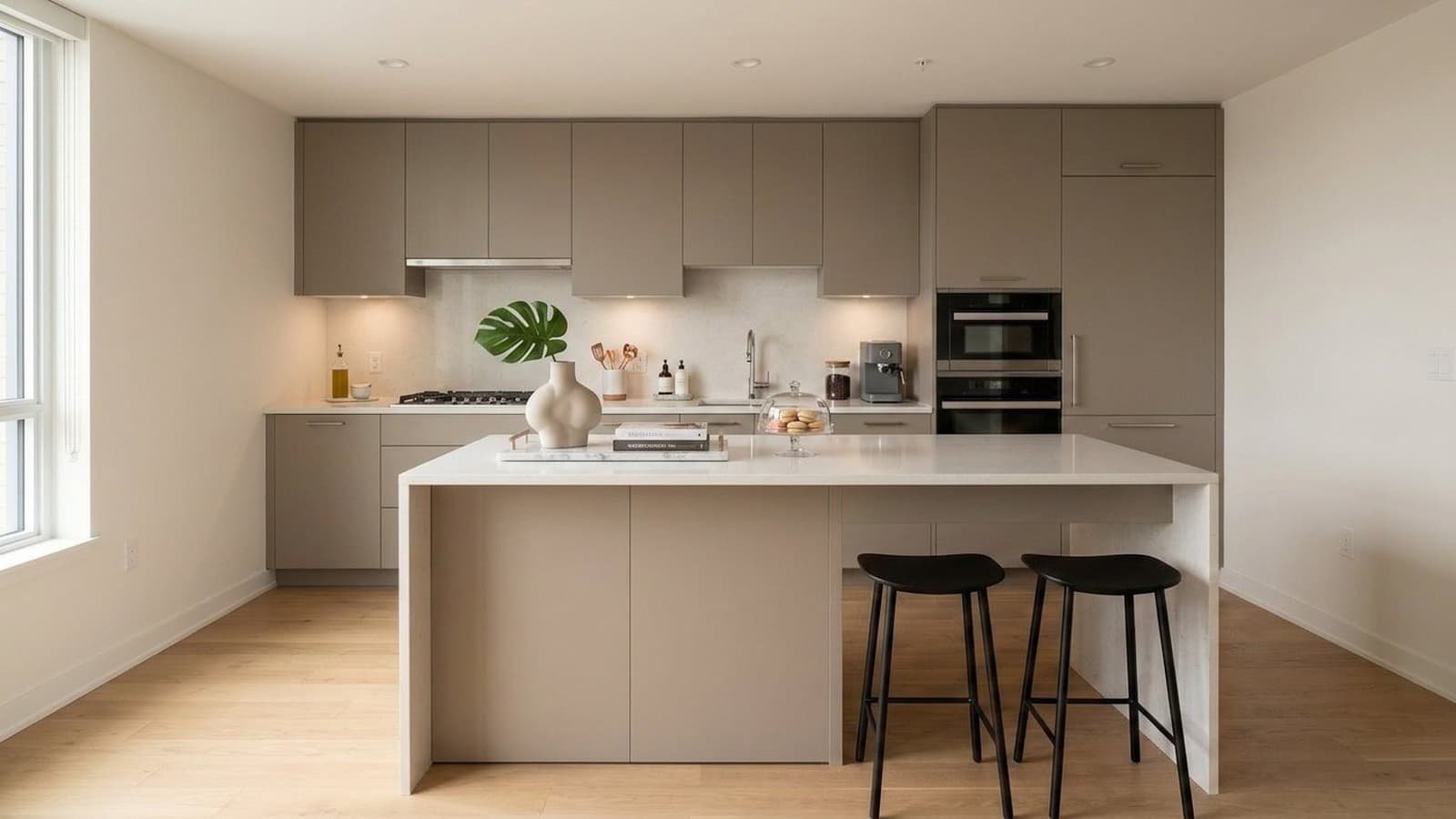
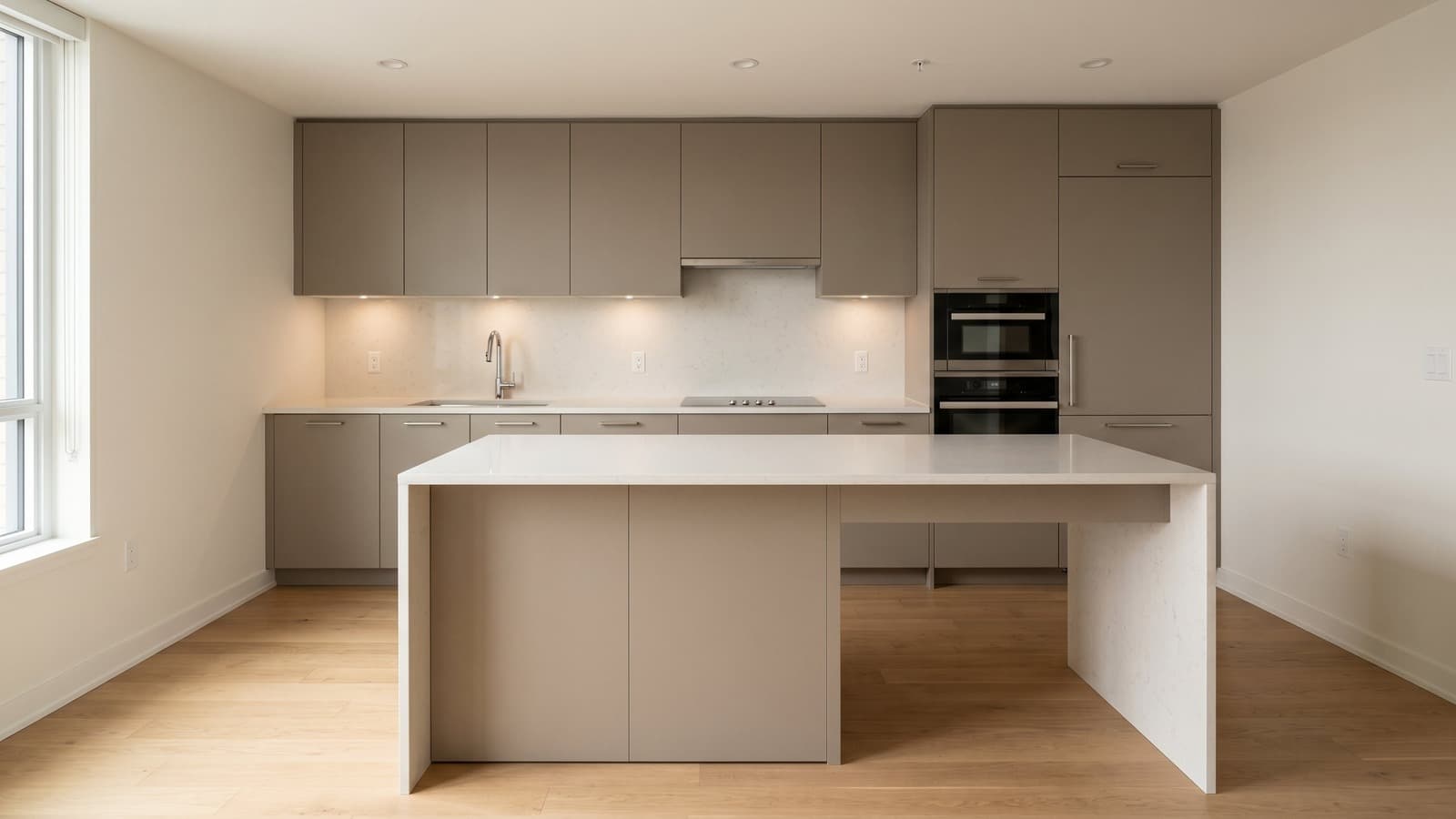
Kitchen Virtual Staging Before and After Examples
Kitchens are often judged on brightness, cleanliness, and counter space rather than furniture. Virtual staging can show how simple styling touches, like countertop decor and lighting adjustments, refresh the space's presentation without altering cabinets, countertops, or the room's actual layout.
- Styling highlights counter space and natural light
- Layout and cabinetry reflect the kitchen's true dimensions
- Fixtures, counters, and finishes remain untouched and visible


Office Virtual Staging Before and After Examples
A spare room or den can be hard for buyers to picture as usable space. Virtual staging can show how a desk, seating, and storage define a functional work-from-home setup while preserving the room's windows, closets, and original layout.
- Desk placement defines a clear, functional work zone
- Storage and seating reflect the room's true proportions
- Windows, doors, and architectural details remain untouched and visible
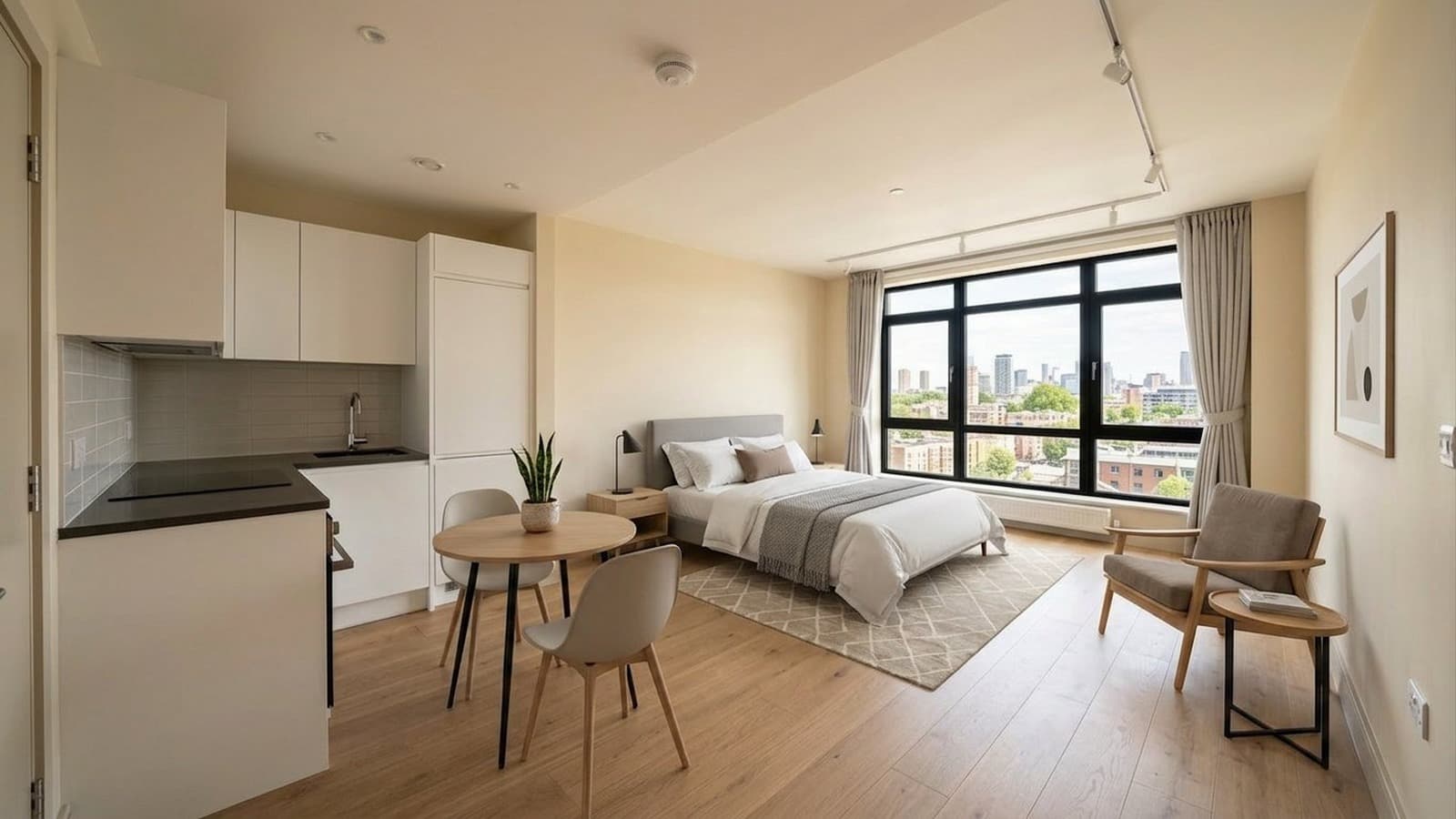
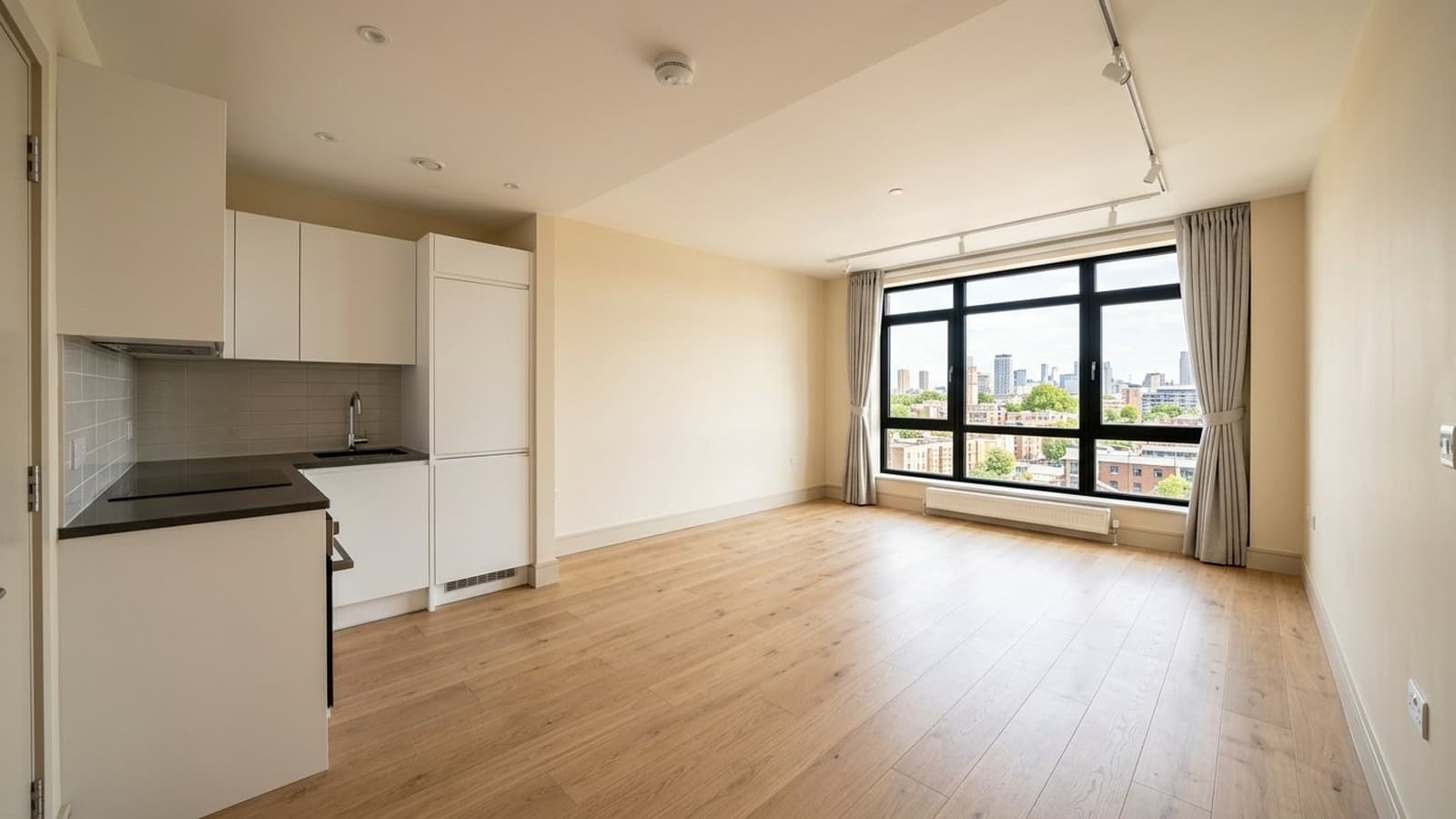
Studio Apartment Virtual Staging Before and After Examples
Studio apartments need to show how one compact space can support multiple uses without feeling overcrowded. Virtual staging can define clear living, sleeping, and dining zones while using appropriately scaled furniture to keep the overall layout open and easy to understand.
- Furniture layout defines distinct living zones within one space
- Scale and spacing reflect the studio's true proportions
- Windows, architectural details, and layout remain untouched and visible
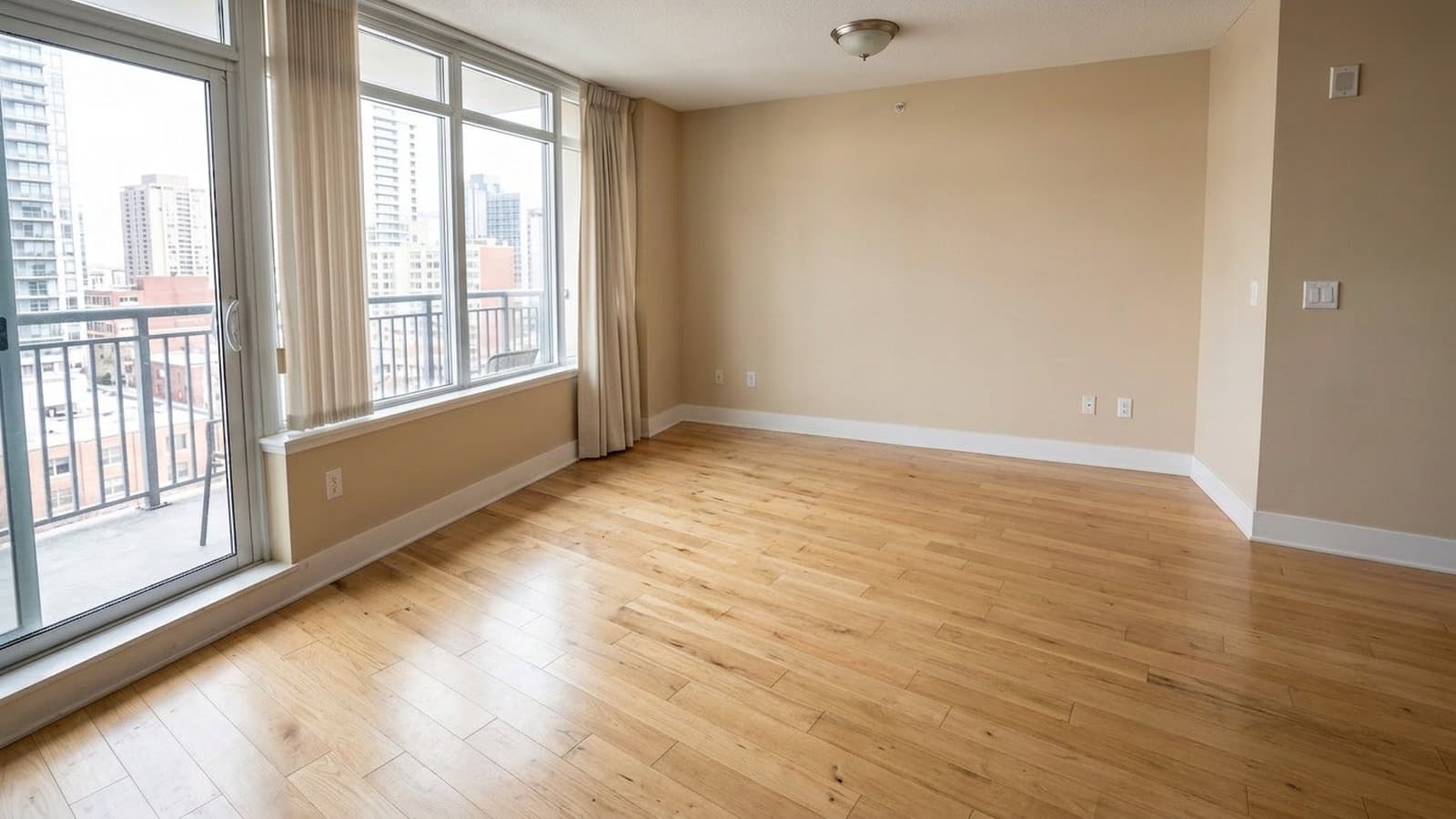
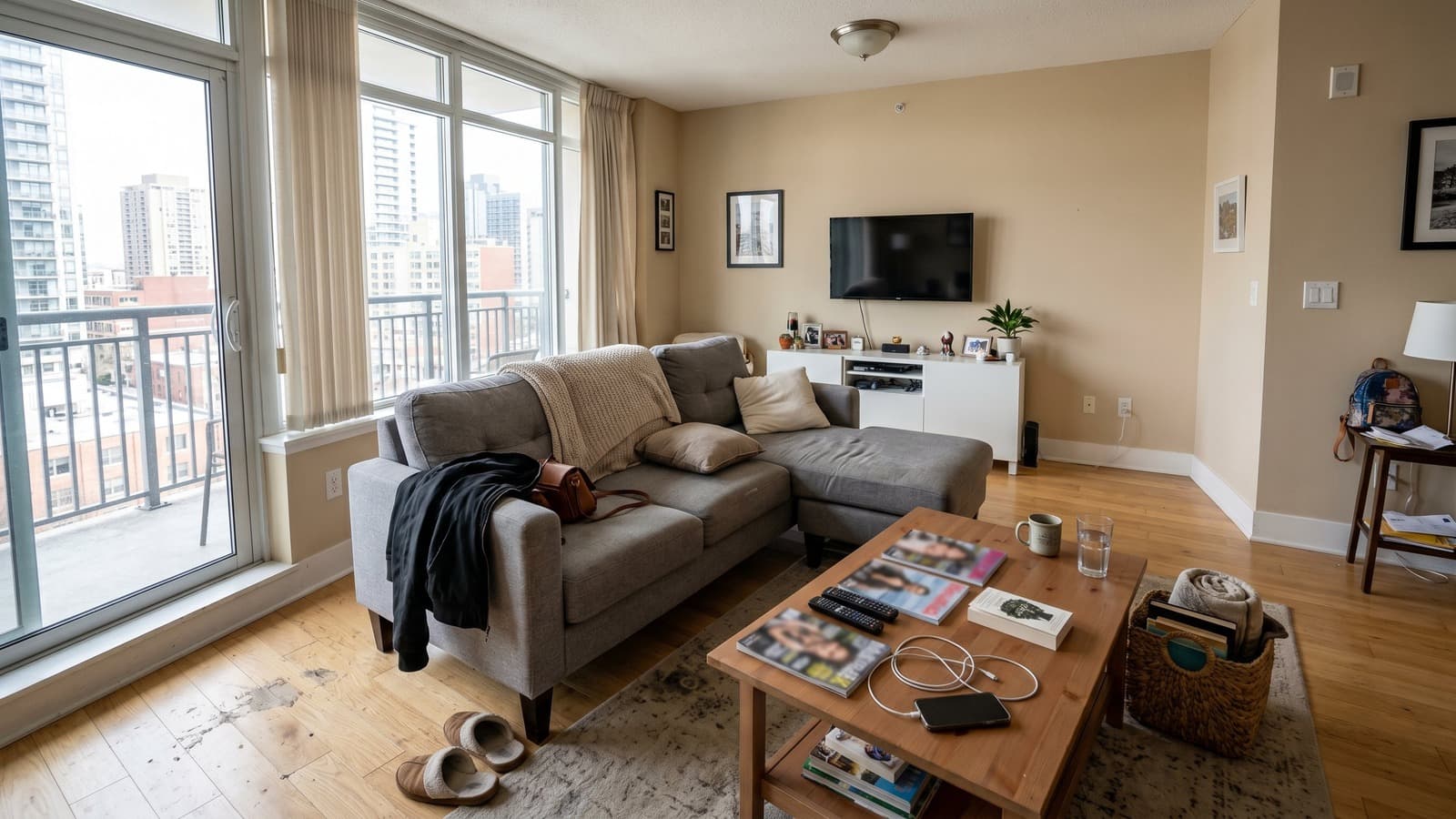
Occupied Home Furniture Removal Before and After Examples
Occupied listings can be difficult to market while tenants or owners are still living there. AI furniture removal can clear movable furniture, belongings, and clutter from the photo, creating a clean base that's ready for marketing or virtual staging before move-out.
- Movable furniture and belongings are cleared from the space
- Clutter and personal items are removed for a neutral look
- Walls, flooring, and architectural details remain untouched and visible
Frequently Asked Questions About Virtual Staging Examples
What should I look for in virtual staging before and after examples?
Look for realistic furniture scale, accurate perspective, clear walkways, and staging that fits the room rather than overpowering it. In strong virtual staging before-and-after examples, permanent features such as windows, flooring, walls, cabinets, and built-ins should remain consistent between the original and staged images. The biggest changes should come from furniture, decor, lighting, and other removable styling elements.
Can virtual staging change walls, windows, or flooring?
For standard real estate listings, virtual staging should preserve fixed property features such as walls, windows, flooring, doors, cabinets, and built-ins. Furniture, decor, rugs, lighting, and other removable styling elements can change, but the underlying architecture should remain consistent between the before-and-after images.
Is virtually staged content allowed on the MLS?
Many MLS boards allow virtually staged photos when the images are clearly identified as digitally or virtually staged. Virtual Staging Art can add disclosure labels to exported images to help prepare them for listing use. Requirements vary by MLS board and region, so always check your local MLS media policy for specific disclosure or labeling requirements.
Can I compare the same room in different styles?
Yes. You can compare the same room across different interior styles to see how furniture, decor, color, and overall design direction change the look of the space. This makes it easier to compare options such as modern, luxury, Scandinavian, Japandi, minimalist, and traditional staging before choosing the best fit for the property.
What makes Virtual Staging Art examples different from other AI tools?
Virtual Staging Art examples are built to show realistic changes without making the property itself look different. Furniture, decor, lighting, and style can change, while fixed features such as walls, windows, flooring, cabinets, and built-ins remain consistent. You can also compare the same room across multiple interior styles, making it easier to judge scale, layout, and design choices before staging your own listing.
Virtual Staging Art also includes PropLens, its mobile real estate photography and staging app. Agents and photographers can capture property photos with on-screen guidance, remove clutter or furniture, virtually stage rooms in multiple styles, enhance photos, and export listing-ready images from the same mobile workflow. Projects also sync with the Virtual Staging Art desktop platform.
Do before-and-after virtual staging photos affect how a listing performs?
Yes. Staging helps, according to NAR's recent agent survey, roughly half of sellers' agents reported that staging reduced time on market, and the large majority said it made it easier for buyers to picture themselves in the home. Because virtual staging shows the same furnished, move-in-ready presentation as physical staging at a fraction of the cost, it's commonly used to get that same buyer-engagement benefit on vacant or hard-to-photograph rooms.
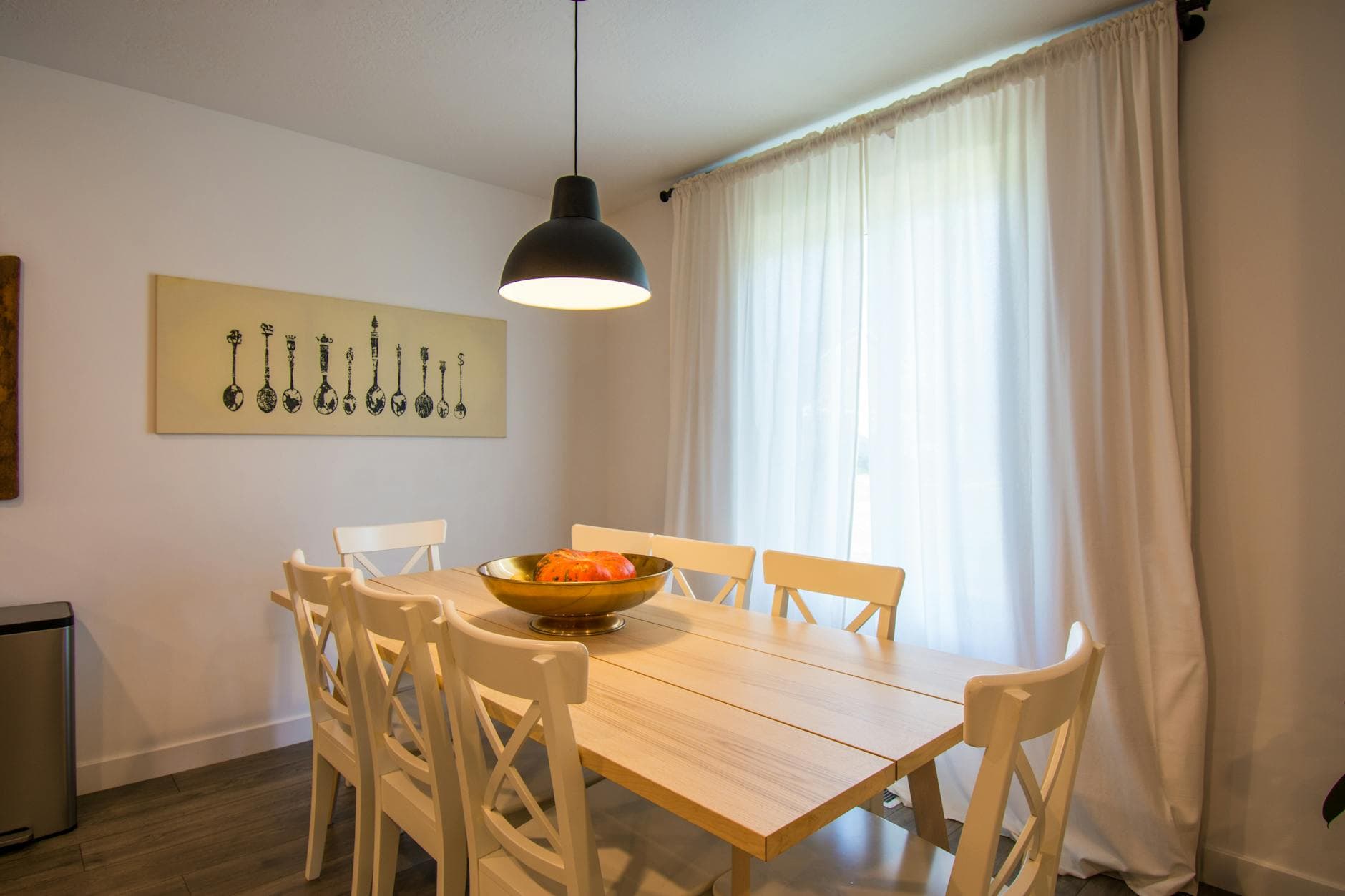
Turn your listing photo into the next example.
Upload a room photo, choose a style, compare versions, and download a listing-ready image with disclosure support. For a deeper walkthrough, read our guide to AI virtual staging