AI House Rendering For Real Estate
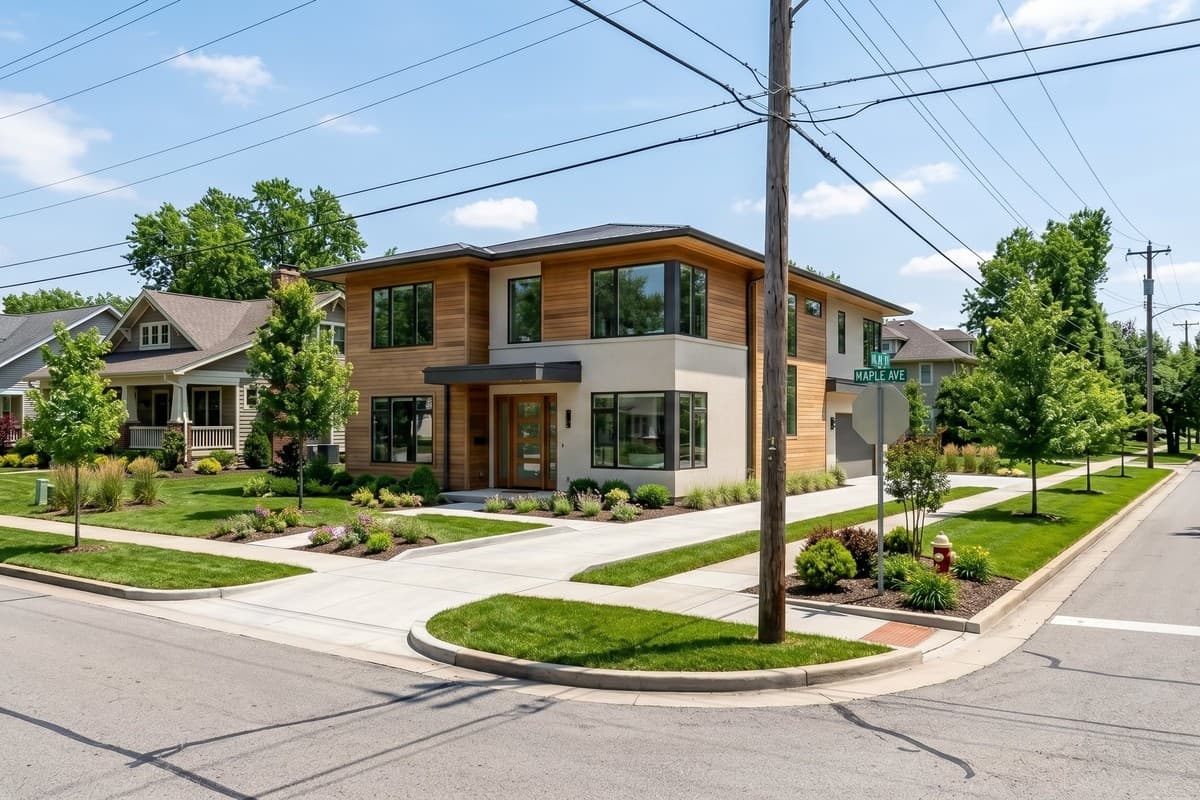
Visualize what could be built on any property with AI house rendering. Turn photos of vacant lots, existing buildings, and redevelopment sites into photorealistic exterior renders in different architectural styles for real estate listings, presentations, and pre-construction marketing, at a fraction of the cost of traditional 3D rendering services.
Why Use House Rendering AI
Photorealistic renders in 45 seconds
Upload, pick a direction, get a high-resolution render in about 45 seconds. Generate multiple variations per property.
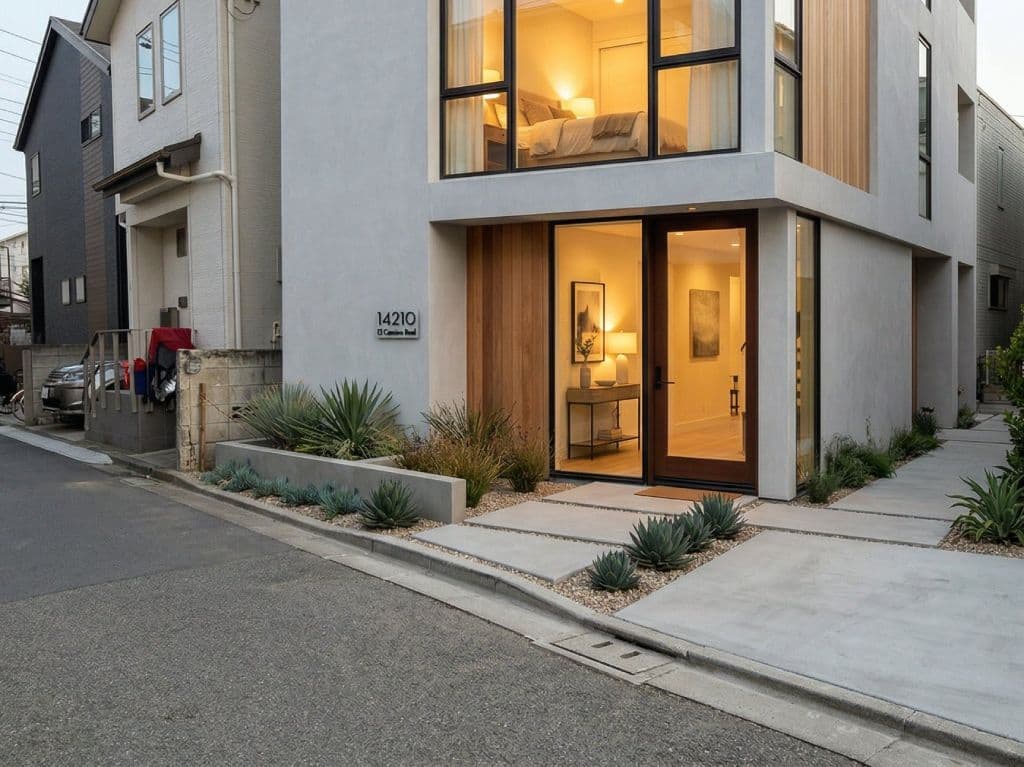
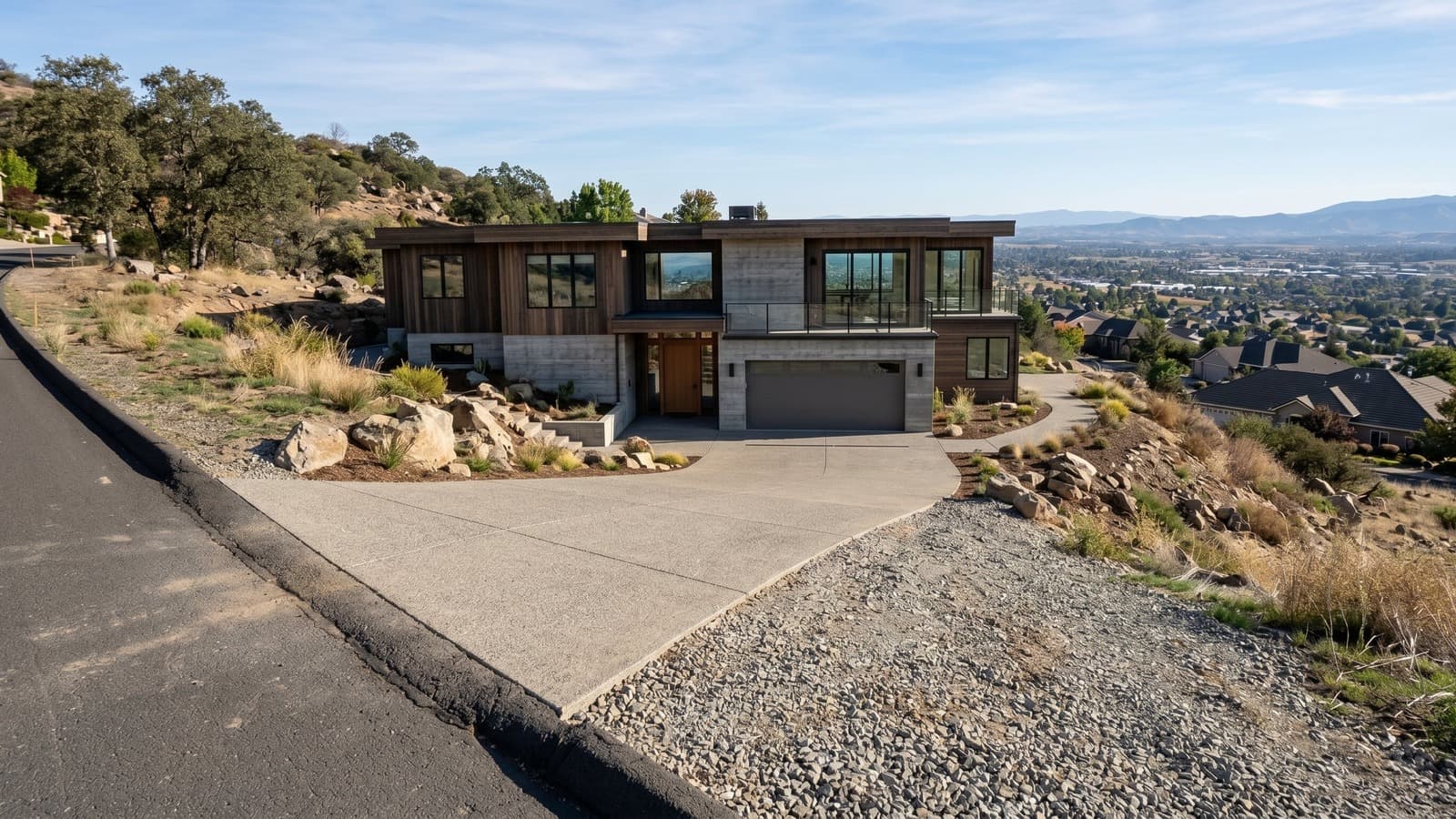
16 architectural styles, or your own reference
Match the listing to its market: contemporary, traditional, coastal, luxury, and more. Provide your own style image for full customization.
No technical skills required
No CAD files, no 3D modeling experience, no architectural drawings needed. Upload a photo and a style direction, and the AI handles the rest.
How AI House Rendering Fits Real Estate Workflows
Market Vacant Land and Empty Plots
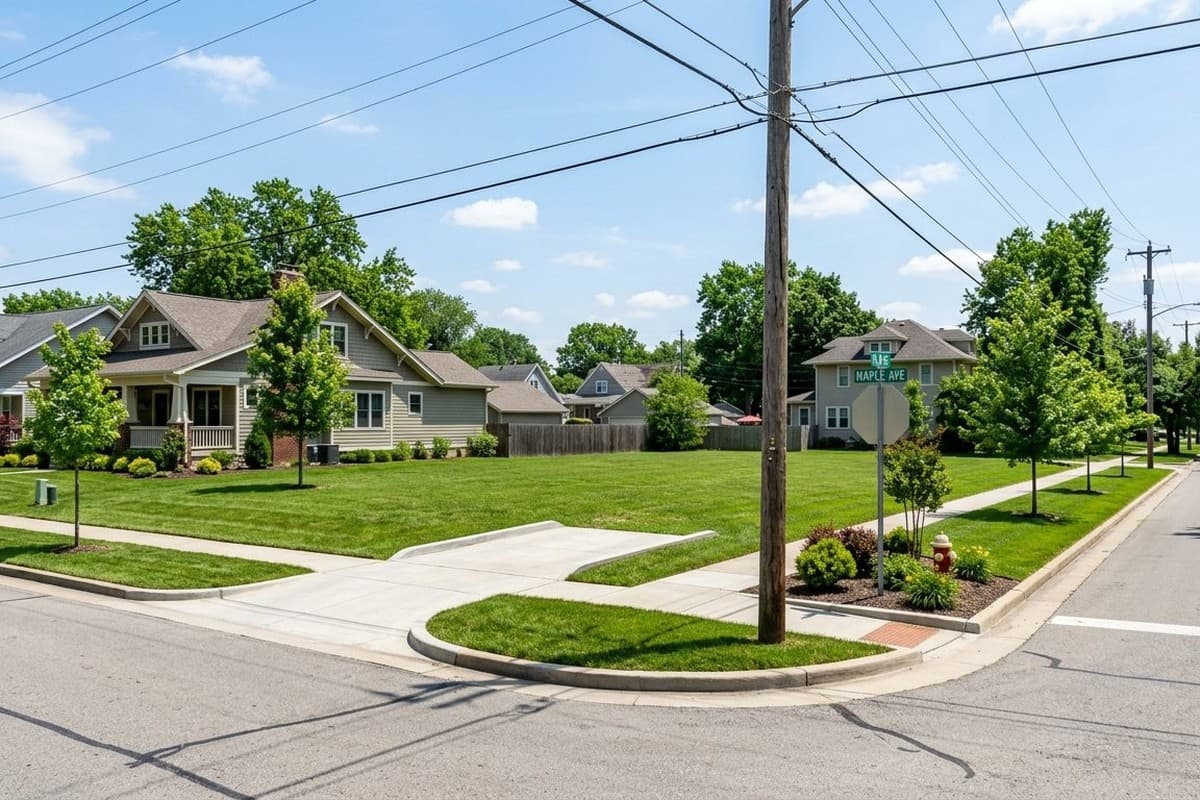
Vacant land and empty plots can be difficult to market because buyers have to imagine what could eventually be built there. AI house rendering turns a photo of an empty lot into a realistic exterior visualization, helping buyers see the site's potential instead of looking at an undeveloped plot. Real estate agents, land sellers, and developers can use these renders in listings, presentations, and marketing materials to show how different types of homes could fit within the existing surroundings.

Show Redevelopment Potential
An outdated or underdeveloped property may be more valuable for what it could become than what currently exists. AI house rendering can help visualize a new home or redesigned exterior on an existing site, making redevelopment opportunities easier to communicate. This can be useful when marketing teardown properties, renovation opportunities, infill sites, or properties where buyers may be considering a major exterior transformation.

Market Pre-Construction Properties
When a property has not been built yet, buyers often rely on plans, sketches, and descriptions to understand the finished project. AI house rendering can create realistic exterior visuals that make pre-construction marketing easier to understand. These renders can be used across listing pages, development websites, brochures, sales presentations, and other marketing materials to give potential buyers a clearer idea of how the completed property could look.

Present Multiple Concepts to Buyers or Clients
A single property can often support more than one design direction, and buyers, sellers, or clients rarely agree on a first option. AI house rendering lets you present several concepts side by side instead of committing a large budget to one traditional render before knowing which direction resonates. This is especially useful when pitching development proposals, presenting to a board or investment group, or helping a buyer choose between design directions before finalizing plans.

No Credit Card Required
How AI House Rendering Works With Virtual Staging Art

“I’ve worked with many staging companies throughout my career, but nothing comes close to VirtualStaging.art’s speed. I no longer have to do a back and forth with BoxBrownie/Styldod! VirtualStaging.art lets me upload, pick a style, and have my listing-ready photos in minutes.”
 VickieReal Estate Broker and Investor (Chicago, IL)
“A staging solution that actually makes financial sense for my cheaper properties! I always wanted to be able to stage them, but it just didn’t make financial sense. Fortunately, a friend showed me VirtualStaging.art and now every listing gets staged.”
 AJReal Estate Broker (Seattle, WA)
“I’ve been noticing that more and more of the comps I look at have staged images. I was wondering what folks were using and quickly found VirtualStaging.art. It looks like everyone in the real estate industry will soon have access to this kind of tool.”
AlexReal Estate Broker (Austin, TX)
AI House Rendering FAQs
AI house rendering generates photorealistic exterior renders of homes from lot photos, existing structures, or rough concepts. Instead of commissioning a 3D rendering studio, you upload a photo and the AI generates a high-resolution render in minutes, suitable for listings, developer pitches, and pre-construction marketing.
Generate a render for an empty plot in minutes
Start free. No credit card required.