
Capture
Plan your shoot, then follow the camera guidance
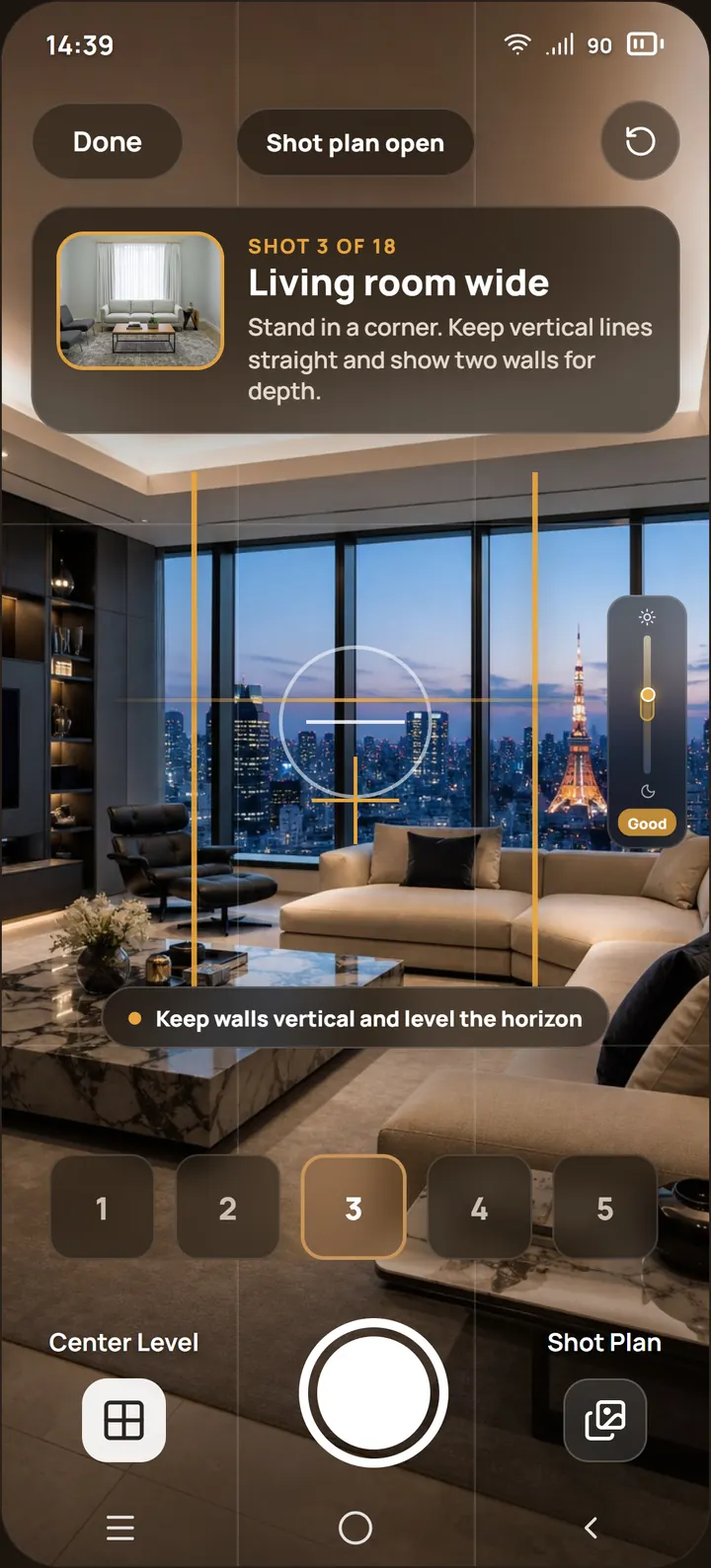
Give the app the property layout and it prepares a shot list. On-screen guidance helps with level, lighting, and composition as you shoot photos and walkthrough videos.
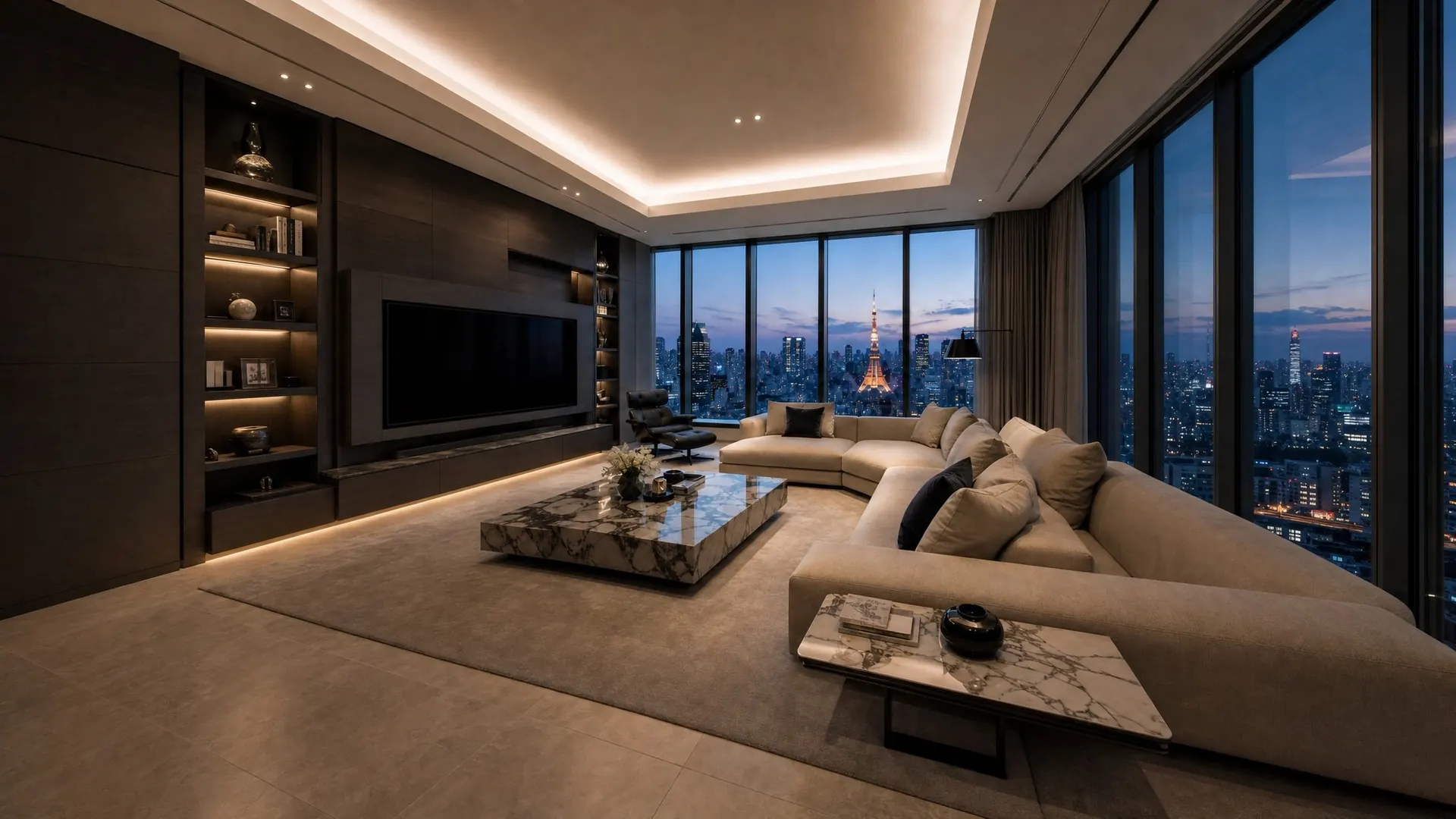
Shoot your properties like a pro with a guided camera app, then clean, stage and edit photos with powerful AI tools.
How it works
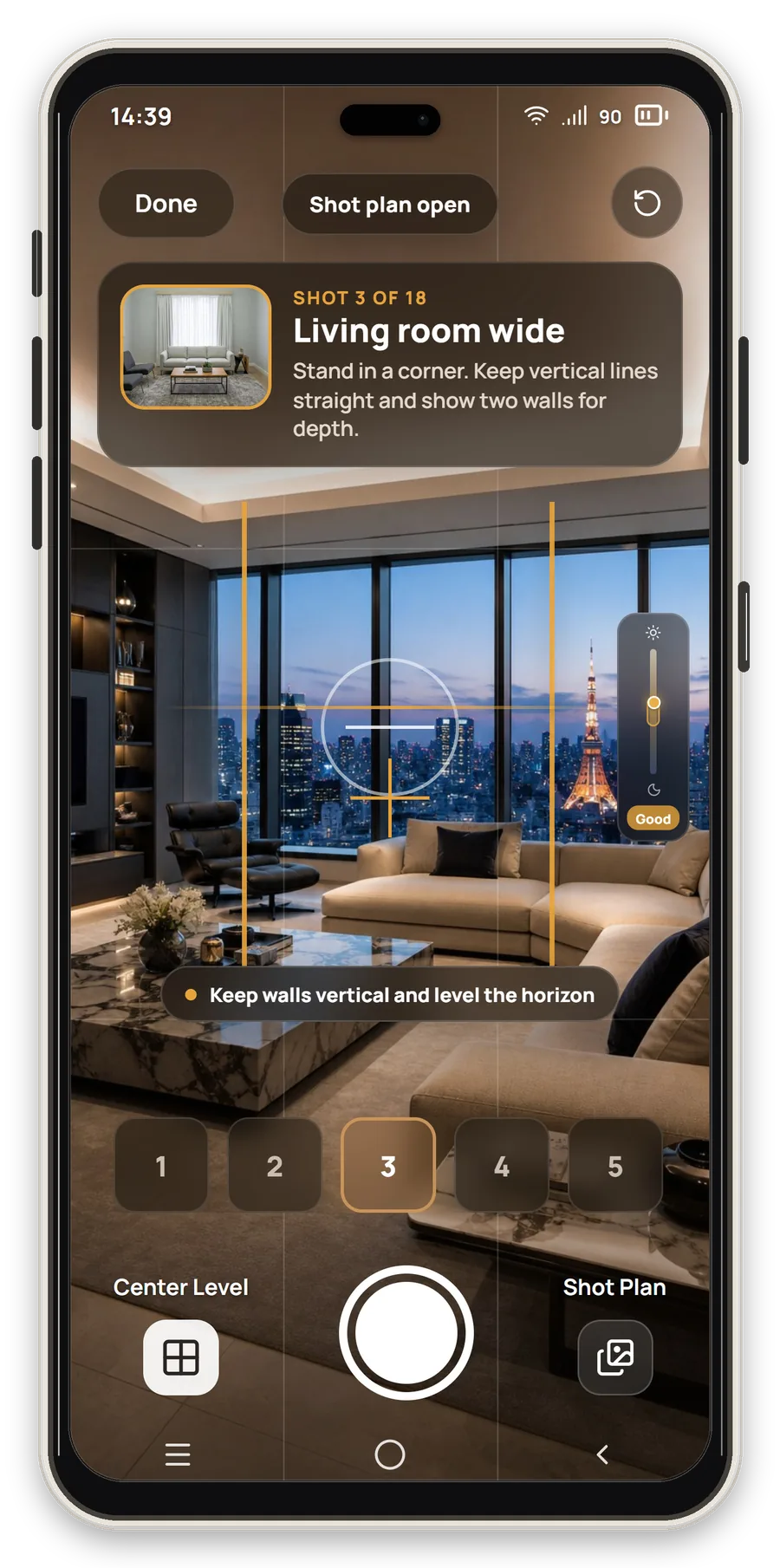
Get a shot list from property details, then capture professional photos with on-screen guidance for lighting, perspective, and composition.
Remove clutter and furniture, enhance lighting, and virtually stage your property photos from the same mobile workflow.
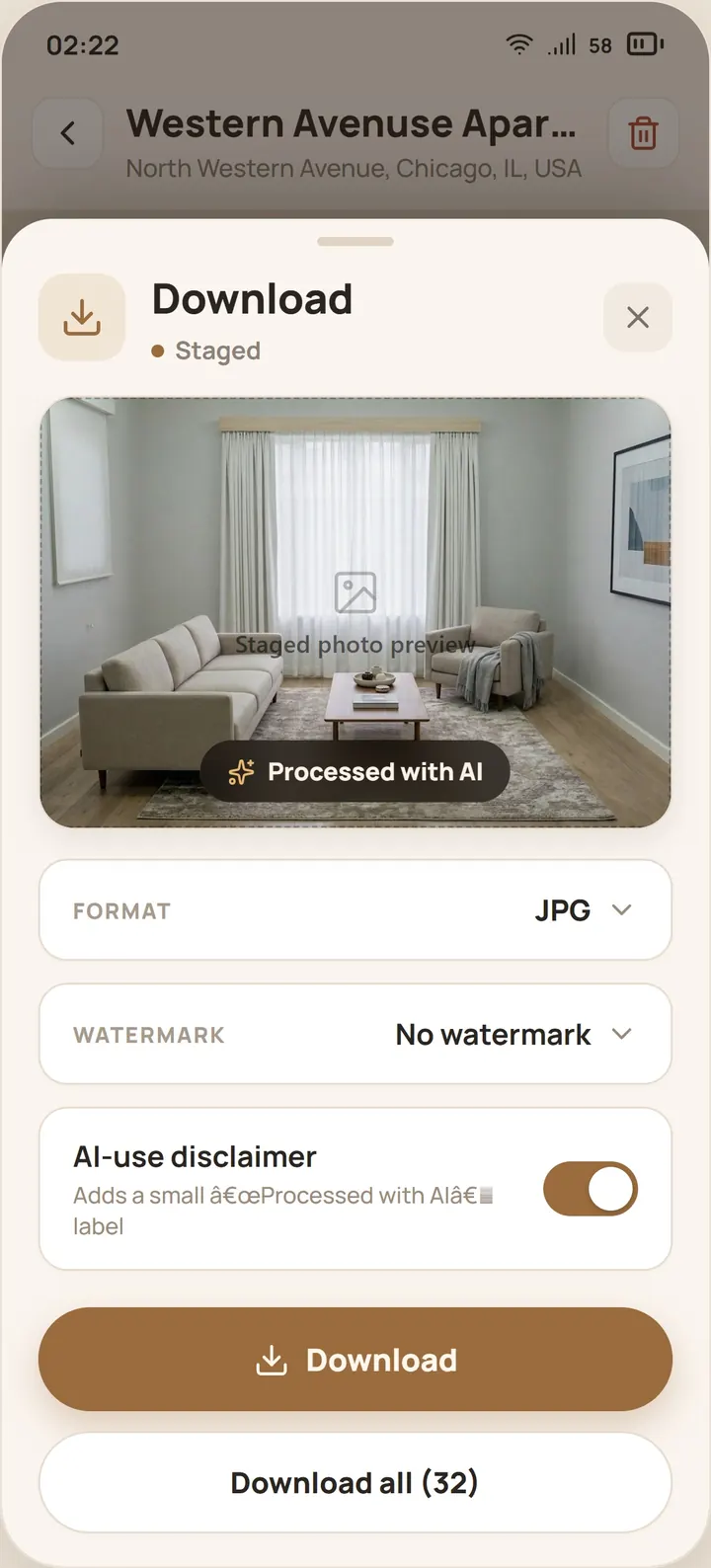
Download or share the whole photo set with logo watermarking and optional AI-use disclosure for listing compliance.
Your property shoot toolkit
Capture
Give the app the property layout and it prepares a shot list. On-screen guidance helps with level, lighting, and composition as you shoot photos and walkthrough videos.
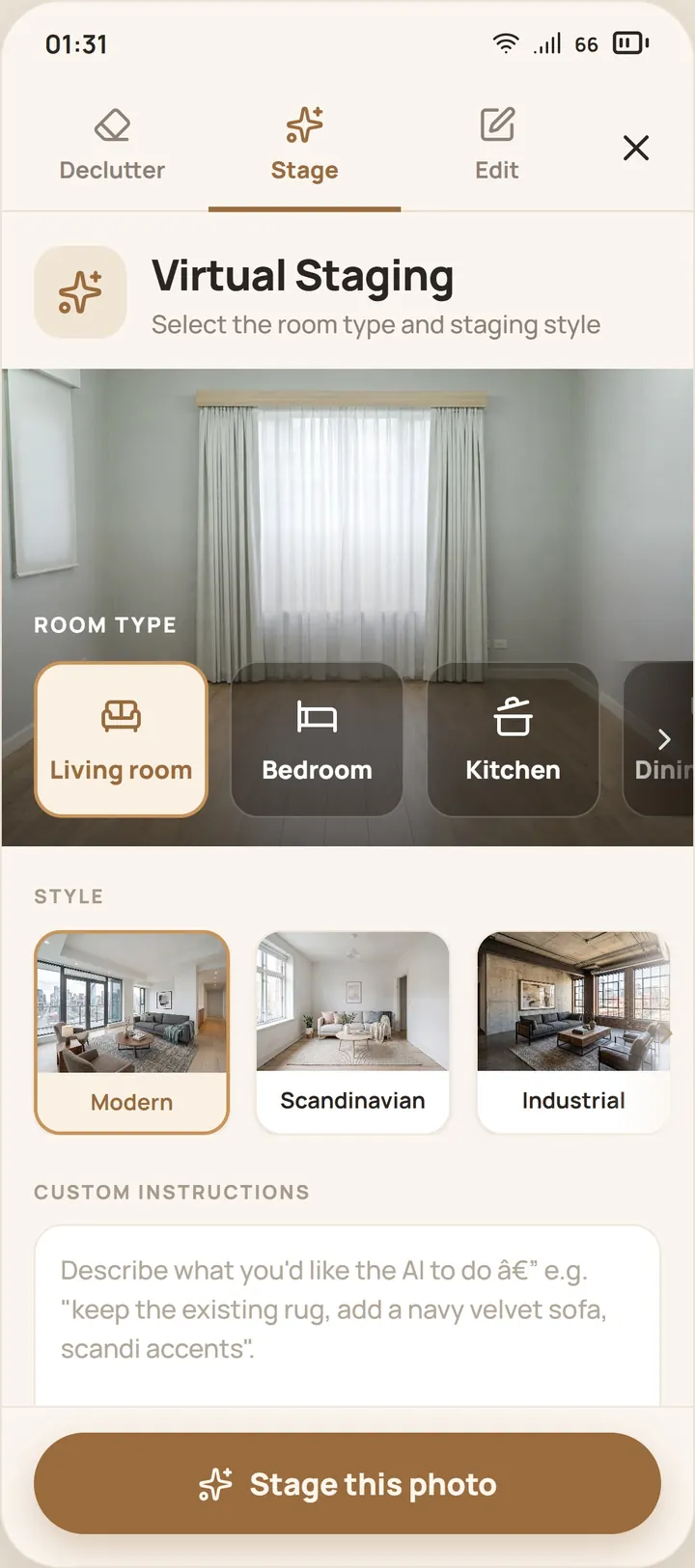

Enhance with AI
Stage rooms in multiple interior styles, use reference photos for a preferred look, and generate variations before selecting the final listing set.
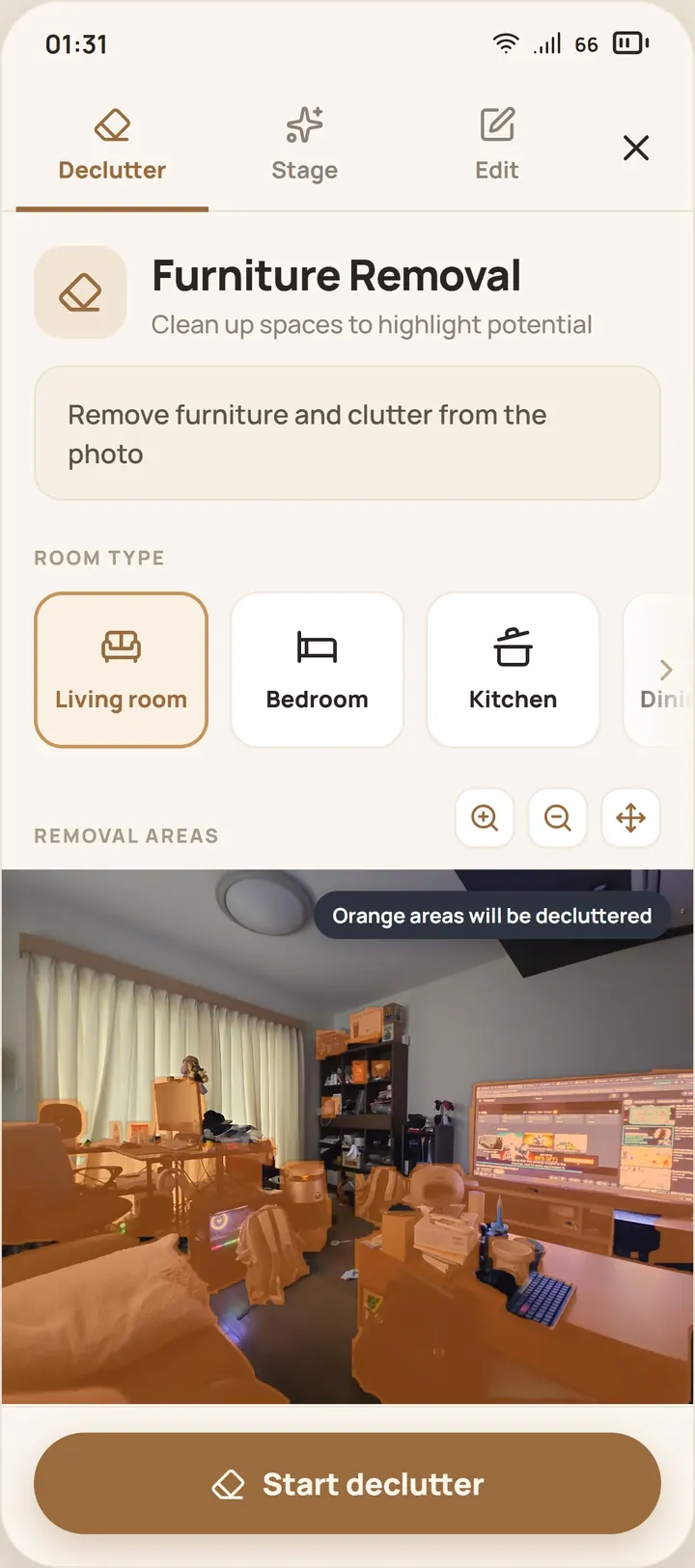

Clean up
Prepare occupied properties for listing by selecting cluttered areas and letting AI reconstruct the room behind them.
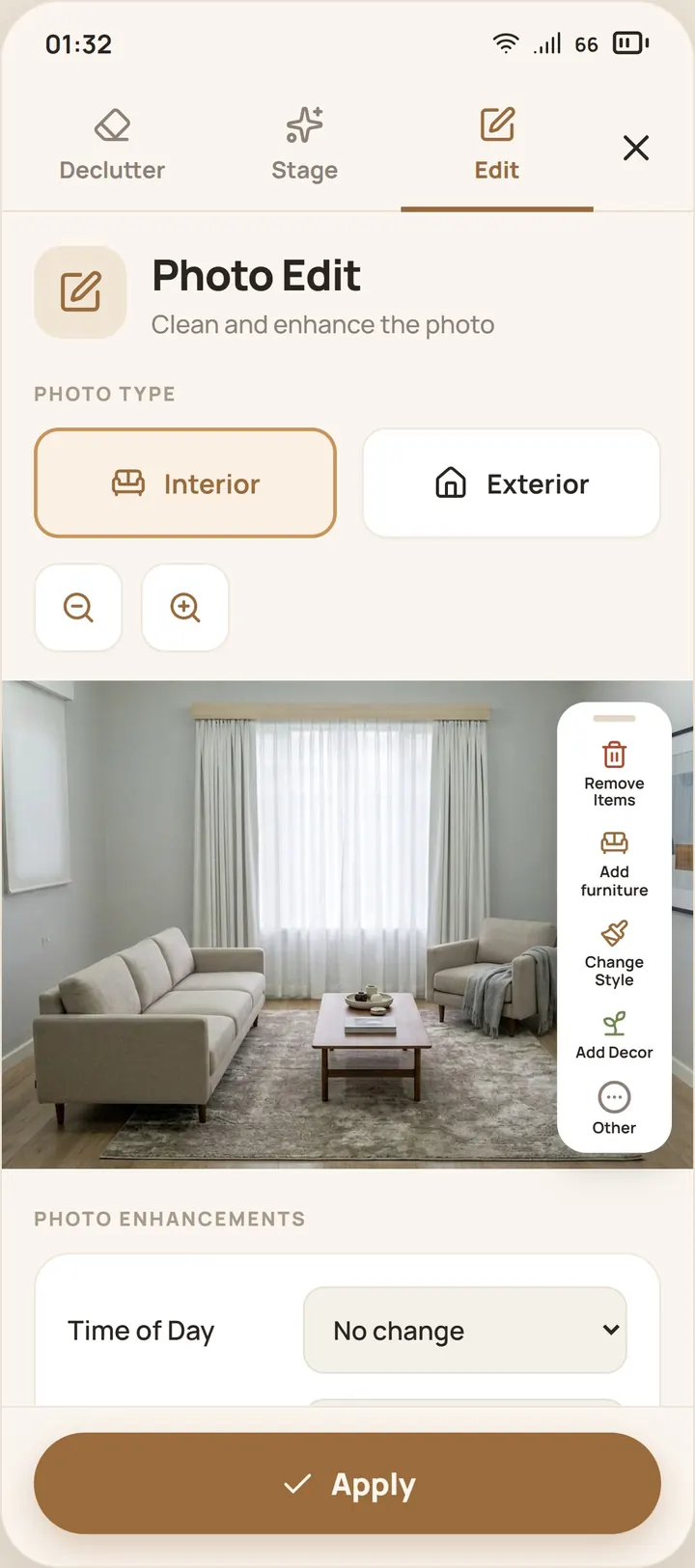
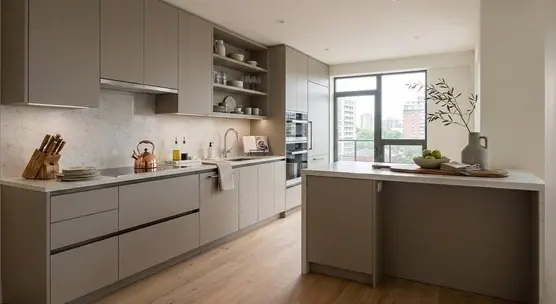
Photo edit
Add HDR, replace overcast skies, improve lighting, and make precise photo edits without opening complicated desktop software.
Measure and plan
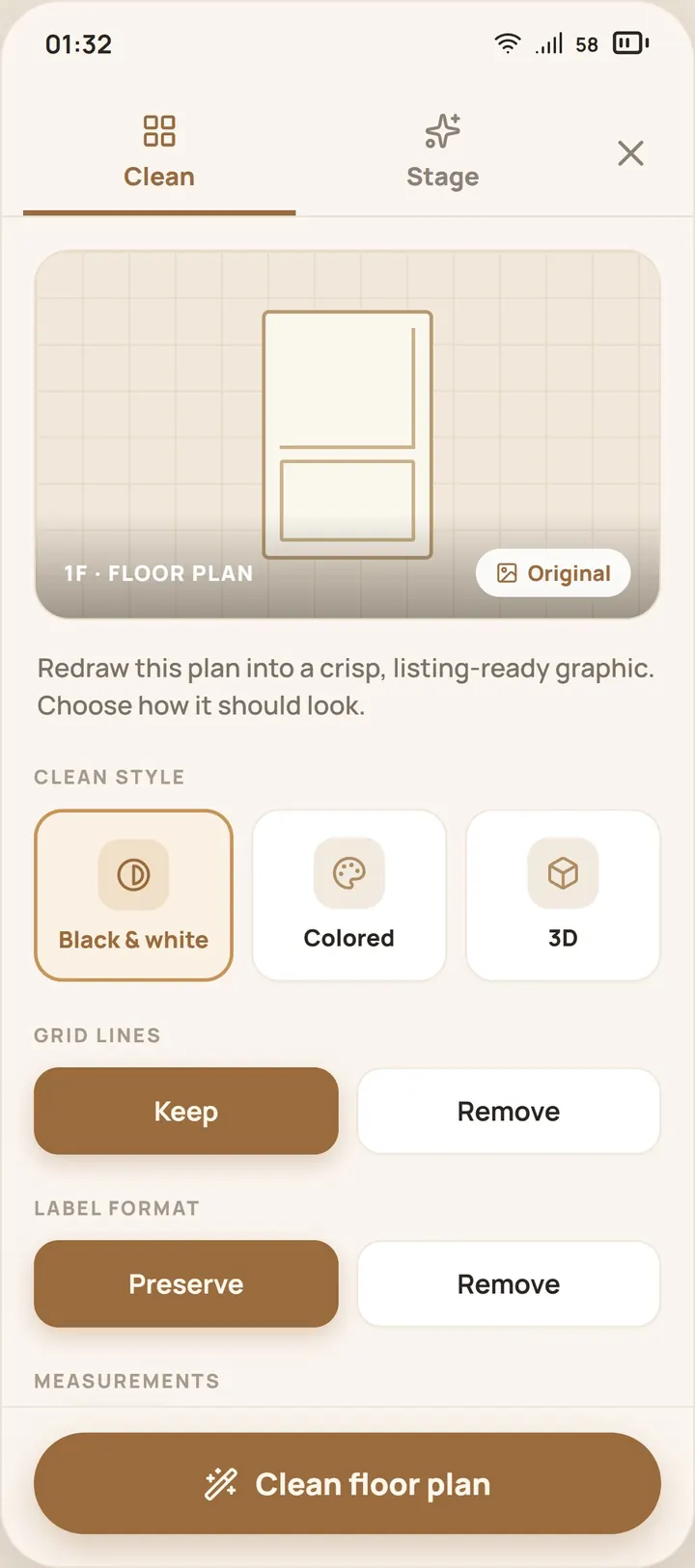
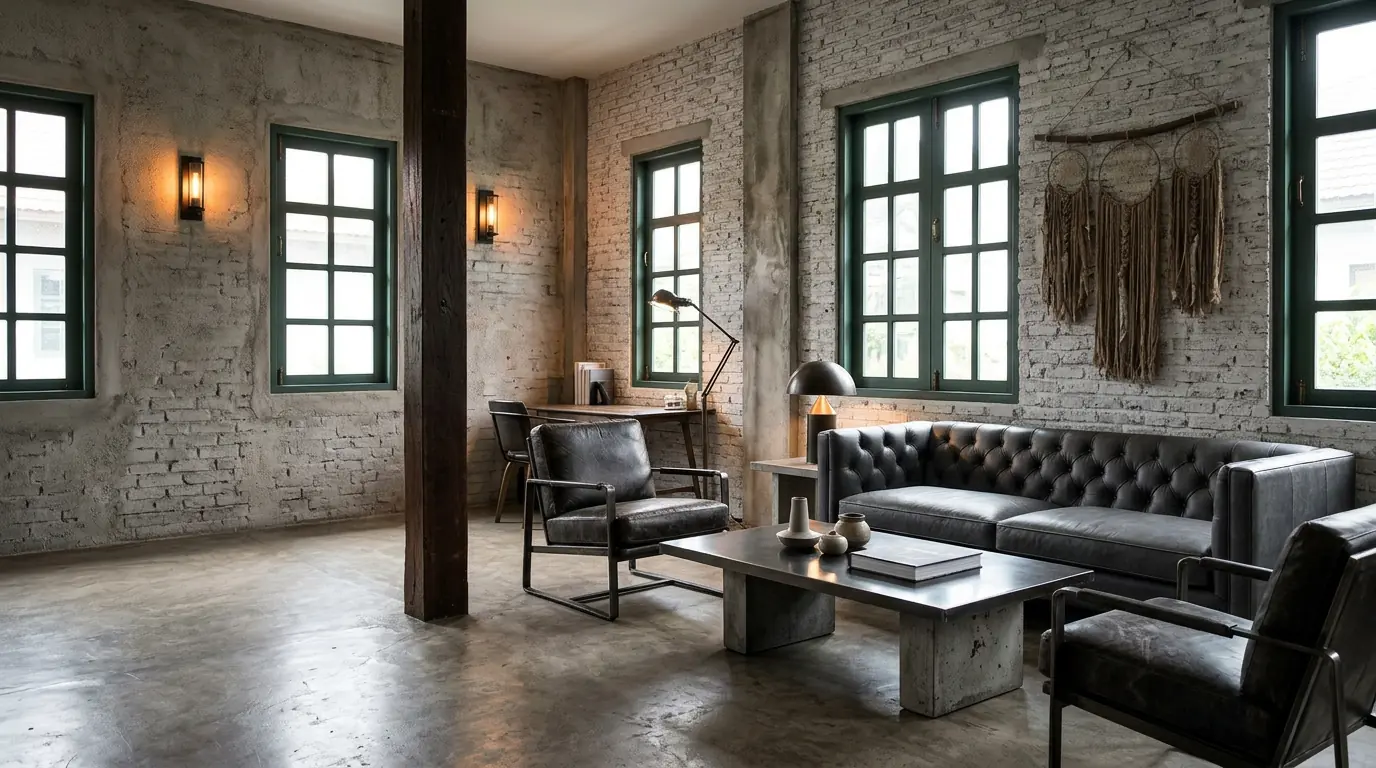
Turn rough sketches and raw floor plans into clean, branded diagrams with furniture and layout context from your phone.
Brand and deliver
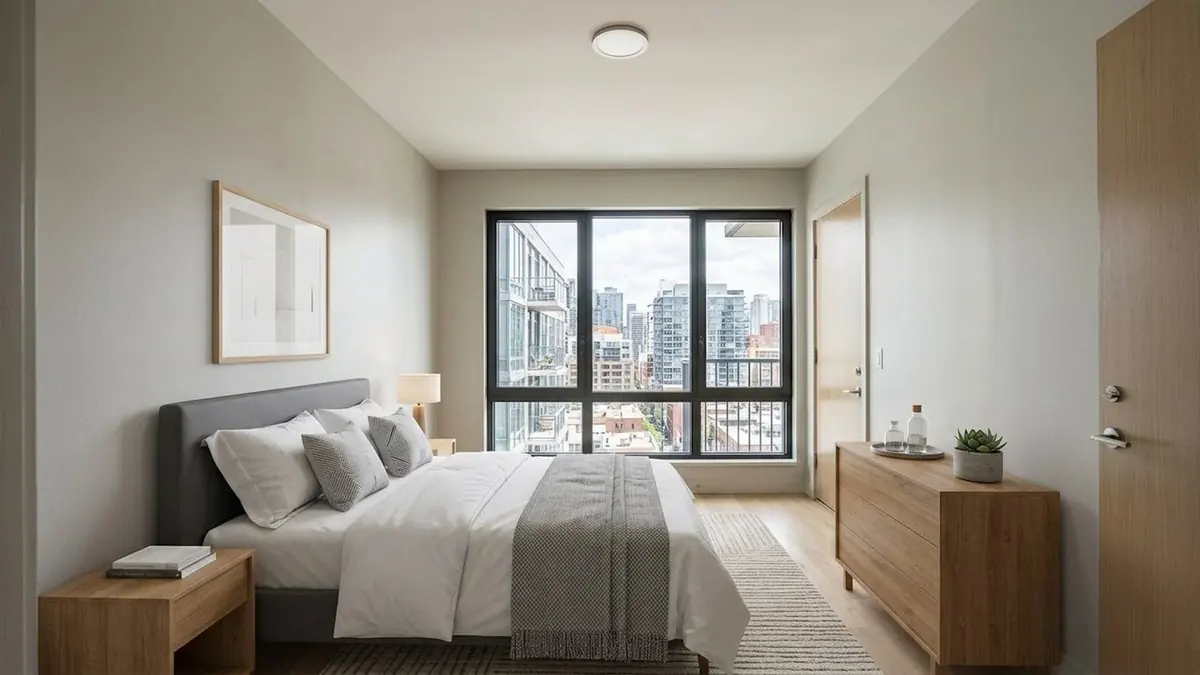
Add your logo watermark and optional AI-use disclosure to every photo, then download or share the whole set in bulk.
Professional real-estate photography in your pocket
You only need your phone. Follow the guides and take shots like a pro.
Clean up and stage photos on your phone, then access the same work from your computer with no manual transfer.
Automatic logo watermarking and customizable AI-use disclosure on every export.
The app is free to download and use for shooting photos and videos. AI editing and staging tools use credits, and trial credits are included.
Yes. Your projects sync to your Virtual Staging Art account, so you can continue working from the desktop web app.
Every download can carry a customizable AI-use disclosure label to help meet listing-platform rules.
PropLens is designed for iPhone and Android phones, with tablet support included.
Free to download. Upgrade your listing prep today.