AI listing photo tools for real estate photographers

Clean difficult source photos, add virtual staging, and deliver polished listing photos with high margins and fast turnaround.

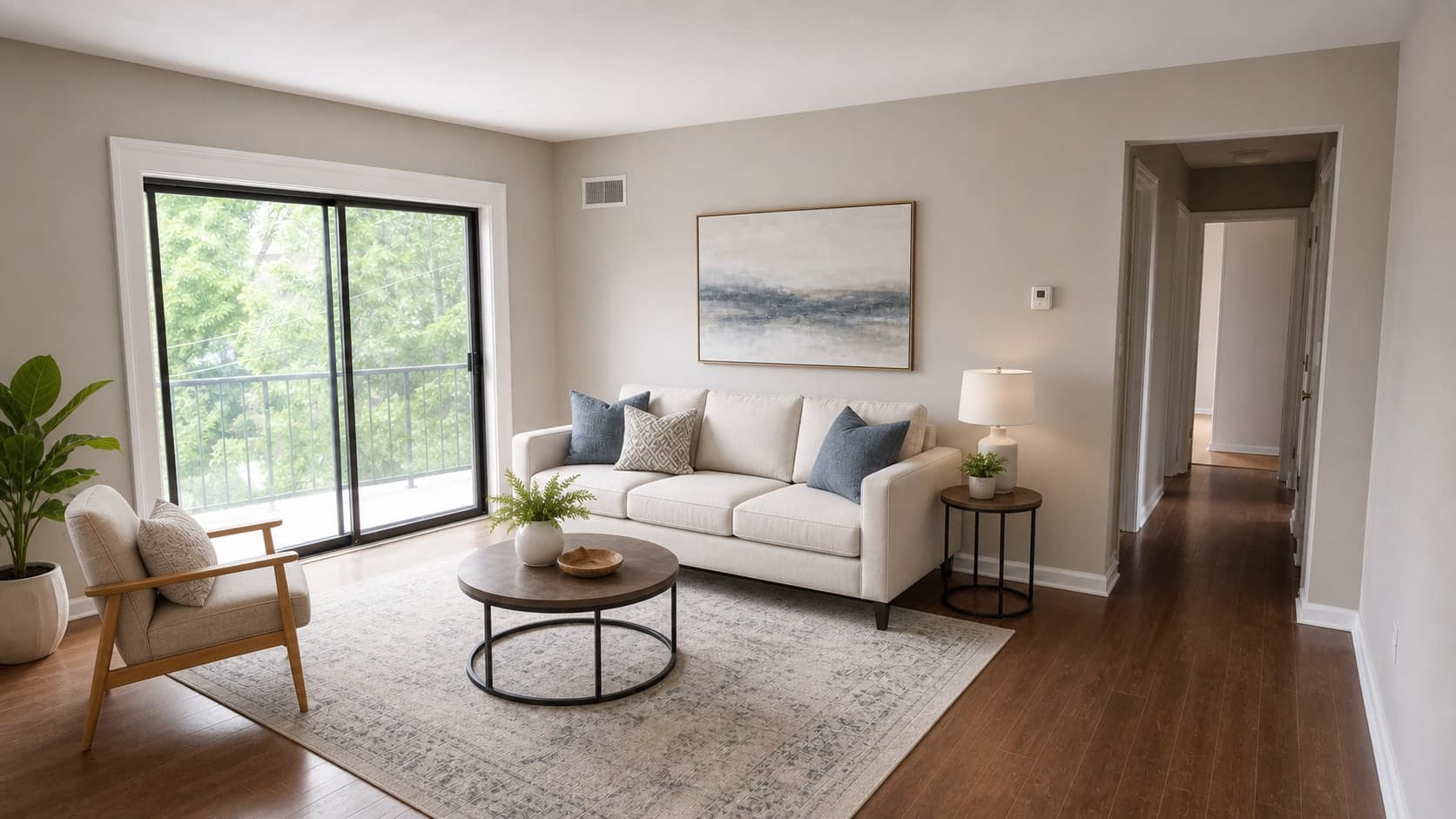
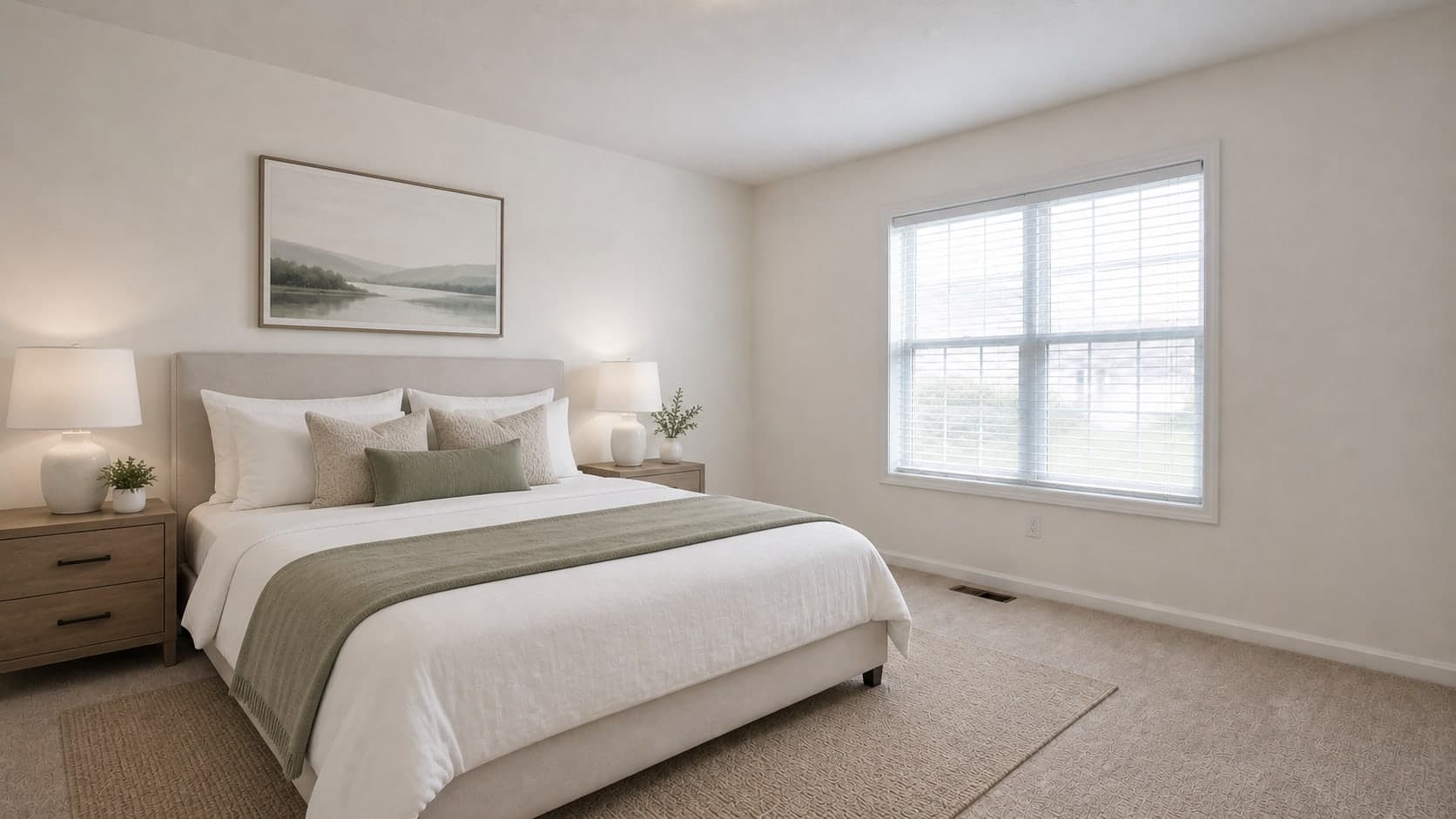
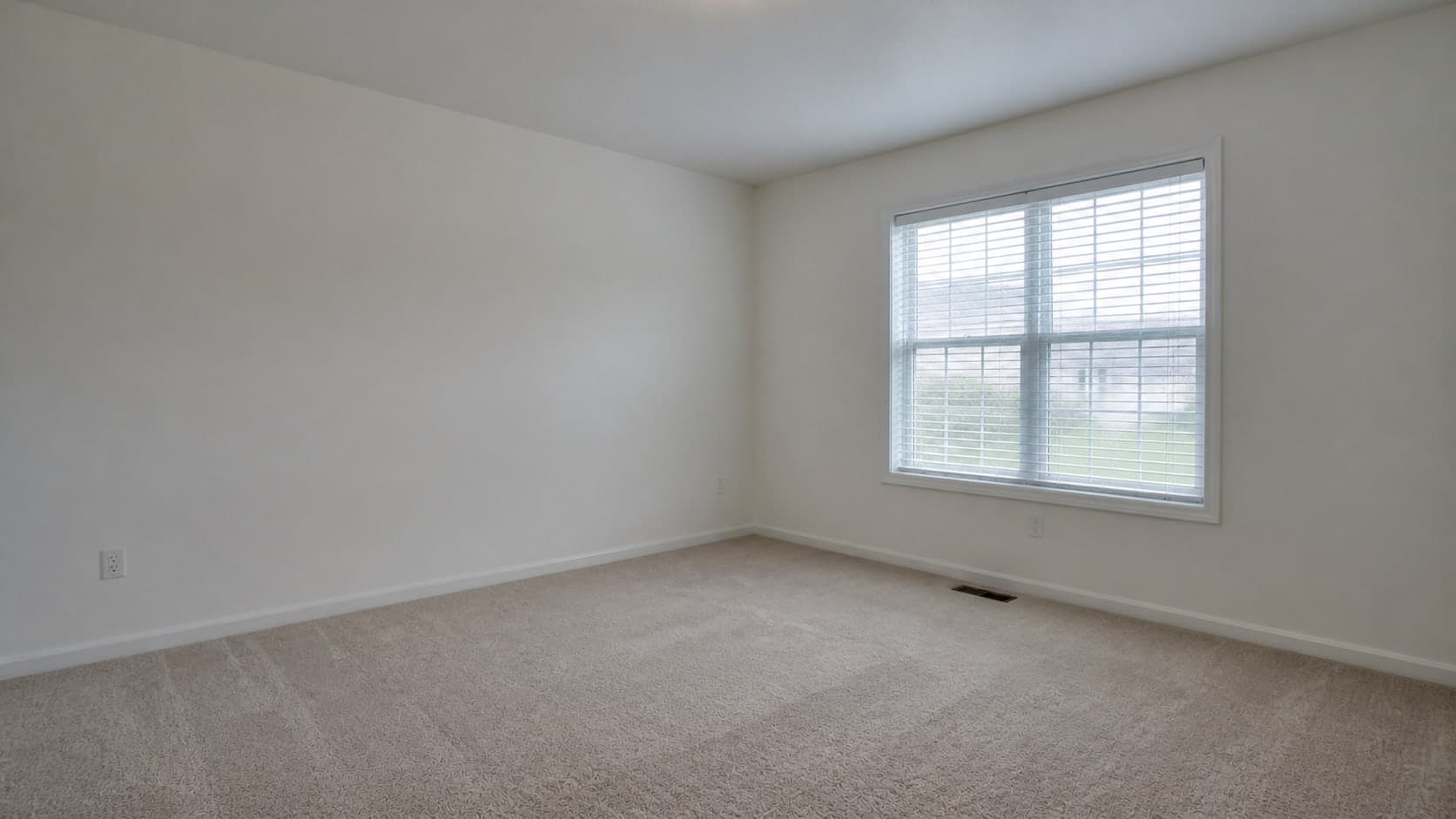
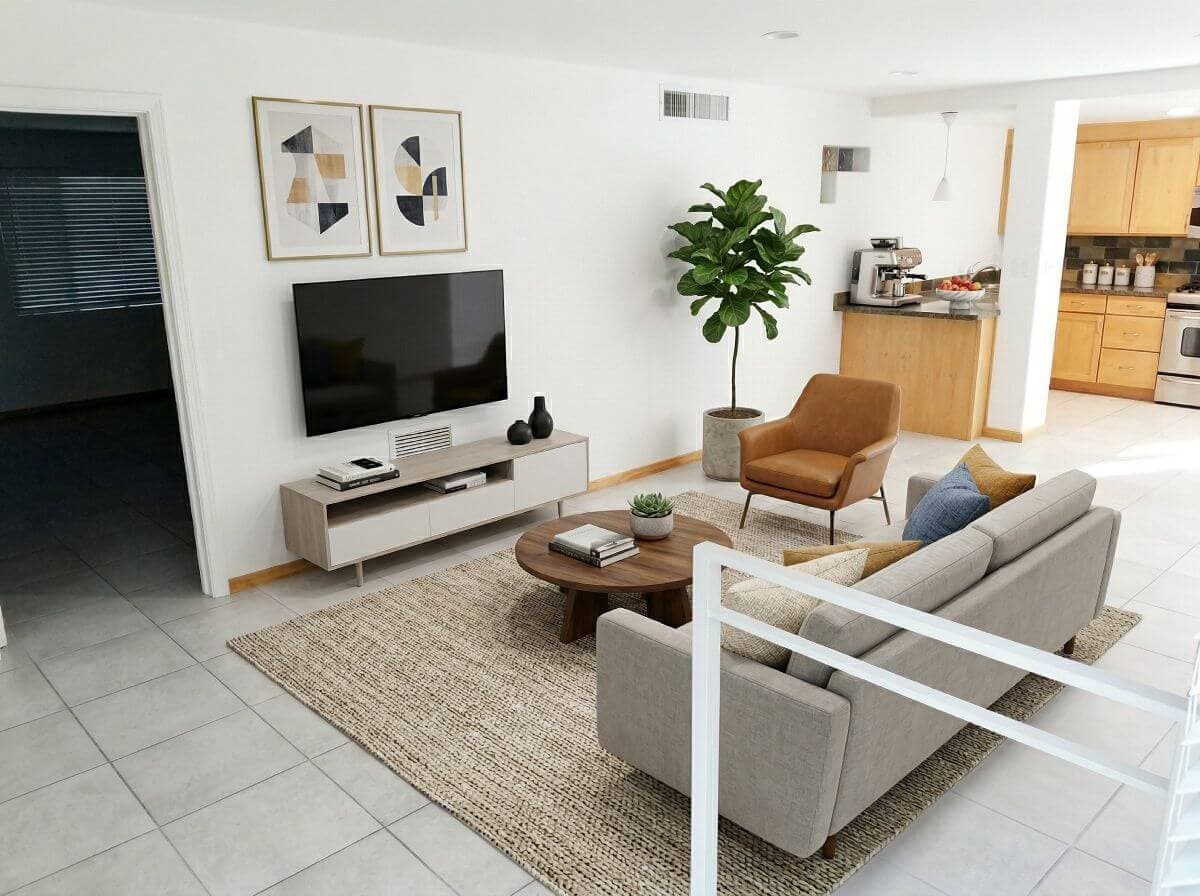
Enhanced real estate interior photo prepared for photographer deliveryPhotographer workflowAI staged room prepared for a real estate photography client
  • Quick TurnaroundSame-day client delivery without subcontractors.
  • New Revenue StreamsAdd staging and rendering to client packages.
  • Camera-Faithful AIKeeps your original framing and perspective.

Client delivery

Your clients expect finished listing media fast. We can help.

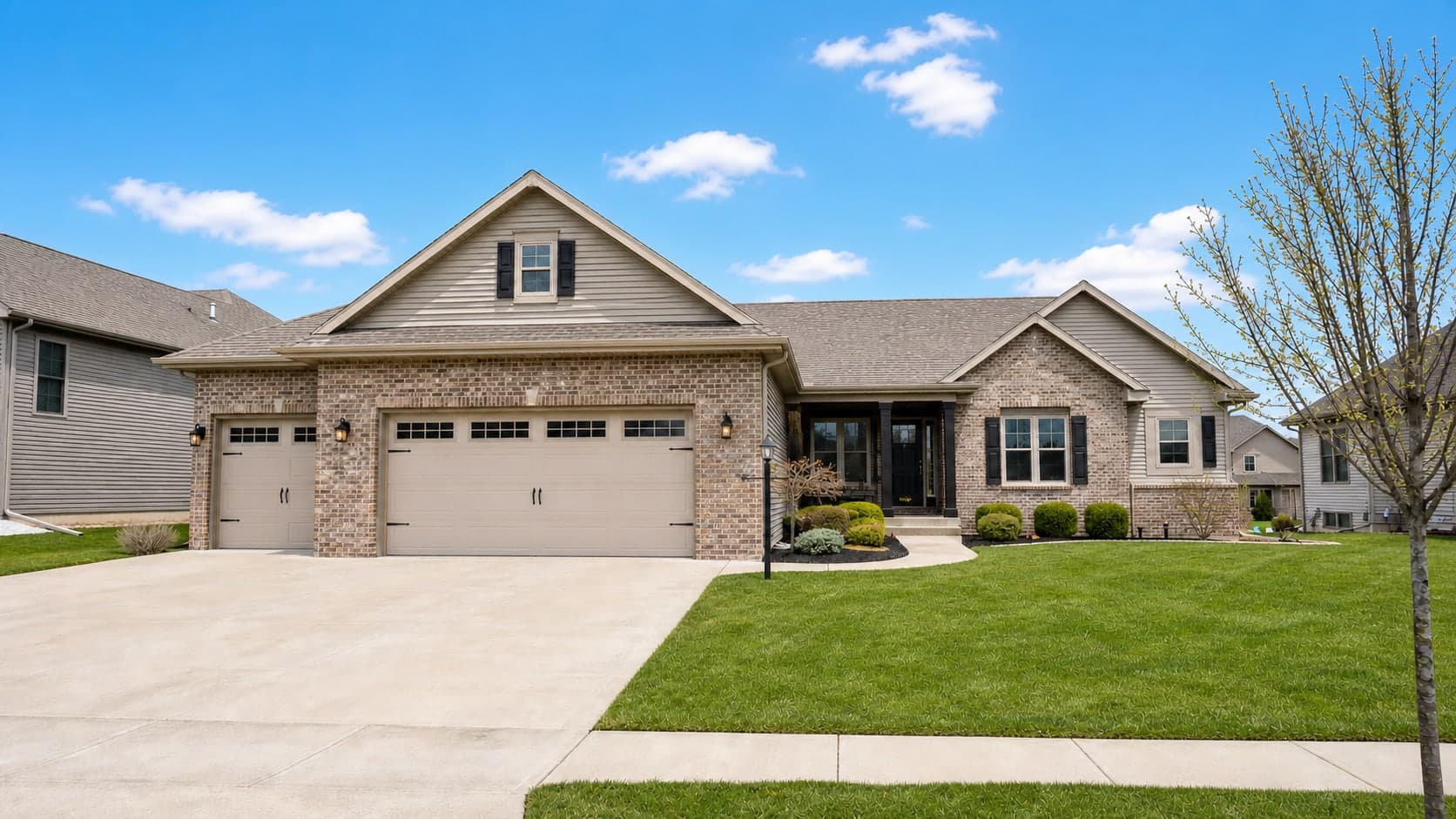
Suburban listing exterior with blue sky replacement and brighter natural real estate photo lighting
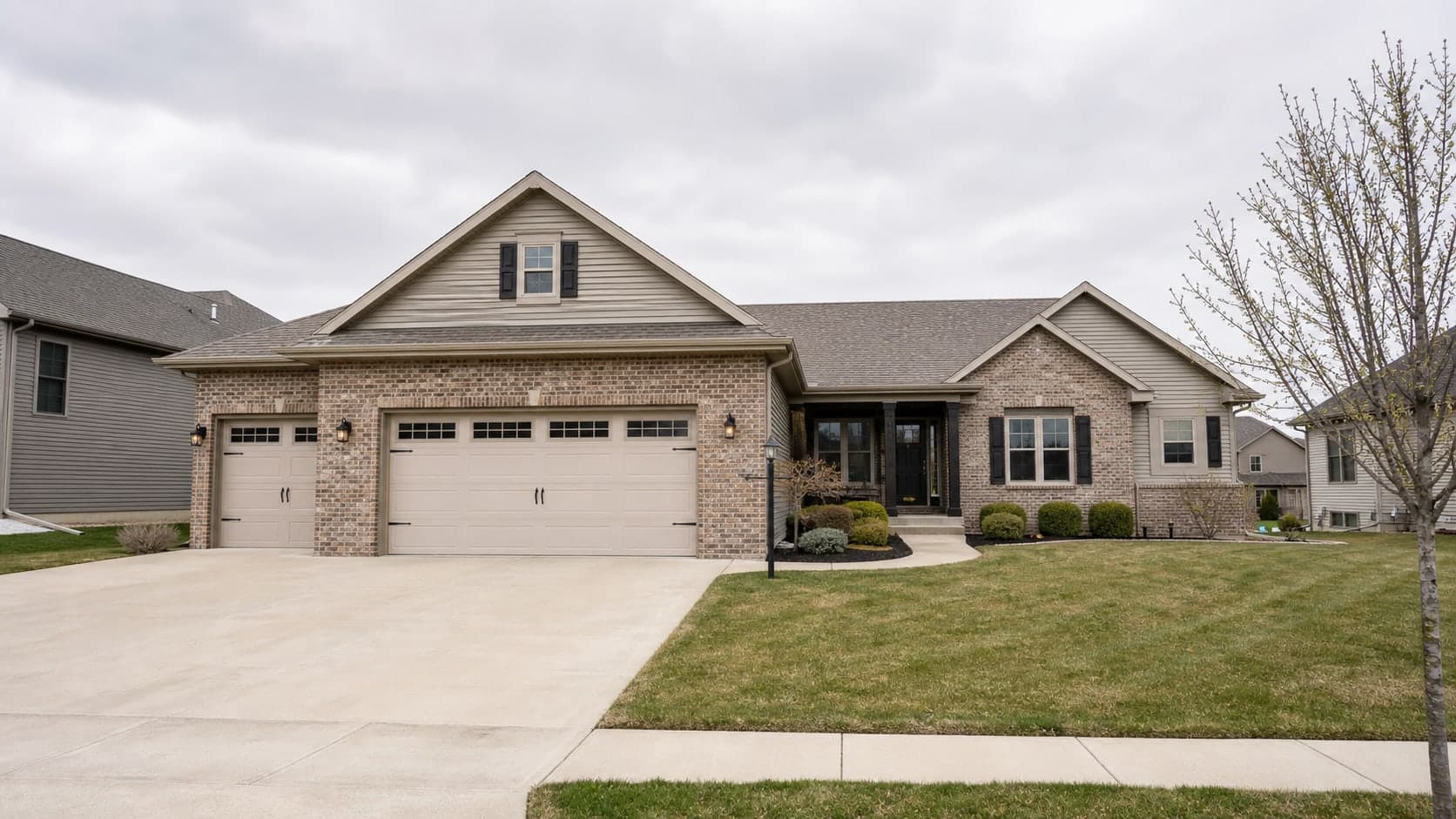
Clean suburban listing exterior photographed on an overcast day before sky replacement and lighting correction
Before
After
Drag to compare

Cloudy exterior listing photo edited with brighter exposure, cleaner curb appeal, and natural blue sky replacement.

Same-day client delivery is a struggle:

  • Conditions on shoot day rarely cooperate
  • Occupied rooms come with tenant clutter
  • Subcontractors slow your turnaround and shrink your margin

Virtual Staging Art handles the cleanup, staging, and polish so deliveries go out the same day.

AI production tools for client delivery

  • Quick Photo EnhancementImprove lighting, white balance, HDR balance, clarity, and skies when shoot conditions are not ideal.
  • Virtual Staging Add-OnsStage vacant or under-furnished rooms so clients can market listings without hiring a separate staging vendor.
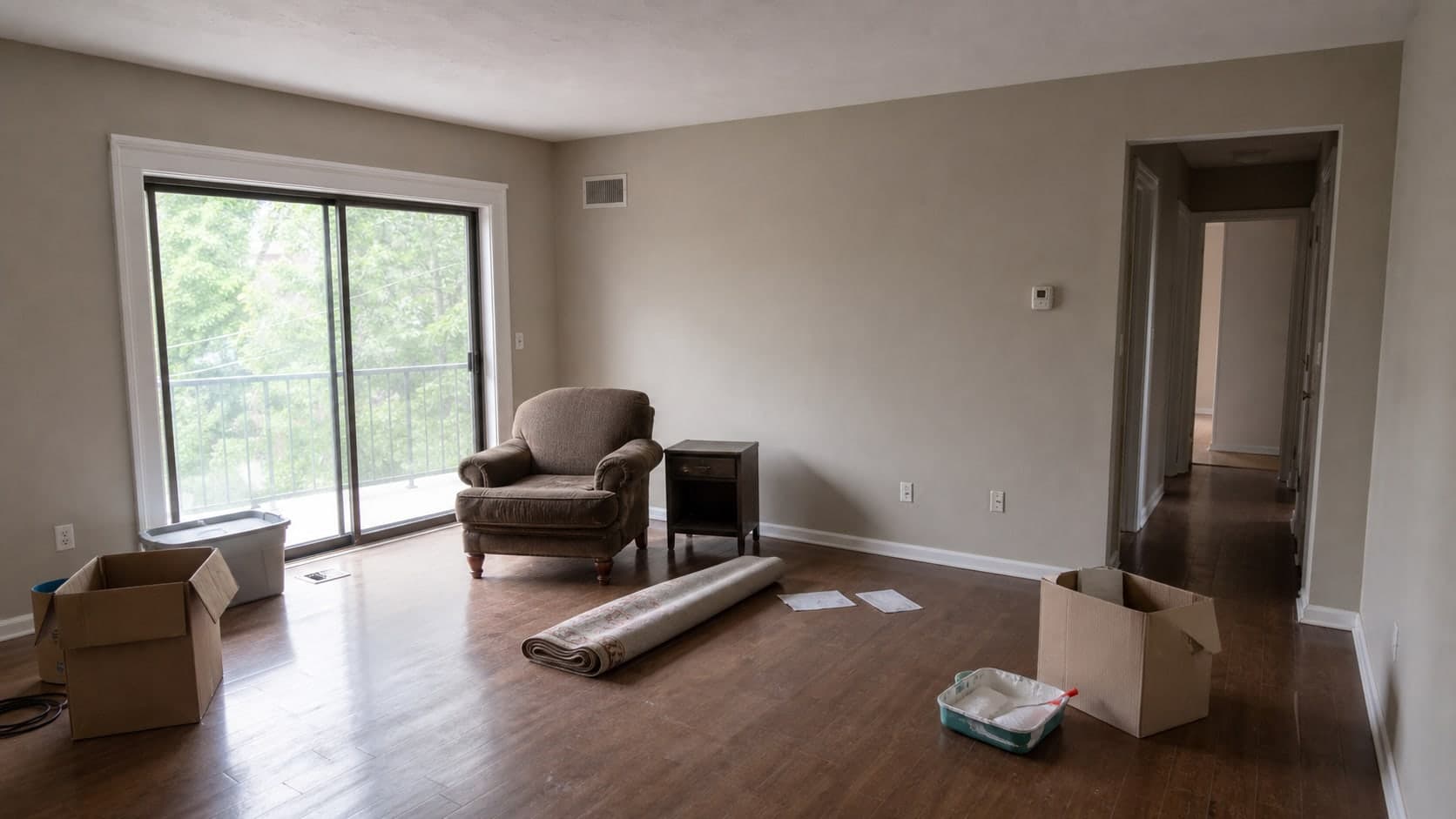
  • Furniture Removal & CleanupRemove leftover furniture, tenant belongings, cords, boxes, and visual clutter before delivery.
Start Editing Photos10 Free Credits

AI tools for every client delivery

Replace skies, declutter interiors, stage vacant rooms - same day, no subcontractors.

  • AI enhanced real estate interior photo with corrected lightingImprove source photos

    AI photo editing for real estate photographers

    Fix lighting, white balance, HDR, clutter, and skies before final delivery.

    Edit Real Estate Photos
  • AI staged living room prepared for a real estate listingAdd staging services

    Virtual staging for clients

    Stage vacant rooms as an add-on service for agents, brokerages, and property managers.

    Use Virtual Staging
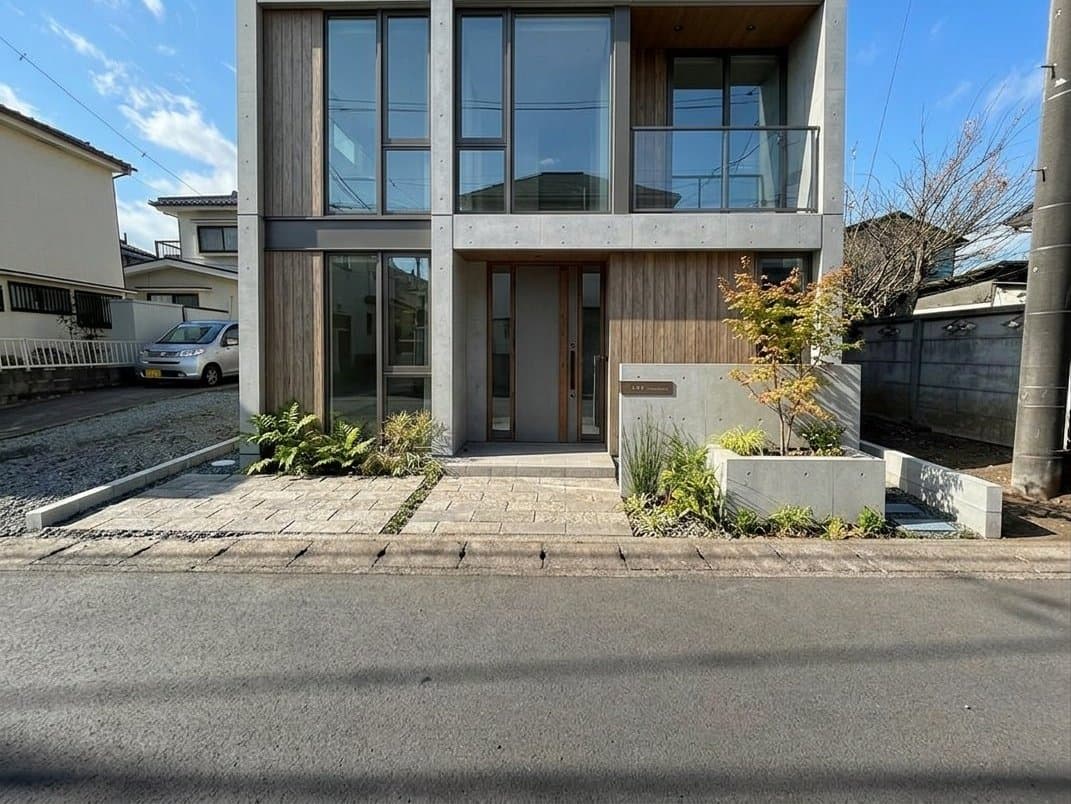
  • AI house rendering concept for property marketingShow potential

    AI house rendering for property photos

    Help clients show curb appeal, improvement potential, or future concepts for difficult listings.

    Explore Rendering

Real estate photographers using Virtual Staging Art

  • I take photos of 2 to 3 units per day and was thrilled when I found virtualstaging.art! They significantly cut down on how much money I spend on virtual staging!

    Steve, Photographer (Cleveland, OH)StevePhotographer (Cleveland, OH)
  • During my busy season, I photograph 20 properties per week for my clients. They've always asked about virtual staging solutions and when I found VirtualStaging.art, I was thrilled because it takes less than a minute to get great results and make my clients happy.

    Audrey, Photographer (Shreveport, LA)AudreyPhotographer (Shreveport, LA)
  • Virtual staging has always been an additional offering to my real estate customers, but at great expense with little upside, so I hated doing it. VirtualStaging.art actually helped me make that service far more profitable and worthwhile, given that it's much more reasonably priced and works great for the properties that I photograph. It's been a great find.

    Eustace, Photographer (Texarkana, TX)EustacePhotographer (Texarkana, TX)

Frequently Asked Questions

How much does AI photo editing and staging cost?

Virtual Staging Art uses credits across photo editing, virtual staging, furniture removal, and rendering workflows.

Photo credits are charged per generated output, while upload-credit accounts can include multiple renders from the same uploaded photo depending on the workflow and model.

New accounts include 10 free photo credits in supported countries, and current plan and pay-as-you-go pricing is listed on the pricing page.

Can AI-modified photos be used for real estate?

Yes, but usage depends on the local MLS, listing portal, brokerage, and advertising rules for the property.

Basic photographic corrections like exposure, white balance, perspective, and sky replacement may be treated differently from virtual staging, furniture removal, or material changes. For staged or materially edited images, the important requirements are preserving the actual property, disclosing the edit, and keeping the original photo available for compliance review.

Virtual staging for real estate photographers supports that with architectural AI that keeps fixed room and property structure intact while changing presentation elements, plus saved disclosure text that can be automatically overlaid when images are downloaded. That helps photography teams deliver consistent client-ready files without treating compliance as a manual afterthought. Read our virtual staging disclosure guide.
What options are available for AI photo editing and enhancement?

The photo editor supports both whole-photo corrections and targeted regional edits.

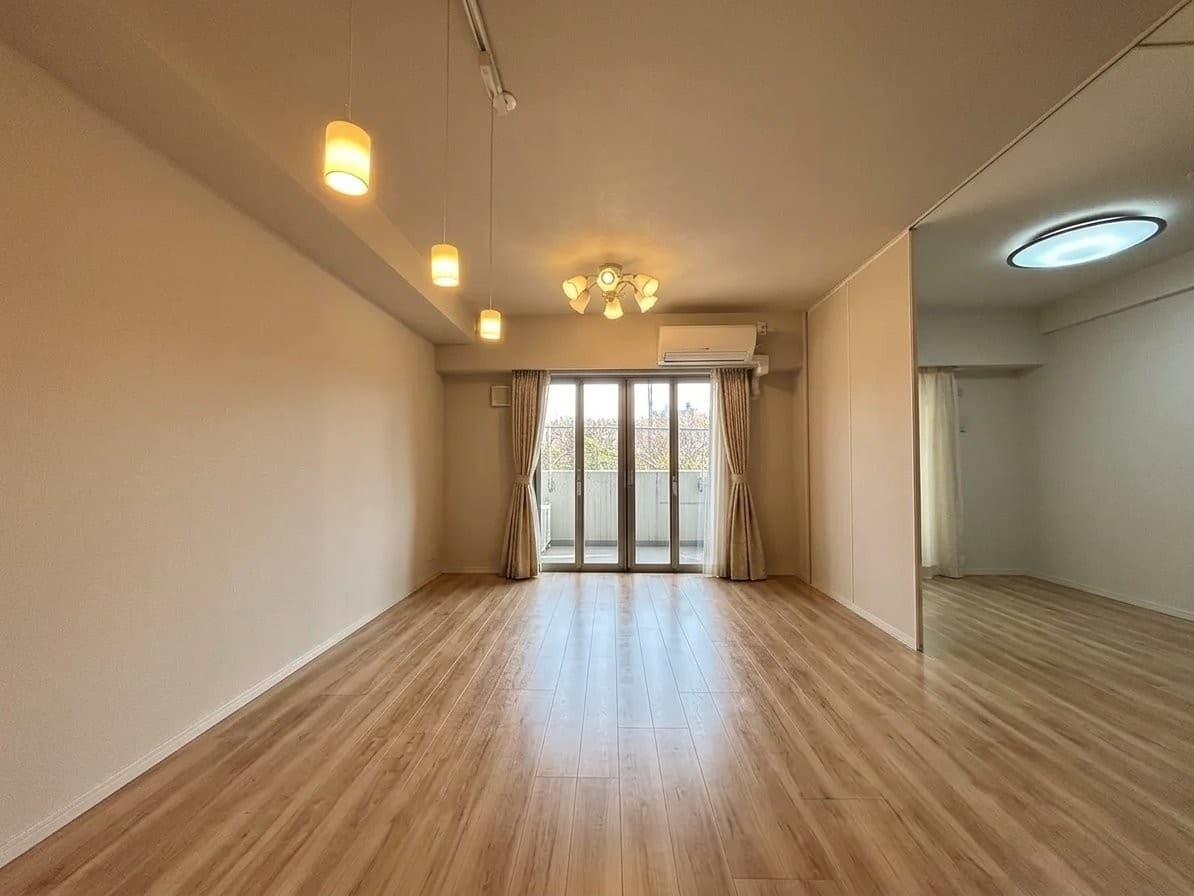
You can improve exposure, white balance, color, HDR, lens distortion, and perspective; clean up clutter or unwanted items; stage empty or partially furnished interiors; refresh walls and floors; replace skies and improve exterior conditions; enhance landscaping and curb appeal; and make selected architectural or design changes when a listing photo needs more than a basic retouch.

You can also use custom instructions when the edit does not fit a preset control.

Can I try it before purchasing?

Yes. New accounts receive 10 free photo credits in supported countries, so you can test editing, staging, and rendering before buying credits or choosing a plan.

For billing terms, first-time subscriptions may be eligible for a 7-day refund if you have generated 3 or fewer renders, and one-time credit packs are non-refundable.

If a render is unusable because of an AI error rather than the selected inputs or configuration, our team can review it for a credit refund.

Can I speak to someone about the product?

Yes. If you want to talk through real estate photography workflows, client delivery, volume pricing, team setup, compliance expectations, or where AI editing fits into your current retouching process, reach our team through the contact page.

Can I see examples of edited or staged photos?

Yes. The examples gallery shows before-and-after results across virtual staging, furniture removal, exterior rendering, and listing photo edits.

You can compare the source image against the final delivery quality in the virtual staging examples.

Free to start

Add AI editing to your next real estate photo set

Try it on one of your photos - 10 free renders, no card required.

AI Tools for Real Estate Photographers