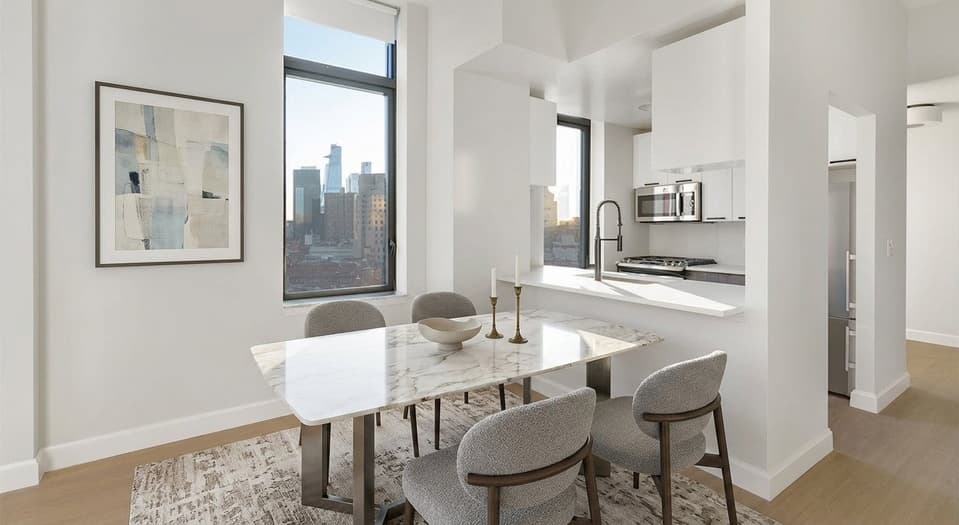
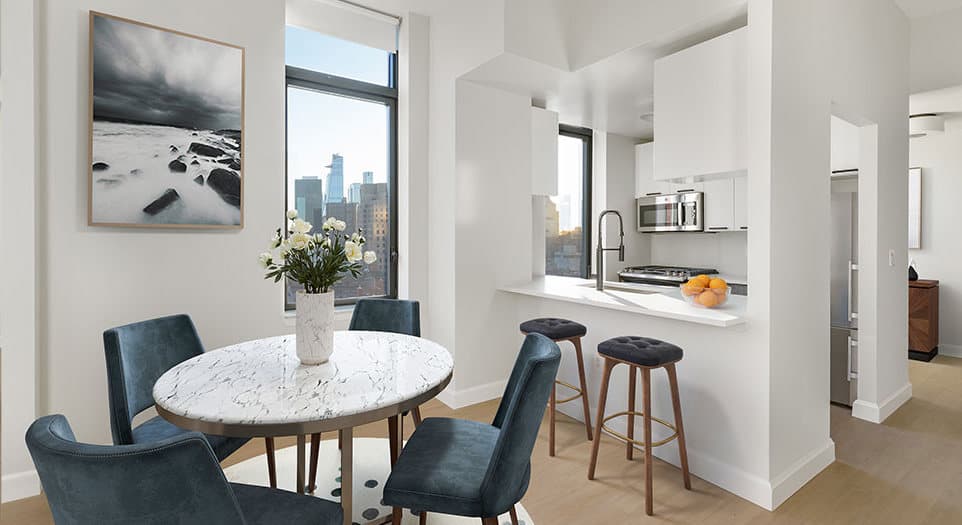
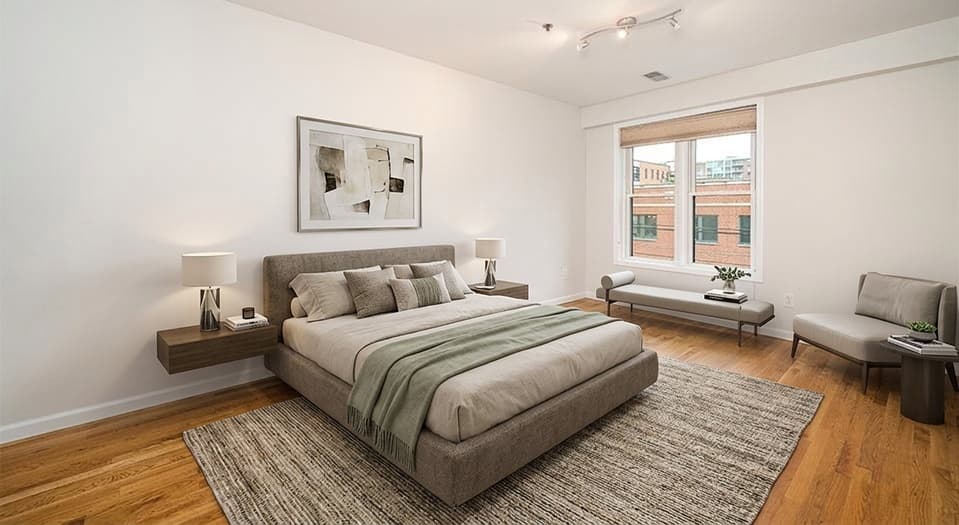

Not exactly. BoxBrownie is a done-for-you editing service. Virtual Staging Art is a self-serve AI platform for teams that want to generate, revise, and download staged or edited listing visuals directly. The better choice depends on whether you prefer outsourcing the work or controlling the workflow in-house.
BoxBrownie alternative for virtual staging
BoxBrownie has been delivering a great service for years, but costs, turnaround time, and quality expectations are now being surpassed by the latest AI virtual staging models.
See how you can stage your listings with Virtual Staging Art at a fraction of the cost and turnaround time, while getting more natural, believable results that move properties.
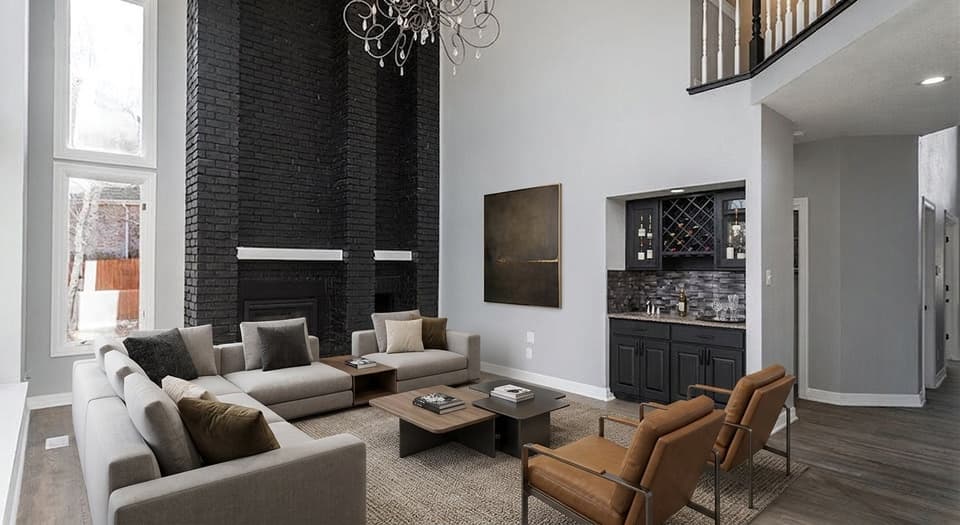

BoxBrownie
Virtual Staging Art
Drag to compare
BoxBrownie vs Virtual Staging Art
BoxBrownie is primarily a done-for-you editing service. Virtual Staging Art is a self-serve AI platform for generating, revising, and downloading listing visuals directly.
| Criteria | BoxBrownie | Virtual Staging Art |
|---|---|---|
| Workflow | Submit order and wait | Upload, generate, revise, download |
| Best fit | Occasional outsourced editing | Producing listing visuals regularly |
| Cost | Starts at $24 per photo | From $0.50 per photo |
| Turnaround time | 48 hours | Less than a minute |
| Quality | Solid, though often outdated | Photorealistic and modern |
| Iterations | Instructions sent to editor | Direct visual experimentation |
Which option is best for your workflow?
Use BoxBrownie if you want a done-for-you editing service. Use Virtual Staging Art if you want your team to generate, revise, and download listing visuals directly.
BoxBrownie
Outsource the edit to a service team. Best for occasional staging requests. Wait for delivery or a revision pass.
Virtual Staging Art
Generate staged images inside your team workflow. Best for regular listing visual production. Revise, restyle, edit, and download in the same session.
Do those frustrations sound familiar?
If you've used BoxBrownie and other manual virtual staging services, you might relate.
- Common friction
Waiting on revisions slows listings
“I had to ask 3 times and was put back a day.”
Jeanette Sauer on TrustpilotWhen a listing is ready to go live, waiting for staged photos can create another handoff.
- Common friction
Manual staging costs add up
“I can't afford to go through services like BoxBrownie that charge $24 an image and very few Realtors in my area are going to cover it either.”
RedditorOutsourced staging can work for a few images, but costs climb when every property needs multiple visuals.
- Common friction
Creative direction is hard to control
“They cropped the pics and didnt do what I asked.”
Thomas Santoro on TrustpilotAI staging lets teams test styles, layouts, and room uses before choosing the final image.
What changes when staging becomes self-serve
The biggest difference is not only speed. It is that your team can create, compare, revise, and approve listing visuals without opening a new outsourced order each time.
- 01
Upload a room photo
Start with the listing photo your team already has.
- 02
Choose style and generate
Pick the room type and staging direction, then create options.
- 03
Review and revise
Compare before/after, then regenerate or point edit.
- 04
Download for listing use
Export with optional branding, watermarking, or AI-use labels.
Your One Stop For Listing Visuals
Virtual Staging Art is not only for empty-room staging. It helps teams prepare the entire listing visual package.
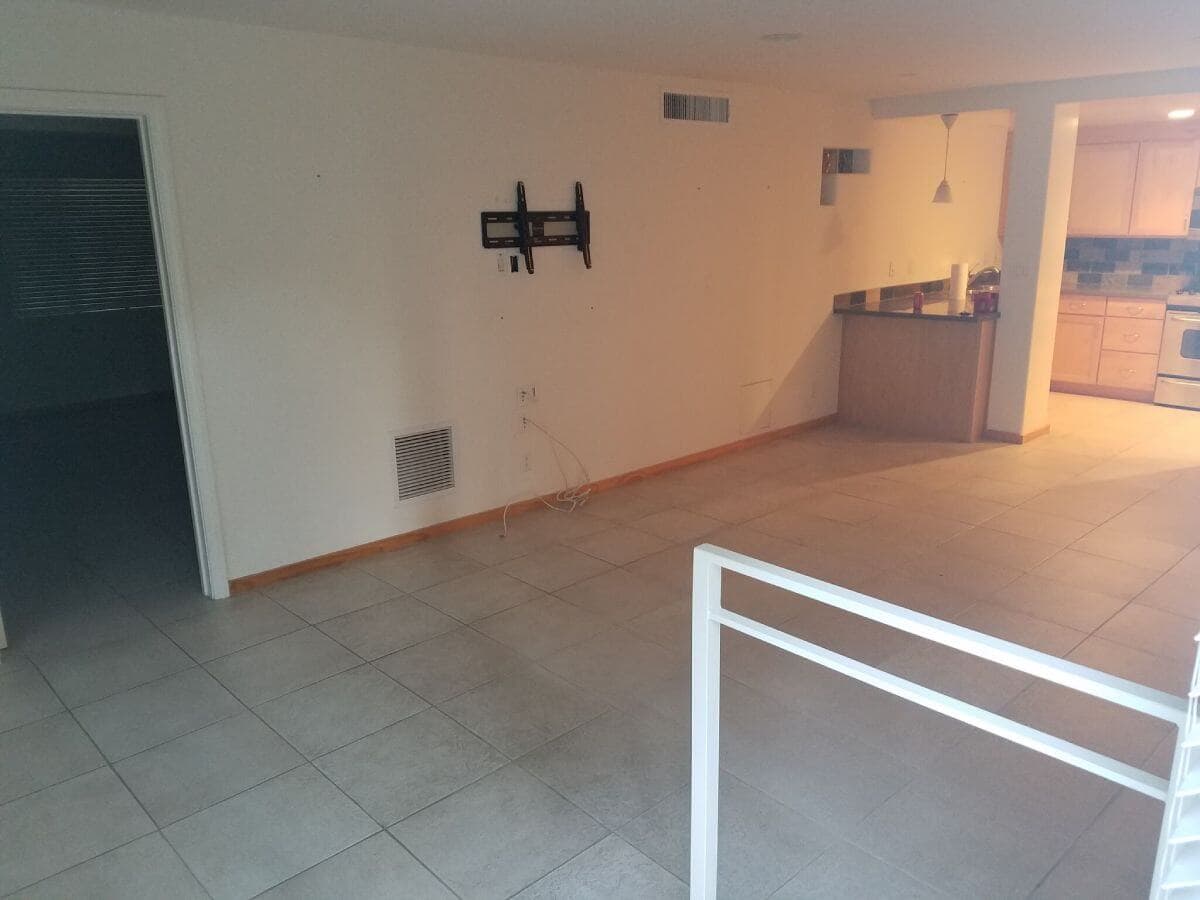
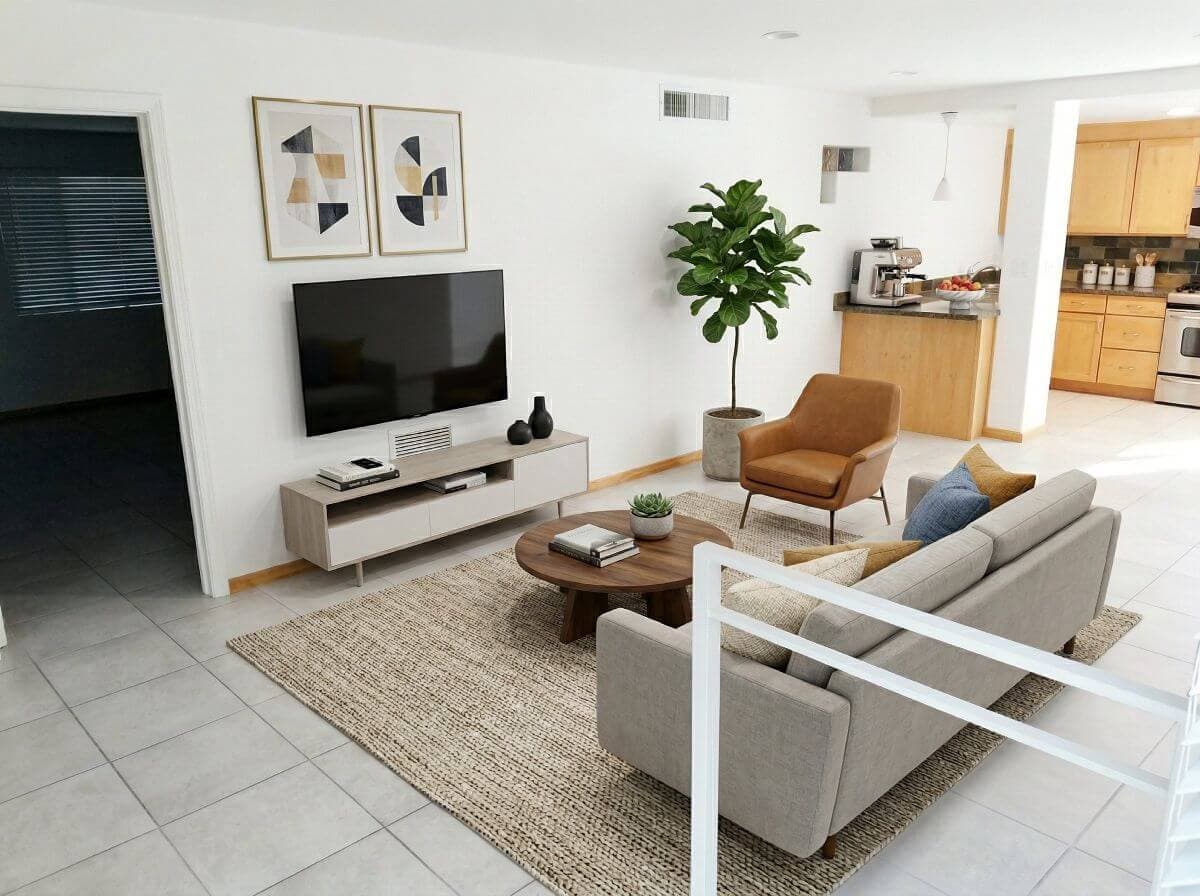

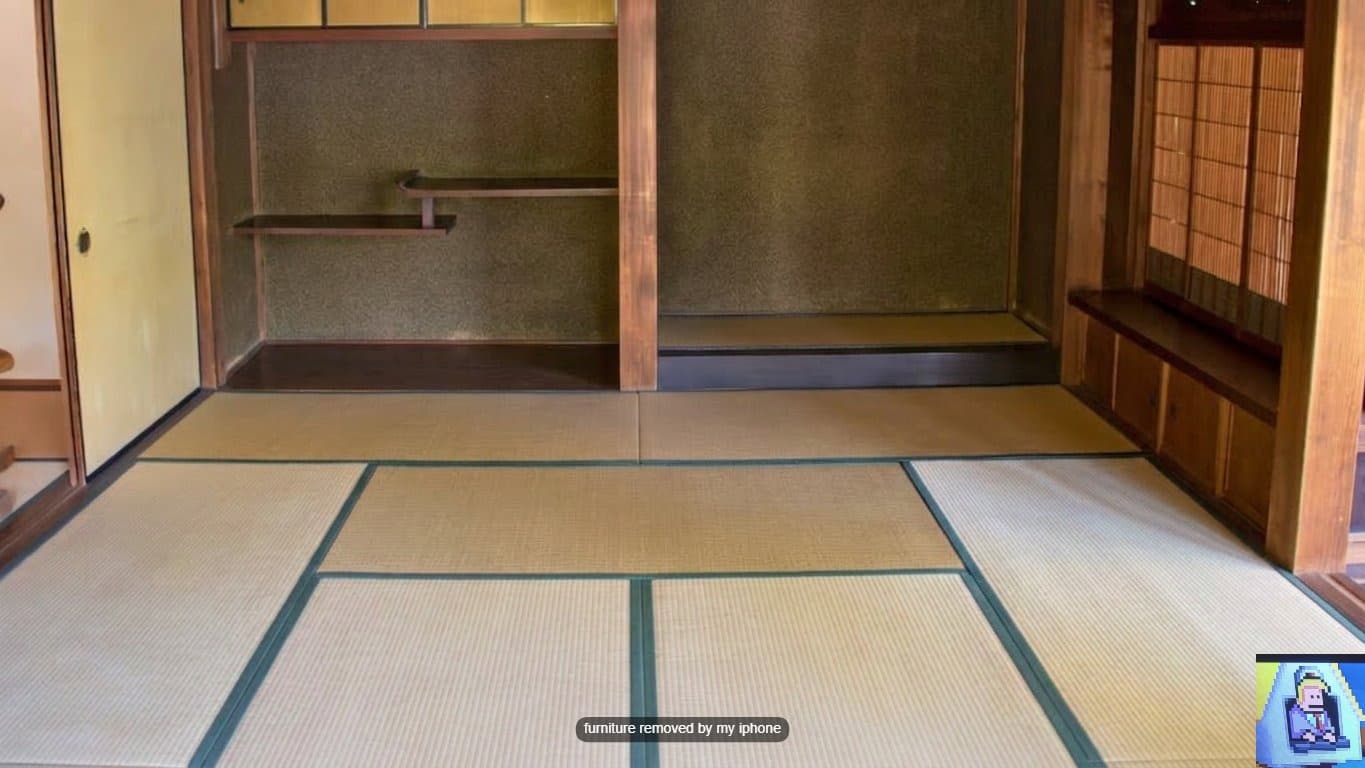
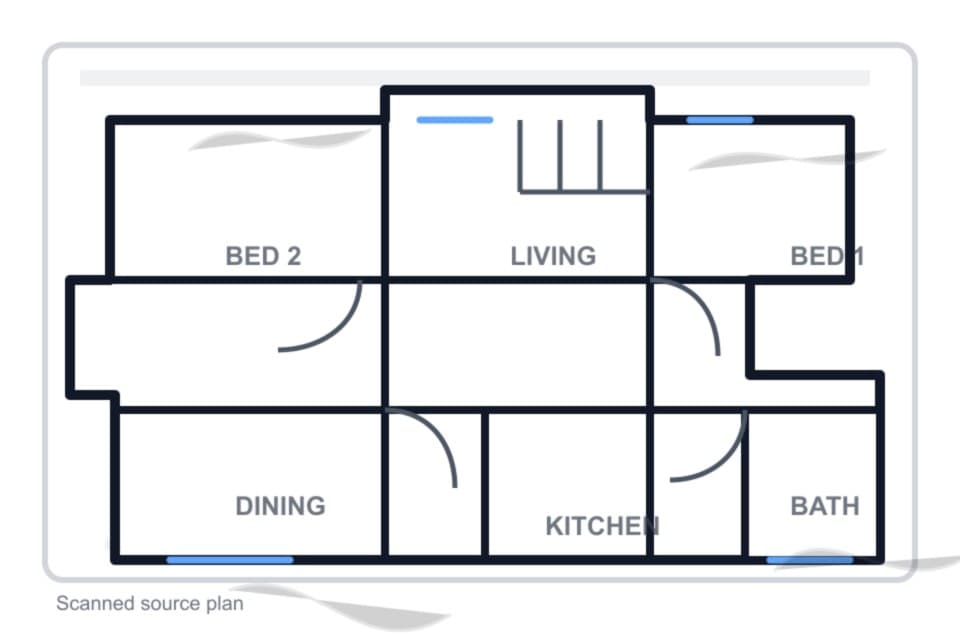
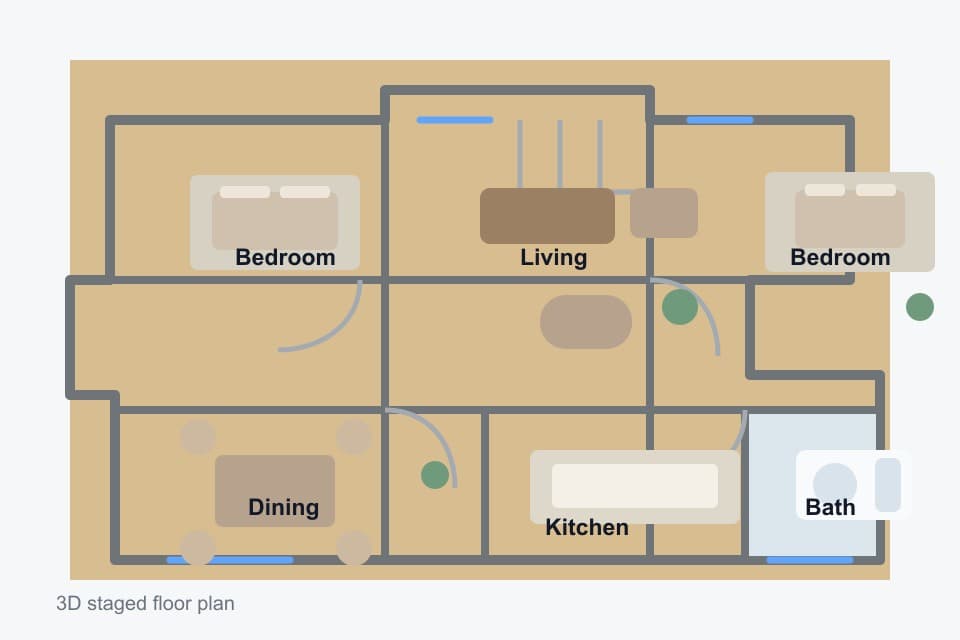
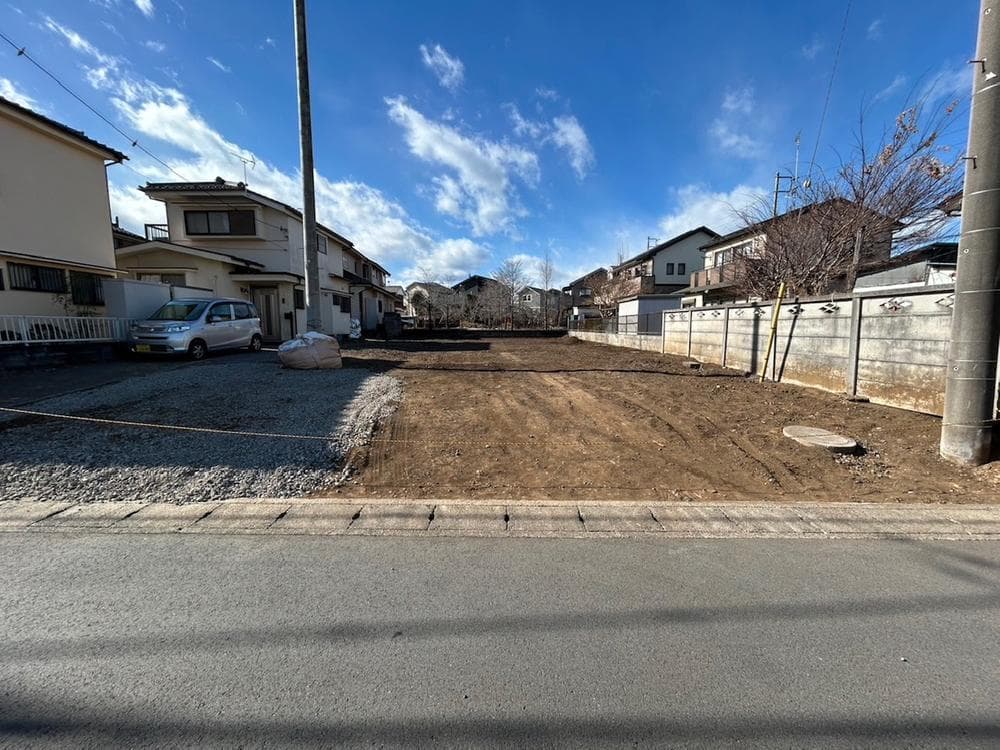
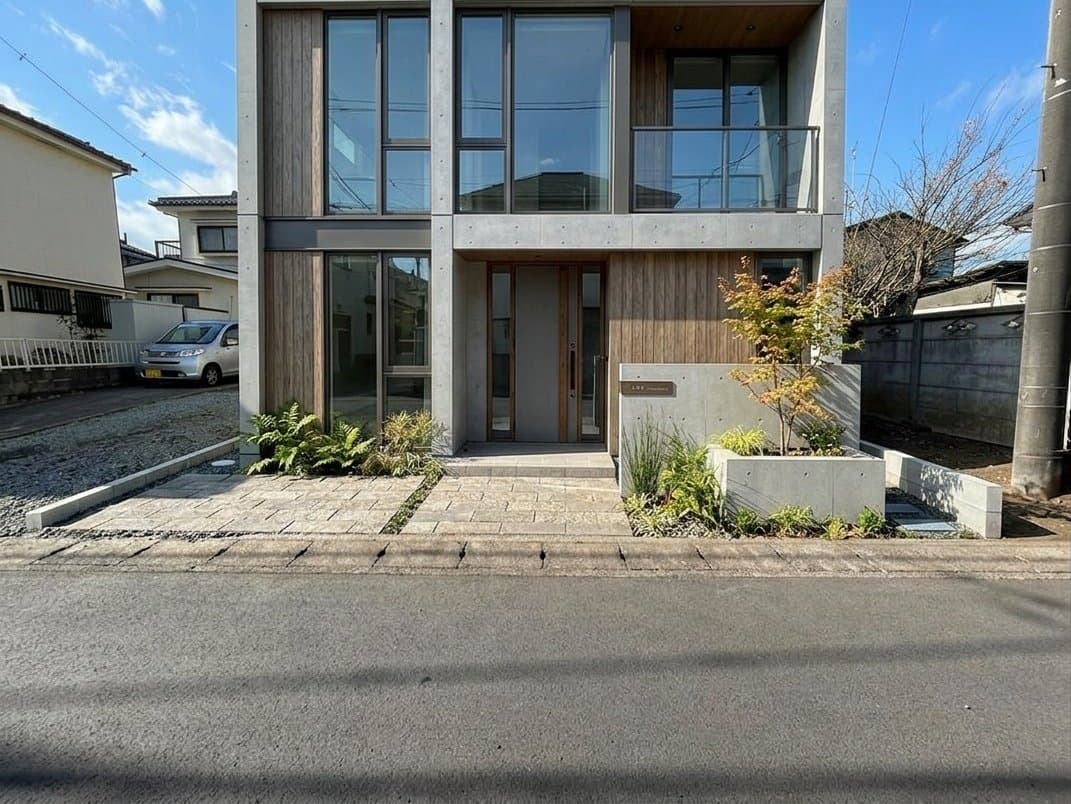
Instead of using separate vendors or tools for each visual asset, teams can prepare the core listing visuals from one workspace.
BoxBrownie alternative FAQ
Common questions for teams deciding between an outsourced editing service and a self-serve AI staging workflow.
Is Virtual Staging Art a direct replacement for BoxBrownie?
When should I choose BoxBrownie instead?
Choose BoxBrownie if you prefer outsourcing the work to a human editing team, only need occasional staging, and do not need instant variations or in-house control.
When should I choose Virtual Staging Art instead?
Choose Virtual Staging Art if your team regularly prepares listing photos and wants to generate, revise, and download results directly instead of waiting on an outsourced order.
Can Virtual Staging Art handle occupied or messy rooms?
Yes. The workspace includes staging and supporting photo-editing workflows that help teams clean up, adjust, and prepare listing visuals beyond empty-room staging.
Can I create multiple staging styles from one room photo?
Yes. You can generate multiple staged versions, compare style directions, and keep iterating until the image fits the property and listing audience.
Is AI virtual staging suitable for real estate advertising?
AI staging should be reviewed before publishing just like any listing visual. Virtual Staging Art is built around structure preservation, before/after review, and optional AI-use disclosure, watermarking, and logo embedding.
Do I need design or editing experience?
No. The workflow is built for real estate teams that need practical listing visuals, not professional designers building images from scratch.
See how it works on your next listing photo
Upload a room photo and generate staged, cleaned-up, or listing-ready visuals in minutes - no manual order required.