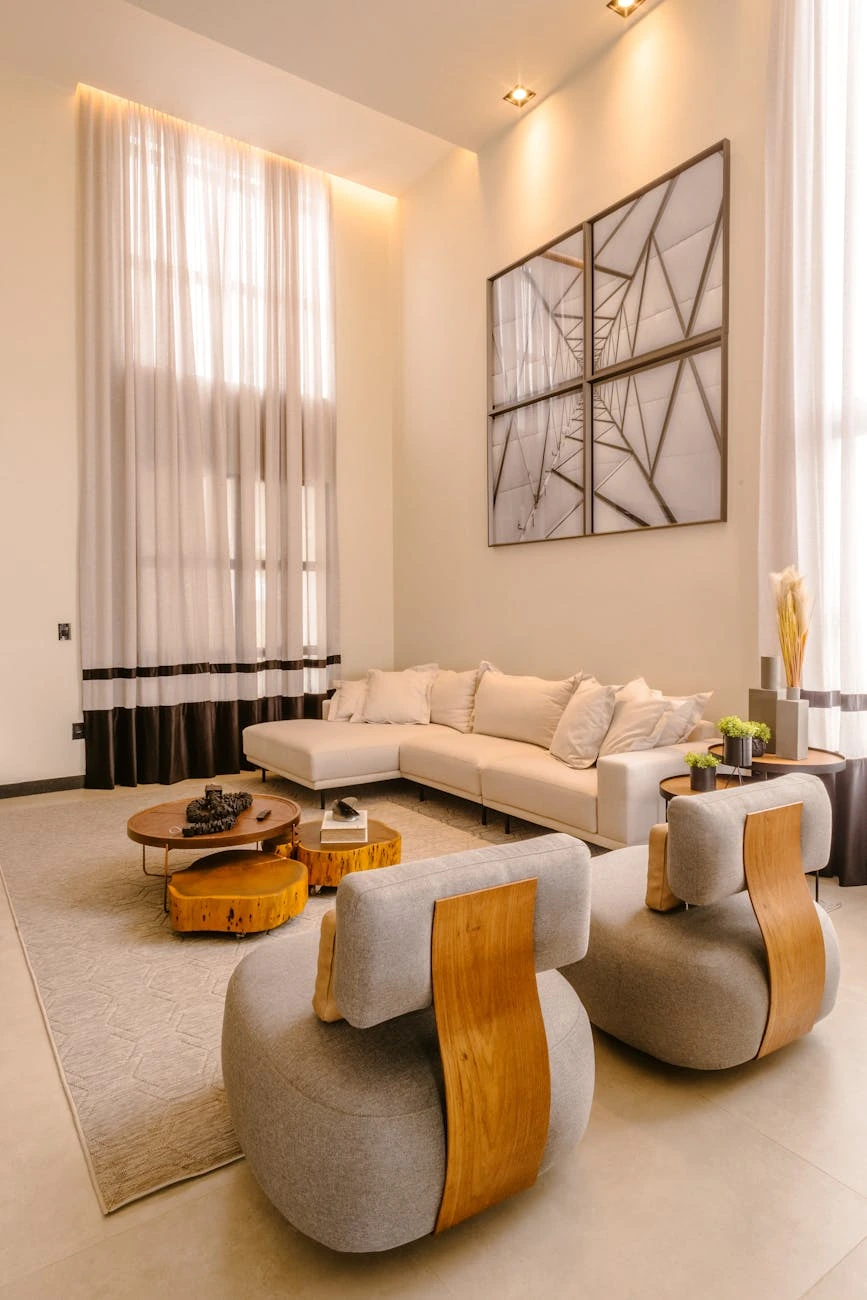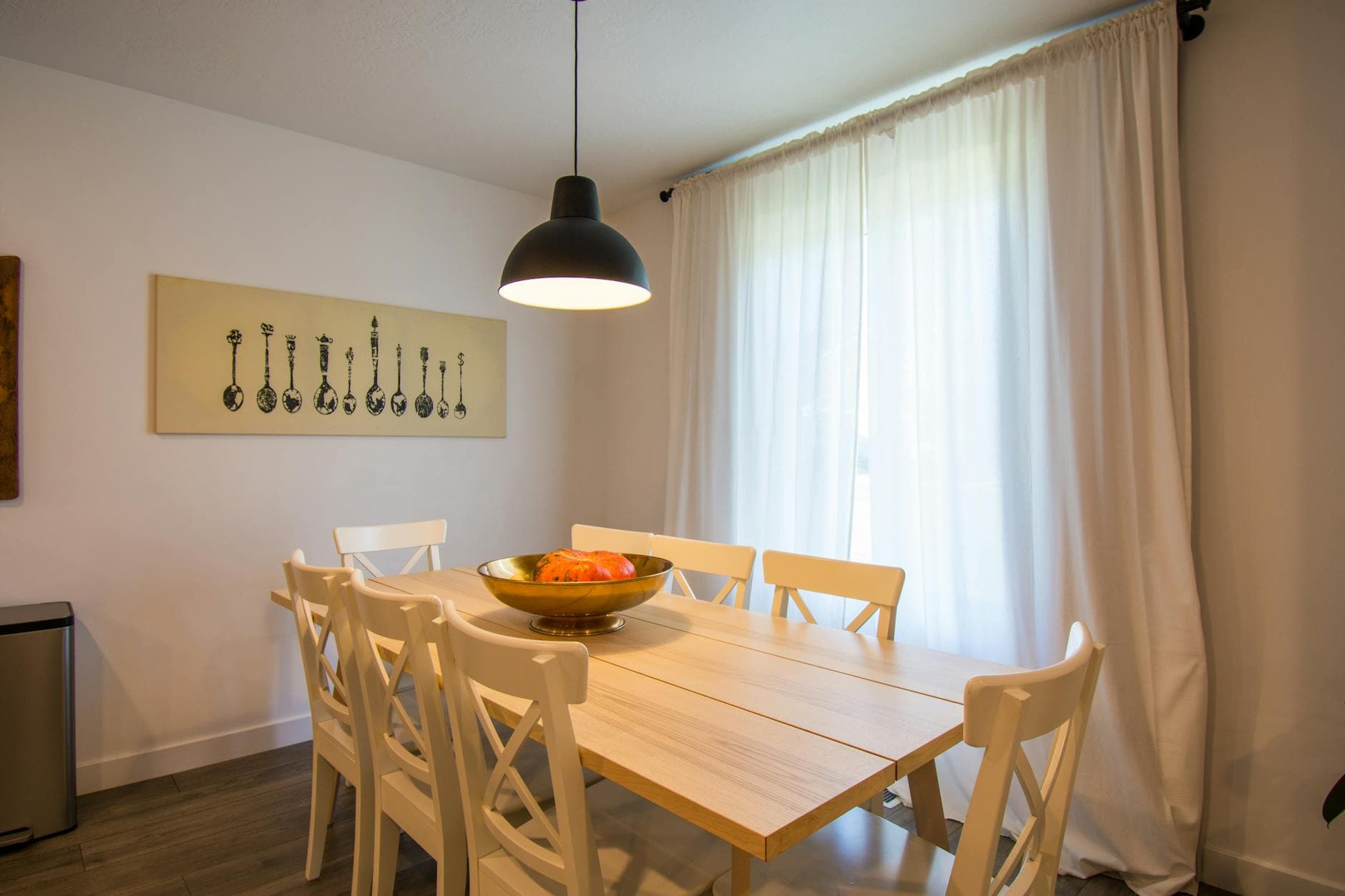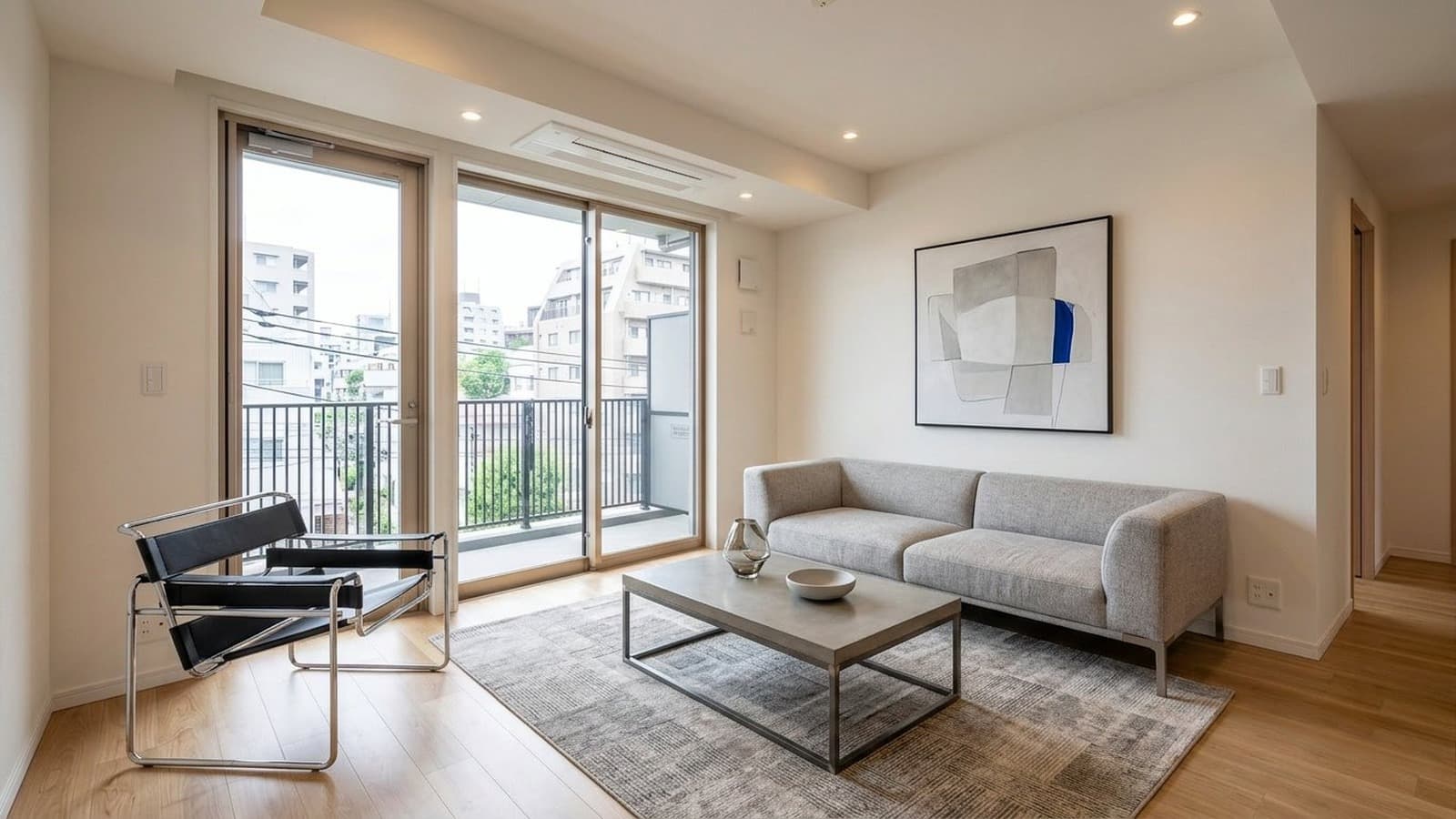
Virtual Staging for Real Estate Agencies

Give every agent a faster path from raw room photos to listing-ready marketing, without the delay and cost of physical staging on every vacancy.

AI enhanced
Original photo
RAW FOUNDATION
SOURCE: HIGH_RES_RAW_021.JPG
AI ENHANCED
99.8% STRUCTURAL INTEGRITY
Built for brokerages, team leads, listing coordinators, and multi-agent offices
Yahoo FinanceREMRealPropertyiProAssociated PressThe Negotiator

Why use virtual staging for real estate listings?

When a brokerage prepares a listing for online publication, the photos do a large part of the selling before a buyer ever schedules a tour. 83% of buyers' agents said staging makes it easier for buyers to picture a property as a future home in NAR's 2025 Profile of Home Staging.

For most listings, physical staging is too slow or too expensive to justify. Virtual staging means digitally adding furniture, decor, and styling to a real property photo so the space is easier to understand online. For brokerages, it is the practical middle ground between publishing empty rooms and paying for full physical staging on every vacancy.

Editorial illustration showing how virtual staging improves listing performance and reduces staging costs.
Use cases

Three ways brokerages use virtual staging on listings

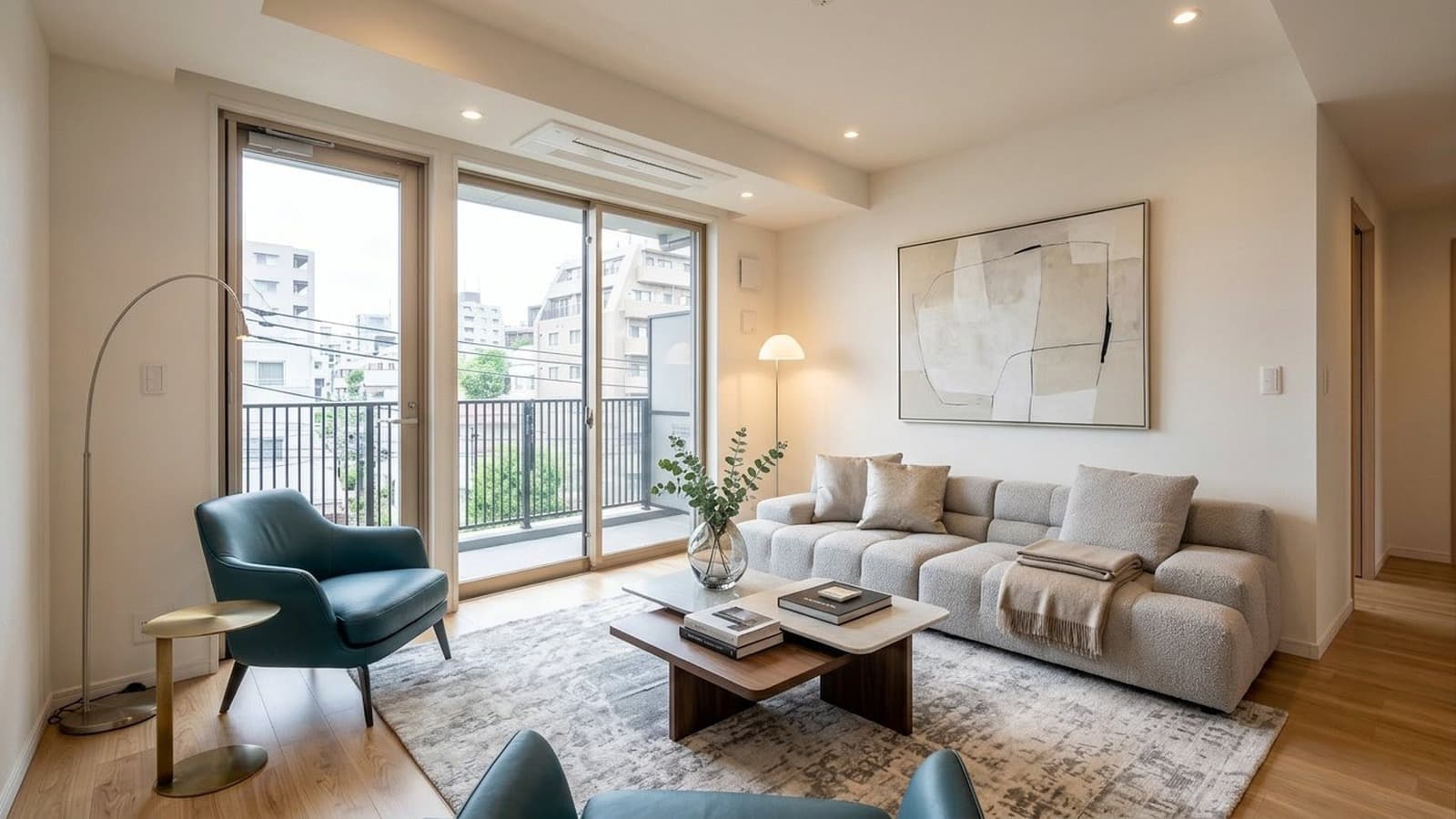
Living room after virtual staging for listing launch
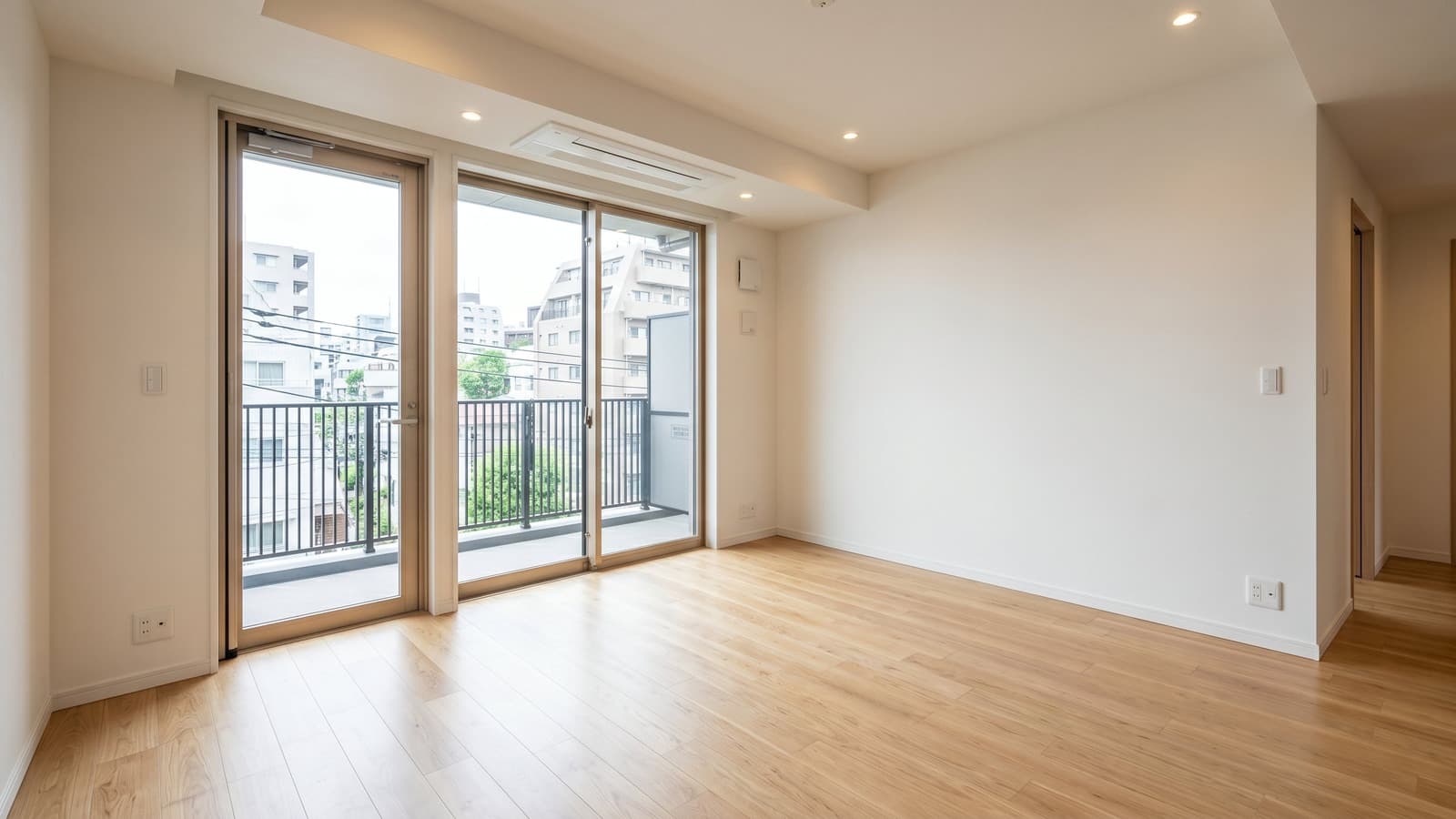
Vacant living room photo before virtual staging
VACANT LISTING
EMPTY ROOM BEFORE PUBLISH
VIRTUALLY STAGED
READY FOR LISTING LAUNCH
Vacant Listing Launch

Turn empty rooms into market-ready listing photos

Stage empty rooms so buyers can understand the scale, layout, and potential of the home from the first scroll. That helps the listing feel ready for the market without waiting for physical staging or another round of production.

You can also choose room types and styles that fit the property, the likely buyer, and the tone the brokerage wants the listing to carry. That makes vacant listings easier to market without leaving the rooms to do all the work on their own.

Occupied listing photo after cleanup and decluttering
Occupied listing photo with clutter before cleanup
OCCUPIED PHOTO
CLUTTERED SOURCE IMAGE
CLEANED UP
MARKETING-READY WITHOUT RESHOOT
Occupied Listing Cleanup

Clean up occupied listings before they hit the market

Remove personal items and visual noise so occupied homes feel calmer and easier to read in the listing. That keeps the attention on the room itself instead of the seller's day-to-day life.

That gives brokerages a practical bridge between shooting a lived-in home and waiting for move-out before marketing can begin.

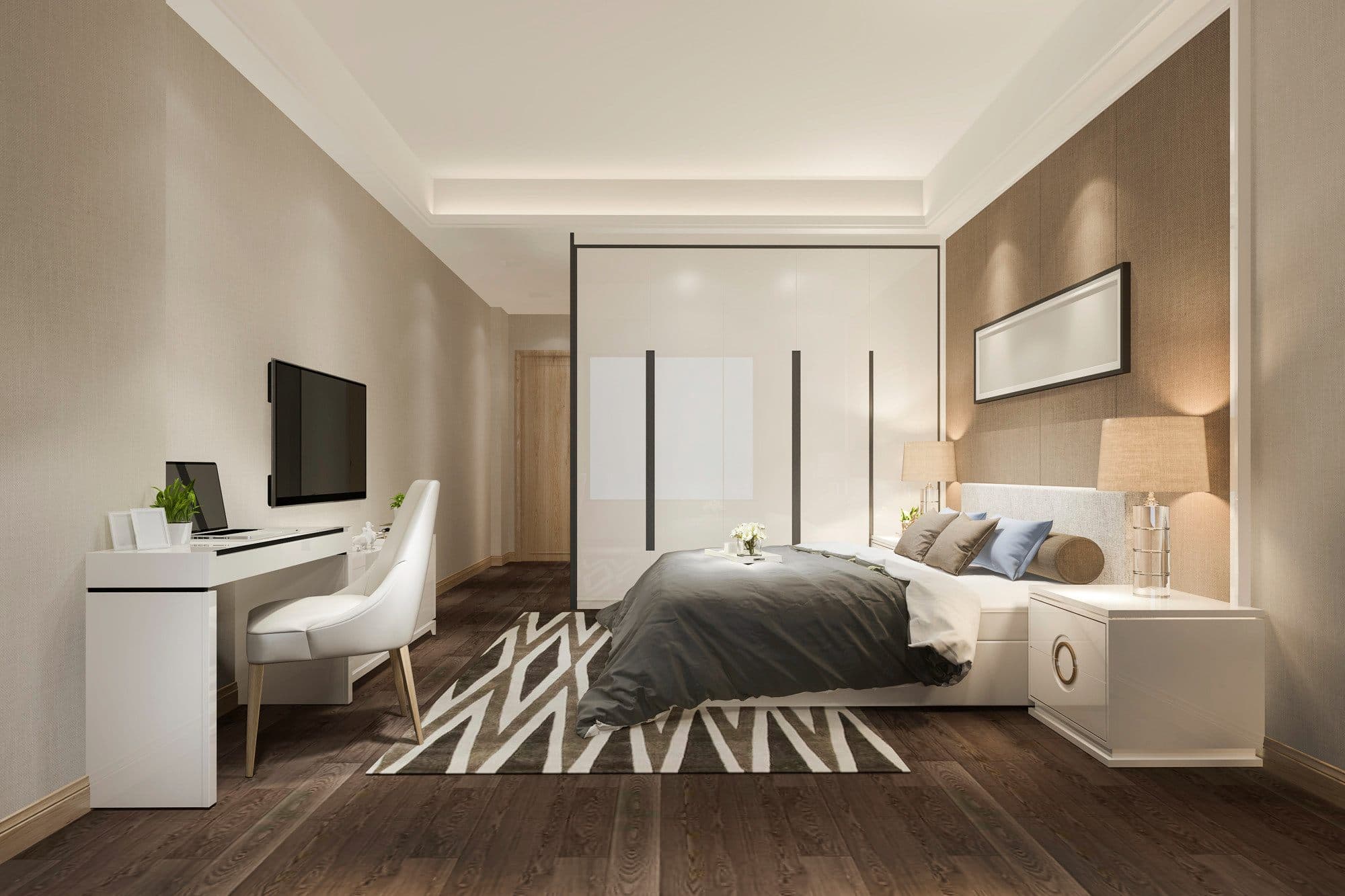
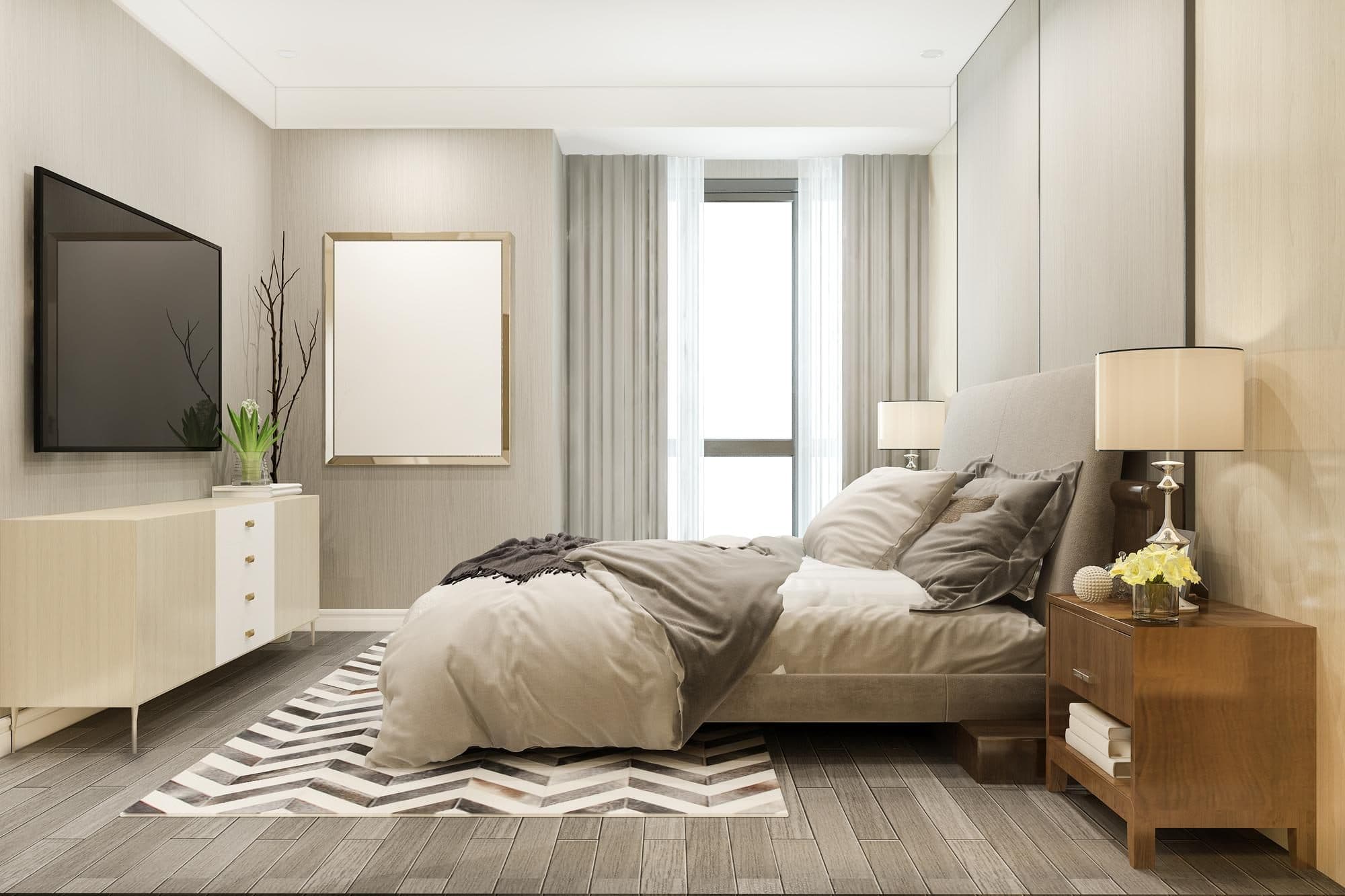
Bedroom listing photo after cleanup and virtual staging
Bedroom listing photo before cleanup and staging prep
SOURCE PHOTO
LIGHTING + PERSPECTIVE TO FIX
PREPPED + STAGED
OPTIMIZED FOR LISTING + STAGING
Photo Prep Before Staging

Repair weak listing photos before you stage them

Correct lighting, straighten perspective, and remove cameras or small distractions before staging begins. A cleaner source image makes the final marketing photo feel more believable and less processed.

It also lets teams salvage more of a shoot instead of discarding workable photos or sending the listing back through production.

How does virtual staging work on listing photos?

If you are deciding when to stage a vacant listing, declutter an occupied home, or disclose edited marketing photos, the Virtual Staging Art guide explains how the category works, what it costs, and where it fits into brokerage listing prep.

"The Real Estate Staging Association’s Q1 2025 Market Insights adds a financial angle from a different lens: across 84 homes tracked in RESA’s Sold Over List Price Club, sellers saw an average return of $23.34 for every $1 invested in professional staging."

Read the full guide: AI virtual staging, costs, compliance, and examples.

Virtual Staging for Real Estate: A Complete Guide to AI Staging, Costs, and Compliance [2026]
Editorial Guide

Virtual Staging for Real Estate: A Complete Guide to AI Staging, Costs, and Compliance [2026]

Read the full guide

What customers say

I've worked with many staging companies throughout my career, but nothing comes close to VirtualStaging.art's speed. I no longer have to do a back and forth with BoxBrownie/Styldod! VirtualStaging.art allows me to simply regenerate images I don't like until I find one that I love!

Vickie
Vickie
Real Estate Broker and Investor (Chicago, IL)

A staging solution that actually makes financial sense for my cheaper properties! I always wanted to be able to stage them, but it just didn't make financial sense. Fortunately, a friend showed me VirtualStaging.art and now we have a way to stage all of our cheaper properties.

AJ
AJ
Real Estate Broker (Seattle, WA)

I've been noticing that more and more of the comps I look at have staged images. I was wondering what folks were using and quickly found VirtualStaging.art. It looks like everyone in the real estate industry will soon have to do virtual staging AI to keep up with the market.

Alex
Real Estate Broker (Austin, TX)

Why brokerages switch from physical staging

Compare the speed, consistency, and per-listing cost of staging vacant inventory across an office or team.

Manual Virtual Staging

Cost
$2,000 – $5,000
Turnaround
2–3 weeks
Style Changes
Signifcant cost per change

Virtual Staging AI

Cost
$100 - $250
Turnaround
2-3 days
Style Changes
Few revisions included

Start with 3 free credits and test a vacant room in minutes.

Start staging free

From listing photos to publish-ready marketing in 3 steps

Upload listing photos from any agent or photographer
01

Upload listing photos from any agent or photographer

Use the room photos you already have from agents, coordinators, or photographers. Straight-on vacant room shots work best.

Apply a style that matches the listing and target buyer
02

Apply a style that matches the listing and target buyer

Choose a staging direction that fits the property, price point, and buyer profile, then create alternate looks when needed.

Review, tweak, and publish across MLS and portals
03

Review, tweak, and publish across MLS and portals

Adjust furniture pieces or layout details, then download full-resolution images ready for MLS, portals, and marketing materials.

Frequently Asked Questions

How do brokerages keep listing presentation consistent across agents?

Brokerages can reuse the same staging direction across agents, offices, and coordinators so vacant listings feel consistent even when the source photos come from different people.

Can we stage occupied listings before move-out?

Yes. You can declutter the existing furniture and belongings first, then generate staged marketing images before the property is fully vacant.

How fast can a coordinator turn around a new vacant listing?

Most rooms are ready in under a minute. That makes it practical for coordinators to stage multiple vacant listings in the same work session.

Can we create different looks for different buyer segments?

Yes. You can regenerate alternate looks or swap individual furniture pieces to better match the price point, neighborhood, or likely buyer profile.

Can agents request revisions without restarting from scratch?

Yes. Individual furniture items can be swapped or removed without rebuilding the entire image, which makes fast iteration practical for agents and coordinators.

Can we use virtually staged images on MLS and listing portals?

Yes. Virtual staging is widely used on MLS and listing portals. Follow the disclosure rules for your market and listing platform.

Is this cheaper than physical staging for routine vacancies?

Usually yes. Virtual staging is especially cost-effective for the everyday vacant listings where you need strong presentation but do not need a full in-person staging setup.

What photos should agents or coordinators upload?

Use bright, straight-on room photos with the full space visible when possible. Phone photos can work well if the room is clear and the framing is stable.

Can multiple agents or offices use the same workflow?

Yes. Teams can standardize how they stage vacant inventory and use the same process across multiple agents, offices, or coordinators.

How is this different from other AI staging tools?

Virtual Staging Art is built for real estate marketing workflows. The focus is structural accuracy, listing-ready output, and practical revision control rather than novelty images.

How is this better than using image generation AI directly?

General image generators are not designed for real estate listing integrity. Virtual Staging Art keeps room structure intact and gives you staging-specific controls instead of freeform image generation.

Do you offer API or bulk workflows for larger teams?

Yes. We offer an API and team-friendly workflows for larger real estate operations that need staging integrated into existing listing processes.

What is your refund policy?

If a result does not meet expectations, contact us and we will review the case. Our refund policy is designed to be fair while accounting for usage and generated output.

Equip every agent with listing-ready staged photos

Equip every agent with listing-ready staged photos

Move faster from raw room photos to publishable marketing without paying physical staging costs on every vacant listing.