Using Prop TVs for Home Staging: A Practical Guide for Realtors
Table of Contents
- What Are Prop TVs?
- Why Use Prop TVs in Staged Homes
- Prop TVs vs. Real TVs vs. Virtual Staging
- Choosing the Right Prop TV
- Where to Place Prop TVs
- Buying and Pricing Guide
- Maintenance and Storage
What Are Prop TVs?
Prop TVs are non-functional television replicas designed specifically for home staging. They look like real televisions but don't actually turn on. Think of them as three-dimensional photographs of TVs—they create the visual presence of a television without any of the working components.
Most prop TVs are lightweight plastic or cardboard constructions with printed screens showing neutral images or black surfaces. They typically cost between $30 and $150 depending on size and quality.
[Image: Comparison showing a prop TV next to real furniture in a staged living room]
Why Use Prop TVs in Staged Homes
The primary reason stagers use prop TVs is simple: they complete a room's visual story without the cost, security risk, or setup hassle of real televisions.
Here's what prop TVs accomplish in staging:
They define room purpose. A prop TV in a living room immediately signals "this is the entertainment space." Buyers walking through (or scrolling through listing photos) instantly understand how to use the room.
They fill visual voids. Empty walls and bare furniture look unfinished in photos. According to the National Association of Realtors' 2023 Profile of Home Staging, 81% of buyers' agents say staging makes it easier for buyers to visualize the property as their future home.
They add scale reference. Prop TVs help buyers gauge room dimensions. A 55-inch TV on a media console gives immediate context for how furniture will fit in the space.
They're photography-friendly. Real TVs often show glare, reflections, or power lights in listing photos. Prop TVs photograph cleanly without these technical issues.
Prop TVs vs. Real TVs vs. Virtual Staging
You have three main options when staging spaces that need a television presence:
Real TVs
Pros: Fully functional, can demonstrate smart home features, most realistic in person
Cons: Risk of theft (especially in vacant properties), require mounting/setup, show glare and reflections in photos, expensive to purchase ($300-$1,500+)
I've seen real TVs work well in occupied home staging where the homeowner already owns the TV. For vacant properties, the theft risk usually isn't worth it.
Prop TVs
Pros: Inexpensive ($30-$150), lightweight and portable, photograph well, no theft risk
Cons: Obviously fake upon close inspection, can look cheap if low quality, requires physical storage
Prop TVs are the industry standard for traditional staging in vacant homes.
Virtual Staging
Pros: Extremely cost-effective ($5-$25 per image), unlimited design options, perfect for online listings, no storage needed
Cons: Only works for photos (not in-person showings), must be disclosed to buyers, requires original empty room photos
Virtual staging has grown substantially since 2020. According to Redfin's 2024 staging data, virtually staged listings receive 61% more views online than non-staged listings.
For online-first marketing strategies, AI virtual staging tools can add realistic TVs to empty room photos in minutes for around $5 per image—often making physical props unnecessary for the initial listing launch.
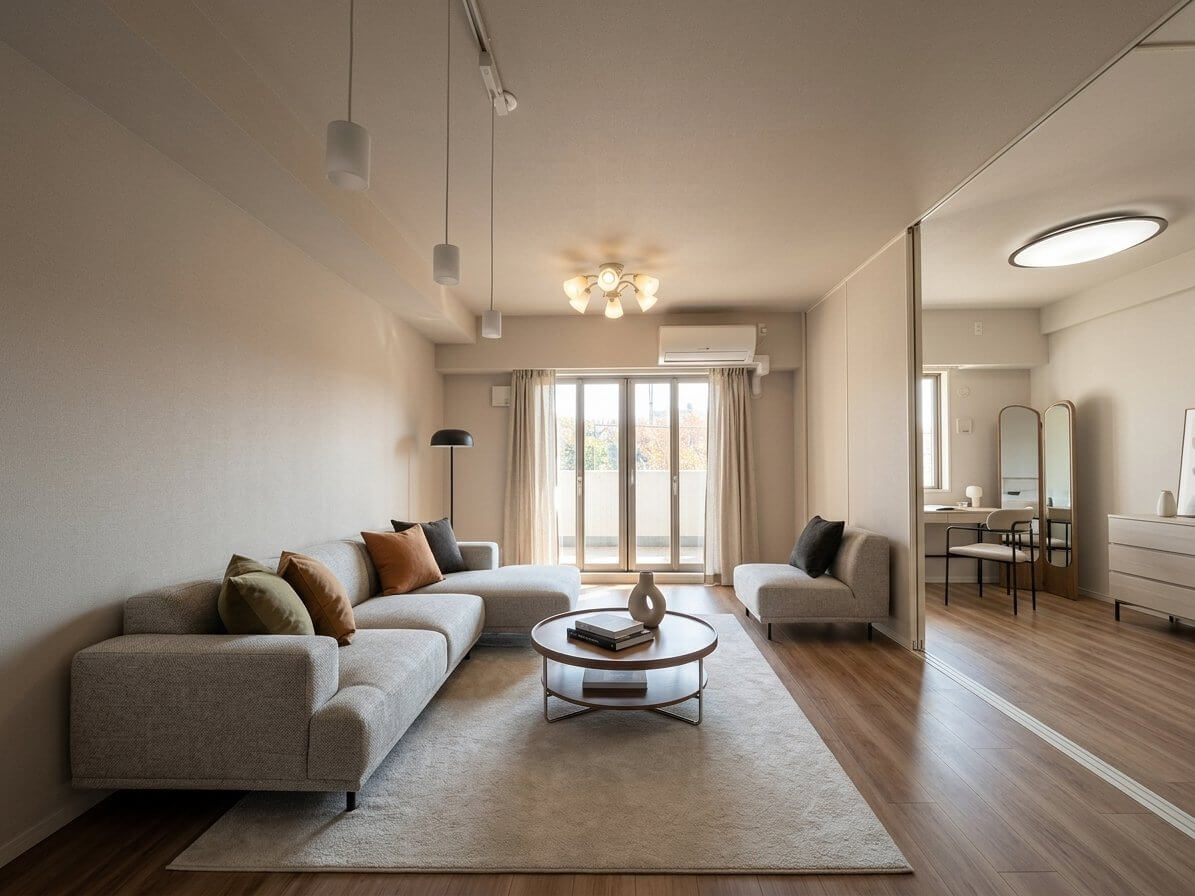
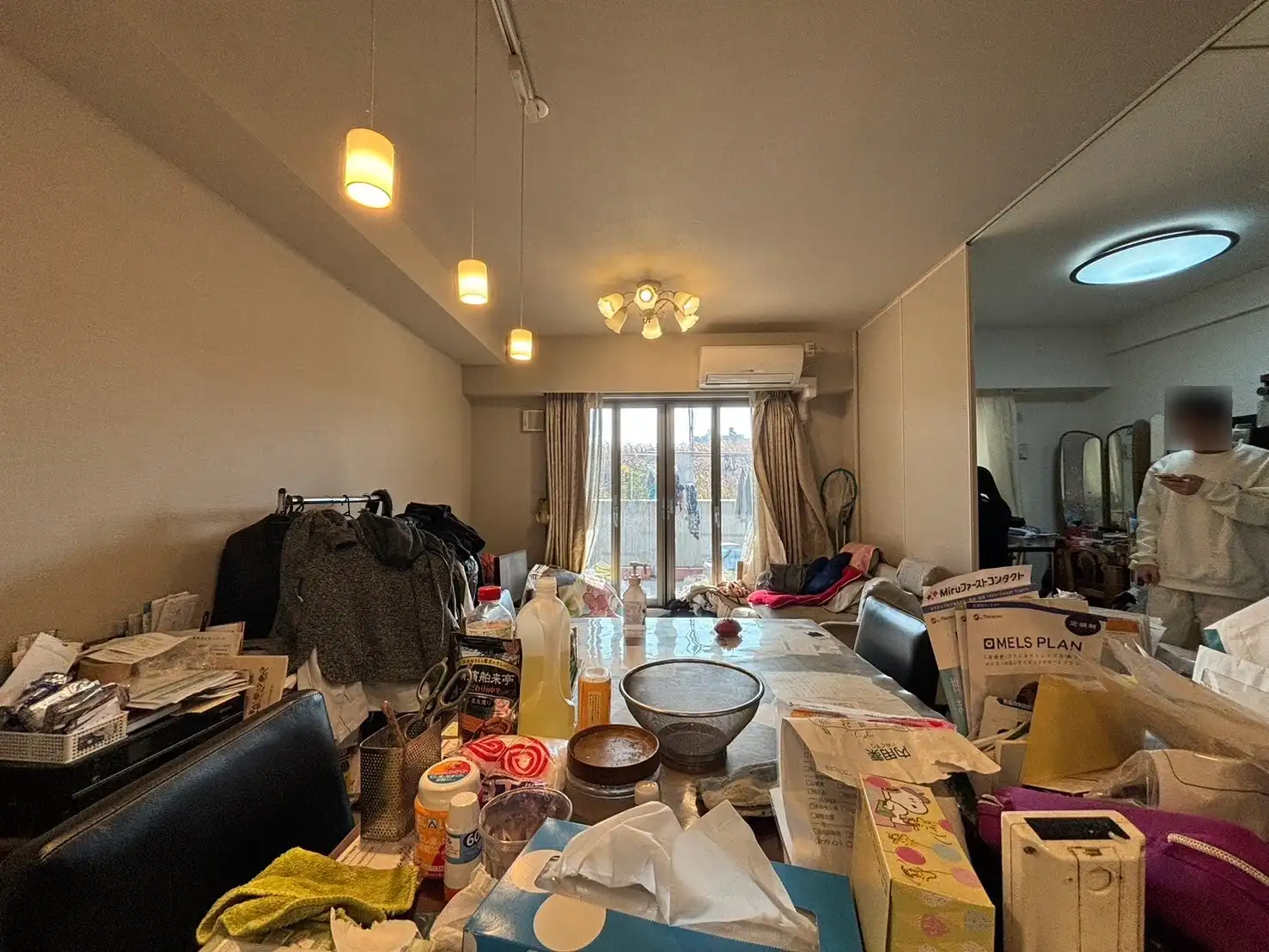
[Image: Before and after comparison showing an empty living room transformed with virtual staging including a TV]
Choosing the Right Prop TV
Size Guidelines
Prop TV sizing follows the same rules as real TVs. Here's what works for typical rooms:
- Living rooms: 55-65 inches for average spaces (12x15 feet or larger)
- Bedrooms: 40-50 inches for primary bedrooms, 32-40 inches for secondary bedrooms
- Media rooms: 65-75 inches
- Kitchens/breakfast nooks: 32-40 inches
The viewing distance rule applies: divide the TV size (in inches) by 0.55 to get the ideal viewing distance in inches. A 55-inch TV should be viewed from about 100 inches (8 feet) away.
Style Considerations
Match your prop TV style to the home's overall aesthetic:
Modern homes: Choose prop TVs with thin black bezels and minimal framing. The TV should look like it could be from the last 2-3 years.
Traditional homes: Slightly thicker frames work fine here. The TV doesn't need to look cutting-edge.
Luxury properties: Invest in higher-quality prop TVs ($100-$150 range) that photograph well. Some stagers use frame TVs or actual non-functioning displays from retailers for high-end listings.
Screen Image Options
Prop TVs typically come with three screen options:
- Black/dark screens - Most versatile, photographs best
- Neutral image screens - Shows nature scenes or abstract art
- Reflective screens - Mimics a turned-off TV with slight reflectivity
I recommend black screens for most staging situations. They're neutral and don't distract from the room.
Where to Place Prop TVs
Living Room Placement
The living room TV placement will influence how you arrange all other furniture. Follow these guidelines:
Height: Mount or place the prop TV so the center sits at eye level when seated (typically 42-48 inches from the floor).
Positioning: Place opposite or perpendicular to the main seating area. Avoid positioning where windows create glare in photos.
Supporting elements: Add a media console underneath mounted TVs, or place the TV on a console. Include 1-2 subtle accessories like a small plant or decorative box, but don't clutter.
Bedroom Placement
Bedroom TVs are less critical than living room TVs. Only include them when:
- The room is large enough that it won't feel crowded
- There's a logical furniture placement (dresser or wall mount opposite the bed)
- The target buyer demographic expects bedroom TVs (luxury homes, suburban family properties)
Skip bedroom TVs in smaller condos, minimalist-style homes, or when the room barely fits the bed and nightstands.
Other Spaces
Home offices: Small prop TVs (32-40 inches) can show the space's dual functionality for remote work and video calls.
Basements/bonus rooms: Larger prop TVs (65+ inches) help define these flexible spaces as entertainment areas.
Outdoor areas: If the property has a covered patio or outdoor living space, a weatherproof-looking TV suggests lifestyle possibilities. Keep these rare—only use for distinctive outdoor spaces.
[Image: Diagram showing proper TV height and viewing distance measurements]
Buying and Pricing Guide
Where to Buy Prop TVs
Home staging suppliers:
- Staging Decor Direct
- Virtual Staging Furniture
- Amazon (search "prop TV" or "fake TV for staging")
These typically range from $35-$150 depending on size.
DIY options: Some stagers print large TV images on foam board ($10-$20 at print shops) for occasional use. This works for photos but looks obviously fake in person.
Rental options: If you only stage occasionally, rental companies like CORT Furniture include prop TVs in staging packages. Rental staging typically costs $500-$2,000 per room per month.
Cost Comparison
Here's how the costs break down:
Physical staging with prop TVs: $2,000-$5,000 per home (full staging with rental furniture including prop TVs)
Prop TV purchase for owned inventory: $35-$150 one-time cost per TV
Virtual staging with TVs: $5-$25 per photo (AI-powered services like VirtualStaging.art can add TVs and complete furniture digitally)
For agents staging multiple listings annually, owning 3-4 prop TVs in common sizes (50", 55", 65") makes financial sense. For one-off projects, virtual staging often delivers better ROI.
Maintenance and Storage
Keeping Prop TVs Stage-Ready
Prop TVs require minimal maintenance:
Before each staging:
- Wipe down with a microfiber cloth to remove dust
- Check for scratches or damage to the screen surface
- Inspect the frame for any loose parts
After each staging:
- Clean fingerprints and smudges
- Check corners and edges for wear
- Document any damage for replacement decisions
Storage Best Practices
Proper storage extends prop TV lifespan significantly:
Protect during transport: Use furniture blankets or bubble wrap. Prop TVs are lightweight but can scratch or dent easily.
Store flat or upright: Don't store heavy items on top of prop TVs. Keep them upright against a wall or flat on a shelf.
Climate control: Store in dry environments. Humidity can warp cardboard-based prop TVs and damage printed screens.
Label by size: Mark each prop TV with its size (55", 65", etc.) so you can quickly grab the right one for each project.
Most stagers report prop TVs lasting 15-25 staging projects before showing significant wear.
When to Replace
Replace prop TVs when:
- Screen surfaces show visible scratches or damage in photos
- Corners are bent or crushed
- The style looks dated (technology design changes quickly)
If you're staging high-end properties, replace prop TVs every 12-18 months to maintain a current look.
The Virtual Alternative
While prop TVs have been a staging staple for years, many realtors now skip physical props entirely for the initial listing launch. Virtual staging solves several prop TV limitations:
No storage needed. Digital assets don't take up warehouse space.
Perfect every time. No scratches, dents, or wear to manage.
Flexible sizing. Adjust TV size to perfectly fit each space without owning multiple prop sizes.
Complete room context. When you're already virtually staging furniture, adding a TV is simply part of the design.
If you're staging primarily for online listing photos rather than in-person showings, AI-powered virtual staging services offer a cost-effective alternative starting at around $5 per photo. You'll get consistent, professional results without the logistics of storing and transporting physical props.
For properties with strong in-person showing traffic, physical prop TVs still make sense. For vacant homes where 90% of buyer interaction happens online first, virtual staging often delivers better results for less investment.
[Image: Side-by-side showing the same room with physical staging using prop TV vs virtual staging with digital TV]
The bottom line: prop TVs remain a valuable tool for traditional staging, but understanding your staging strategy—online-focused vs. in-person focused—should drive whether you invest in physical props or digital alternatives.