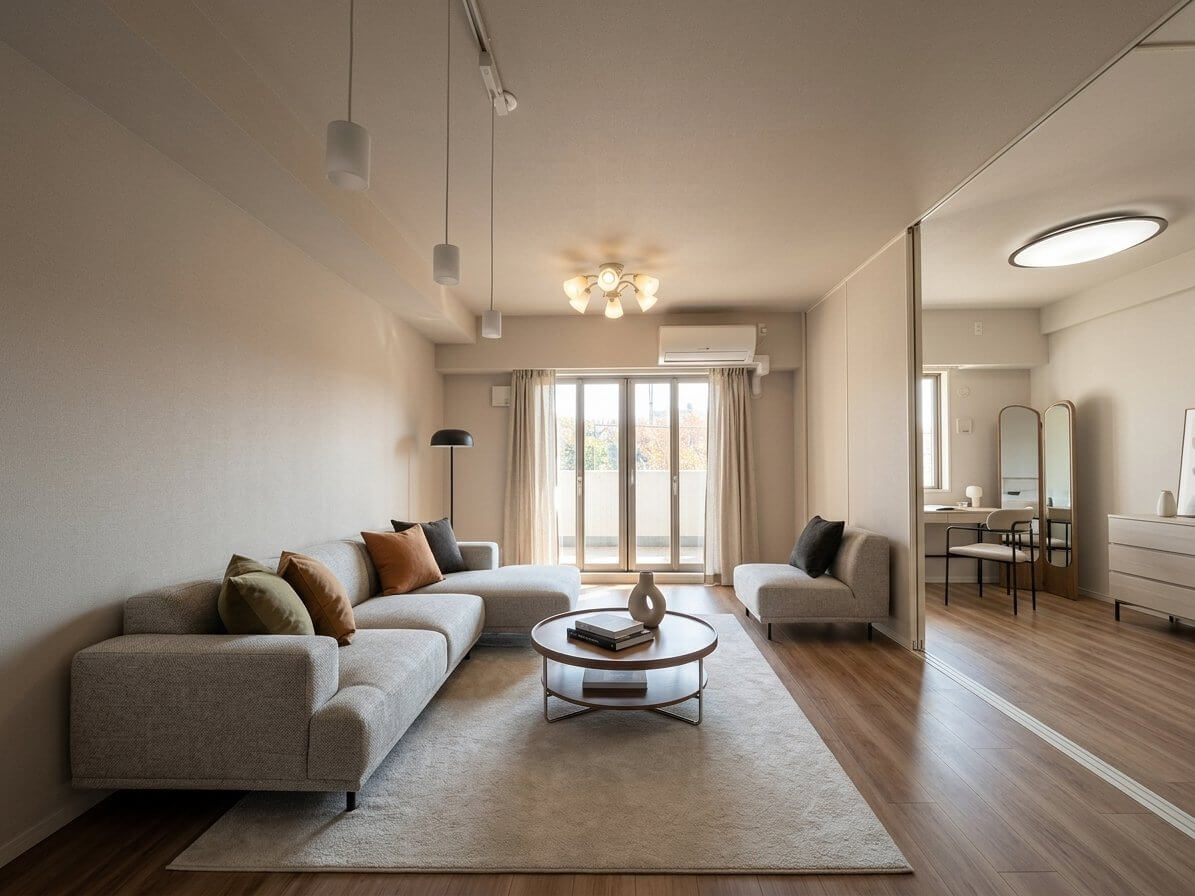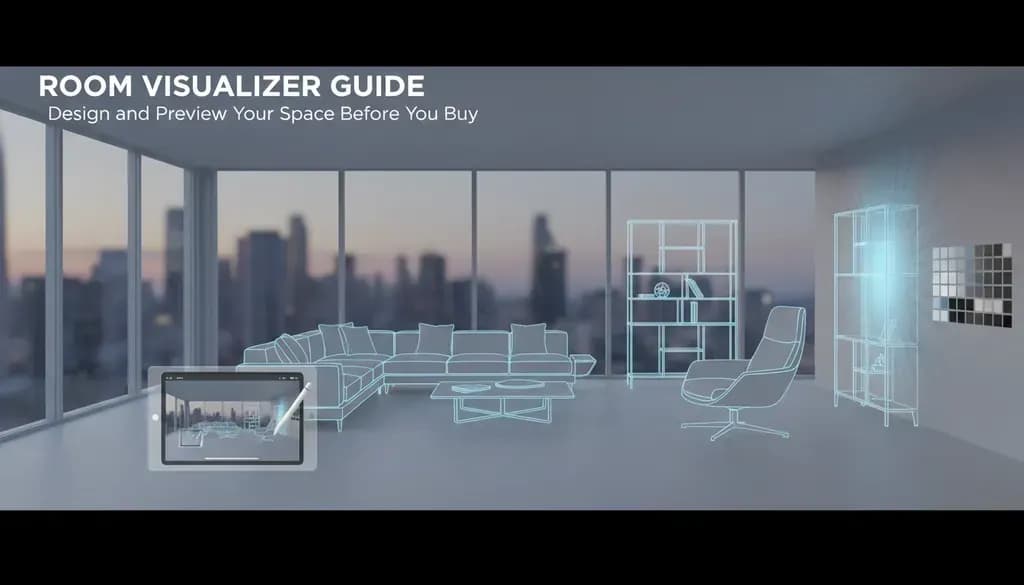
Choosing furniture and paint colors without seeing how they'll look in your actual space is risky. You might buy a sofa that's too large, pick a paint color that feels wrong in your lighting, or arrange furniture in a way that blocks traffic flow.
A room visualizer solves this problem by letting you test design decisions digitally before spending money. I'll walk you through what these tools actually do, which ones are worth using, and how to get useful results from them.
Table of Contents
- What is a Room Visualizer?
- Types of Room Visualizers
- Best Room Visualizer Tools in 2026
- How to Use a Room Visualizer Effectively
- Room Visualizers vs. Virtual Staging
- Common Problems and How to Fix Them
What is a Room Visualizer?
A room visualizer is a digital tool that creates a 3D model of your room so you can test furniture layouts, wall colors, flooring, and decor before making purchases. You input your room's dimensions, then drag and drop furniture from a catalog to see how different arrangements look.
Most visualizers work in one of three ways:
- 3D modeling tools where you build a room from scratch using measurements
- Photo-based tools that let you upload a picture of your room and overlay products
- AR (augmented reality) apps that use your phone's camera to place virtual furniture in your real space
The goal is the same: reduce expensive mistakes by previewing your design decisions.
[Image: Split-screen showing a bare room photo on the left and the same room with furniture digitally placed on the right]
Types of Room Visualizers
3D Room Planning Software
These tools let you create a floor plan by entering wall dimensions, then furnish the space with items from their catalog. You get a bird's-eye view and a 3D walkthrough.
Best for: People redesigning an entire room or planning a renovation. You need accurate measurements.
Examples: Planner 5D, Roomstyler, SketchUp
Brand-Specific Visualizers
Retailers like IKEA, Wayfair, and Home Depot offer visualizers featuring only their products. These are more limited but accurate since the furniture dimensions match real inventory.
Best for: Shopping at a specific retailer and wanting to see their exact products in your space.
Examples: IKEA Place, Wayfair View in Room, Pottery Barn 3D Room Designer
Paint and Flooring Visualizers
These specialized tools focus on wall colors and flooring materials. You upload a photo of your room, and the tool lets you apply different colors or textures.
Best for: Quick color decisions without furniture planning.
Examples: Sherwin-Williams ColorSnap Visualizer, Benjamin Moore Color Portfolio
AI-Powered Room Redesign Tools
Newer AI tools can analyze a photo of your room and automatically generate design suggestions or completely transform the style with one click.
Best for: Getting inspiration or seeing multiple design directions quickly.
Best Room Visualizer Tools in 2026
After testing current options, here are the tools that deliver the most practical value:
Planner 5D
Cost: Free version available; premium plans from $9.99/month
What it does: Full 3D room design with an extensive furniture catalog. You can create detailed floor plans and view them in photorealistic 3D.
Pros: Intuitive drag-and-drop interface, works on desktop and mobile, large catalog
Cons: Free version has limited features and adds watermarks
Roomstyler
Cost: Free
What it does: Browser-based 3D visualizer with real furniture from actual brands. You can design rooms and create panoramic renders.
Pros: Completely free, features real products with brand names and pricing
Cons: Interface feels dated compared to newer tools
IKEA Kreativ
Cost: Free
What it does: Uses spatial scanning technology to create a 3D model of your room from photos, then lets you place IKEA furniture with accurate dimensions.
Pros: Automatically measures your room from photos, realistic product visualization
Cons: Only IKEA products, requires iOS device for room scanning
According to IKEA's 2024 announcement, Kreativ uses spatial computing to create accurate 3D room models from smartphone photos.
SketchUp Free
Cost: Free web version; Pro version $349/year
What it does: Professional-grade 3D modeling tool that's powerful but has a learning curve.
Pros: Extremely flexible, used by professional designers, access to 3D Warehouse with millions of models
Cons: Steeper learning curve than consumer tools
[Image: Screenshot comparison showing the interfaces of Planner 5D, Roomstyler, and IKEA Kreativ]
How to Use a Room Visualizer Effectively
Most people jump into these tools and get frustrated because their results don't look realistic. Here's how to get better outcomes:
Start with Accurate Measurements
Measure your room's length, width, and ceiling height. Also measure:
- Window dimensions and placement
- Door locations and swing direction
- Built-in features like closets or radiators
- Ceiling height (especially if it varies)
Inaccurate measurements mean furniture that looks fine digitally won't fit properly in real life.
Account for Traffic Flow
Leave at least 30-36 inches for main walkways through the room. Visualizers let you cram furniture together, but you'll regret it when you can't walk through your actual space comfortably.
Use Realistic Lighting Settings
If your room gets mostly northern light (cool and indirect) versus southern light (warm and direct), the same paint color will look different. Some advanced visualizers let you adjust lighting direction and intensity.
Test Multiple Layouts
Save three different furniture arrangements and compare them. What looks good initially might not be the most functional option.
Check Proportions from Multiple Angles
View your design from eye level, not just the default bird's-eye view. Furniture that seems fine from above might look oversized or awkward from a seated position.
[Image: Side-by-side comparison showing the same room layout from bird's-eye view and eye-level perspective]
Room Visualizers vs. Virtual Staging
While room visualizers are for homeowners planning their own space, virtual staging serves a different purpose: helping real estate agents sell properties faster.
Virtual staging adds digital furniture to photos of empty homes. According to the National Association of Realtors' 2023 Profile of Home Staging, 82% of buyers' agents said staging made it easier for buyers to visualize a property as their future home.
The key differences:
| Room Visualizer | Virtual Staging | |----------------|------------------| | For personal use and planning | For marketing real estate listings | | Interactive—you design the space | Designer creates the final image | | Focuses on accurate dimensions | Focuses on attractive presentation | | Usually free or low-cost subscription | Usually $20-$100+ per photo |
If you're selling a property, AI virtual staging tools can generate professionally staged photos from empty rooms for around $5 per image, much less than traditional physical staging which typically costs $2,000-$5,000 per home according to HomeAdvisor's 2024 cost data.
Common Problems and How to Fix Them
"The furniture catalog doesn't have what I want"
Many visualizers let you import custom 3D models. Search for free models on 3D Warehouse (SketchUp's library) or TurboSquid, download them, and import them into your project. Look for models in common formats like .obj, .fbx, or .dae.
"My design looks fake or unrealistic"
This usually comes from:
- Lighting that's too bright or flat: Adjust the ambient light and add shadows
- Textures that look computer-generated: Use visualizers with photorealistic rendering engines
- Furniture floating slightly above the floor: Zoom in and adjust vertical positioning
"The app crashes or runs slowly"
Complex scenes with many objects slow down rendering. Try:
- Reducing the number of items in the scene
- Lowering the preview quality (you can render in high quality when done)
- Using a web-based tool instead of a mobile app if your phone is older
- Clearing your browser cache if using a web-based visualizer
"I can't get the room dimensions right"
If manual measurement input is frustrating, try AR-based apps like IKEA Kreativ or Roomle that scan your space with your phone's camera. These automatically detect walls and measure dimensions, though they work best in well-lit rooms with clear wall boundaries.
Getting the Most Value from Room Visualizers
Room visualizers are most useful when you're making decisions that are expensive to reverse: furniture purchases, paint colors, or flooring materials. They're less helpful for small decor items you can easily return.
I've found the biggest value comes from testing furniture scale. That sectional sofa that looks perfect online might overwhelm your actual living room, and a visualizer will show you this before you spend $2,000 and deal with return shipping.
For real estate professionals or homeowners preparing to sell, remember that room visualizers and virtual staging serve different goals. While visualizers help you plan your personal space, virtual staging helps market empty properties. AI-powered virtual staging services can transform vacant listing photos in minutes, helping potential buyers see the home's possibilities.
Start with free tools like Roomstyler or Planner 5D's basic version. If you need more advanced features or professional results, the paid versions are worth the investment compared to the cost of design mistakes.
[Image: Before and after showing a poorly scaled furniture arrangement versus a properly proportioned layout using a room visualizer]
The best room visualizer is the one you'll actually use. Try two or three options, spend 30 minutes with each, and stick with whichever interface feels most intuitive to you.