Table of Contents
- What is Virtual Staging?
- Why Virtual Staging Matters
- The Cost Reality: Free vs. Paid Virtual Staging
- Best Free Virtual Staging Options
- How to Use Free Virtual Staging Tools
- When Free Tools Fall Short
- Best Practices for Virtual Staging
What is Virtual Staging?
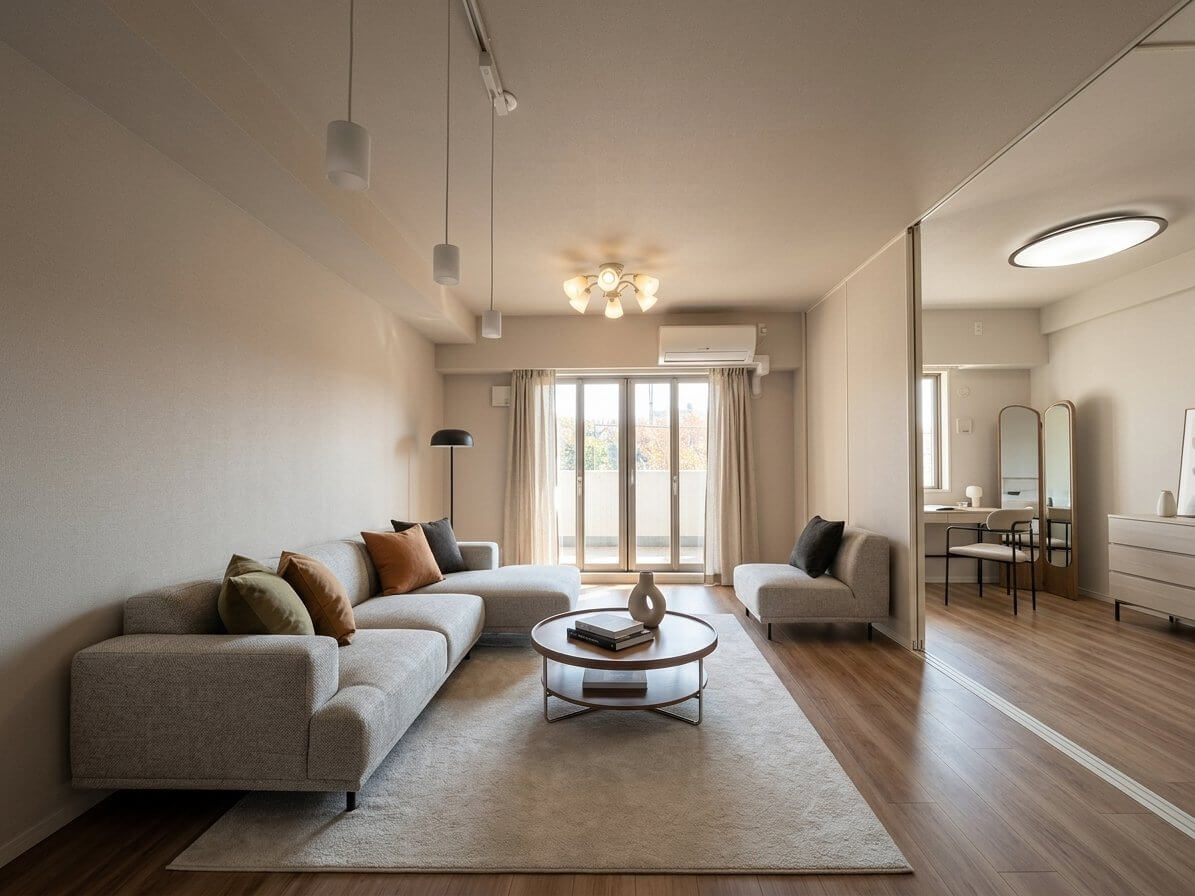
Virtual staging uses software to digitally add furniture, decor, and design elements to photos of empty or poorly furnished rooms. Instead of physically moving furniture into a property, designers or AI algorithms insert realistic-looking furnishings into listing photos.
The process transforms bare walls and empty floors into warm, inviting spaces that help buyers visualize how they might use each room. It's become standard practice in real estate marketing—in 2024, 43% of buyers said their very first step was to look for properties on the internet, making compelling listing visuals critical.
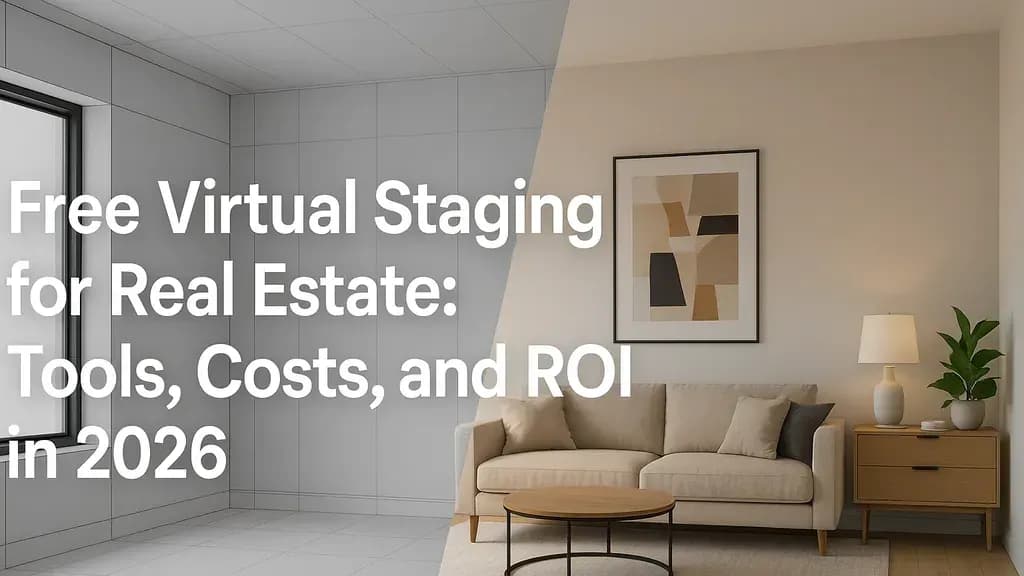
[Image: Side-by-side comparison of an empty living room and the same room virtually staged with modern furniture]
Why Virtual Staging Matters
The data on staging effectiveness is hard to ignore. Staged homes sell 73% faster than unstaged properties, and according to the National Association of Realtors, 17% of home buyers' real estate agents said that staging a home resulted in a 1% to 5% increase in the dollar value offered.
For vacant homes especially, the difference is stark. Vacant homes nationwide tend to sell for an average of $11,306 less and spend an additional six days on the market compared to their occupied counterparts.
Beyond the numbers, staging solves a fundamental problem: many buyers can't visualize potential. 81% of buyers think home staging helps them visualize living in the home, according to the National Association of Realtors. Empty rooms force buyers to do mental work that half of them simply can't or won't do.
The Cost Reality: Free vs. Paid Virtual Staging
Traditional physical staging isn't cheap. Home staging costs $1,500 to $4,000 on average, depending on the home size, local real estate market, and whether the house is vacant or occupied. Staging a vacant home costs the most because it requires furniture rental, according to traditional staging costs research.
Virtual staging dramatically reduces these costs. Professional virtual staging services typically charge between $20-100 per image, with many quality options available around $30-40 per photo. AI-powered virtual staging tools like VirtualStaging.art start at just $5 per photo, delivering results in minutes rather than days.
But what about truly free options? Here's the reality: free virtual staging tools exist, but they come with significant limitations.
What "Free" Actually Means
Most "free" virtual staging falls into three categories:
- Free trials: Services like Apply Design and HomeDesigns.AI offer limited free credits to test the platform before requiring payment
- Freemium models: Basic features are free, but watermarks, low resolution, or commercial restrictions apply
- DIY design tools: Programs like Homestyler or Planner 5D that let you manually place furniture, but require significant time and design skill
True no-cost, no-restriction virtual staging for commercial real estate use is virtually nonexistent. The tools that come closest often produce results that look obviously artificial or aren't licensed for MLS listings.
[Image: Example of low-quality AI staging with poor lighting and unrealistic furniture placement]
Best Free Virtual Staging Options
If you're working with a tight budget and want to test virtual staging, here are the most legitimate free or low-cost options available in 2026:
1. HomeDesigns.AI (Free Trial)
You can use Virtual Staging AI Free at no cost. There's no sign-up, no subscription, and no hidden fees. This is one of the few tools offering genuinely free staging without requiring an account.
Limitations: The free version likely includes watermarks or limited resolution. Check the fine print for commercial use restrictions.
2. Homestyler (Freemium)
Homestyler is a versatile virtual staging and interior design tool that's perfect for real estate sellers looking to enhance their property listings. It offers a free version that includes access to a vast library of furniture and décor, as well as the ability to create stunning 3D renderings of your staged rooms.
Best for: Realtors willing to invest time in DIY staging and who want 3D visualization capabilities.
3. Planner 5D (Limited Free Version)
Planner 5D is a powerful design tool that allows you to create both 2D and 3D room layouts. While it's often used for interior design, it also offers free virtual staging capabilities that can help sellers showcase their properties in the best light.
Limitations: The free version has restricted export options and may require payment for high-resolution images suitable for MLS listings.
4. VisualStager (Try Before You Buy)
When you sign-up you can try VisualStager for free on all the sample photographs provided. Experience how the software works and view the furniture library - with over 4,000 items for furniture - no cost or commitment.
Note: You can test the interface for free, but staging your actual listing photos requires purchasing credits (around $7-10 per image).
The Reality Check
AI-driven tools can automate staging in seconds, but they often lack the human touch. Furniture may appear mismatched, lighting unnatural, or layouts unrealistic. Free tools amplify these issues because they typically use older AI models or impose strict limitations.
Free staging tools are perfect for testing ideas or showing clients style options. Yet, when a home is ready to hit the market, polished, professional images are what sell. That's why many agents start with free staging, then move to expert services once they see the difference in buyer engagement.
How to Use Free Virtual Staging Tools
If you decide to try a free or DIY virtual staging tool, follow these steps to get the best possible results:
1. Take Professional-Quality Photos
Your output quality depends entirely on your input. Use these guidelines:
- Shoot in natural daylight when possible
- Use a wide-angle lens to capture the full room
- Keep the camera level (no Dutch angles)
- Remove clutter, personal items, and distractions before shooting
- Ensure rooms are clean and well-lit
2. Choose Your Tool and Create an Account
Select a platform based on your needs:
- For speed: AI tools like HomeDesigns.AI or Virtual Staging AI
- For control: DIY tools like Homestyler or Planner 5D
- For quality: Consider investing $5-15 per image in an AI virtual staging service rather than struggling with free tools
3. Select Appropriate Furniture Styles
Match the staging style to your target buyer:
- Modern minimalist for urban condos
- Coastal or farmhouse for suburban family homes
- Luxury traditional for high-end properties
Keep the design neutral. You want to appeal to the widest possible audience.
4. Pay Attention to Scale and Placement
This is where free tools often fail. Make sure:
- Furniture is appropriately sized for the room
- Pieces are placed logically (sofas face TVs, dining tables center under lights)
- There's adequate walkway space
- The room doesn't look cluttered or empty
5. Check Lighting and Shadows
Poor lighting consistency screams "fake." AI-based tools can miss small details, like lighting consistency. Designer staging, like Bella's, is often indistinguishable from real photos.
If your free tool produces furniture with obviously wrong shadows or lighting that doesn't match the room, buyers will notice.
[Image: Tutorial screenshot showing furniture placement in a DIY staging tool]
When Free Tools Fall Short
Let's be honest: there's a reason professional virtual staging services exist. Here's when free tools typically don't cut it:
For MLS Listings
Make sure your selected software allows commercial use for real estate marketing. Read the fine print, it's easy to overlook. Many free tools explicitly prohibit using their output in commercial listings.
For Luxury Properties
Quality is king in luxury real estate marketing. This is not the place to save a few bucks! Collov AI is the most affordable virtual staging app that produces professional-quality images suitable for real estate marketing—and even budget-friendly paid tools produce far better results than free options.
When Time Matters
DIY staging with free tools can take hours to produce mediocre results. Professional services or quality AI tools deliver polished images in 24-48 hours or even minutes. When you're trying to get a listing live quickly, the $25-50 investment in professional staging is worth it.
The Quality Gap
According to HousingWire's 2026 analysis, The days of AI-staged photos that look more like Salvador Dali paintings than comfy living rooms or HGTV-ready kitchens are long gone. The images today's virtual staging companies can create using AI are shockingly realistic and, dare we say it, stylish. AI can create virtually staged images to match any trendy interior design style you can dream up for a small fraction of the price of traditional staging—but that's referring to paid AI tools, not free ones.
Best Practices for Virtual Staging
Whether you're using free tools or investing in professional services, these principles apply:
Focus on Key Rooms
Staging the living room was most important for home buyers (37%), followed by the primary bedroom (34%) and kitchen (23%). Among home sellers, the most commonly staged rooms were the living room (91%), primary bedroom (83%), dining room (69%) and kitchen (68%).
If you're on a budget, stage these high-impact spaces first.
Keep It Realistic
The goal is to help buyers visualize living in the space, not to deceive them. Always:
- Disclose that images are virtually staged (add a watermark or caption)
- Use furniture that's appropriately sized and styled for the space
- Maintain the room's actual proportions and architecture
- Avoid digitally "fixing" structural issues or removing permanent fixtures
Match Your Target Market
A millennial first-time buyer has different aesthetic preferences than an empty-nester downsizing. Research your target demographic and stage accordingly.
Prioritize Quality Photos
No amount of virtual staging can fix a poorly photographed room. Invest in professional real estate photography if possible—the combination of great photos and professional staging delivers the best ROI.
[Image: Before/after comparison showing the same room with professional photography and quality virtual staging]
The Bottom Line: Is Free Virtual Staging Worth It?
Free virtual staging tools can work for:
- Testing concepts before investing in professional staging
- Personal properties where you're not under time pressure
- Learning about different design styles
- Creating rough mockups to discuss with clients
Free tools typically don't work well for:
- Active MLS listings that need to stand out
- Luxury properties where quality is paramount
- Situations where you need fast turnaround
- Commercial use with licensing restrictions
For most realtors and sellers, the sweet spot is investing in affordable AI virtual staging services. At $5-15 per image, tools like AI-powered virtual staging deliver professional results without the $2,000-4,000 cost of traditional staging or the time investment and quality issues of free DIY tools.
Consider this: With an average virtual staging order of $204, the cost of virtual staging is only 1.8-2.7% of the commission price. In addition, Forbes says that staged homes sell for 87% faster and 17% more. Even a modest $100 investment in quality virtual staging can return thousands in faster sales and higher offers.
The real question isn't whether to stage—the data makes that choice clear. It's whether to spend hours wrestling with free tools that may produce mediocre results, or invest a small amount in professional AI staging that takes minutes and delivers MLS-ready images every time.