





AI Photo Editing for Real Estate

Edit your real estate photos like a pro with architectural AI. Fix bad lighting, remove existing furniture and belongings, add decor naturally, apply HDR, and more.

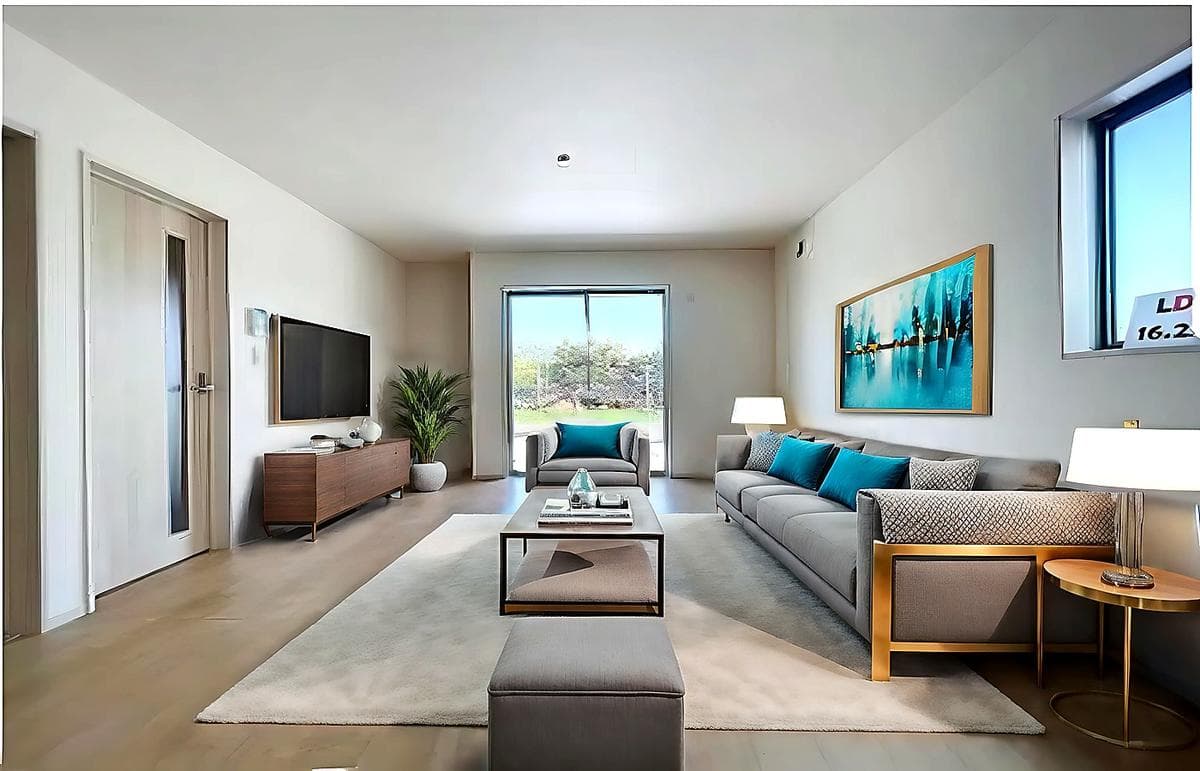
Crisp bright real estate listing photo after AI editing
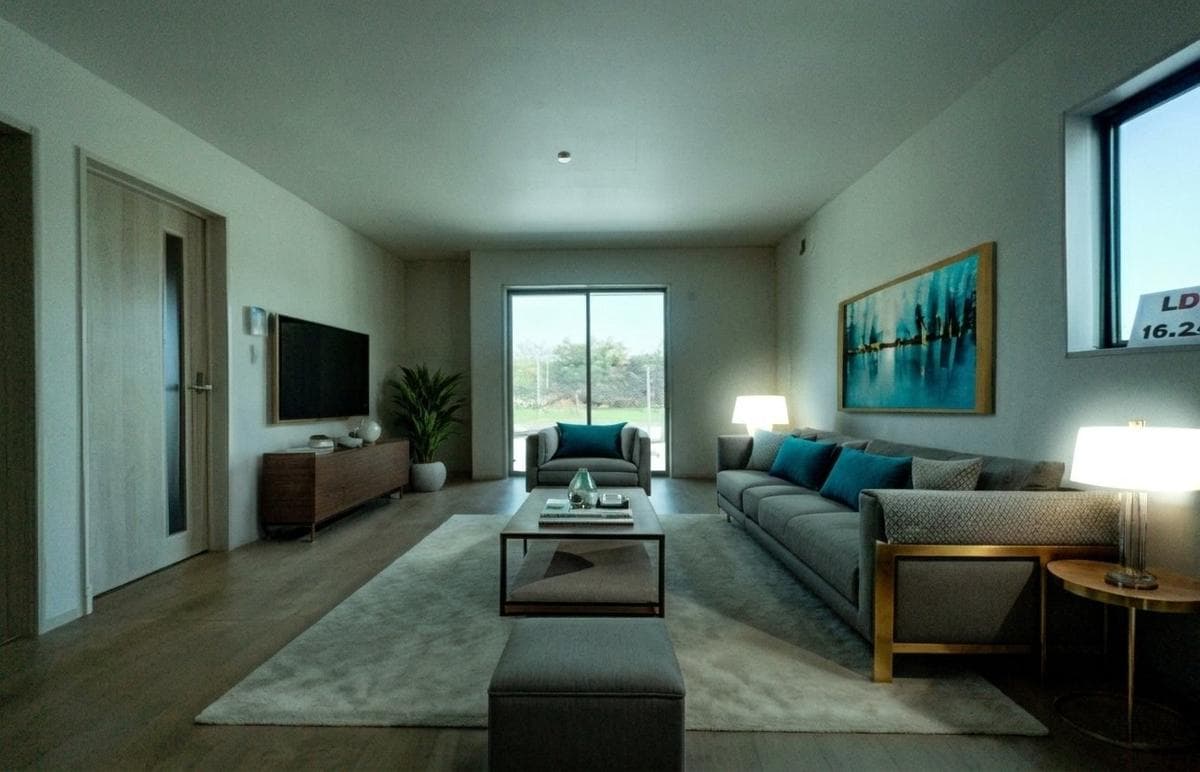
Dark low-resolution real estate listing photo before AI editing
BAD PHONE PHOTO
Dim light, low resolution, visible noise
AI PHOTO EDITED
Crisp, bright, listing-ready
Built for agents, brokerages, coordinators, and listing-production teams
Yahoo FinanceREMRealPropertyiProAssociated PressThe Negotiator

Why use AI photo editing on real estate listings?

Real estate teams often need to publish a listing before every source photo is ideal. AI photo editing helps clean up weak skies, dark interiors, and distracting details so listings can go live with a better first impression.

For real estate teams, AI photo editing means correcting listing photos before publication so they look brighter, cleaner, and easier for buyers to understand without sending every image through a long manual retouching process.
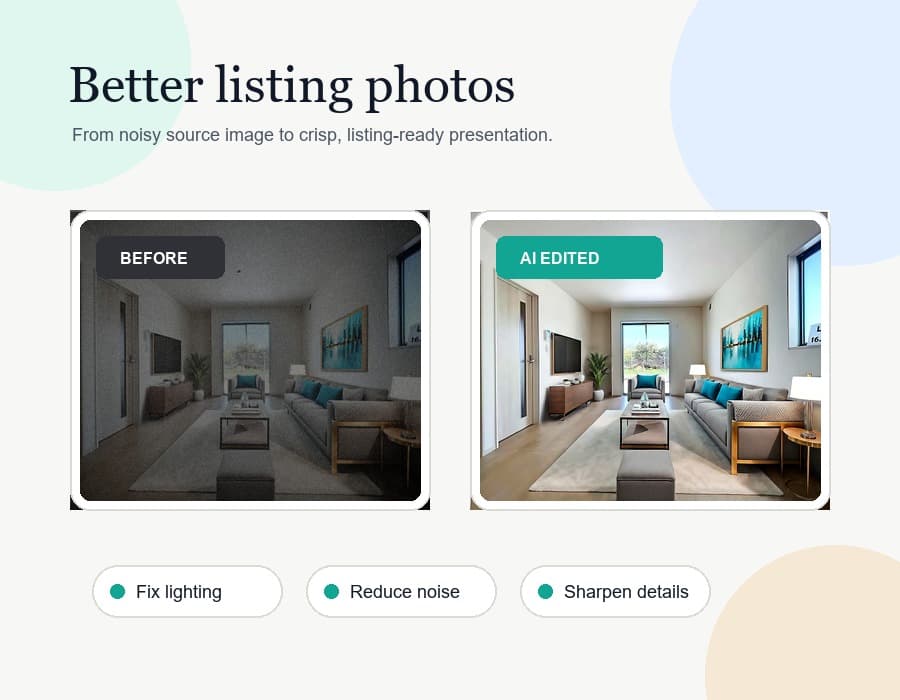
Before and after visual showing how AI photo editing improves a real estate listing photo
USE CASES

Professional-level editing in seconds with AI

Real estate listing photo after AI lighting and HDR correction
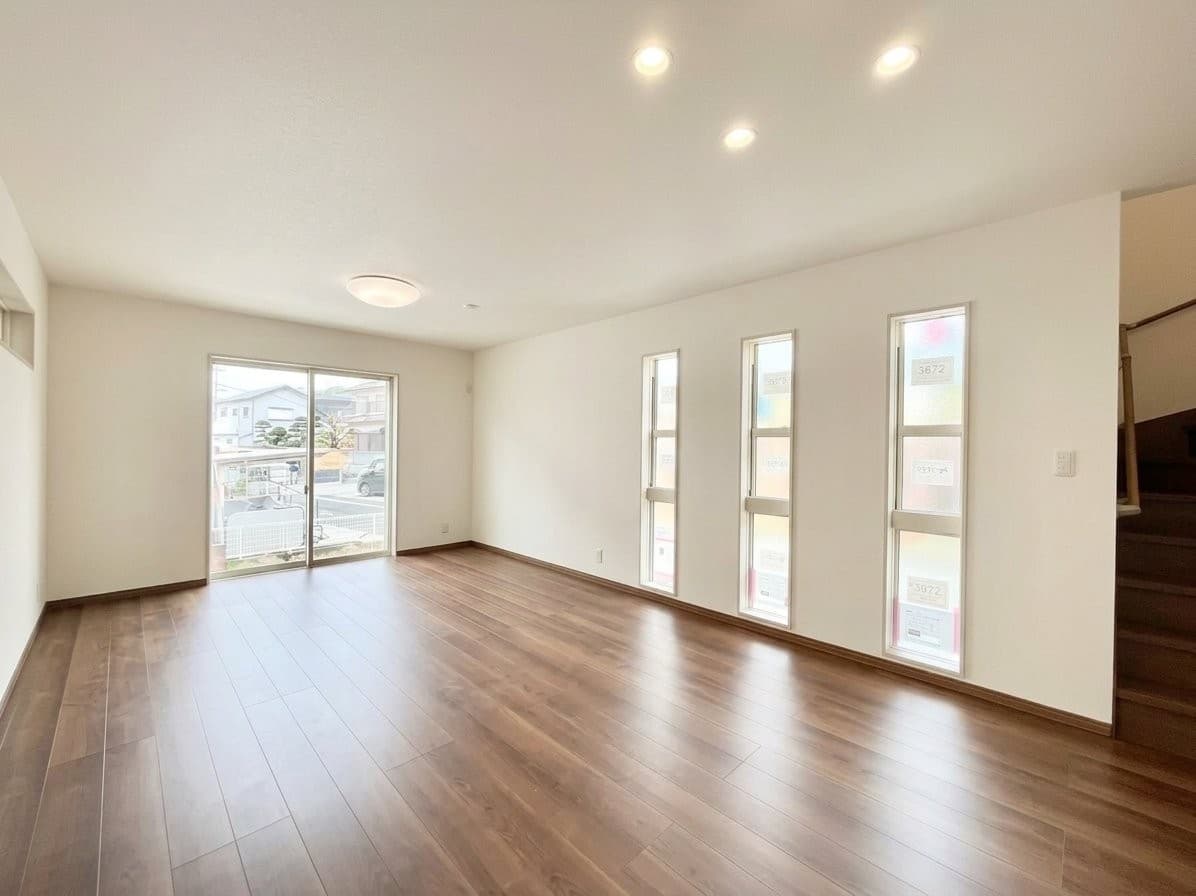
Weak real estate listing photo before AI editing
WEAK SOURCE PHOTO
Dark, flat, or unevenly exposed
AI EDITED
Balanced light, cleaner color, listing-ready
IMAGE RECOVERY

Fix weak listing photos without a reshoot

Recover underwhelming listing photos when the room is worth marketing but the source image is too dark, washed out, or unevenly exposed to publish as-is.

Use AI to rebalance lighting, improve HDR, clean up color, and make the photo feel market-ready without coordinating another shoot.

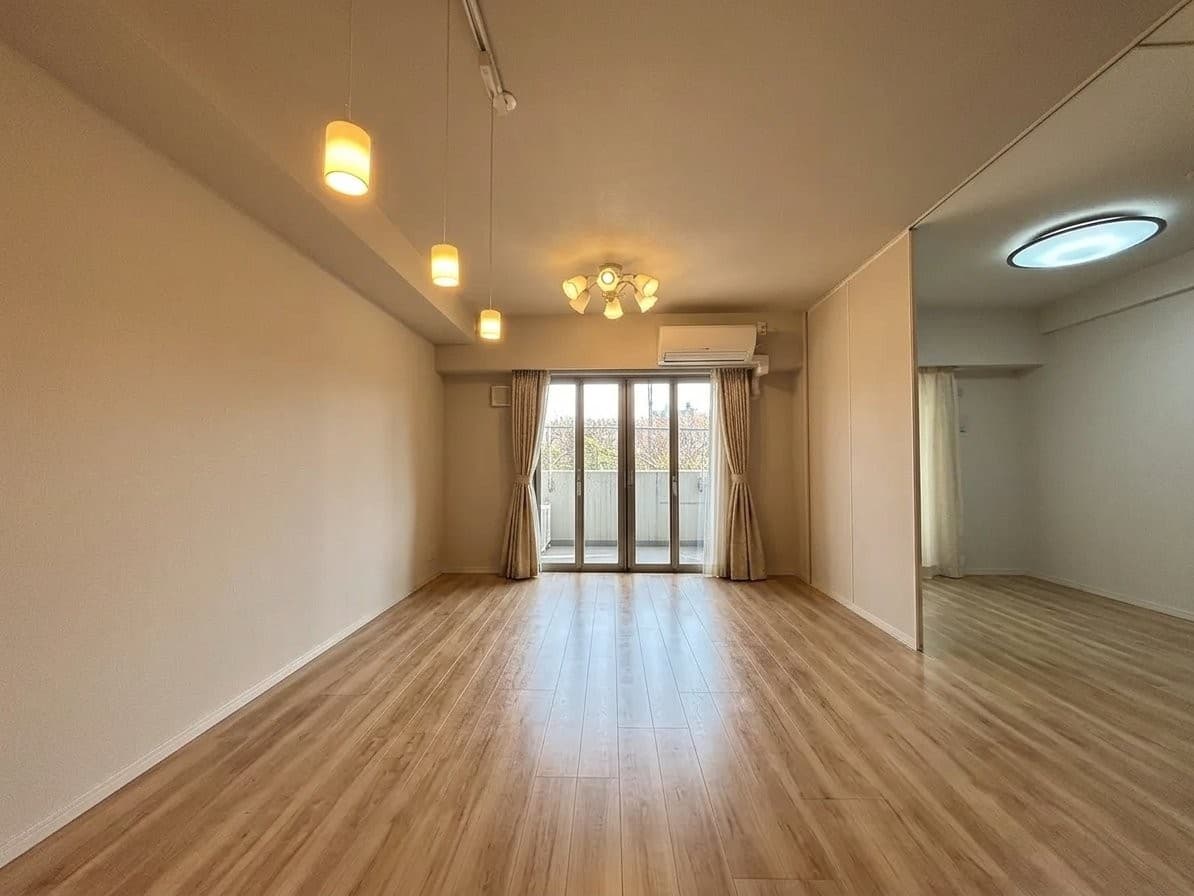
Occupied listing photo after AI clutter removal
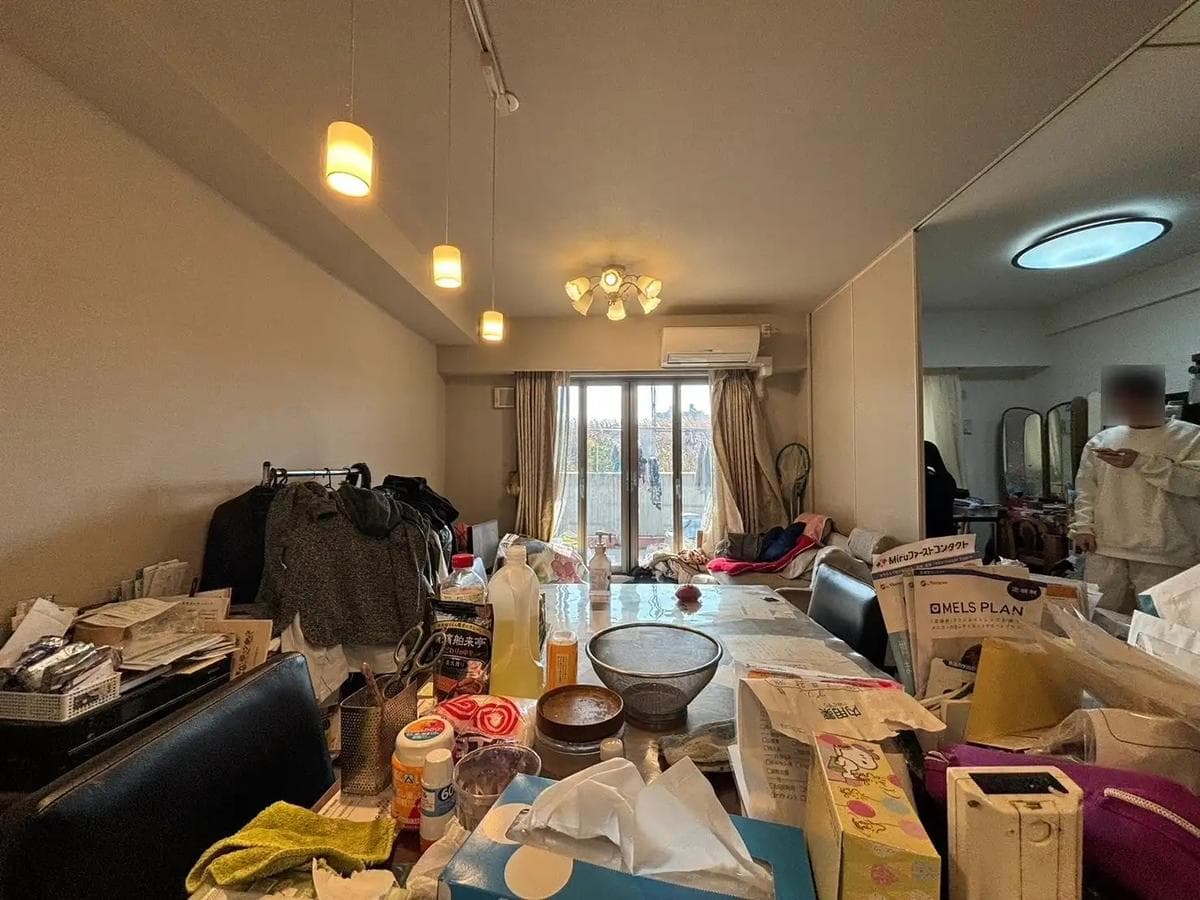
Cluttered occupied listing photo before AI cleanup
CLUTTERED BEFORE
Occupied room with items left in place
CLEANED WITH AI
Belongings removed without a return visit
AI CLEANUP

Remove clutter, furniture, and personal belongings with AI

Clean up occupied or partially cleared rooms when papers, storage bins, furniture, clothing, or everyday belongings make the property harder to market.

That is especially useful when the home is still lived in, tenant-occupied, or simply not practical to reset physically before the listing goes live.

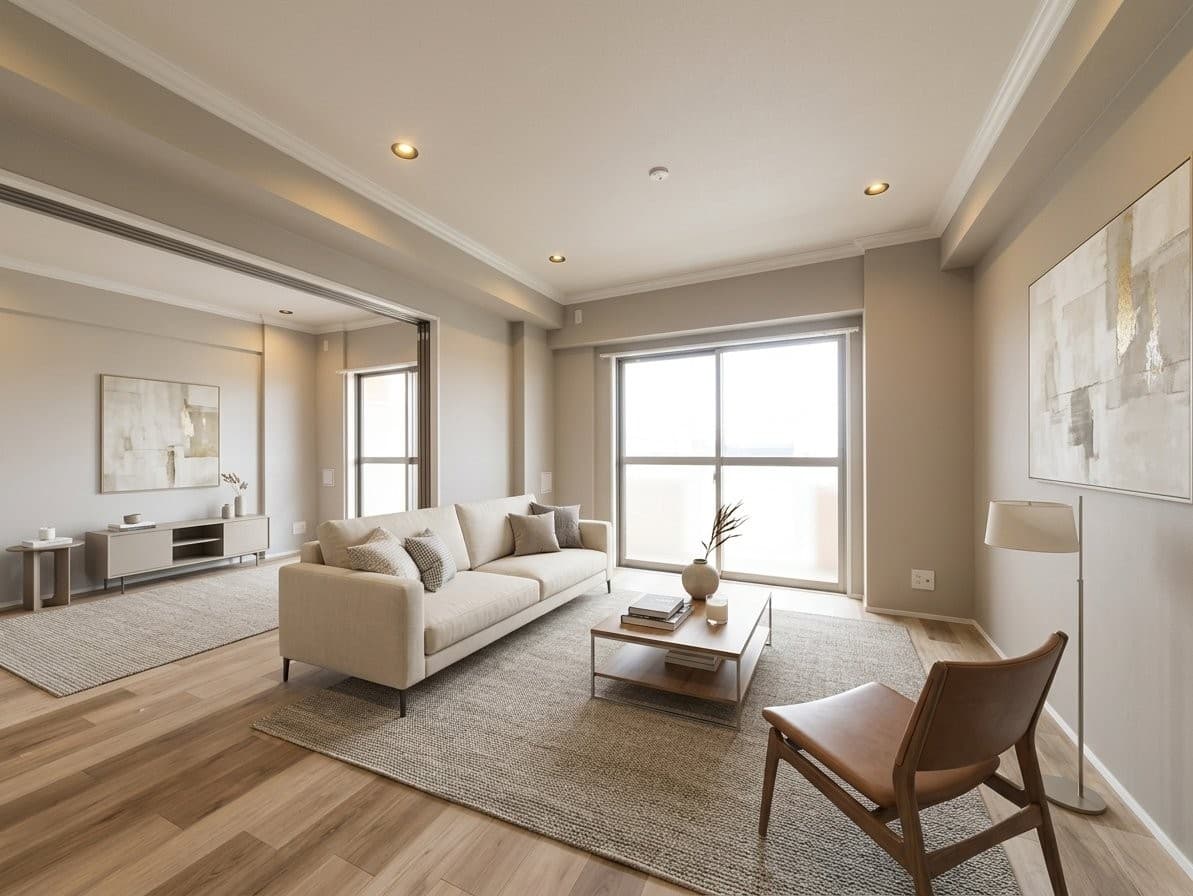
Real estate room after digital furniture and decor update
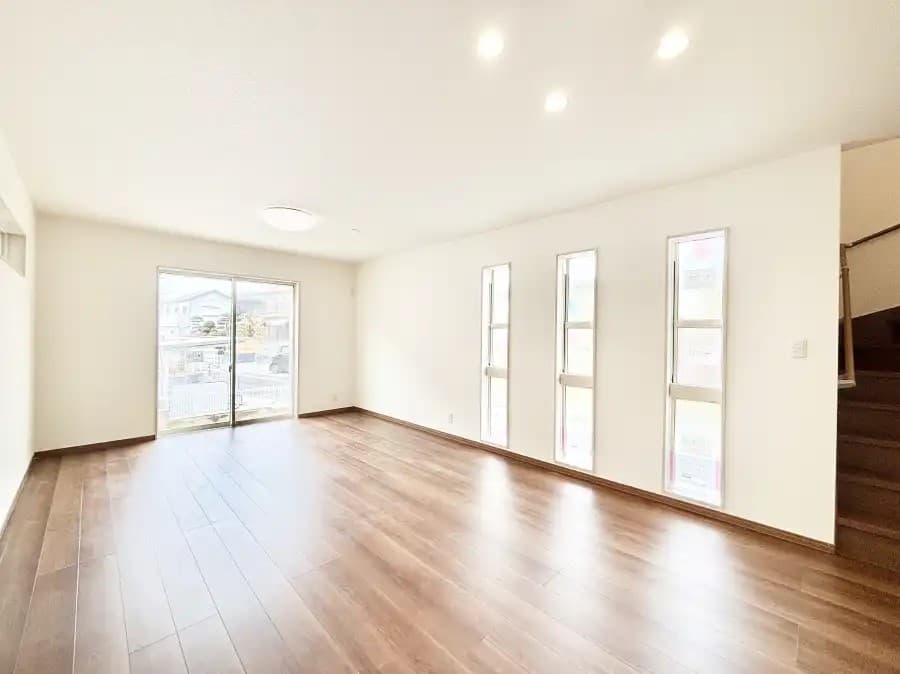
Empty real estate room before digital restyling
ORIGINAL ROOM
Neutral shell with dated or empty presentation
DIGITALLY REFRESHED
Updated finishes, furniture, and decor
DIGITAL RESTYLING

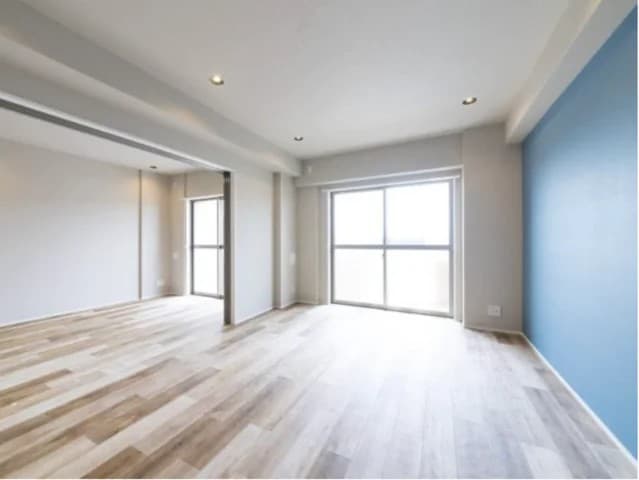
Refresh materials, colors, furniture, and decor digitally

Update the look of a room by changing finishes, replacing colors, adding furniture, and introducing decor that helps the listing feel more current and better presented.

This gives real estate teams a way to modernize the visual identity of a room without physically restyling the property or scheduling another photo session.

Want a higher-impact exterior photo without reshooting the listing?

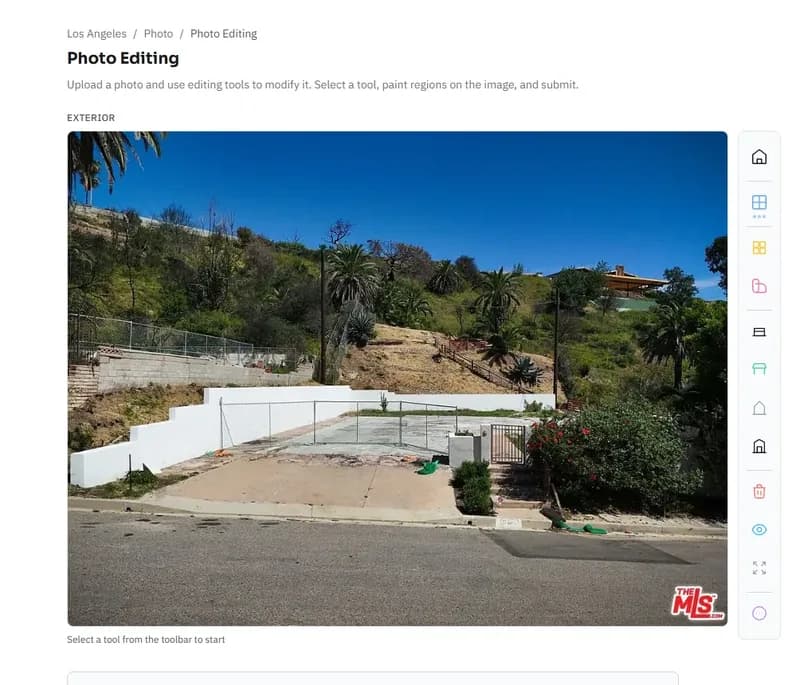
Day-to-dusk editing is one of the clearest examples of where photo editing changes listing performance, not just aesthetics. When the exterior hero image feels flat or harsh, a twilight edit can make the property look more inviting without sending the photographer back out.

Twilight images get 76% more views than daytime photos, which makes this one of the easiest upgrades to evaluate before a listing goes live.

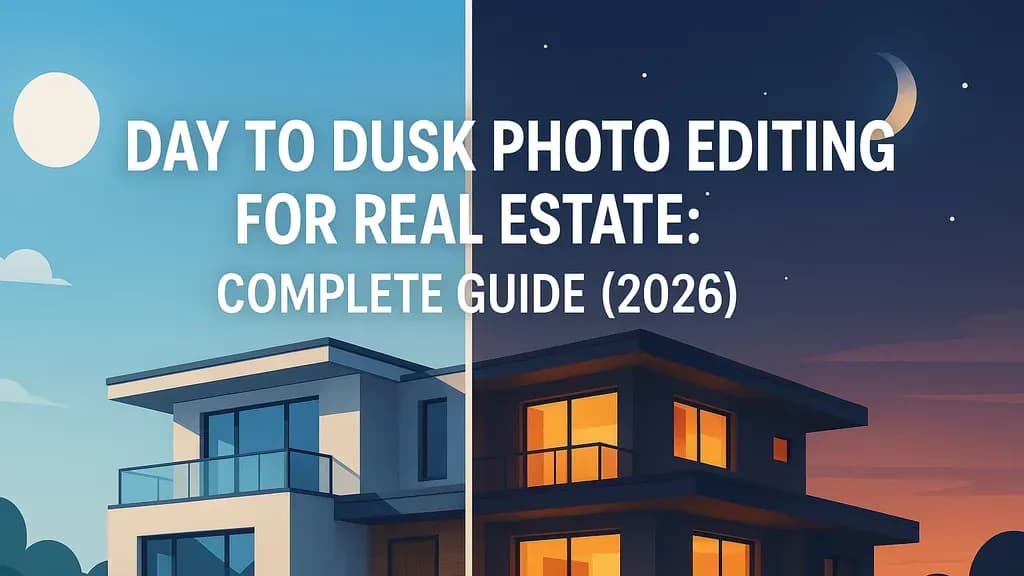
Day to Dusk Photo Editing for Real Estate: Complete Guide (2026)
Editorial Guide

Day to Dusk Photo Editing for Real Estate: Complete Guide (2026)

Read the full guide

What customers say

I've worked with many staging companies throughout my career, but nothing comes close to VirtualStaging.art's speed. I no longer have to do a back and forth with BoxBrownie/Styldod! VirtualStaging.art allows me to simply regenerate images I don't like until I find one that I love!

Vickie
Vickie
Real Estate Broker and Investor (Chicago, IL)

A staging solution that actually makes financial sense for my cheaper properties! I always wanted to be able to stage them, but it just didn't make financial sense. Fortunately, a friend showed me VirtualStaging.art and now we have a way to stage all of our cheaper properties.

AJ
AJ
Real Estate Broker (Seattle, WA)

I've been noticing that more and more of the comps I look at have staged images. I was wondering what folks were using and quickly found VirtualStaging.art. It looks like everyone in the real estate industry will soon have to do virtual staging AI to keep up with the market.

Alex
Real Estate Broker (Austin, TX)

Edit Your Real Estate Photos Like a Pro

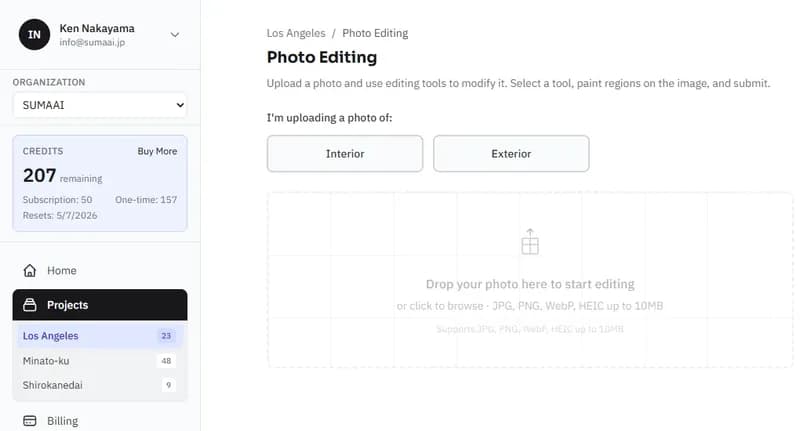
Upload Your Photo
01

Upload Your Photo

Upload an interior or exterior photo from the listing. Start with the image you already have, whether it needs better lighting, cleanup, object removal, or a stronger presentation before publication.

Reimagine the image with AI
02

Reimagine the image with AI

Choose the changes that fit the property: correct lighting, apply HDR, replace skies, remove clutter, add decor, update materials or colors, and use notes to guide anything specific the image needs.

Upgrade your listing
03

Upgrade your listing

Review the edited result and use it in your listing gallery, portal uploads, ads, or seller presentation. The goal is a stronger listing image without waiting on a reshoot or a manual retouch queue.

Comparing editing workflows

Choose the workflow based on how fast the listing needs to go live, how much team time you can spend, and how polished the final gallery needs to look.

Manual Editing

Time
Slowest. Done between showings, follow-up, and listing prep.
Cost
No vendor invoice, but expensive in agent time.
Quality
Good enough for basic tweaks, but inconsistent if editing is not your main skill.

Contractor

Time
Faster than doing it yourself, but still adds briefing and revision time.
Cost
Per-photo or per-job fees add up across listings.
Quality
High when the brief is clear and the turnaround can wait.

AI Photo Editing

Time
Fastest for routine listing fixes when you need photos ready the same day.
Cost
Lower recurring cost for everyday listing cleanup and enhancement.
Quality
Strong and consistent for common listing edits like lighting, sky replacement, cleanup, and prep.

Frequently Asked Questions

What can AI photo editing fix in real estate photos?

Virtual Staging Art can help improve common listing-photo issues such as uneven lighting, flat color, weak skies, clutter, unwanted objects, and small presentation problems before a photo is published. Results still depend on the quality of the original image.

Can I remove furniture, belongings, and clutter?

Yes. AI cleanup is useful for removing many visible objects such as boxes, personal items, extra furniture, trash bins, and other items that distract from the room. More complex removals may require another pass or a clearer source photo.

Can it improve dark or uneven listing photos?

Yes, if the original photo still contains usable detail. AI editing can brighten interiors, balance highlights and shadows, improve color, and create a cleaner listing presentation. Very blurry, extremely dark, or low-resolution photos may still need to be reshot.

Can I add decor or update materials with AI?

Yes. You can use AI to add decor, refresh furniture, adjust colors, or test updated finishes in a listing photo. The strongest results come from clear instructions and photos where the room layout is easy to understand.

Is AI photo editing a replacement for a professional photographer?

Not always. Good source photography still matters. AI photo editing is best used to improve usable listing photos, prepare images faster, and reduce manual retouching work. For very poor source images, a reshoot may still be the better option.

What file formats are supported?

Virtual Staging Art supports common image formats used for listing photos. For best results, upload the highest-resolution version available rather than a compressed screenshot or social-media export.

Make every listing photo count

Professional-quality photo editing in seconds. No software, no skills, no waiting.