





AI Photo Editing for Property Management

Prepare rental listing photos faster with architectural AI. Brighten dark units, remove turnover clutter, fix weak source photos, add decor naturally, and get vacancies ready to publish.

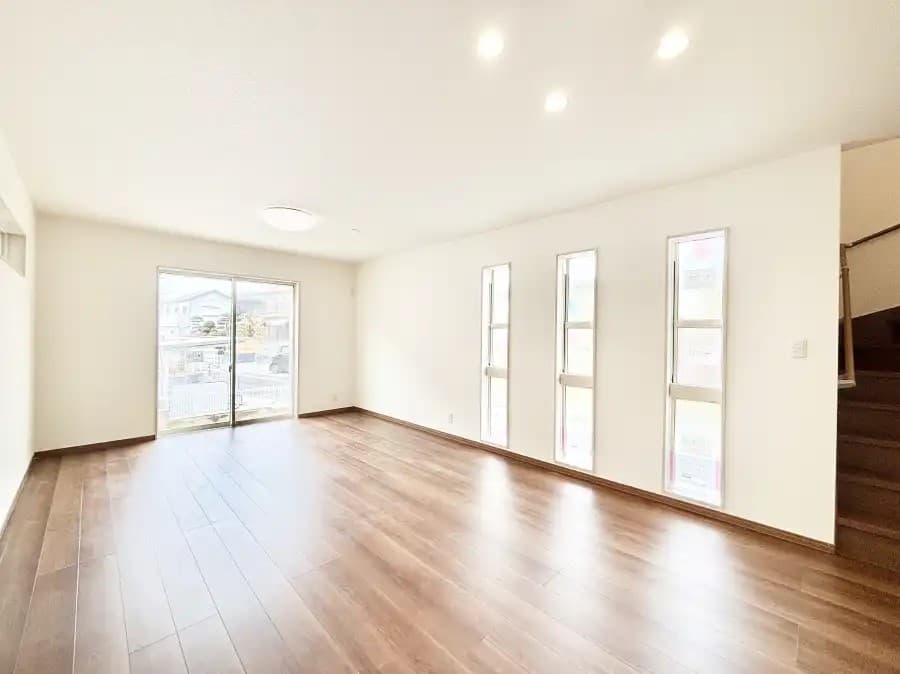
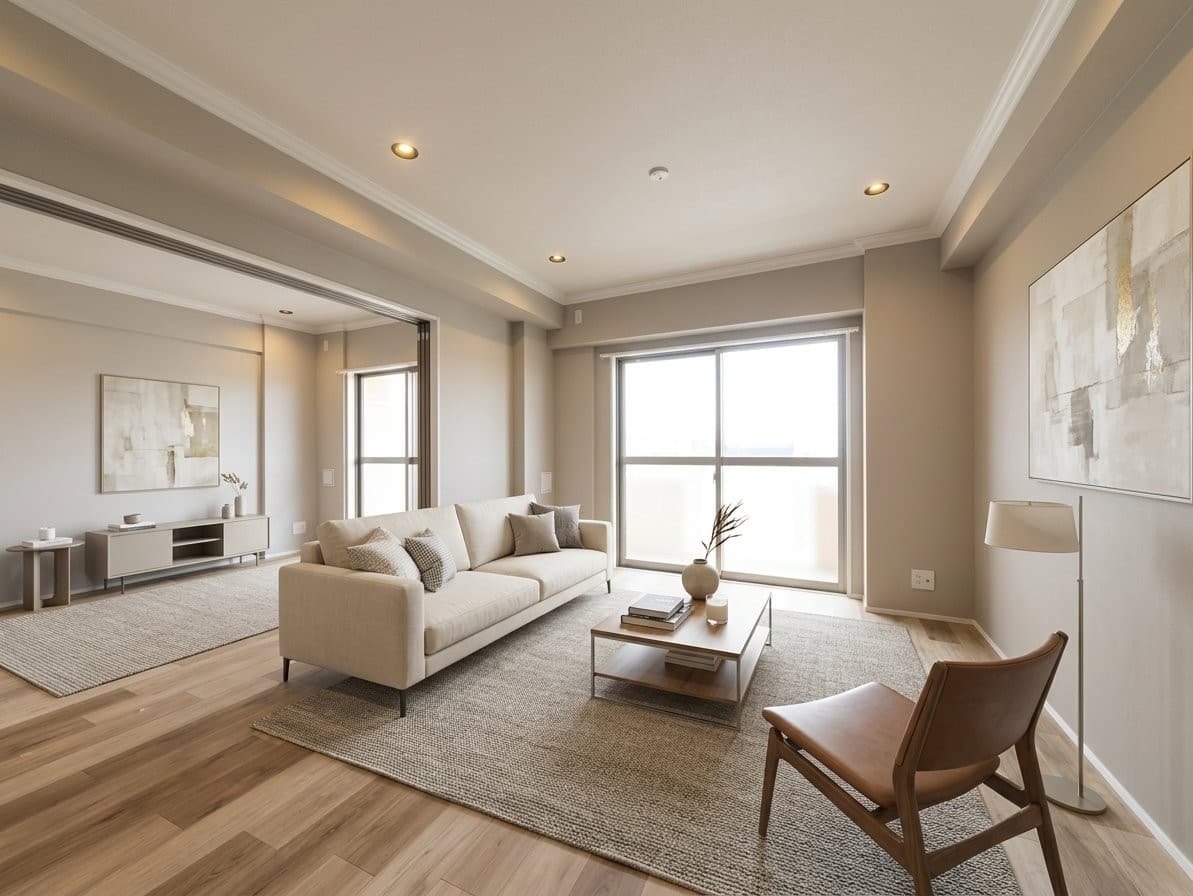
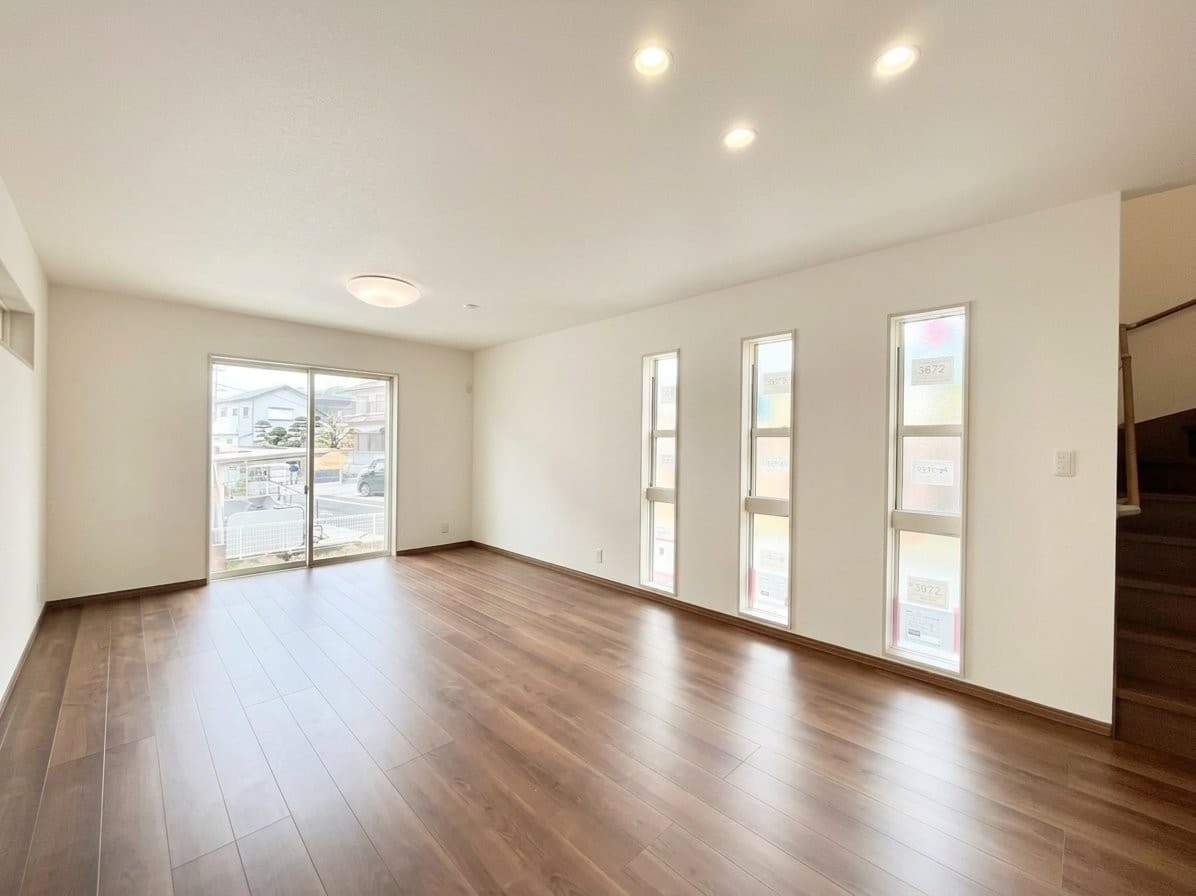
Crisp bright real estate listing photo after AI editing
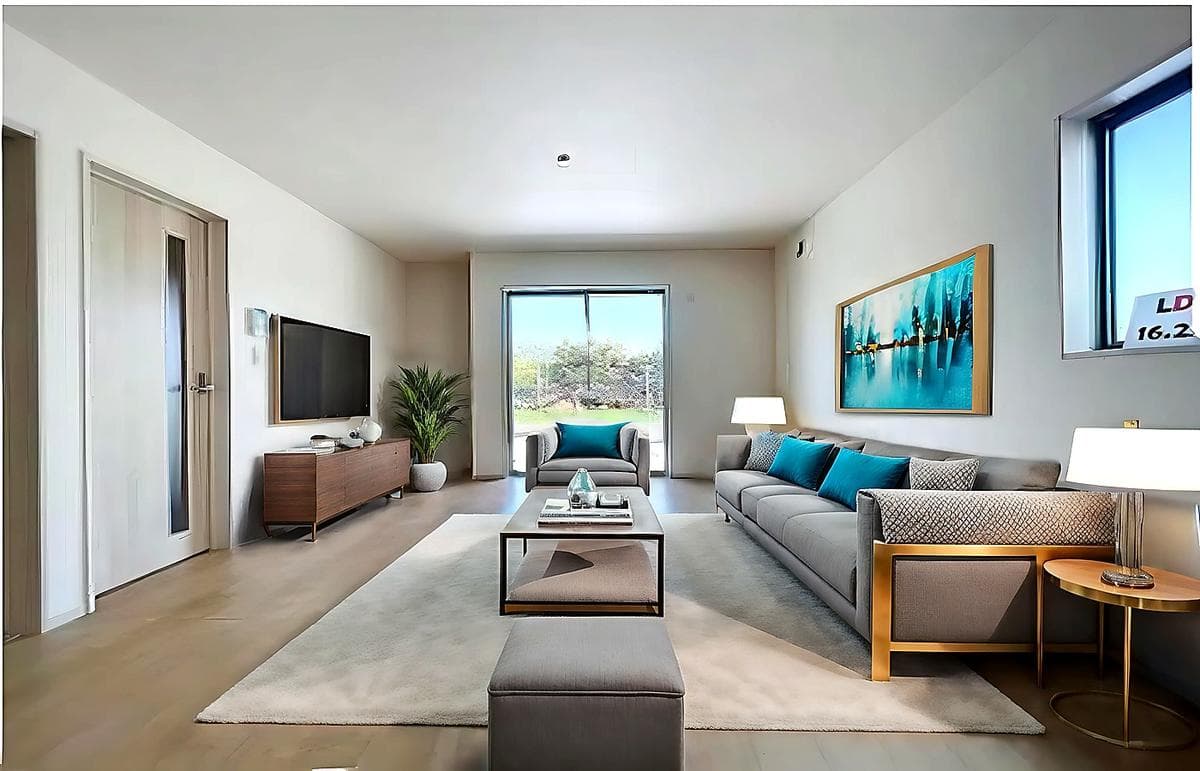
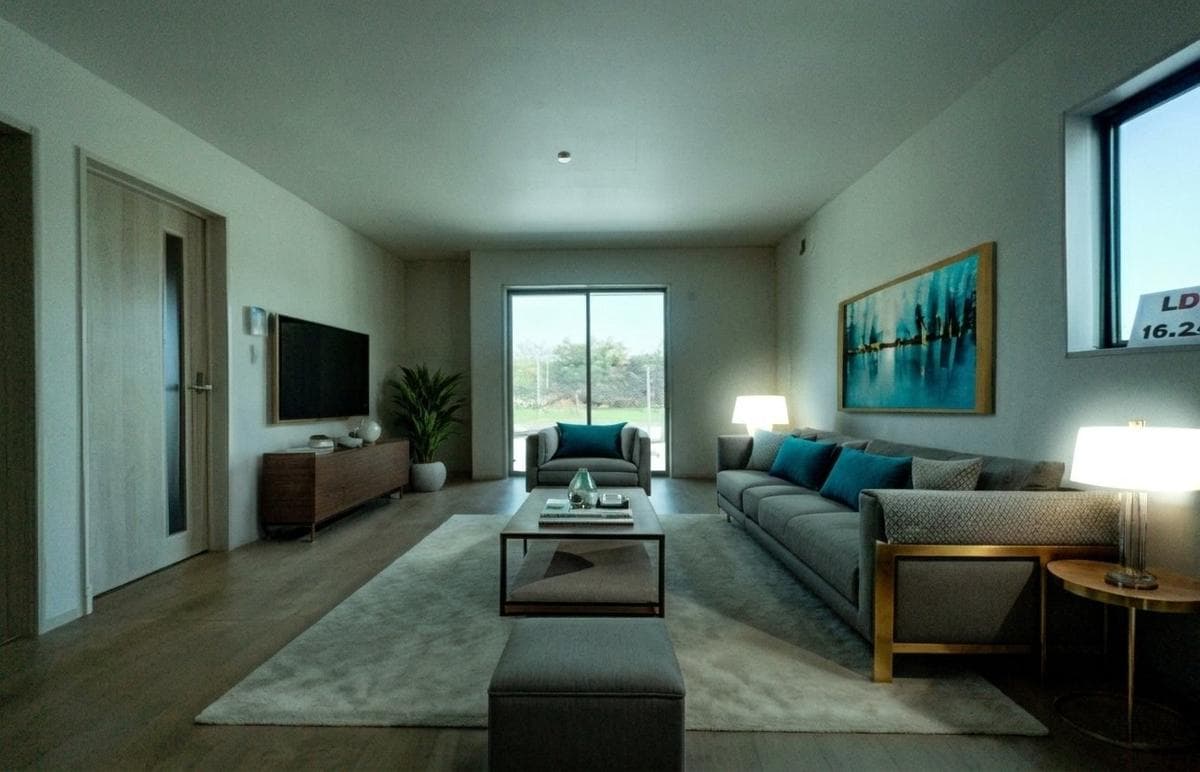
Dark low-resolution real estate listing photo before AI editing
BAD PHONE PHOTO
Dim light, low resolution, visible noise
AI PHOTO EDITED
Crisp, bright, listing-ready
Built for property managers, leasing teams, multifamily operators, and portfolio marketing teams
Yahoo FinanceREMRealPropertyiProAssociated PressThe Negotiator

Why use AI photo editing for rental listings?

Property teams often have to market units before every photo is ideal. Source images may come from leasing staff, maintenance teams, vendors, or older listing libraries, which means quality can vary across the portfolio.

Virtual Staging Art helps turn those imperfect source photos into cleaner rental listing assets. It is especially useful when a unit is dark, still in turnover, lightly cluttered, or visually plain but needs to go live quickly.
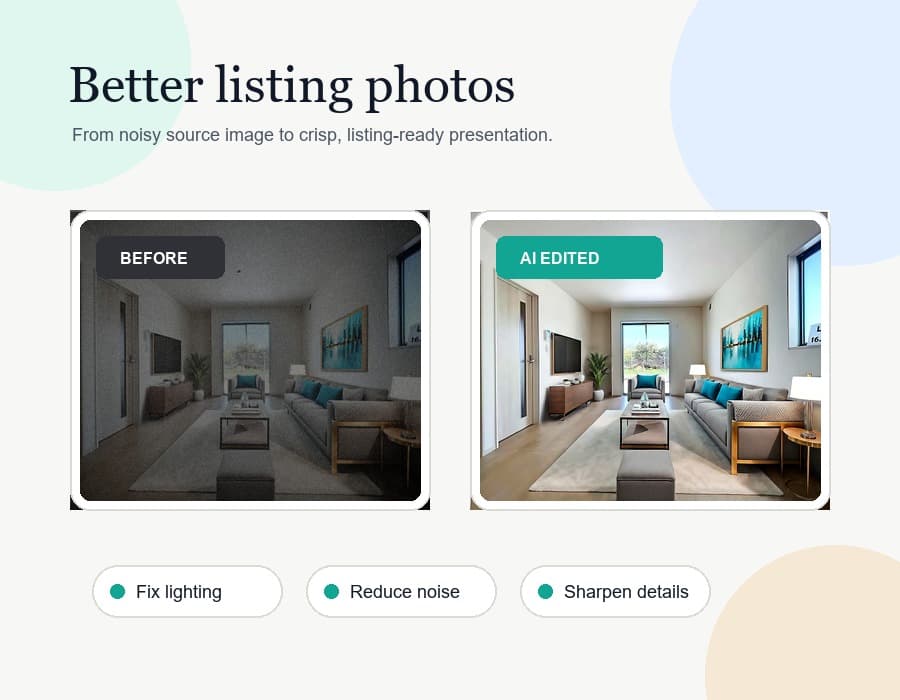
Editorial illustration showing AI photo editing improving rental listing photos for property managers.
USE CASES

Make every vacancy look ready to tour

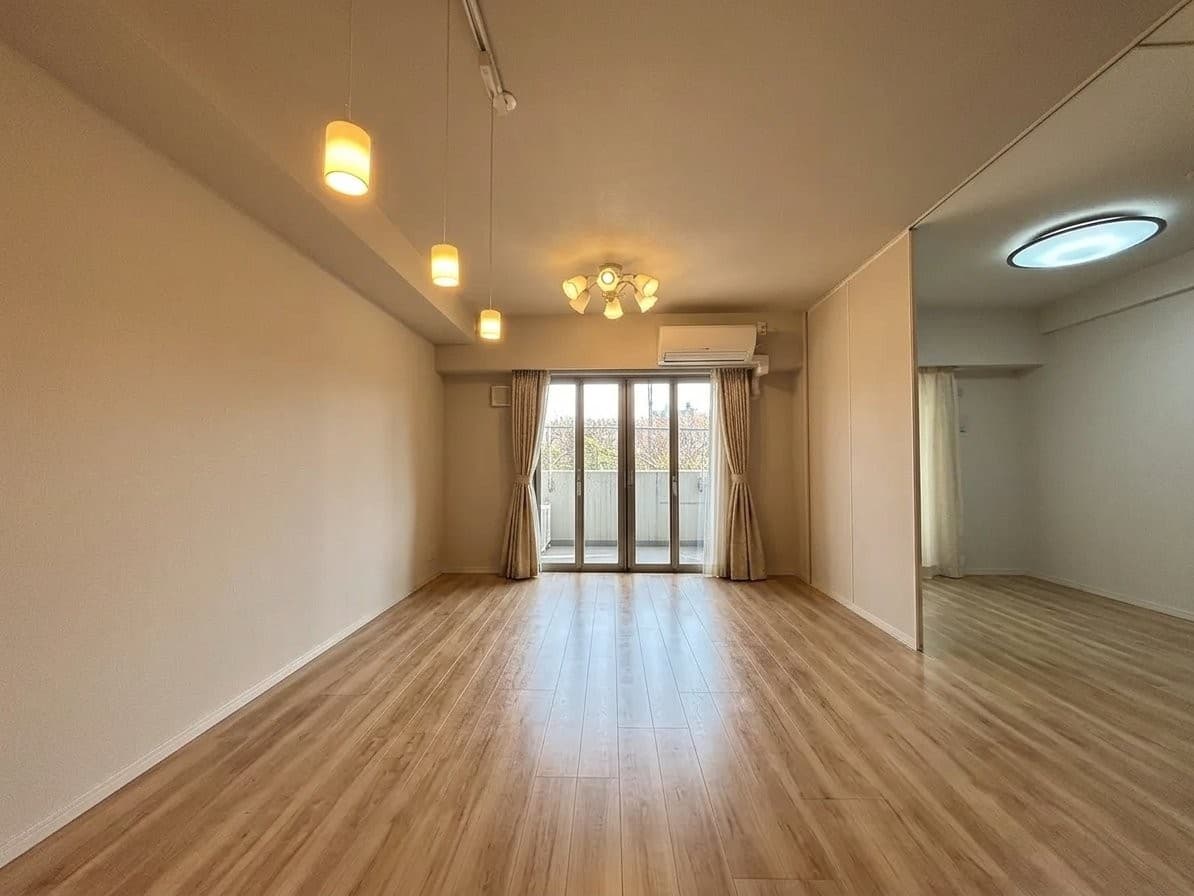
Rental listing photo after AI lighting and HDR correction
Dark rental listing photo before AI editing
WEAK SOURCE PHOTO
Dark, flat, or unevenly exposed
AI EDITED
Brighter and listing-ready
VACANCY READINESS

Brighten dark unit photos before publishing

Vacant units are not always photographed under ideal conditions. Phone photos, low natural light, harsh overhead lighting, and uneven exposure can make a good unit feel less inviting online.

Use AI photo editing to improve brightness, HDR, color, and clarity so the listing gives renters a cleaner first impression before they book a tour.

Rental unit after AI clutter and object removal
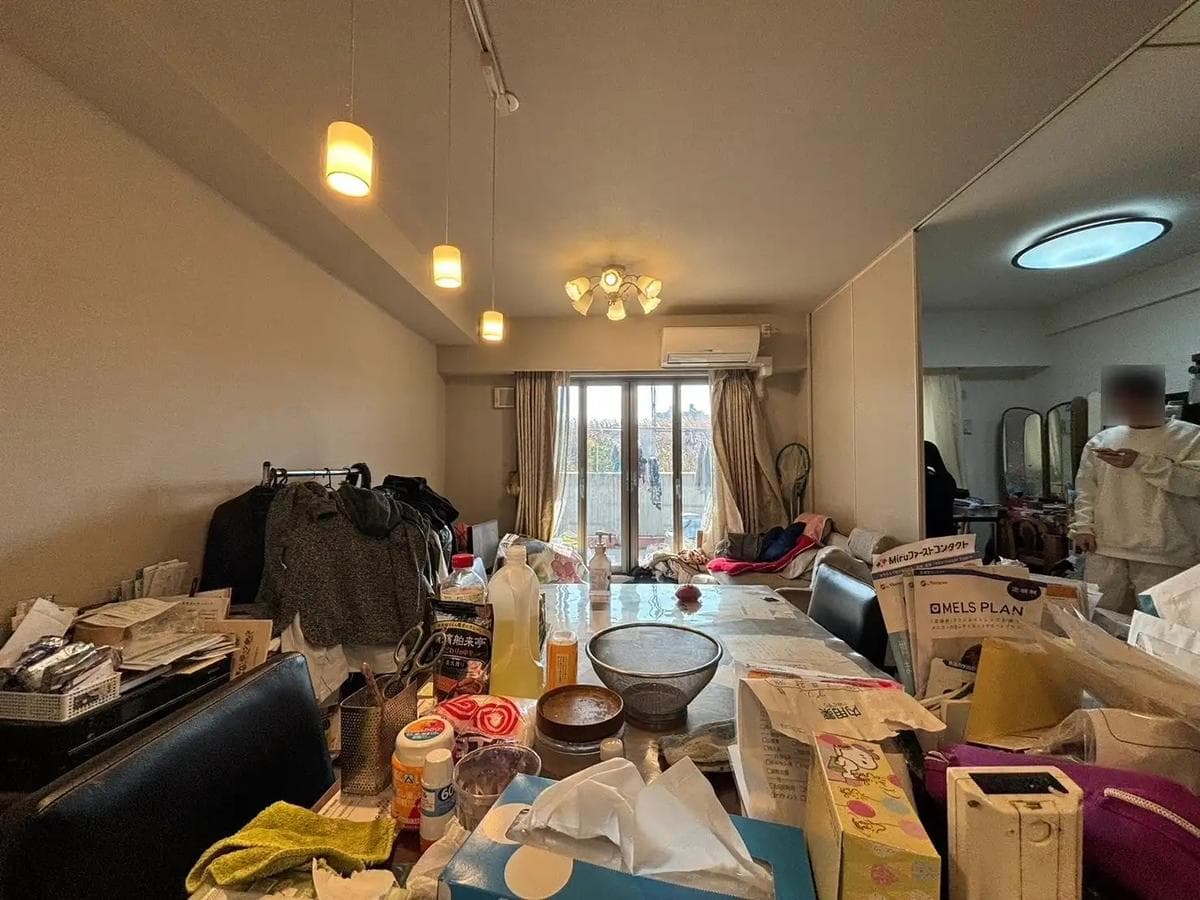
Rental unit with turnover clutter before AI cleanup
TURNOVER PHOTO
Items and clutter still in place
CLEANED WITH AI
Cleaner vacancy presentation
TURNOVER CLEANUP

Remove turnover clutter and hard-to-move objects

During turnover, photos can include cleaning supplies, boxes, temporary furniture, maintenance items, or belongings that are difficult to remove before the listing needs to go live.

Virtual Staging Art can clean up those objects in the image so the listing focuses on the unit itself, not the operational mess around getting it ready.

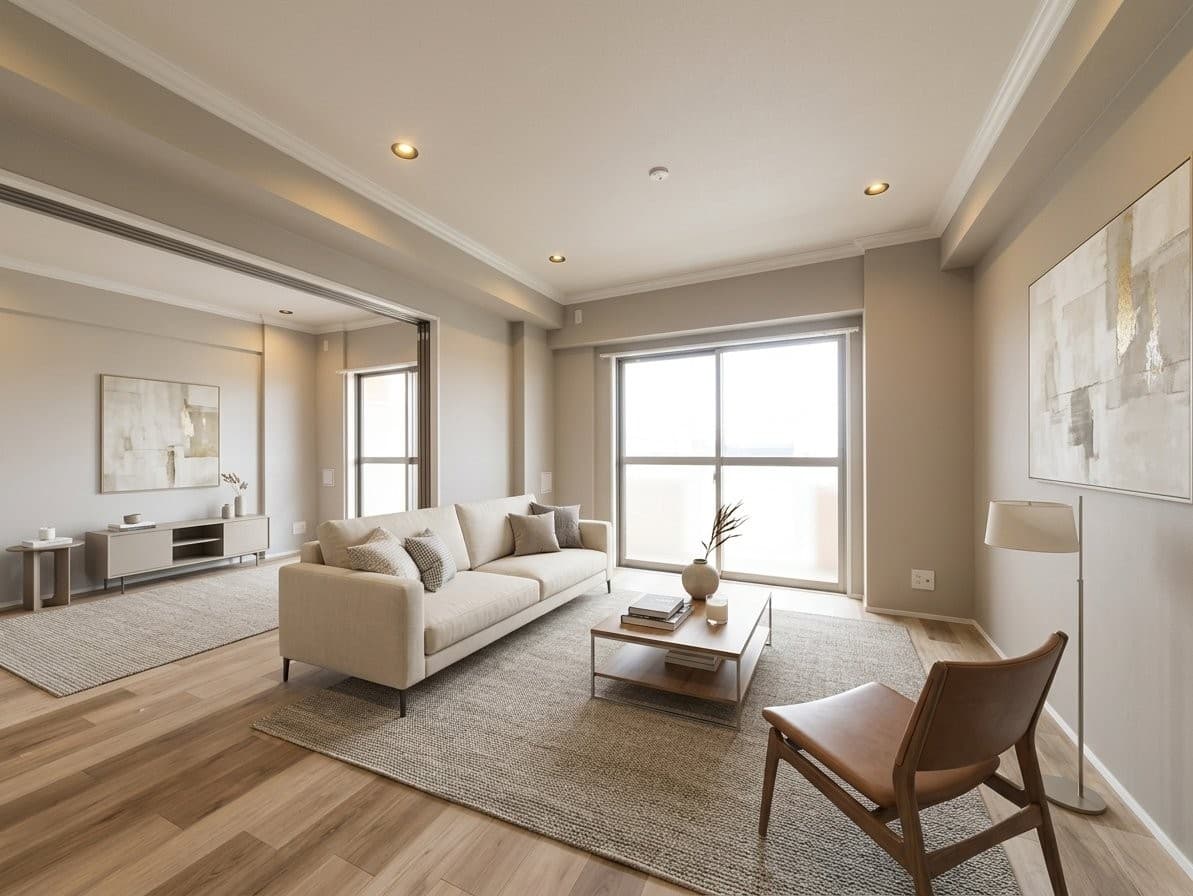
Rental room after AI decor furniture and material updates
Plain rental room before AI decor updates
PLAIN ROOM
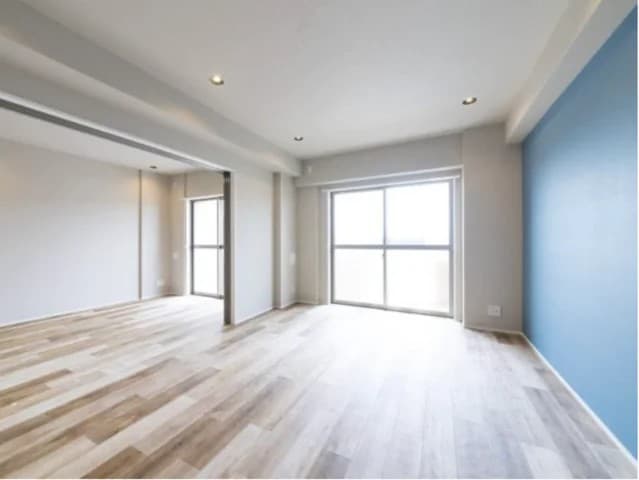
Empty or under-presented
VISUALLY UPGRADED
Warmer and easier to imagine
LISTING APPEAL

Add warmth to plain rental rooms

Some units are technically ready but still look cold or unfinished in photos. Empty rooms, dated finishes, and flat presentation can make renters scroll past before they understand the space.

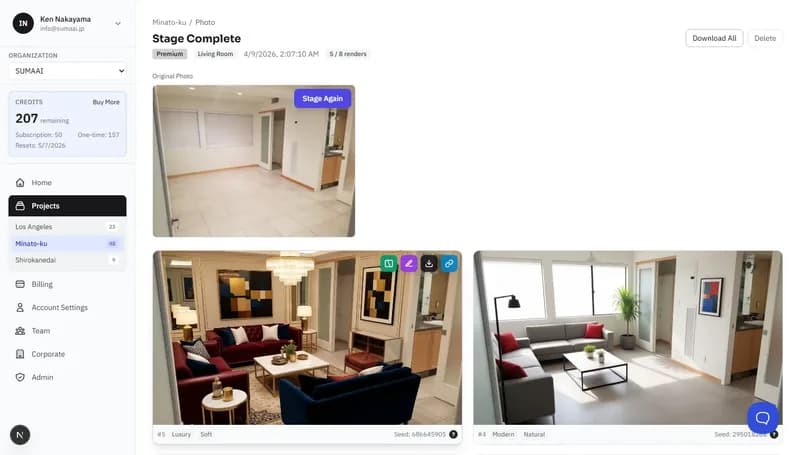
AI decor, furniture, color, and material updates help property teams show a more inviting version of the unit without turning every vacancy into a physical staging project.

What customers say

I've worked with many staging companies throughout my career, but nothing comes close to VirtualStaging.art's speed. I no longer have to do a back and forth with BoxBrownie/Styldod! VirtualStaging.art allows me to simply regenerate images I don't like until I find one that I love!

Vickie
Vickie
Real Estate Broker and Investor (Chicago, IL)

A staging solution that actually makes financial sense for my cheaper properties! I always wanted to be able to stage them, but it just didn't make financial sense. Fortunately, a friend showed me VirtualStaging.art and now we have a way to stage all of our cheaper properties.

AJ
AJ
Real Estate Broker (Seattle, WA)

I've been noticing that more and more of the comps I look at have staged images. I was wondering what folks were using and quickly found VirtualStaging.art. It looks like everyone in the real estate industry will soon have to do virtual staging AI to keep up with the market.

Alex
Real Estate Broker (Austin, TX)

Edit Rental Listing Photos in 3 Steps

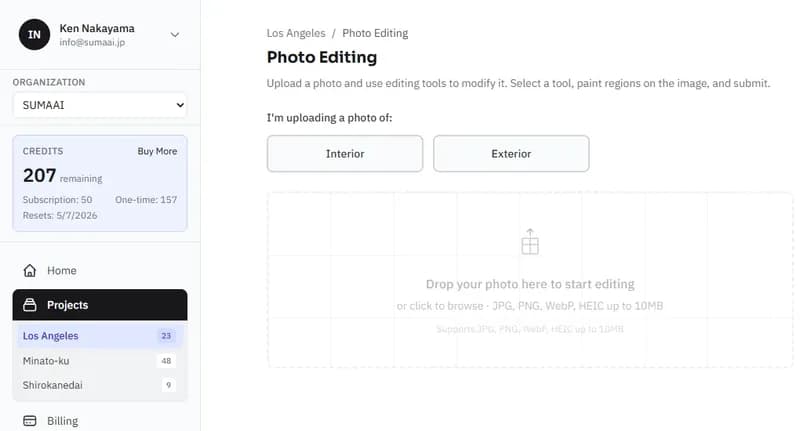
Upload the Unit Photo
01

Upload the Unit Photo

Start with the vacancy, turnover, or existing portfolio image that needs help before it goes live.

Choose the Fix
02

Choose the Fix

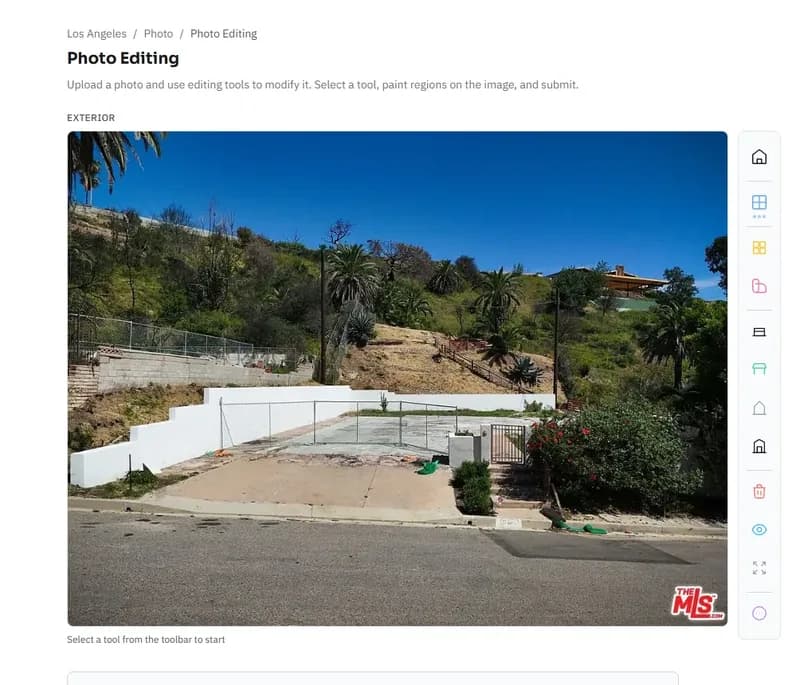
Improve lighting, remove clutter, add decor, update finishes, or describe the specific edit the rental photo needs.

Publish the Vacancy
03

Publish the Vacancy

Download a cleaner, listing-ready image for your website, ILS, social channels, or leasing materials.

Comparing editing workflows

Use AI photo editing when your team needs cleaner vacancy photos without waiting on manual edits, reshoots, or one-off contractors.

Contractor

Time
Depends on staff skill and availability
Cost
Looks cheap but consumes team time
Quality
Often inconsistent across properties and teams

AI Photo Editing

Time
Slower when vendors have queues or revisions
Cost
Adds cost each time photos need cleanup
Quality
Can be strong, but varies by contractor

Start with 3 free credits and test a vacant room in minutes.

Edit Your First Photo Free

Frequently Asked Questions

Can AI photo editing help with rental listing photos?

Yes. It is useful for brightening dark units, improving HDR and color, removing turnover clutter, and making source photos feel more ready for rental marketing.

Can it remove cleaning supplies, boxes, or tenant belongings?

Yes. Virtual Staging Art can remove many common objects from rental photos, including boxes, cleaning supplies, small furniture, personal items, and other clutter left in the frame.

Can it make empty rental rooms feel warmer?

Yes. AI editing can add decor, furniture, color, and material changes to help renters understand the space without requiring a physical staging setup.

Is this a replacement for professional photography?

No. Better source photos still produce better results. AI photo editing is most useful when the team already has a workable image but needs to improve it before publishing.

What file formats are supported?

Virtual Staging Art supports JPG, PNG, and HEIC input files up to 25 megapixels, with high-resolution edited output ready for listing and marketing use.

Can I apply multiple edits at once?

Yes. You can combine HDR enhancement + sky replacement + object removal in a single request. The AI processes all edits together for a cohesive result. Each combined edit uses one credit.

Make every listing photo count

Professional-quality photo editing in seconds. No software, no skills, no waiting.