





AI Real Estate Photo Editing for Photographers

Speed up listing-photo delivery with architectural AI. Fix lighting and HDR, remove clutter, add decor or material changes, and deliver polished galleries without sending every image through manual retouching.

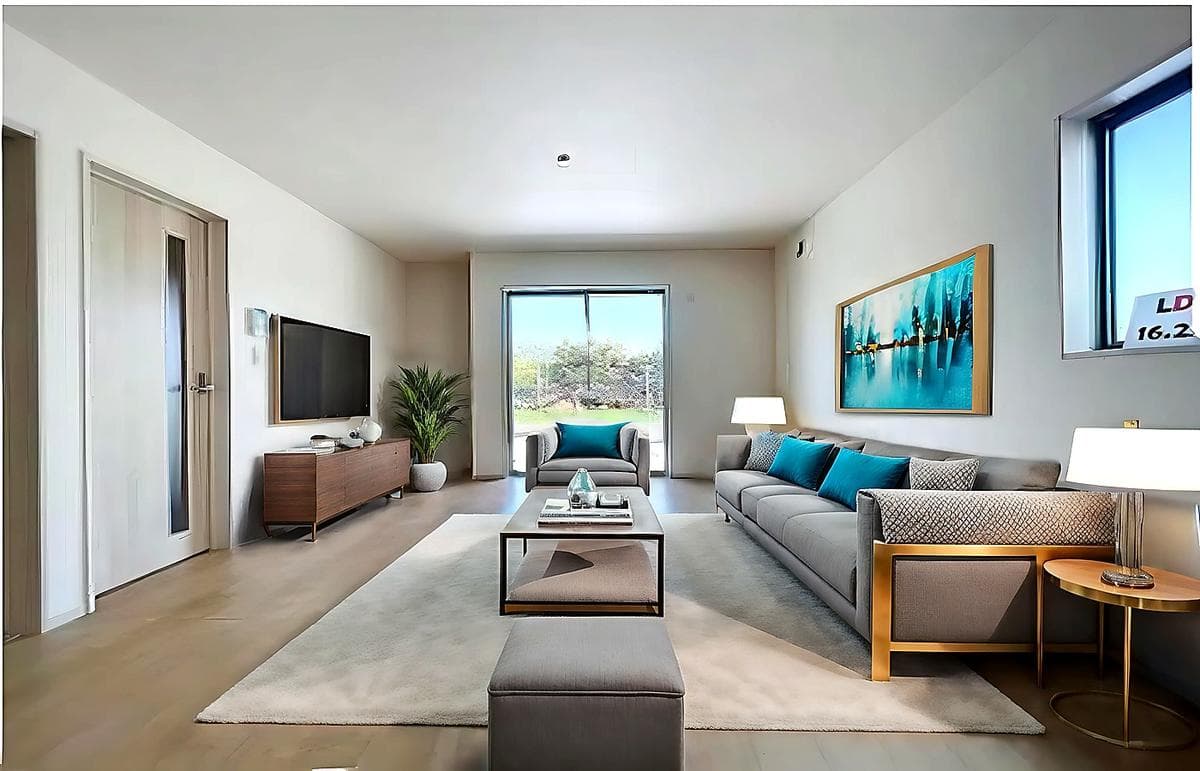
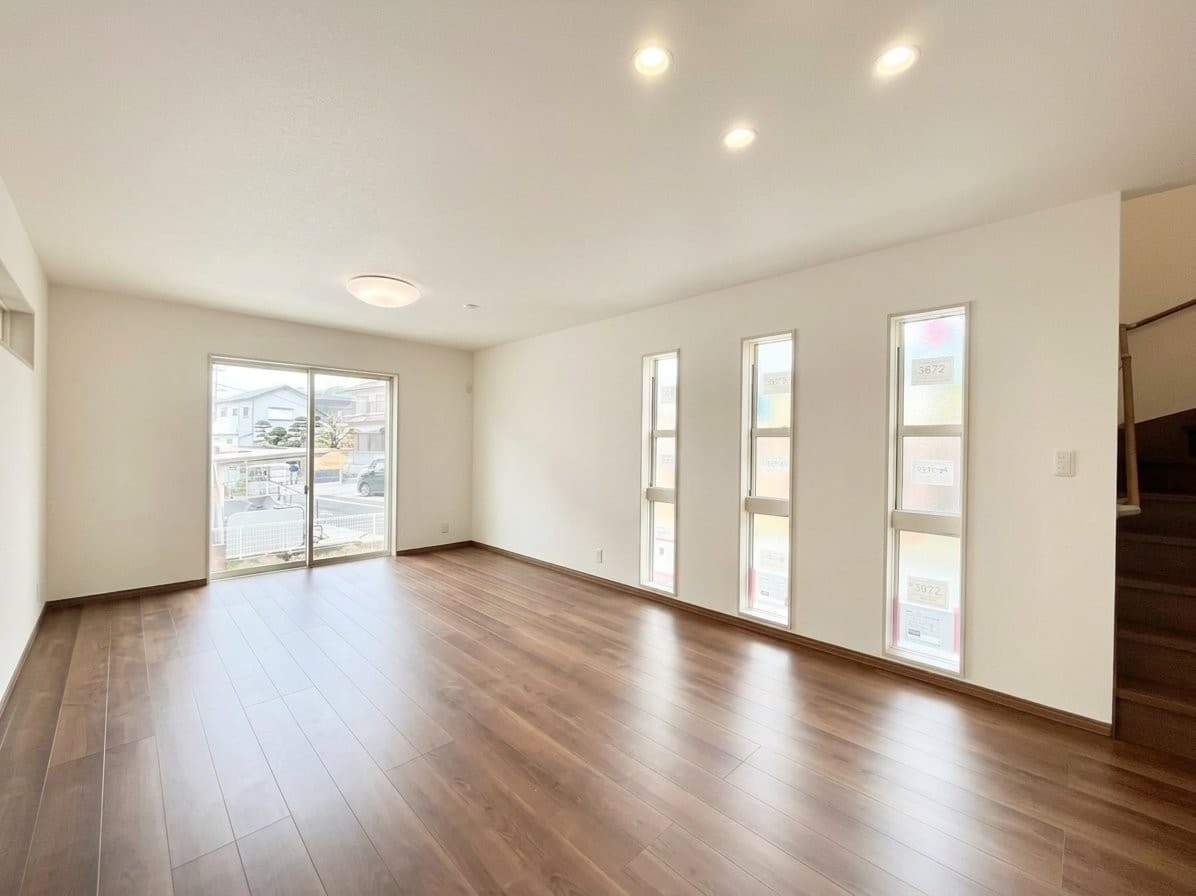
Crisp bright real estate listing photo after AI editing
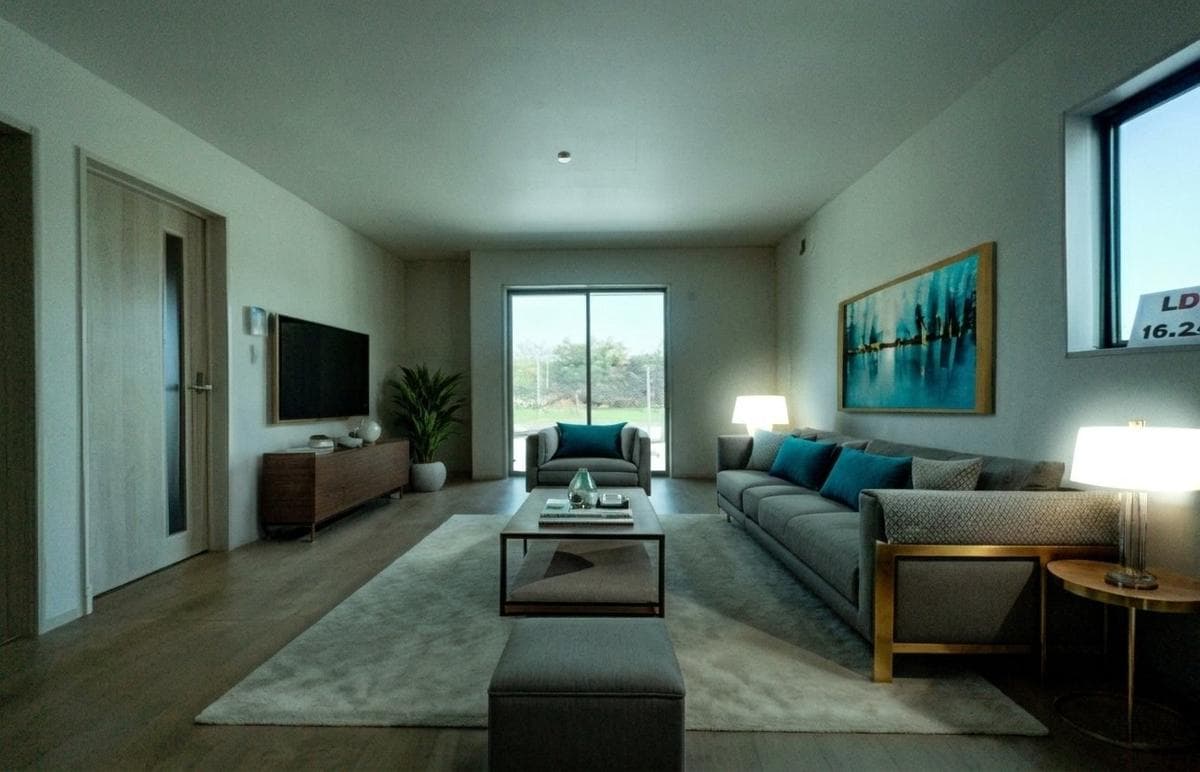
Dark low-resolution real estate listing photo before AI editing
BAD PHONE PHOTO
Dim light, low resolution, visible noise
AI PHOTO EDITED
Crisp, bright, listing-ready
Built for real estate photographers, media studios, and white-label editing teams
Yahoo FinanceREMRealPropertyiProAssociated PressThe Negotiator

Why use AI photo editing in real estate photography?

Real estate photographers win repeat work by delivering clean, consistent listing images quickly. The challenge is that many post-production tasks are repetitive: balancing dark interiors, recovering window detail, cleaning up clutter, and preparing multiple images for delivery.

Virtual Staging Art fits into the production layer after the shoot. It does not replace the photographer's eye; it helps turn selected frames into polished listing assets faster, especially when the job needs practical cleanup or visual upgrades without another manual editing queue.
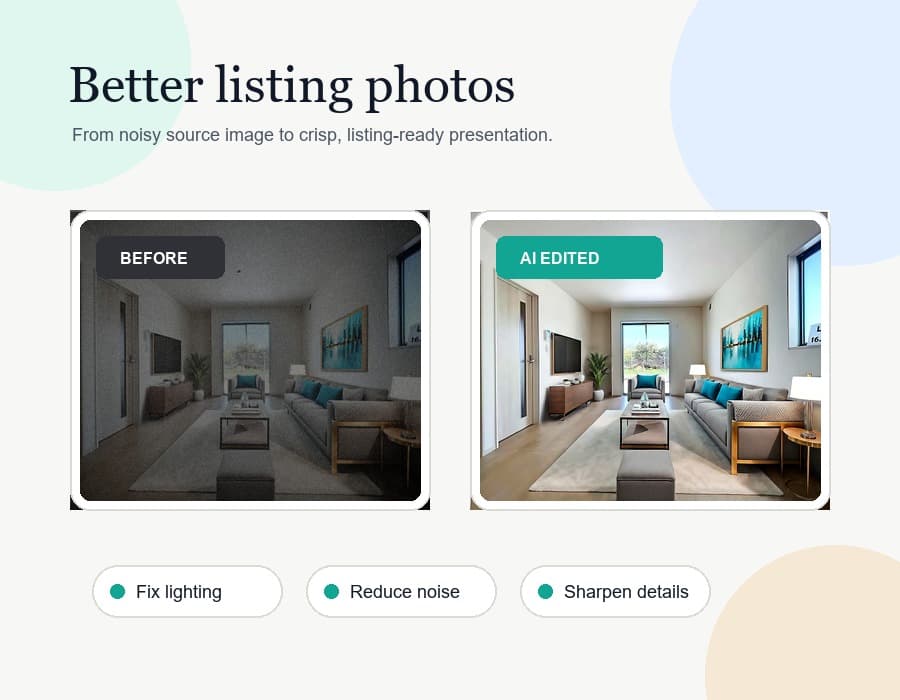
Editorial illustration showing AI photo editing improving listing photos for real estate photographers.
USE CASES

Professional listing-photo edits without the production bottleneck

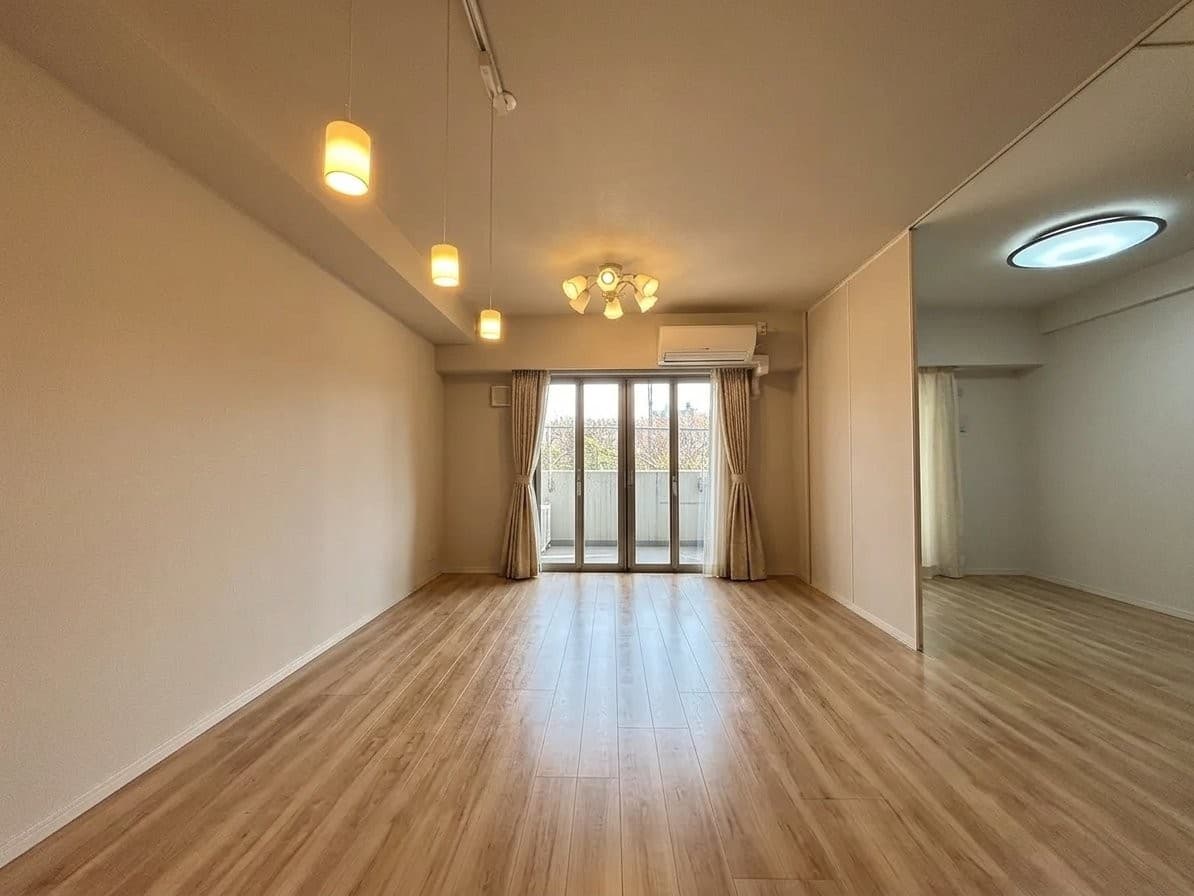
Real estate listing photo after AI lighting and HDR correction
Real estate listing photo before AI lighting and HDR correction
SOURCE PHOTO
Low light, uneven color, weak detail
AI EDITED
Balanced, crisp, delivery-ready
GALLERY DELIVERY

Turn around finished galleries faster

After the shoot, lighting and color consistency can take as much time as the capture itself. Dark interiors, blown windows, flat colors, and uneven exposure all slow down delivery when each image needs individual retouching.

Use Virtual Staging Art to recover weak frames, balance HDR, and make the gallery feel more cohesive before it reaches the agent or listing coordinator.

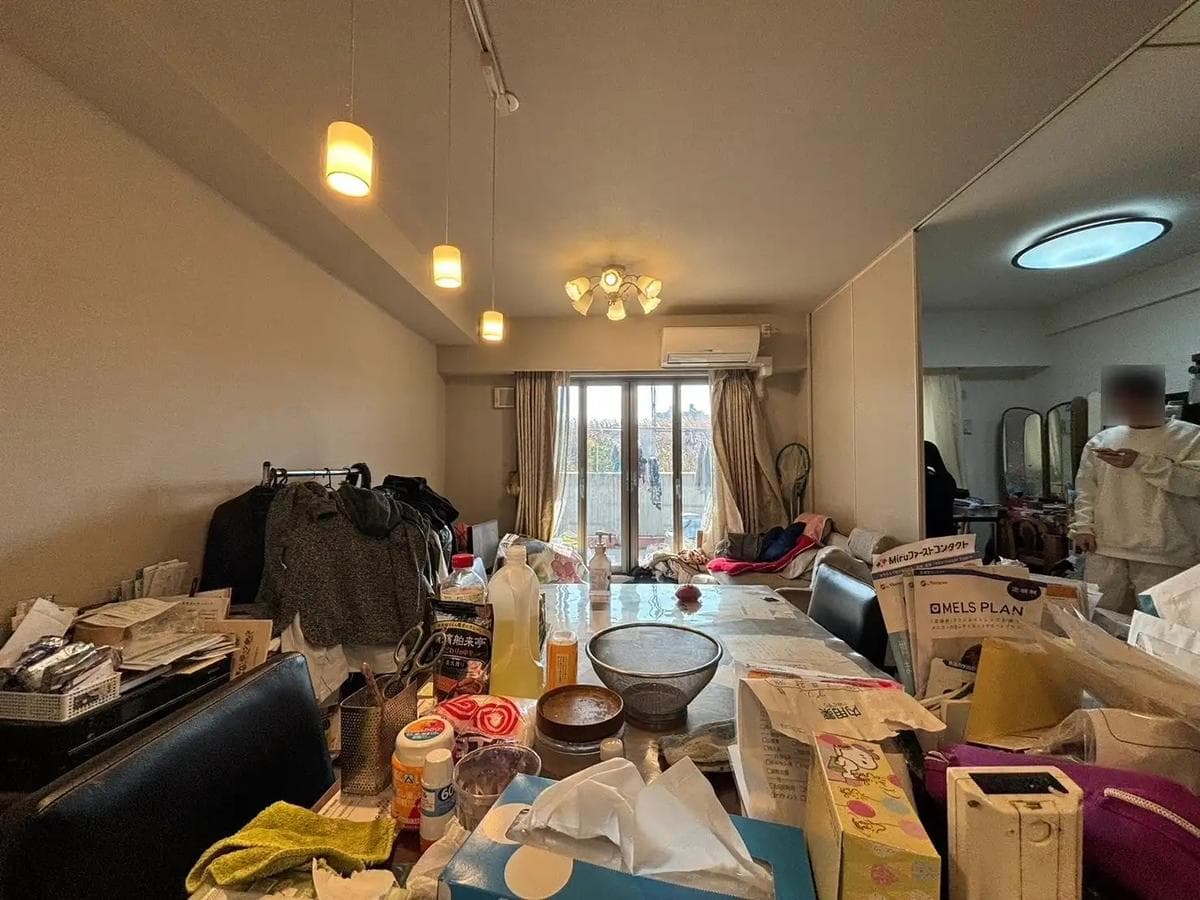
Real estate photo after AI object and clutter removal
Cluttered real estate photo before AI cleanup
CLUTTERED FRAME
Objects and belongings left in place
CLEANED WITH AI
Ready for agent review
CLEANUP

Clean up the frame without reshooting

Not every property is perfectly prepared when the photographer arrives. Cords, boxes, personal items, cleaning supplies, reflections, and furniture that cannot be moved can all weaken otherwise usable listing photos.

AI cleanup lets photographers save more frames from the original shoot and deliver cleaner images without asking the client to reset the room or schedule another visit.

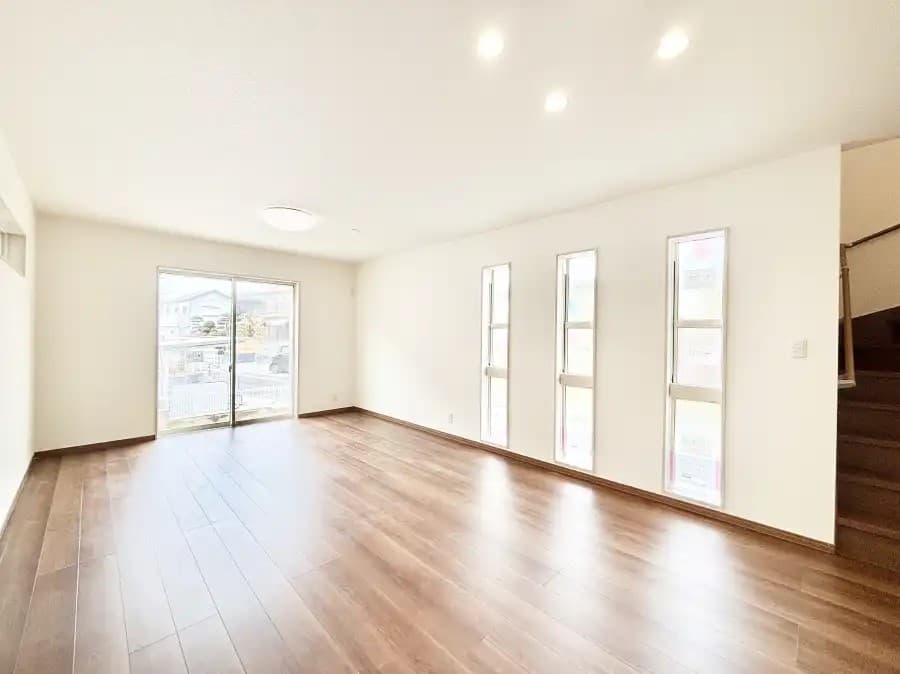
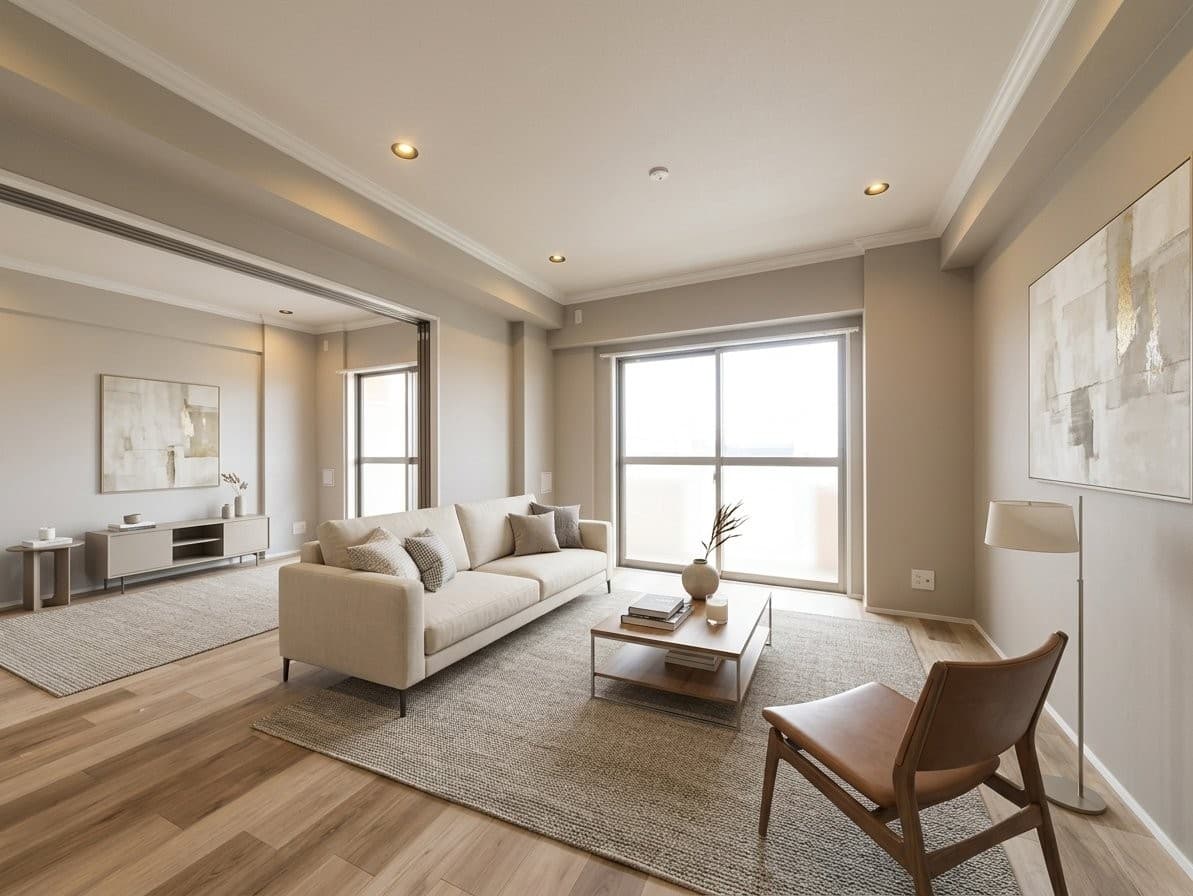
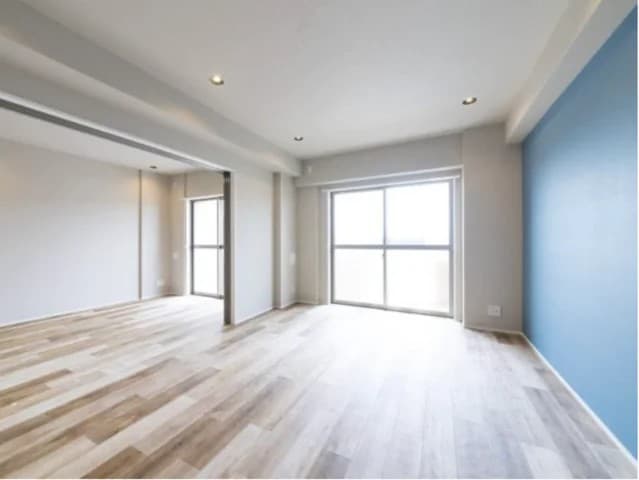
Real estate room after AI decor and material updates
Plain real estate room before AI visual upgrades
ORIGINAL ROOM
Plain source image
VISUALLY UPGRADED
Decor, finishes, and mood improved
PREMIUM OPTIONS

Offer visual upgrades as a higher-value add-on

Some clients need more than correction. They want alternate looks, simple decor, updated finishes, or a stronger visual story for a room that photographs too plain.

With Virtual Staging Art, photographers can package AI-powered decor, furniture, color, and material updates as an upsell instead of rebuilding every request by hand.

What customers say

I've worked with many staging companies throughout my career, but nothing comes close to VirtualStaging.art's speed. I no longer have to do a back and forth with BoxBrownie/Styldod! VirtualStaging.art allows me to simply regenerate images I don't like until I find one that I love!

Vickie
Vickie
Real Estate Broker and Investor (Chicago, IL)

A staging solution that actually makes financial sense for my cheaper properties! I always wanted to be able to stage them, but it just didn't make financial sense. Fortunately, a friend showed me VirtualStaging.art and now we have a way to stage all of our cheaper properties.

AJ
AJ
Real Estate Broker (Seattle, WA)

I've been noticing that more and more of the comps I look at have staged images. I was wondering what folks were using and quickly found VirtualStaging.art. It looks like everyone in the real estate industry will soon have to do virtual staging AI to keep up with the market.

Alex
Alex
Real Estate Broker (Austin, TX)

Edit a Real Estate Shoot in 3 Steps

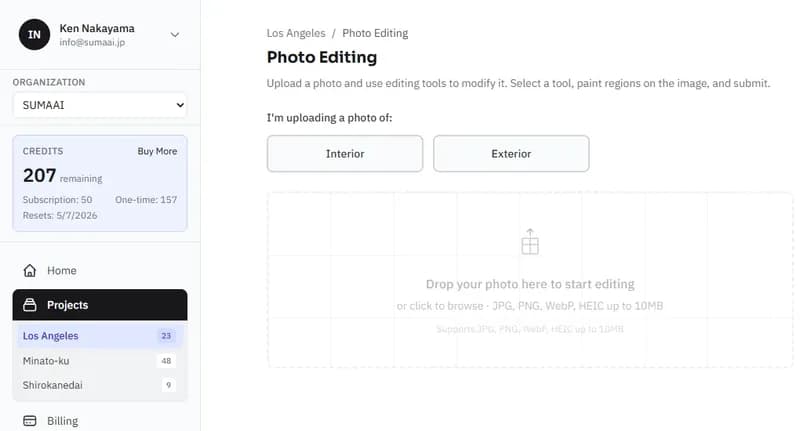
Upload Your Final Selects
01

Upload Your Final Selects

Start with the room photos you already plan to deliver. Interior, exterior, and detail shots can all be prepared for AI editing.

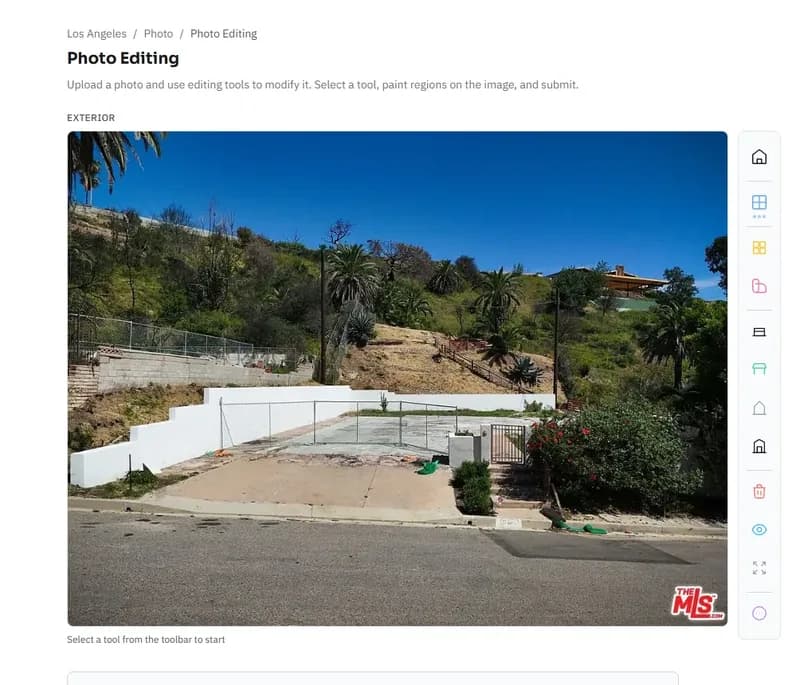
Choose the Edits
02

Choose the Edits

Apply lighting correction, HDR, object removal, decor changes, material updates, or a written prompt for the specific fix the image needs.

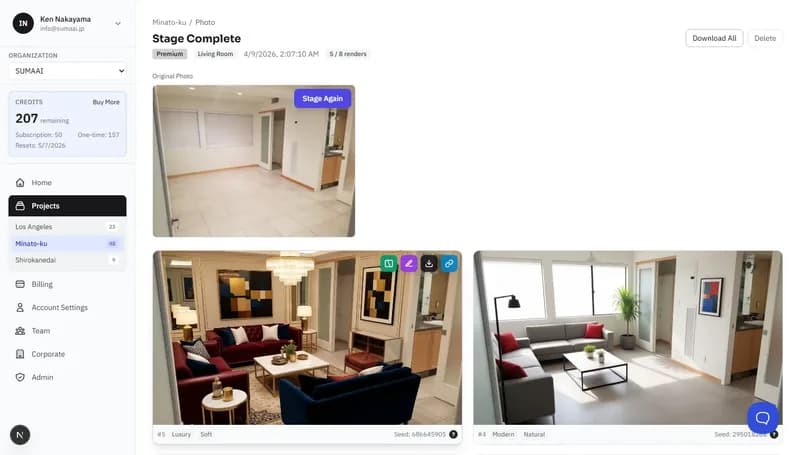
Deliver Polished Photos
03

Deliver Polished Photos

Download high-resolution results and include them in the client gallery, listing package, or optional premium edit set.

Comparing editing workflows

Use AI photo editing when you need faster turnaround across many listing images without turning every fix into a manual retouching job.

Outsourced Retouching

Time
Slowest when every photo needs hand work
Cost
Hidden cost in production hours
Quality
High when the editor is skilled, inconsistent when rushed

AI Photo Editing

Time
Depends on vendor queue and revision cycle
Cost
Adds per-image or per-job expense
Quality
Can be strong, but requires detailed instructions

Start with 3 free credits and test a vacant room in minutes.

Edit Your First Photo Free

Frequently Asked Questions

Is AI photo editing useful for professional real estate photographers?

Yes. It is most useful for repetitive post-production tasks such as lighting correction, HDR balancing, object removal, and alternate visual treatments after the photographer has selected the best frames.

Can I use it as an upsell for agents?

Yes. Photographers can offer cleanup, decor updates, furniture additions, and material changes as optional enhancements without building every request manually in Photoshop.

Does this replace professional photography?

No. Strong composition, sharp source images, and good room coverage still matter. AI editing works best as a production layer that improves usable photos after the shoot.

Can it fix clutter or objects left in the room?

Yes. Virtual Staging Art can remove many belongings, furniture pieces, cords, supplies, and other objects that weaken an otherwise usable listing photo.

What file formats are supported?

Virtual Staging Art supports JPG, PNG, and HEIC input files up to 25 megapixels, with high-resolution edited output ready for listing and marketing use.

Can I apply multiple edits at once?

Yes. You can combine HDR enhancement + sky replacement + object removal in a single request. The AI processes all edits together for a cohesive result. Each combined edit uses one credit.

Make every listing photo count

Professional-quality photo editing in seconds. No software, no skills, no waiting.